


Easily create circular motions
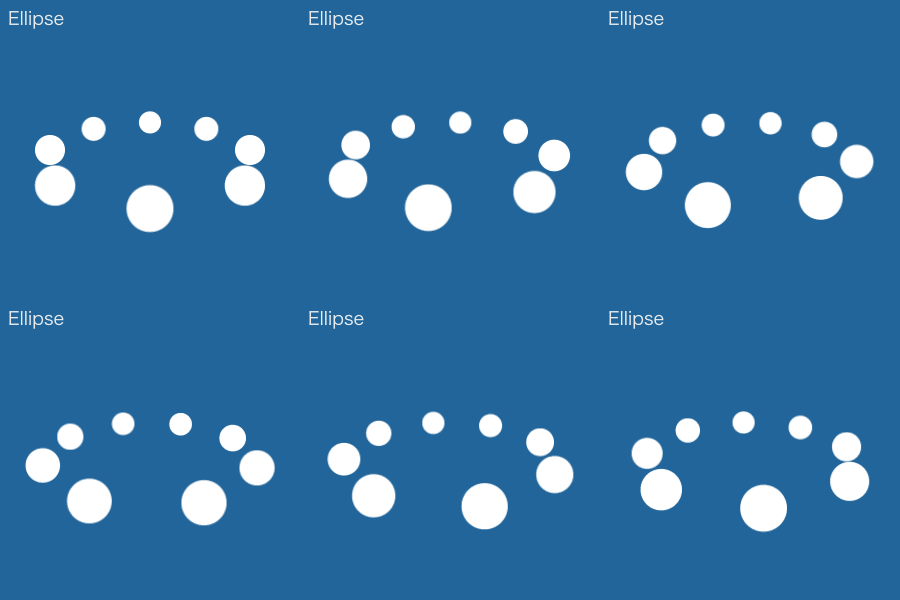
AutoCircularMotion allows you to easily express circular motions.
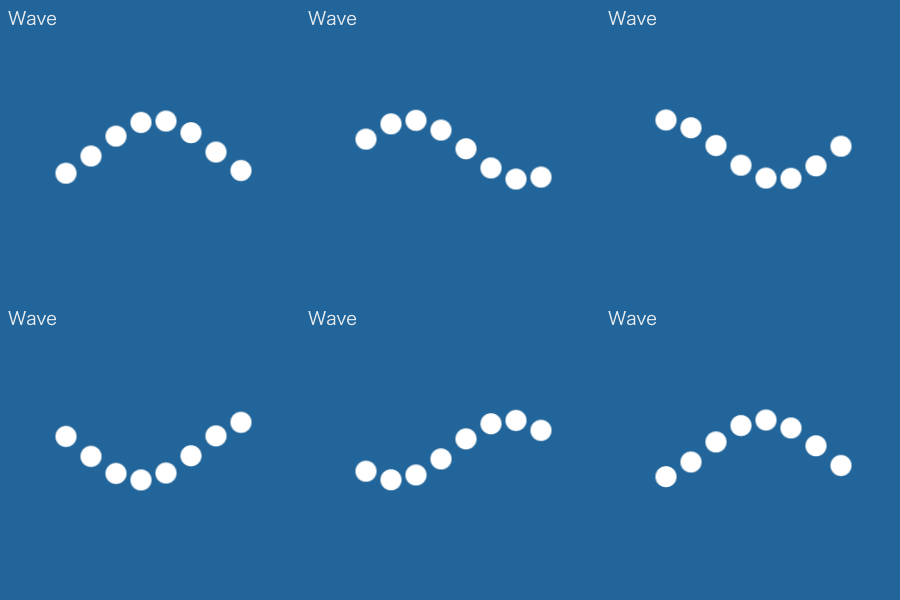
Not to mention linking multiple layers and arranging their movements, you can also set up other motions, such as swinging and bouncing.
Having control over Z axis allows you to express the shallowness or depth of movements as well.

How to set up
1. Select one or multiple layers. Click [ Apply ].
2. Adjust using ''ACM control'', which will be automatically created.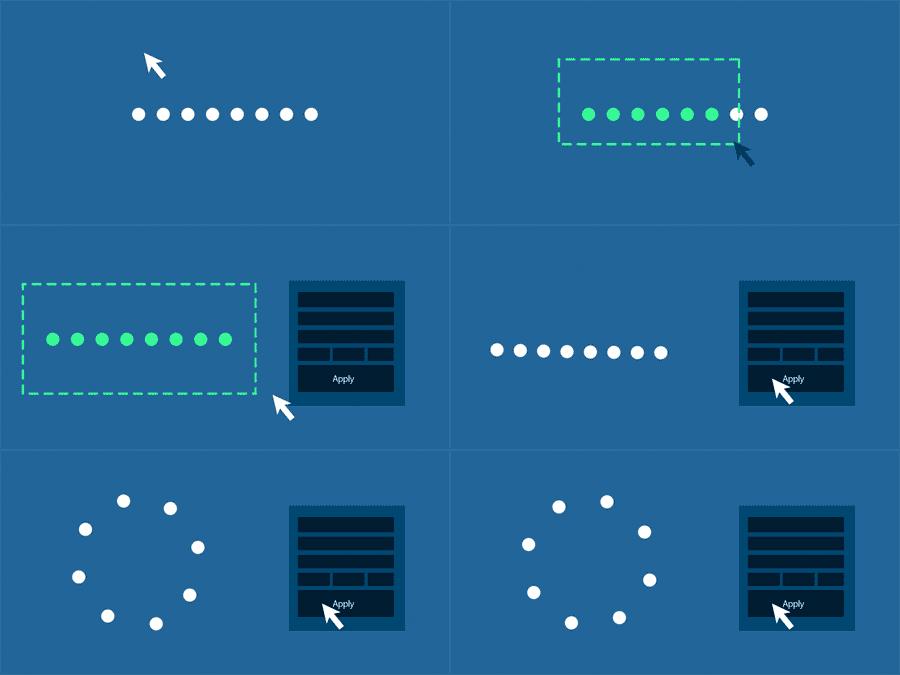
Applying to a shape group
Select a single shape layer which includes a shape group.
Then click [Apply] to use this shape group to different layers.
Applying to [ Trapcode Particular ]
Click [ Apply ] after selecting a single layer which [ Trapcode Particular ] has been applied to.
This allows you to apply ACM to [ Trapcode Particular ].
You cannot use light or null layers, which ※ACM has been applied to, as an emitter.
Please follow the instruction above to use them.。


126,000 Royalty-Free 3D Model

Udemy Türkçe


Top Rated News
- CreativeLive Tutorial Collections
- Fasttracktutorials Course
- Chaos Cosmos Library
- MRMockup - Mockup Bundle
- Finding North Photography
- Sean Archer
- John Gress Photography
- Motion Science
- AwTeaches
- Learn Squared
- PhotoWhoa
- Houdini-Course
- Photigy
- August Dering Photography
- StudioGuti
- Creatoom
- Creature Art Teacher
- Creator Foundry
- Patreon Collections
- Udemy - Turkce
- BigFilms
- Jerry Ghionis
- ACIDBITE
- BigMediumSmall
- Globe Plants
- Unleashed Education
- The School of Photography
- Visual Education
- LeartesStudios - Cosmos
- Fxphd
- All Veer Fancy Collection!
- All OJO Images
- All ZZVe Vectors
- CGTrader 1 CGTrader 2



















