

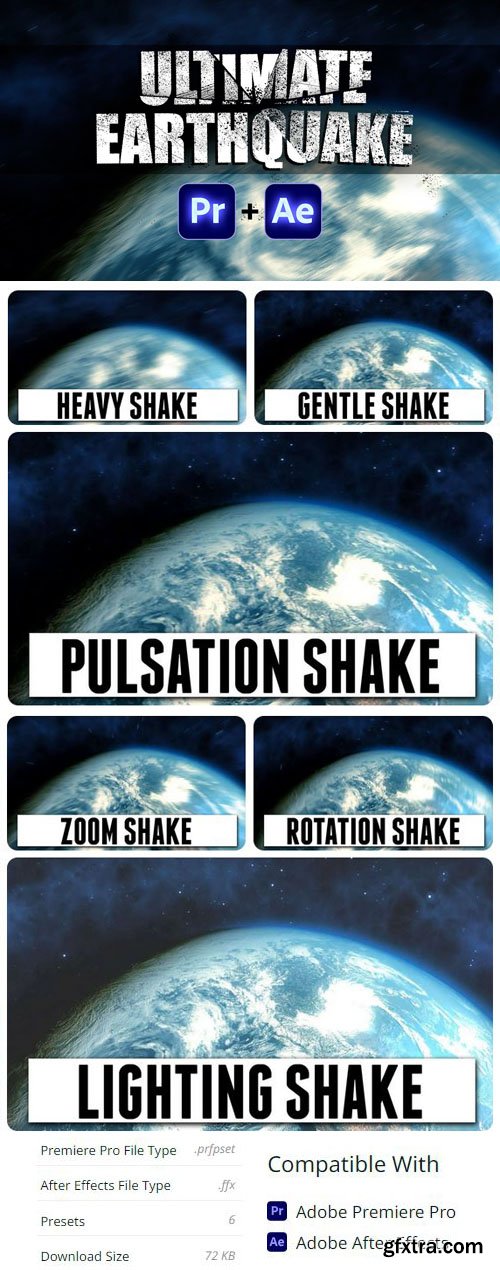
ULTIMATE EARTHQUAKE - Presets Pack for Premiere Pro & After Effects
6 FFX | 6 PRFPSET | 1 MB
Simulate an earthquake effect or add heavy camera shake to your videos. This preset pack comes with 6 earthquake effects for Premiere Pro & After Effects which you can combine to create your own unique style! video pack that comes with 6 pre-animated presets. Included are 3 base effects to create an Earthquake. You have the option to chose a gently shake, a pulsation shake or a heavy shake. On top of that you can combine extra effect to give your earthquake a unique look. You can mix lighting effects, fast zooms or rotation shakes.
How to install?
- Simple import the preset file, from the download, into Premiere Pro by right clicking on your presets folder and selecting ‘Import Presets…’
- Next you can drag any of the 6 presets onto any clip.
- Combine different presets to create your own unique earthquake look. Only combine presets with different front letters.
For example: “A – GENTLE SHAKE + B – LIGHTING SHAKE”. Don’t add two presets with the same front letter to the clip.
How to Use?
Adobe Premiere Pro:
- The presets for Premiere Pro are packed in 1 file. To install, simply go to the ‘Effects and Presets’ tab. You can right-click on ‘presets’ and chose ‘Import Presets…’. Then select the downloaded preset and click OK. You’ll now find a folder named ‘ULTIMATE EARTHQUAKE’, which will contain 6 presets that you can drag to any clip.
Adobe After Effects:
- The preset effects for Adobe After Effects are stored in separate .FFX files. You need to place these into your Preset folder in the Adobe After Effects installation.
- The path to the presets folder on Windows looks like this: C:Program FilesAdobeAdobe After Effects 2023Support FilesPresets
After that you can open Adobe After Effects and find the presets back in your Effects Libary under the Presets folder.
How do I create custom looks?
Combine different presets to create your own unique earthquake look. Only combine presets with different front letters. For example: “A – GENTLE SHAKE + B – LIGHTING SHAKE”. Don’t add two presets with the same front letter to the clip.


126,000 Royalty-Free 3D Model

Udemy Türkçe


Top Rated News
- CreativeLive Tutorial Collections
- Fasttracktutorials Course
- Chaos Cosmos Library
- MRMockup - Mockup Bundle
- Finding North Photography
- Sean Archer
- John Gress Photography
- Motion Science
- AwTeaches
- Learn Squared
- PhotoWhoa
- Houdini-Course
- Photigy
- August Dering Photography
- StudioGuti
- Creatoom
- Creature Art Teacher
- Creator Foundry
- Patreon Collections
- Udemy - Turkce
- BigFilms
- Jerry Ghionis
- ACIDBITE
- BigMediumSmall
- Globe Plants
- Unleashed Education
- The School of Photography
- Visual Education
- LeartesStudios - Cosmos
- Fxphd
- All Veer Fancy Collection!
- All OJO Images
- All ZZVe Vectors
- CGTrader 1 CGTrader 2



















