




Categories: GFXTRA Special » Special Fonts

Harugha Font
Harugha is a cool, bold and thick lettered display font. It will look stunning on any poster, flyer or print. Use this font for your designs and explore its endless possibilities.
Categories: GFXTRA Special » Special Fonts

Bahar Text Font
Bahar Text is a bold, and cool styled display font featuring the perfect amount of trendiness. Whether you’re using it for crafting, digital designing, presentations or greeting cards making, it’s perfect!



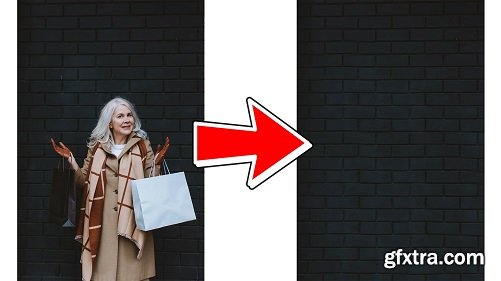
How To Remove Objects in Adobe Photoshop
https://www.skillshare.com/classes/How-To-Remove-Objects-in-Adobe-Photoshop/1918126834
Hi guys! In this class I want to share with you a cool technique you can do in Adobe Photoshop even if you
have no experience. There will be multiple ways how to remove objects from your images in this class.
Categories: Vectors
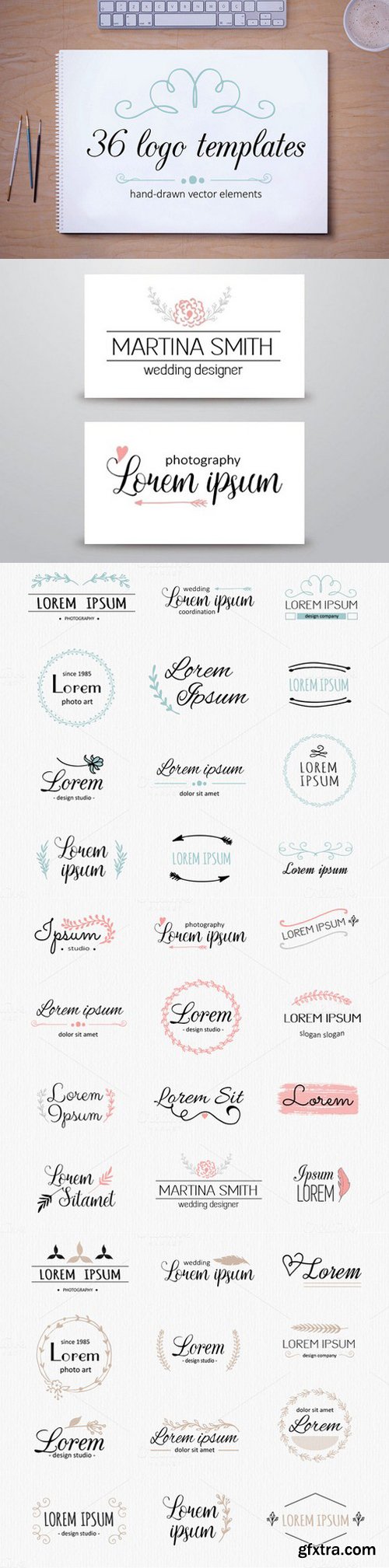
These vector logo templates were made with hand-drawn elements (flowers, leaves, flourishes, frames), then scaned and traced in Adobe Illustrator
Categories: PhotoShop » Brushes *.ABR
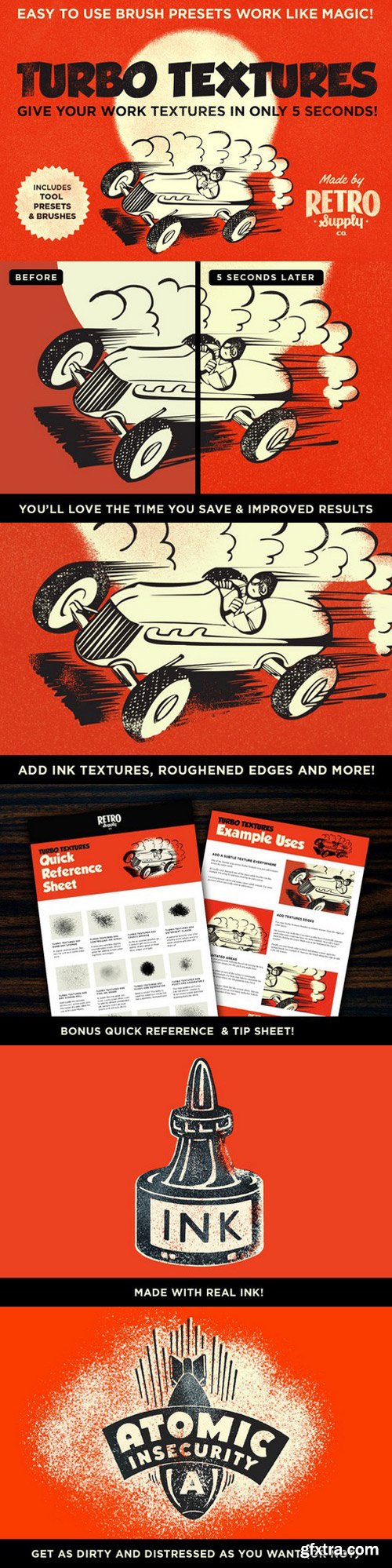
This do-all texture pack adds subtle grain, rough edges, ink textures, heavy grunge textures with ease.
This 20 piece set contains easy-to-use brush presets that are always just a quick cursor sweep away. Pressure sensitive brush presets made from real ink and print samples makes adding final touches t your work a breeze.
The ultra-sharp grain textures are created from real ink and print textures. Each one scanned in at 600 DPI. Then refined for 20 hours so each brush responds to pressure to give you the precision you require when adding textures.
Plus, you'll love all the time you save putting the final touches on your work. Get projects done faster. Enjoy results that clients love and designers envy.
Here's just a few of the ways to use the brushes:
- Set your blending mode to Hard Light and add 5 second ink textures
- Increase your pen pressure and create sponge brush style shapes
- Add a layer mask and add grainy edges to background shapes
- Add a layer mask and use light pressure to create subtle screen pull flaws
- Choose different colors and build up painterly forms in seconds
- Shrink the brush size, increase pressure and use the brush like a sketching pencil
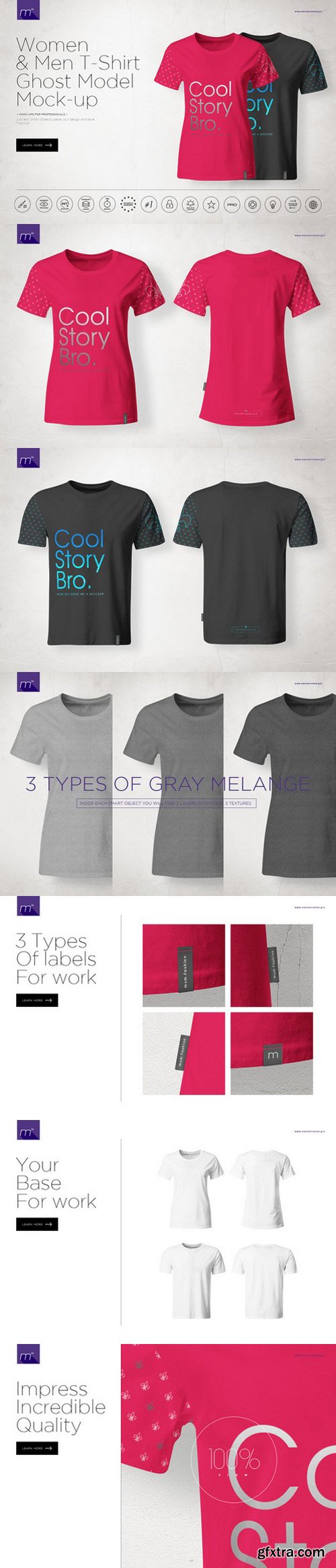
- 4 psd files 5000×3500px; 300 dpi
- User Manual
- men tshirt (back and front), women tshirt (back and front)
- You can change color, put your own design using smart objects
- You can choose between 3 gray melange textures
- You can choose between 3 types of labels
- Realistic effect
- Well organized layers
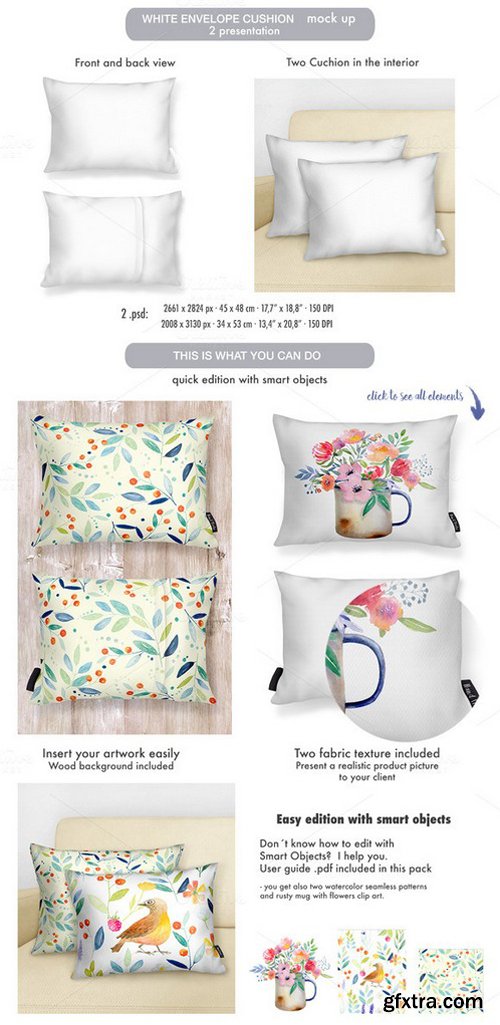
Envelope Cushion MOCK-UP
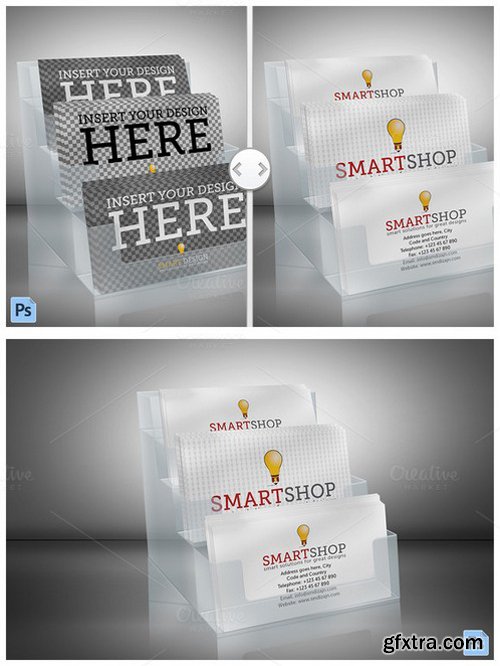
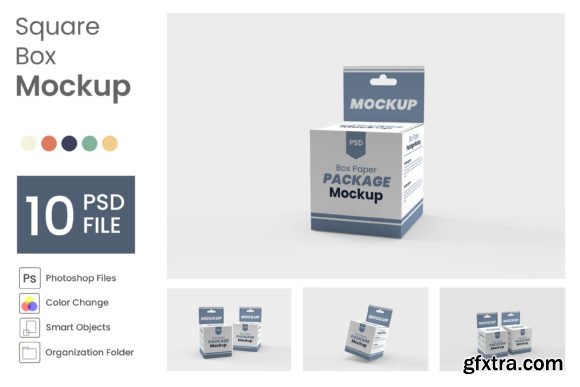
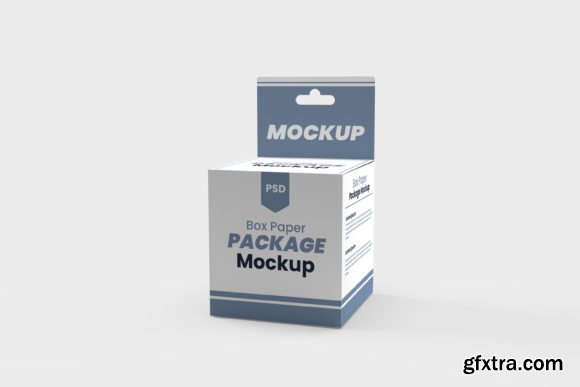
Business Card Holder Mockup with front and back business card designs. Business cards and background are placed in smart object placeholders. High resolution file, 300dpi RGB. This download includes high resolution Photoshop files. Photoshop files are fully layered and easy to use. One click change.
- Mockup Size: 3000 x 2000 px
- High Quality
- 300 dpi RGB Files
- Smart Objects for Front and Back Business Card Designs
- Excangable Background
- Semi Transparent Plastic Holder So You Can Use Your Background
- Layers Organized For Easy Editing
Categories: Fonts » Single Fonts
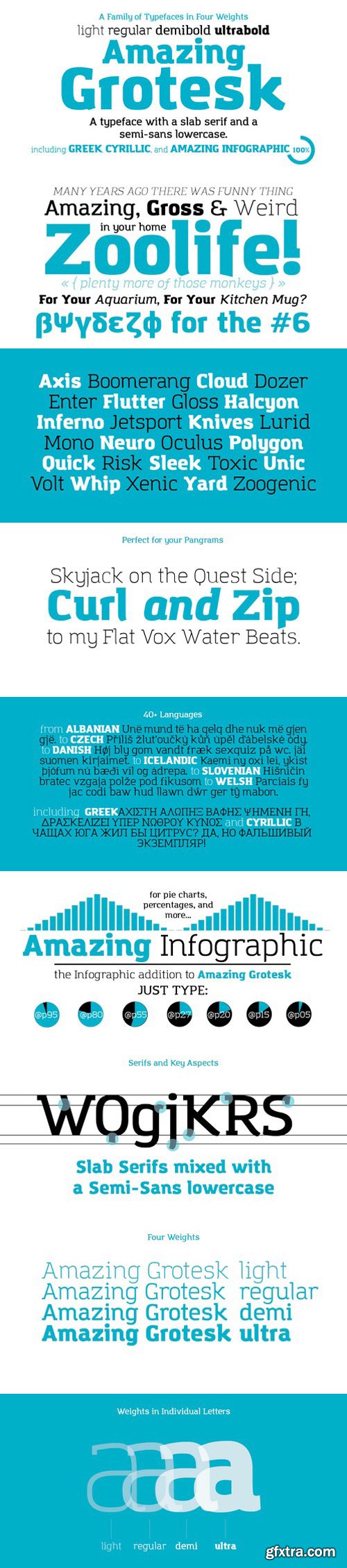
It’s a typeface designed to embody the characteristics of the startup scene: a feeling of innovation, information and energy, with a desire for simplicity and straightforward communication.The basic design shapes for the font come from the strong personality of the ultra heavy characters drawn by Francesco Canovaro. The basic shape has a modernist logic with slight calligraphic variations like the tail of the j, of the l and the hectic k. Uppercase letters are drawn with a slab serif look, as the font is thought to work better in upper/ lowercase combinations. The family comprises 4 weights from light to ultra with an italic version. Lighter weights were developed keeping the width of the character consistent and adding length to the slab serif.Amazing Grotesk covers over 40 languages that use the Latin alphabet, with full range of accents and diacritics, and features full cyrillic and greek alphabets. The Amazing Grotesk includes the free font Amazing Infographics, a font designed to make information graphics easier to design.Through use of opentype letter substitutions, it can transform sequences of numeric characters into corresponding pie and bar charts, as well as male and female icons.The "@" character is used as a wildcard for the special sequences: following it with a “p”, for example, and a number from 1 to 100 will display the corresponding pie chart. In this way, infographics can be kept editable at any moment without having to use graphic design software.Also, Amazing Infographics can be used with font face technology on the web o display charts that are both scalable and easily changed in realtime through dynamic html5.

126,000 Royalty-Free 3D Model

Udemy Türkçe


Top Rated News
- CreativeLive Tutorial Collections
- Fasttracktutorials Course
- Chaos Cosmos Library
- MRMockup - Mockup Bundle
- Finding North Photography
- Sean Archer
- John Gress Photography
- Motion Science
- AwTeaches
- Learn Squared
- PhotoWhoa
- Houdini-Course
- Photigy
- August Dering Photography
- StudioGuti
- Creatoom
- Creature Art Teacher
- Creator Foundry
- Patreon Collections
- Udemy - Turkce
- BigFilms
- Jerry Ghionis
- ACIDBITE
- BigMediumSmall
- Globe Plants
- Unleashed Education
- The School of Photography
- Visual Education
- LeartesStudios - Cosmos
- Fxphd
- All Veer Fancy Collection!
- All OJO Images
- All ZZVe Vectors
- CGTrader 1 CGTrader 2



















