Asylab - 100 Branding Stationery Mockups
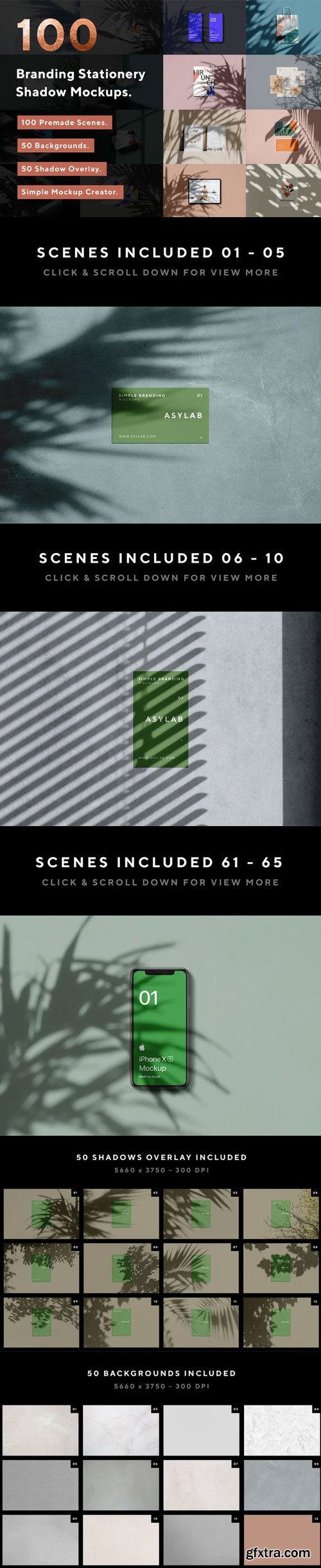
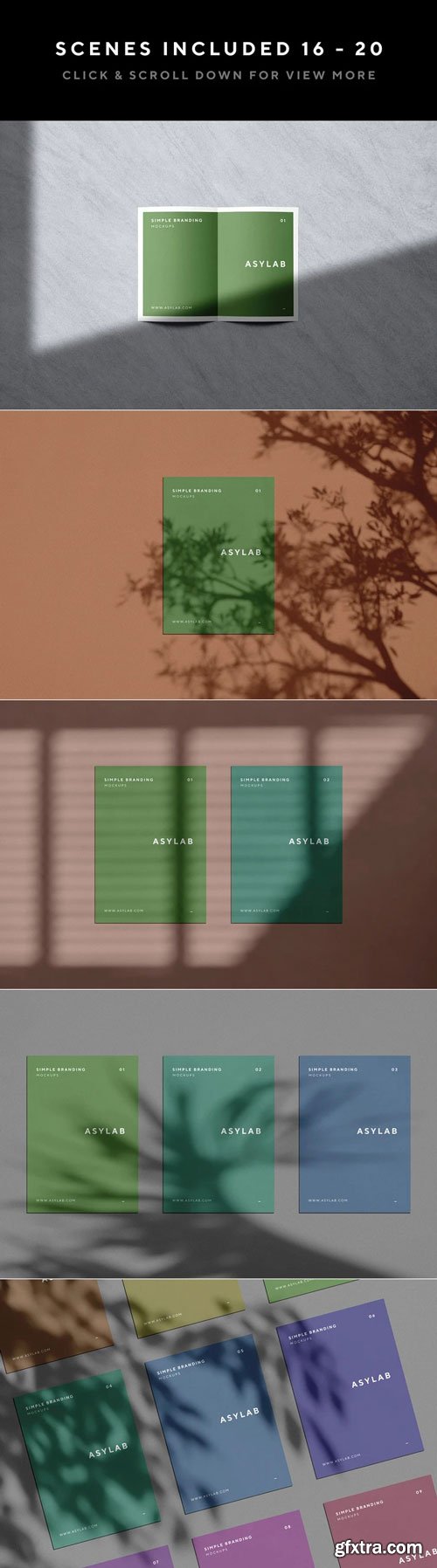
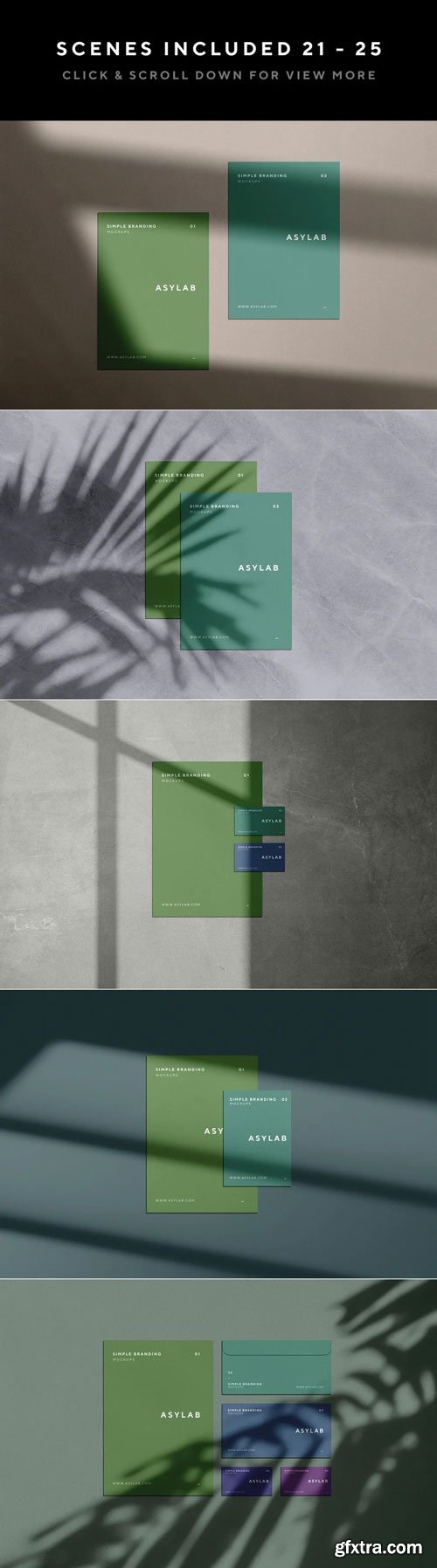
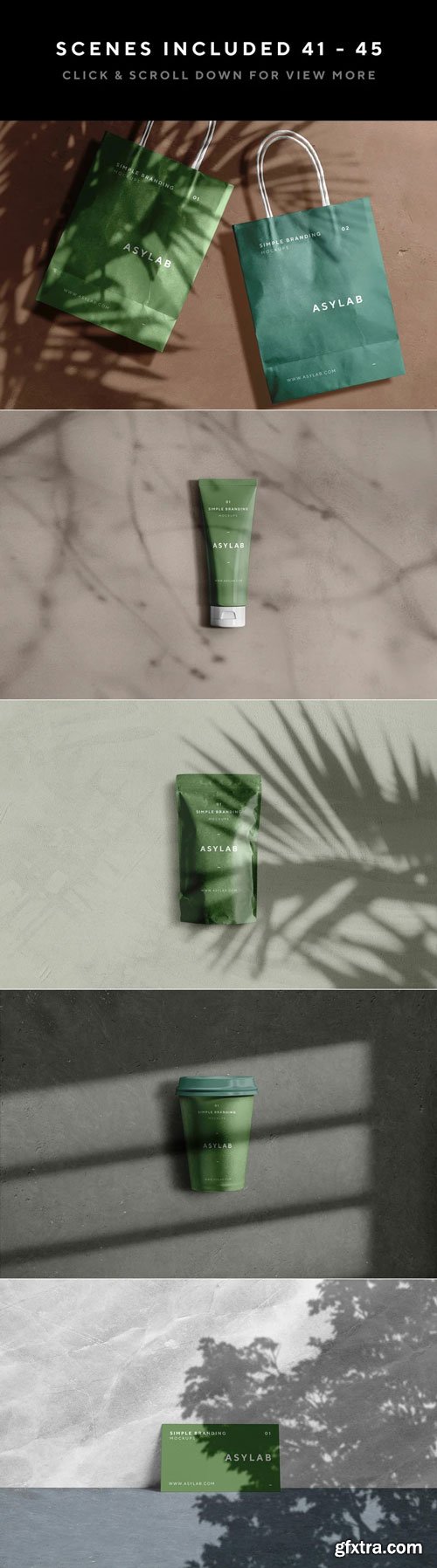
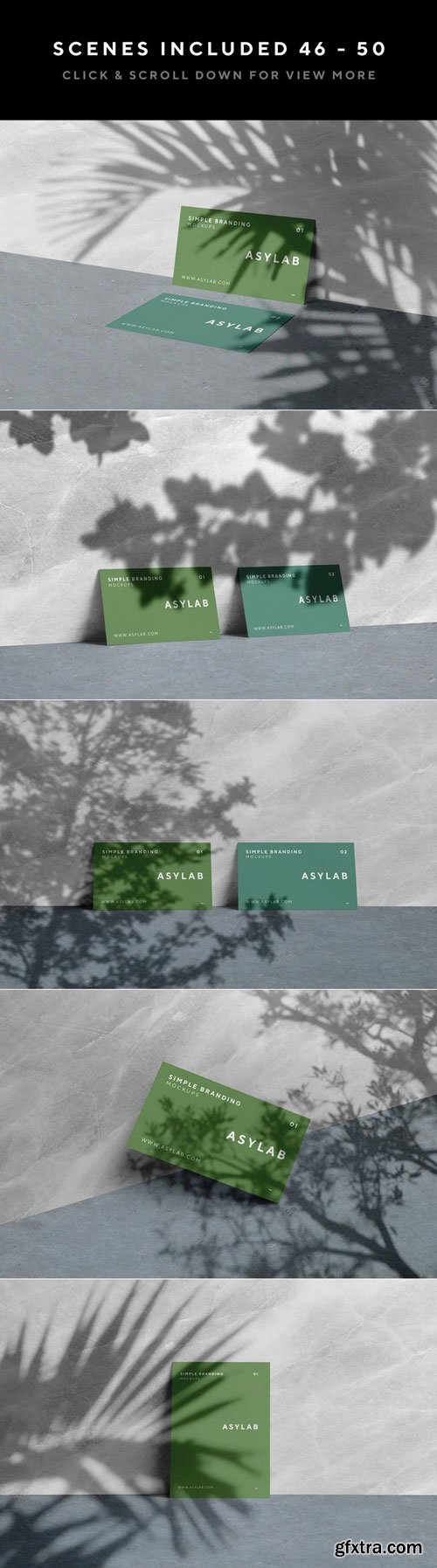
Create awesome mockups with this stationery shadow mockups bringing natural sunlight and botanical shadows, ideal for creating photorealistic stationery mockups with a casual, authentic vibe. You can easily change and place your own design | Image with few clicks using Smart Objects. Also have numerous paper size, backgrounds, textures & shadows options offer infinite possibilities for customization.
Quick Overview:
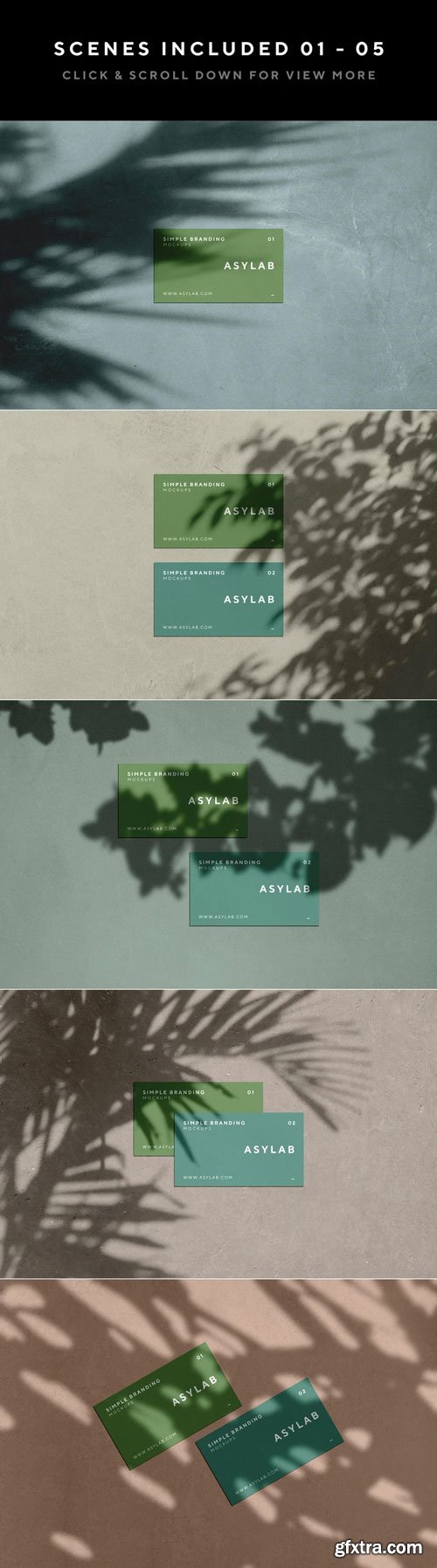
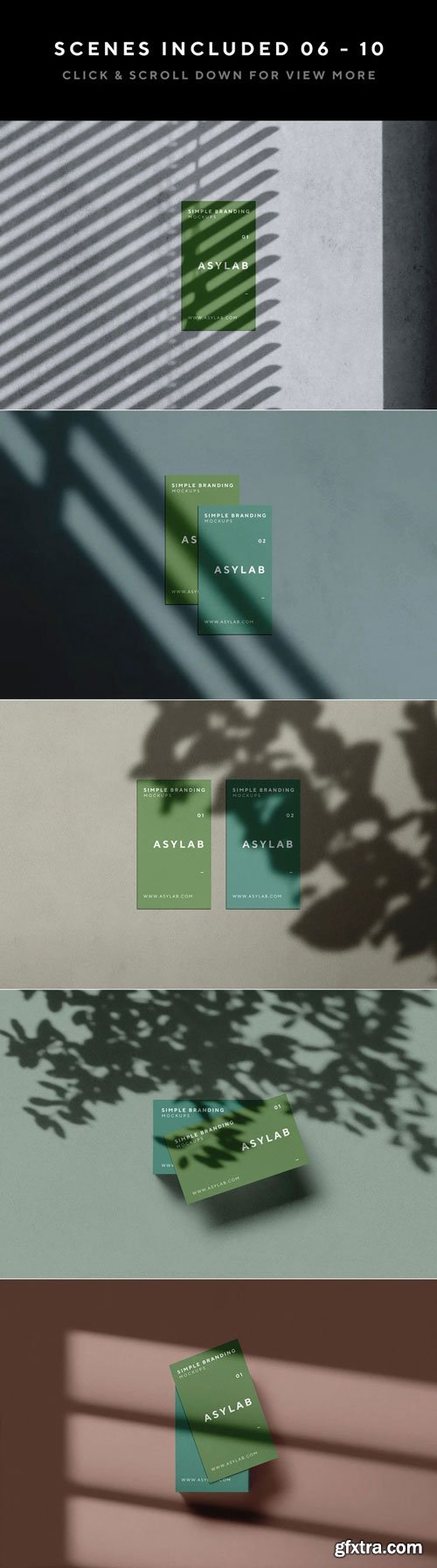
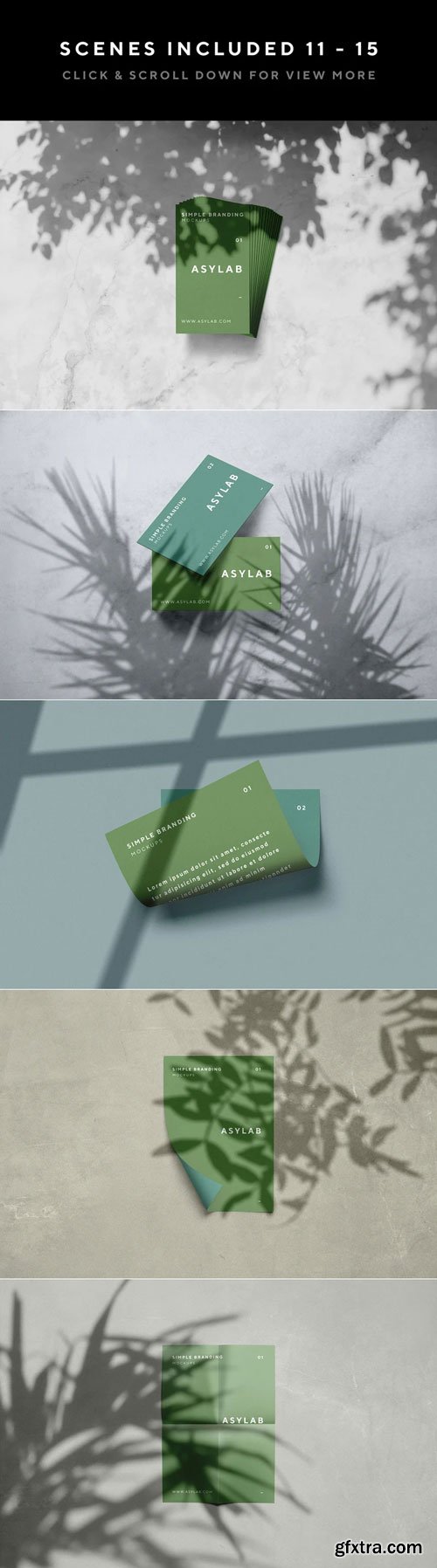
- 60 Stationery Branding mockups + Simple Mockup Creator. | Starts from scene 01 to 60 |
- 40 Devices mockups | Original & Clay version. | Starts from scene 61 to 100 |
Features
- Includes 100 PSD Files - Premade Scenes - Ready to customize it.
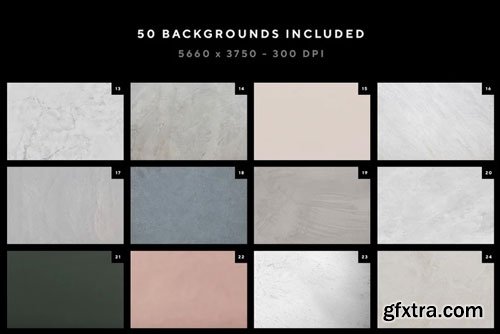
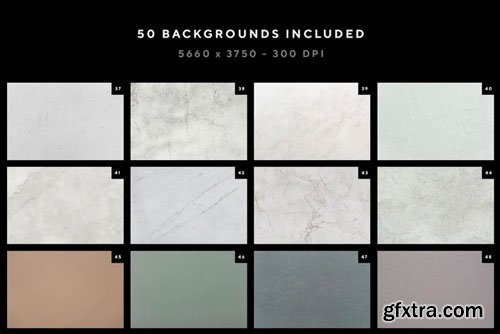
- Includes 50 Backgrounds textures.
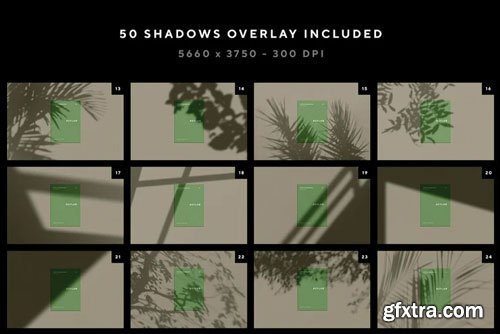
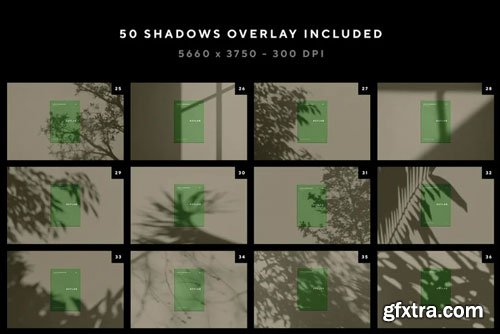
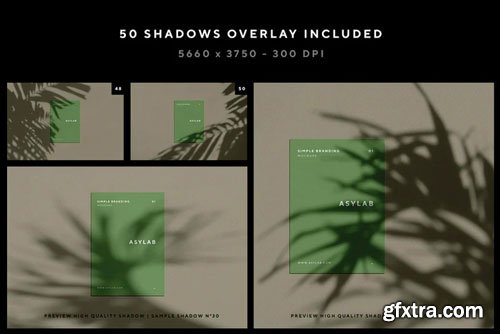
- Includes 50 Shadow Overlay.
- Includes 8 Paper textures.
- Includes Simple Mockup Creator + Basic explanation on how it works (Showed on preview images) contains different paper sizes ( A4, A5, A6, A7, A8, A9 | 8.5 x 11" | 5x7" | 5x5" | 4x9" | 3.5 x 5" | 3.5 x 2") All paper sizes come in Vertical & Horizontal position, except 5x5".
- Premade Scenes, Background textures & Shadow overlay are made on the resolution 5660×3750 - 300 DPI.
- Very well organised, easy to understand layers.
- From scene 1 to 60 have an alternative layer filter hot & cold.
- From scene 45 to 60 you can customize the texture of the floor & background. (We point this out because this scenes are perspective).
- Customizable background texture & shadow overlay on all 100 mockups.
- Every item is separated from the background which you can move with fully freedom except the scenes - 41, 45, 46, 47, 48, 49, 50, 51, 52, 53, 54, 55, 56, 57, 58, 59 & 60).
- Devices mockups have Original & Clay version fully customizable color.
- You can customize the color of the shadow overlay on Clay device version.
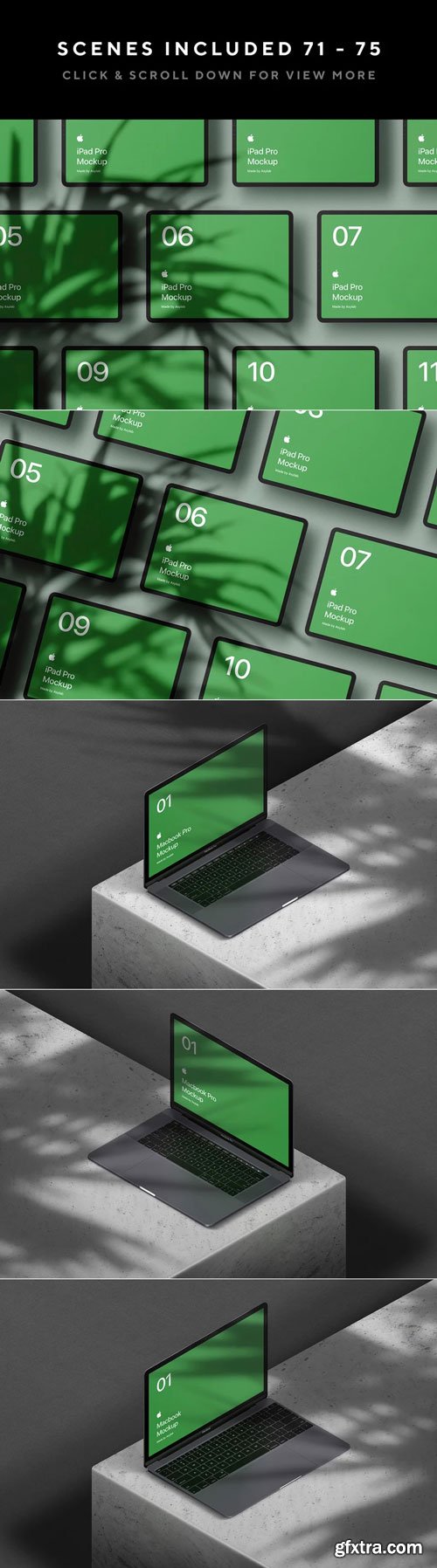
Macbook Pro Isometric:
- Includes Smart Objects to "REPLACE THIS SCREEN" editable TouchBar screen. Macbook Pro Includes 2 Screens - Squared and Full Rounded Display.
- Includes 6 PSD Mockups - Macbook Pro Isometric Original & Clay Version.
- Macbook Pro Original have 7 default colors - White, Space Gray, Black, Navy, Gold, Rose Gold & Red.(You can customize it as you want.)
- Each PSD Clay have 4 default colors (White, Space Gray Dark, Black & Dark Blue). (You can customize it as you want.)
- Each PSD have 2 different shadows (Floor Shadow & Floating Shadow).
- You can customize the texture of the cube only on Original version & the background.
Macbook Isometric:
- Includes Smart Objects to "REPLACE THIS SCREEN". Macbook Includes 2 Screens - Squared and Full Rounded Display.
- Macbook Original have 7 default colors - White, Space Gray, Black, Navy, Gold, Rose Gold & Red.(You can customize it as you want.)
- Each PSD Clay have 4 default colors (White, Space Gray Dark, Black & Dark Blue). (You can customize it as you want.)
- Each PSD have 2 different shadows (Floor Shadow & Floating Shadow).
- You can customize the texture of the cube only on Original version & the background.
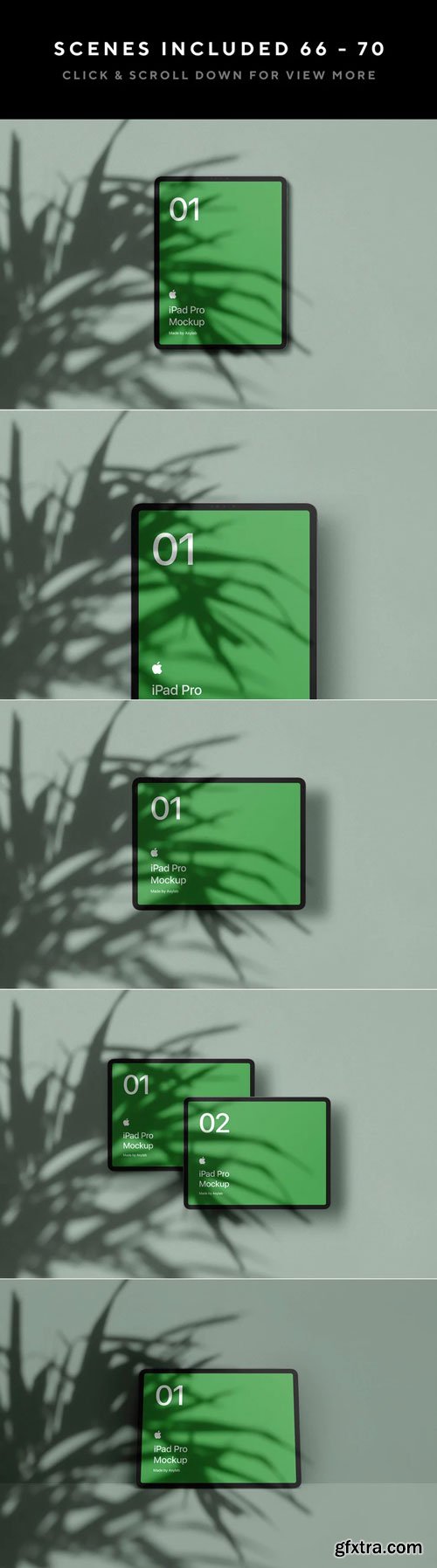
iPad Pro Isometric (This information goes also to the scenes 66 to 72):
- Includes Smart Objects to "REPLACE THIS SCREEN". iPad Pro Includes 2 Screens Rounded and Full Rounded Display.
- Customizable Reflections & Shadows.
- iPad Pro Original have 8 default colors - White, Space Gray, Black, Navy, Gold, Rose Gold,Red & Blue (You can customize it as you want.)
- Each PSD Clay have 4 default colors (White, Space Gray Dark, Black & Dark Blue). (You can customize it as you want.)
- Each PSD have 2 different shadows (Floor Shadow & Floating Shadow).
- You can customize the texture of the cube only on Original version & the background.
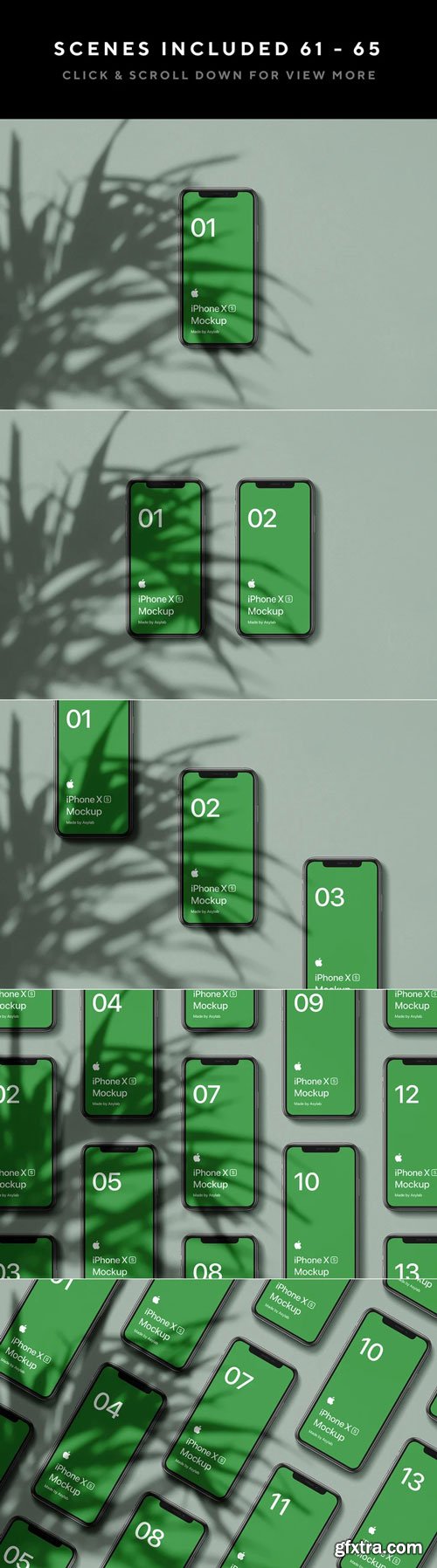
iPhone XS Isometric (This information goes also to the scenes 61 to 65):
- Includes Smart Objects to "REPLACE THIS SCREEN".
- Customizable Reflections & Shadows.
- iPhone XS have 3 default colors - White, Black, Gold. iPhone XR have 6 default colors - White, Black, Blue, Red, Coral & Yellow. (You can customize it as you want.)
- Each PSD Clay have 4 default colors (White, Space Gray Dark, Black & Dark Blue). (You can customize it as you want.)
- Each PSD have 2 different shadows (Floor Shadow & Floating Shadow).
- You can customize the texture of the cube only on Original version & the background.