




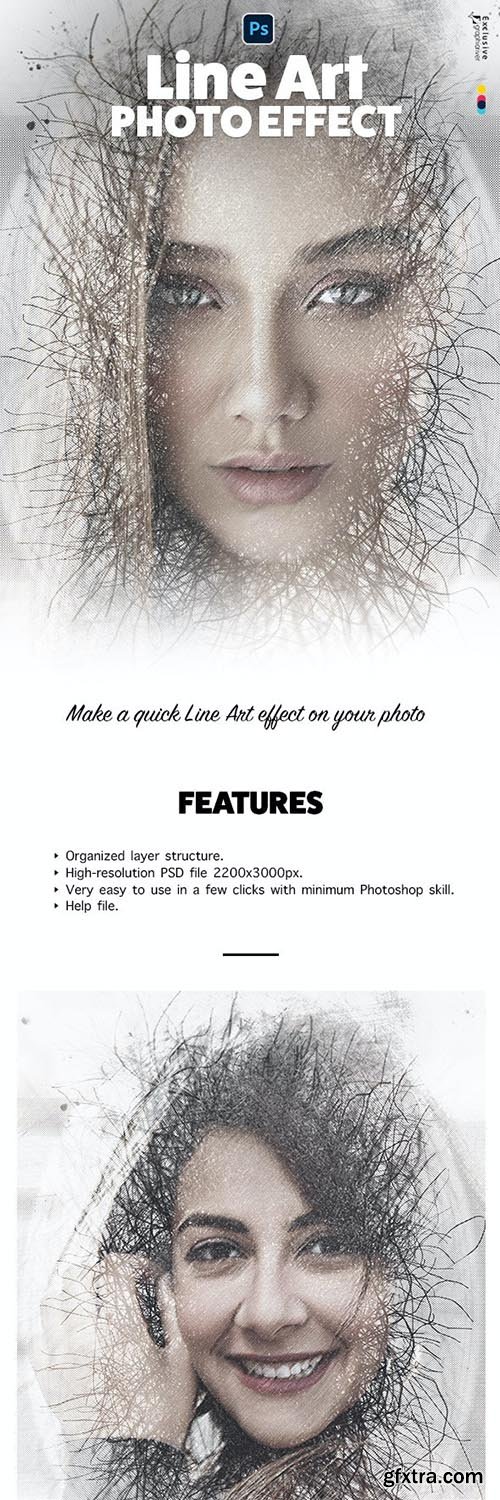
GraphicRiver - Line Art Photo Effect 33286989
PSD

GraphicRiver - Shining 4 in 1 Bundle for Adobe Photoshop CS3+ 33801527
ABR, Photoshop PAT, Photoshop ATN
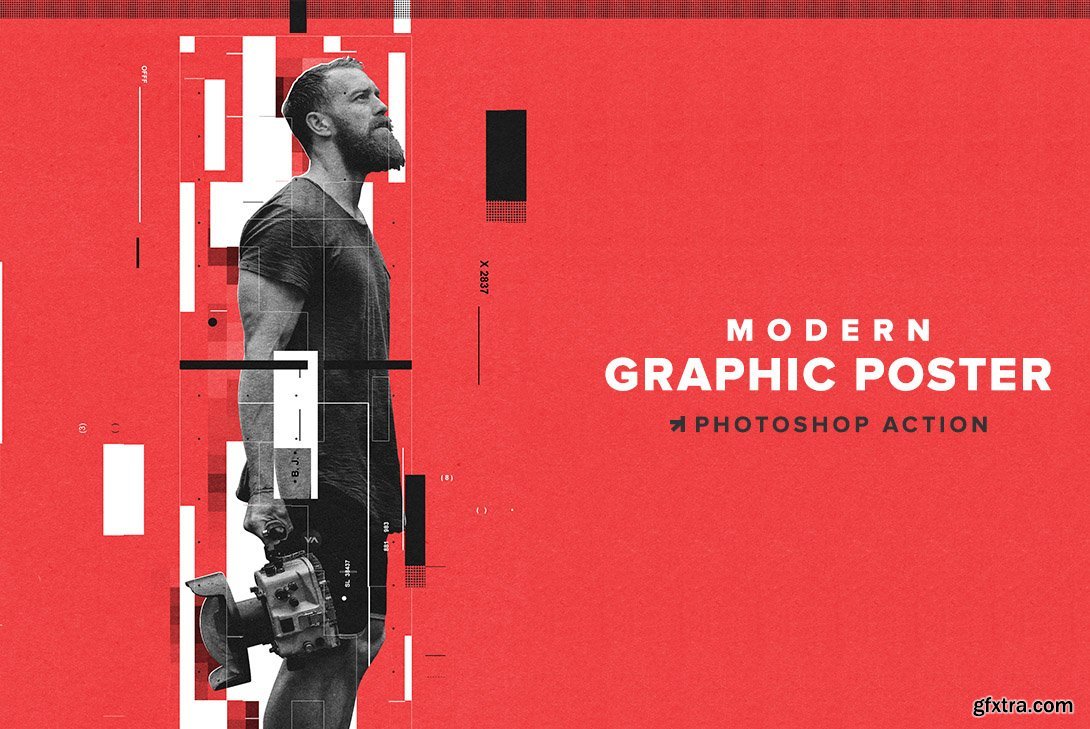
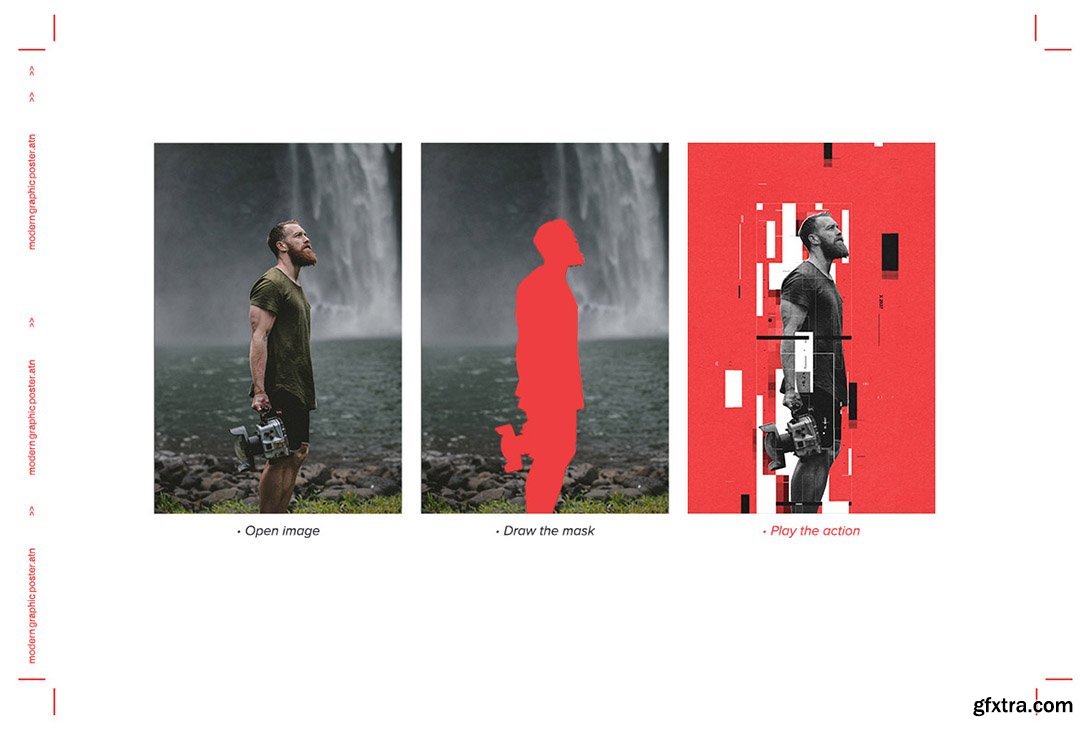
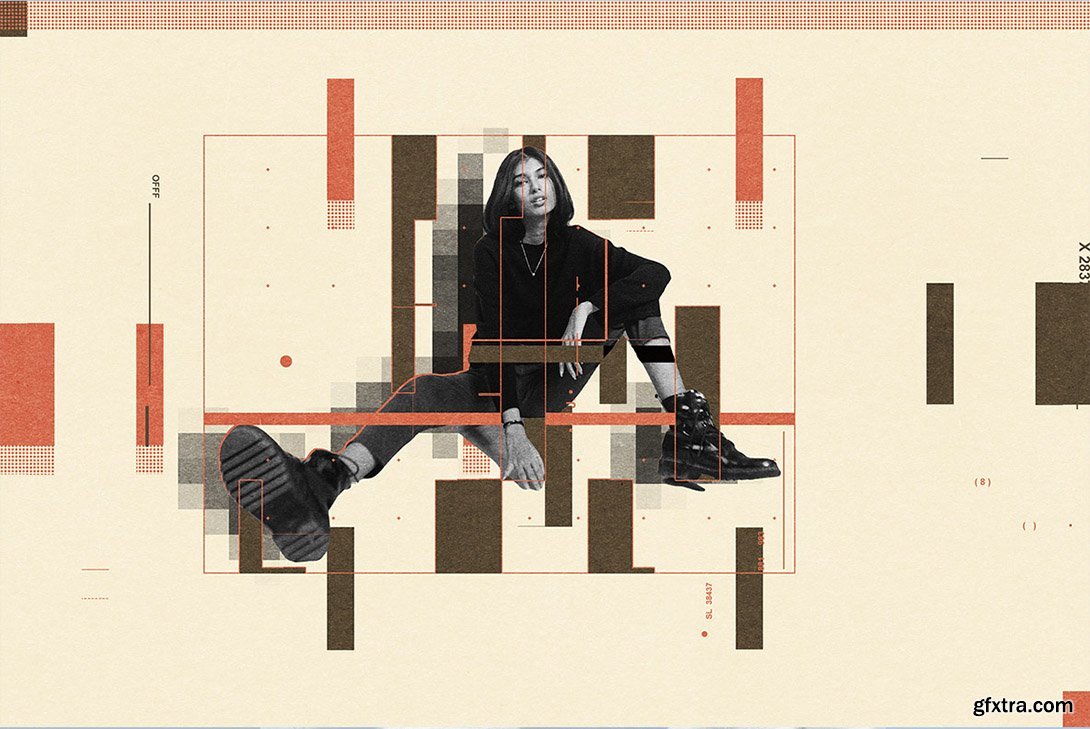
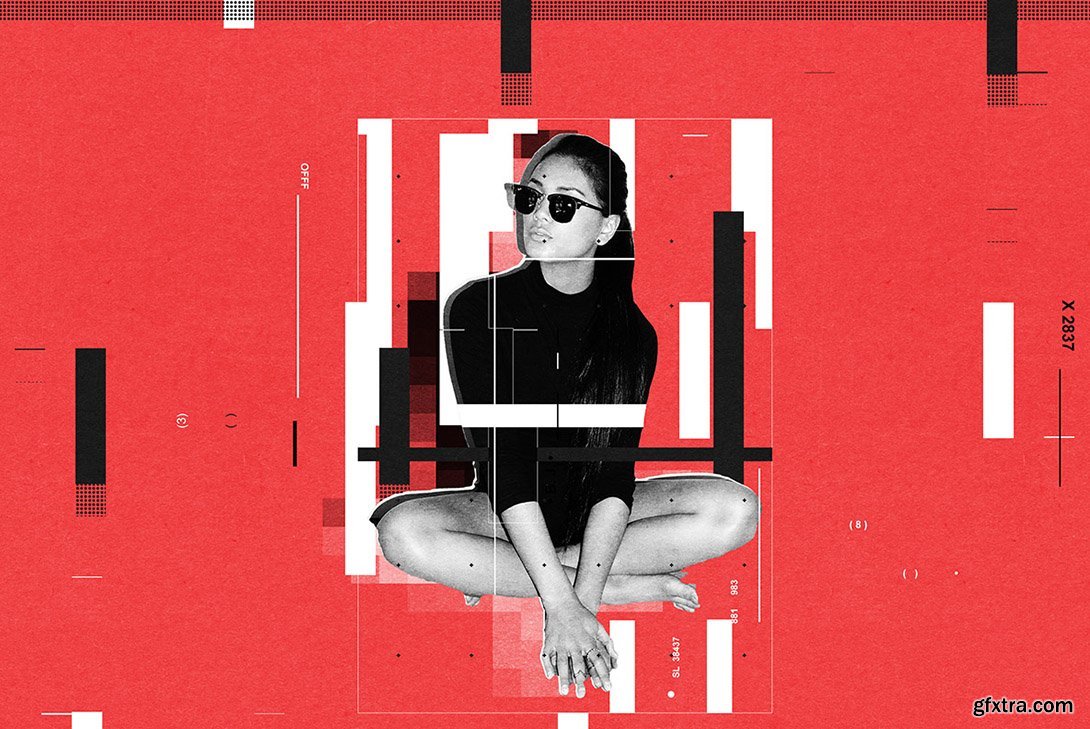
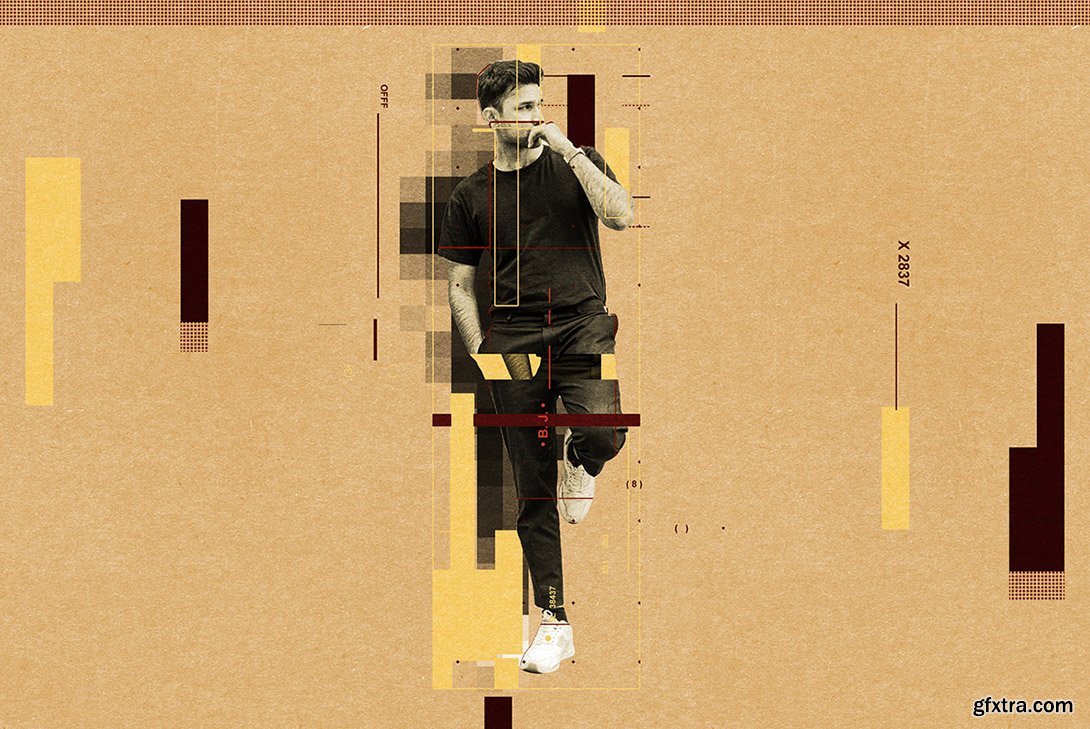
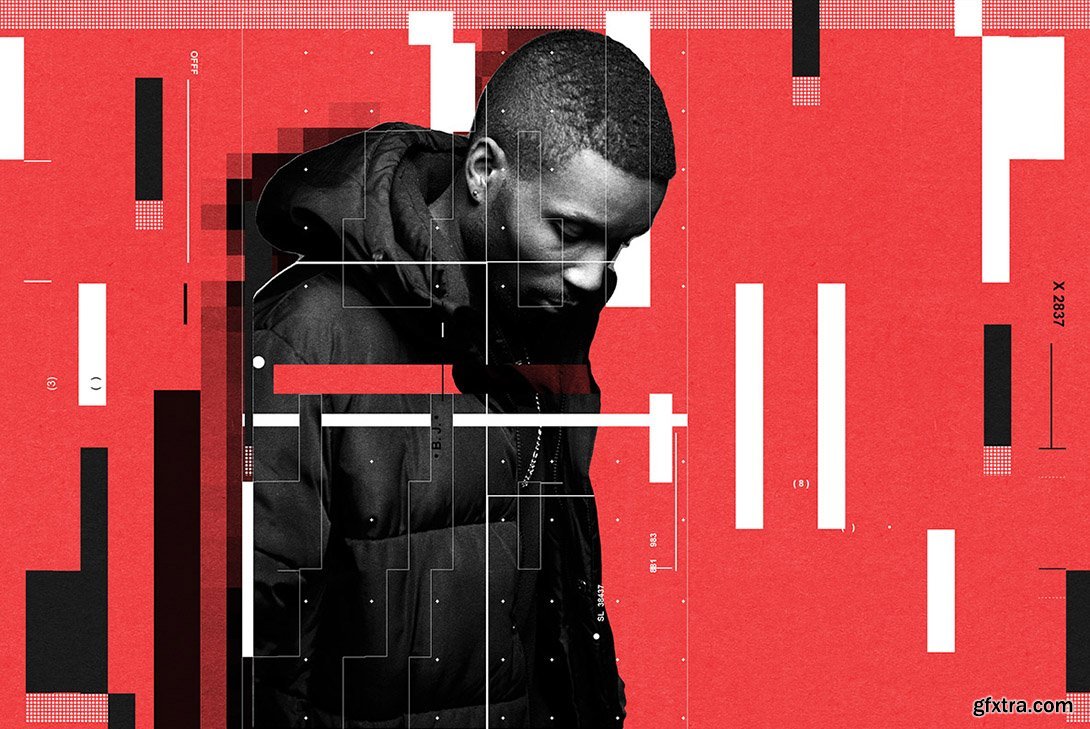
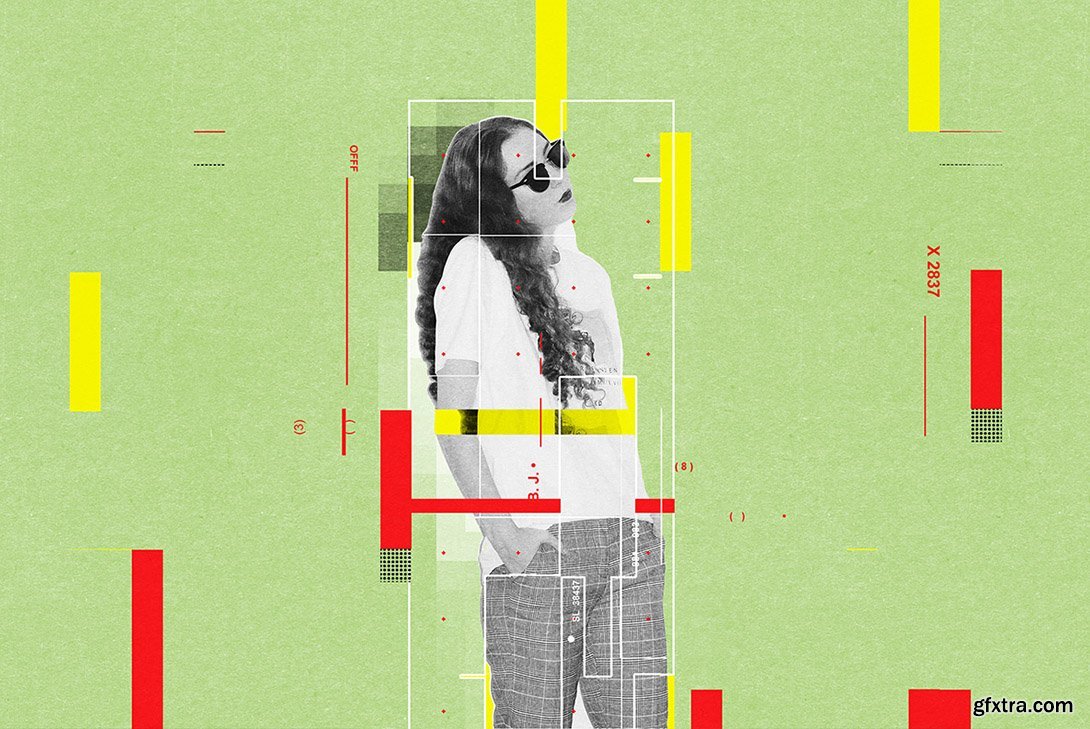
CreativeMarket - Modern Graphic Poster Action 6351005
ATN
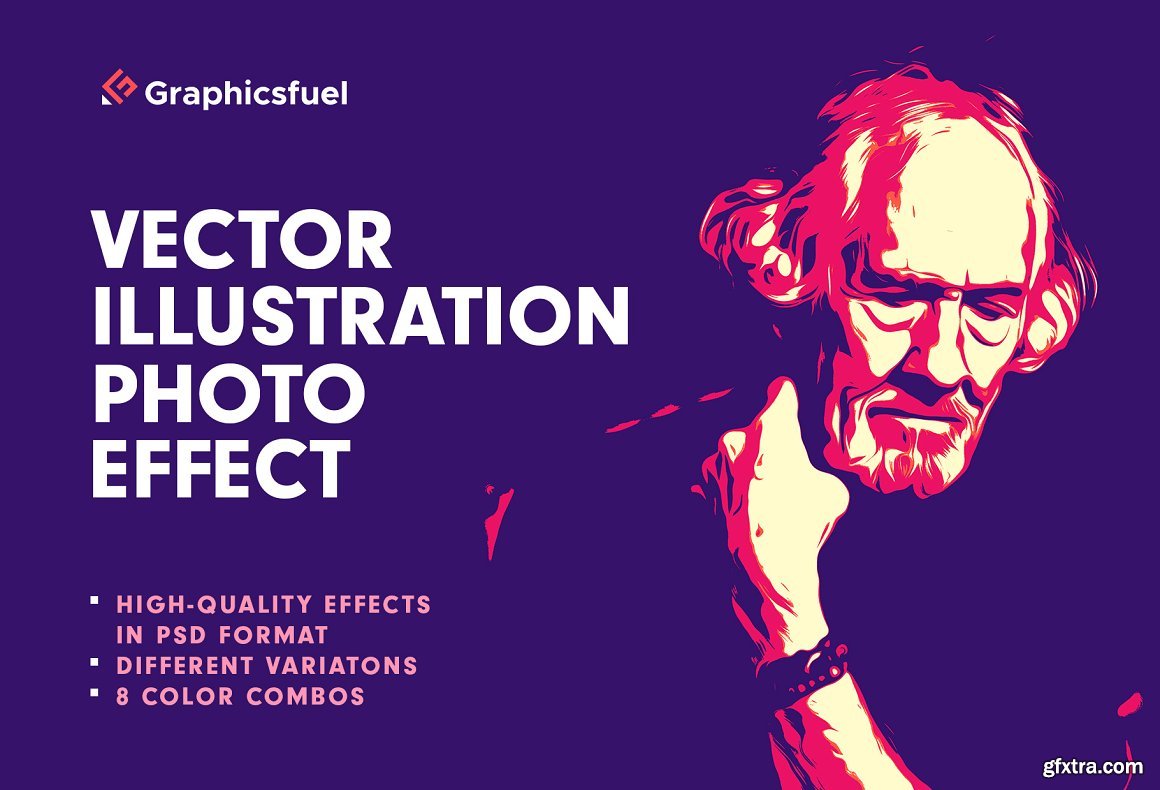
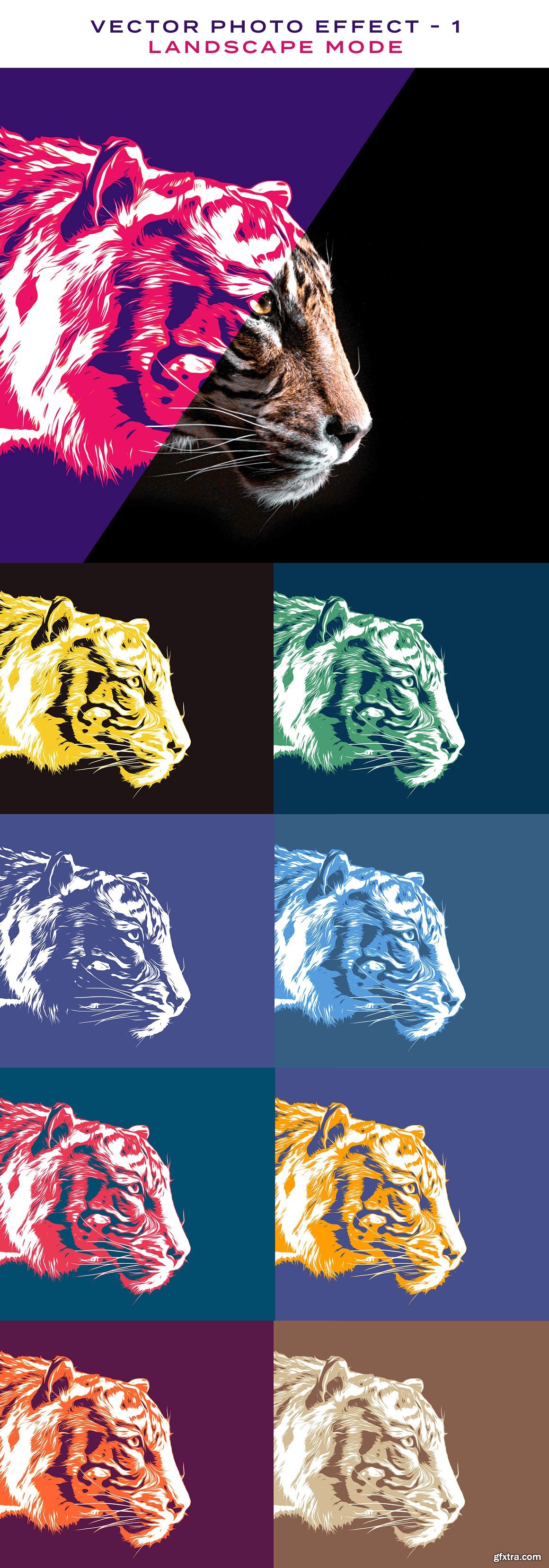
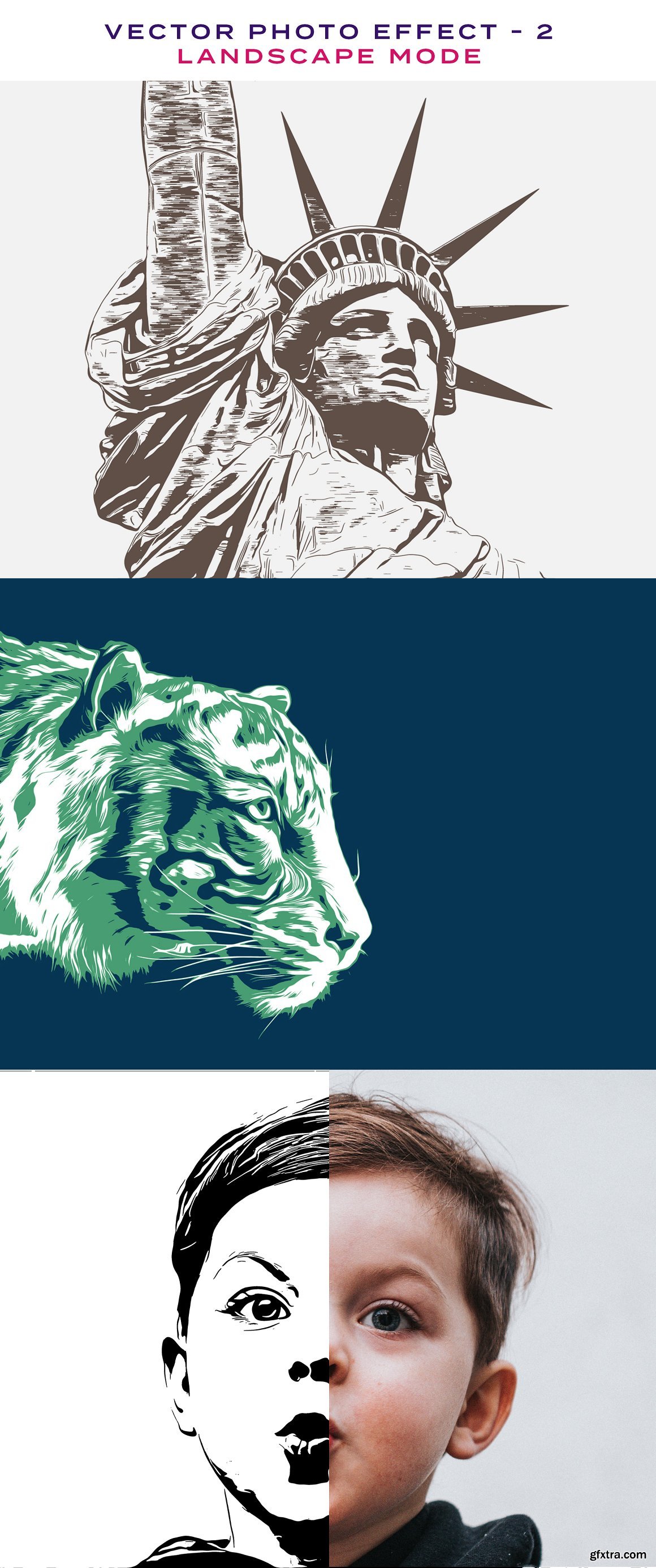
CreativeMarket - Vector Illustration Photo Effect 6331200
PSD

GraphicRiver - Water Color Sketch Photosop Action 32914362
Photoshop ATN
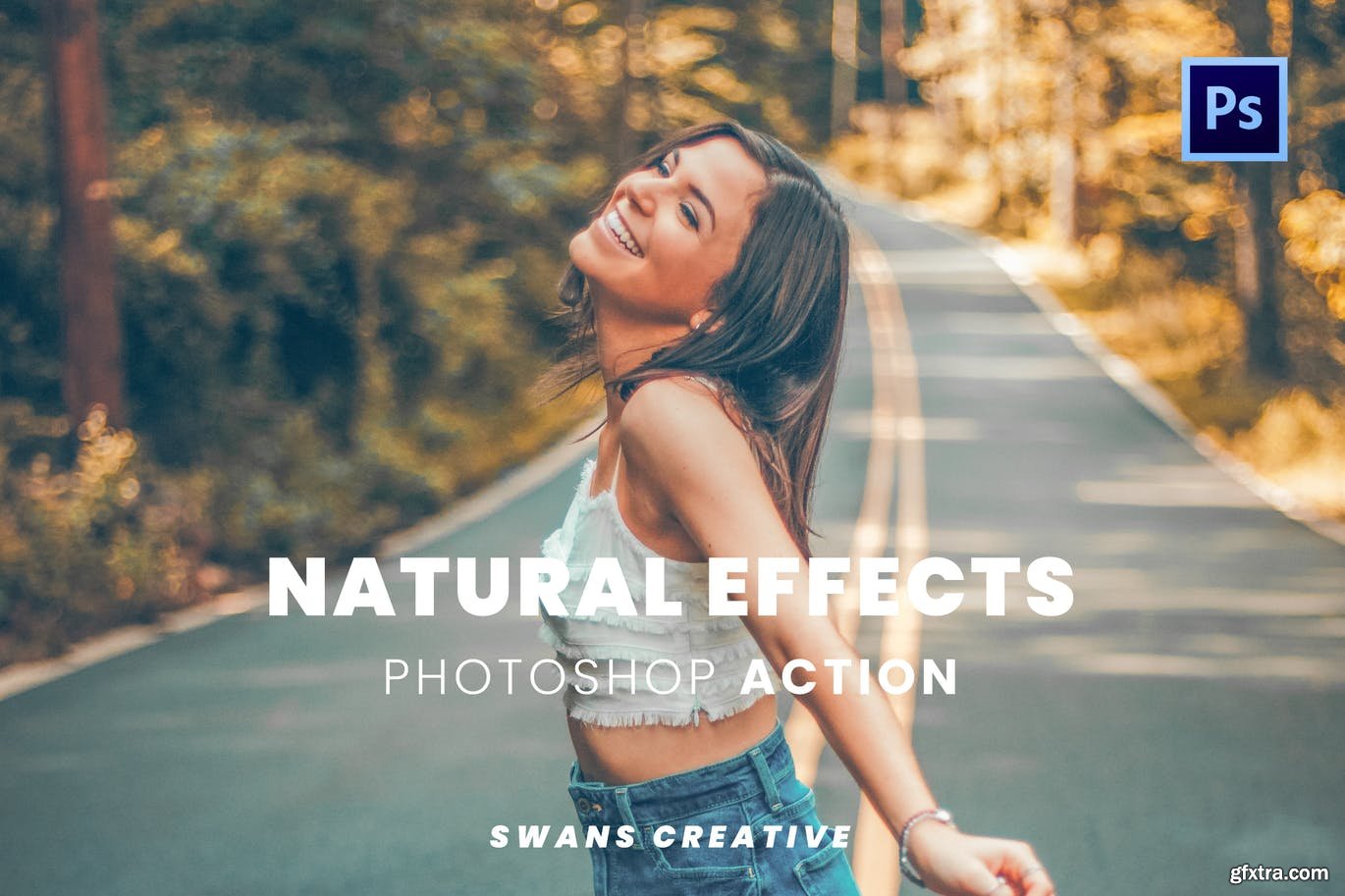
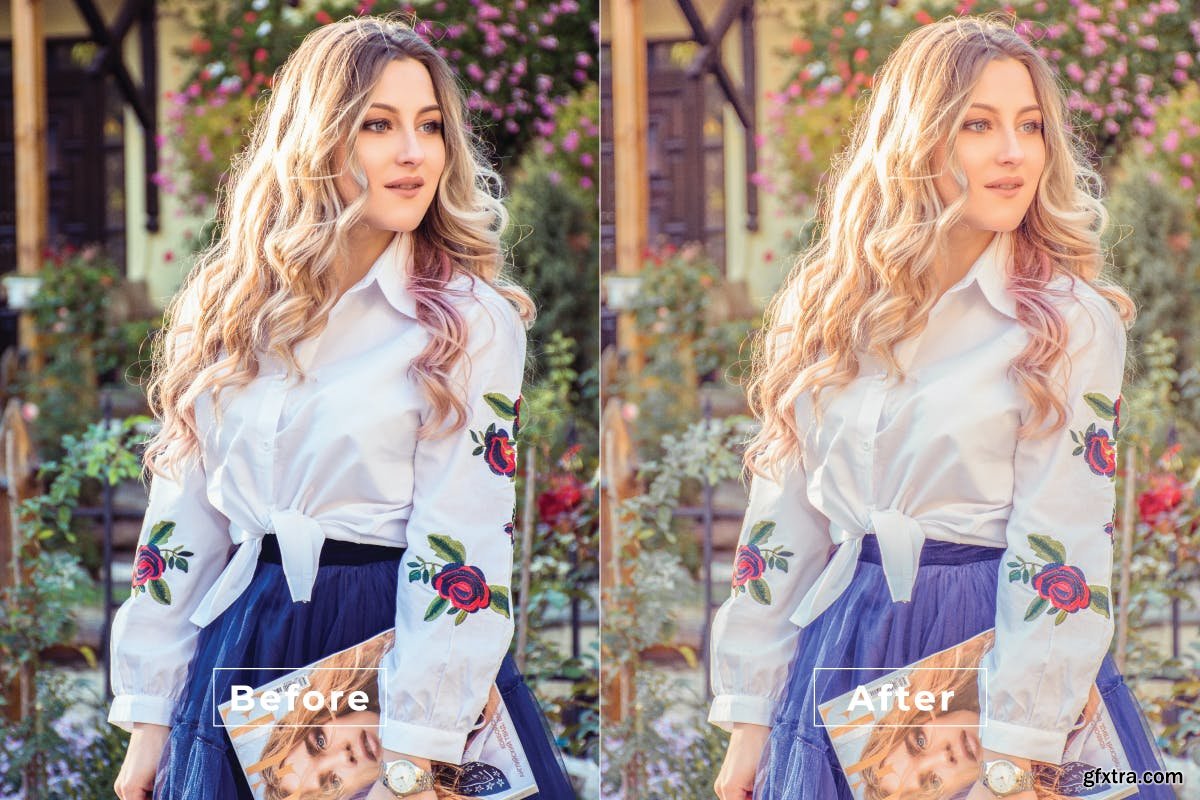
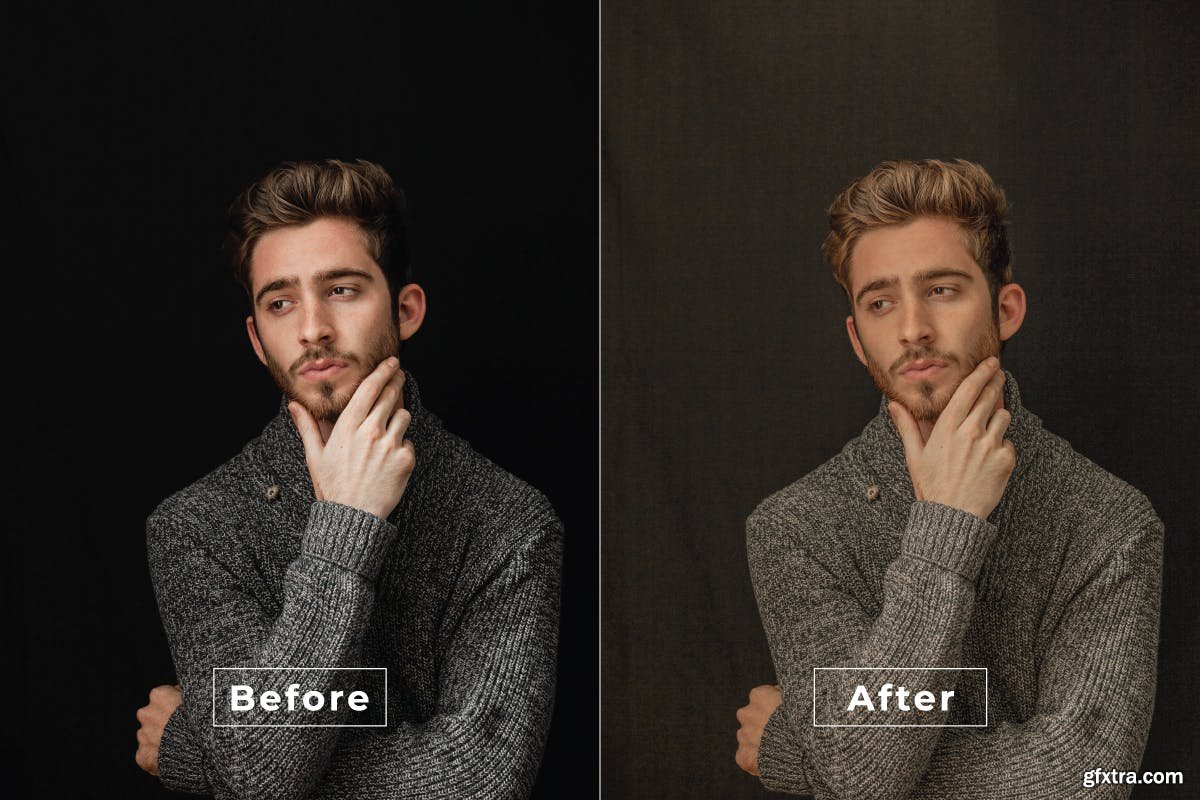
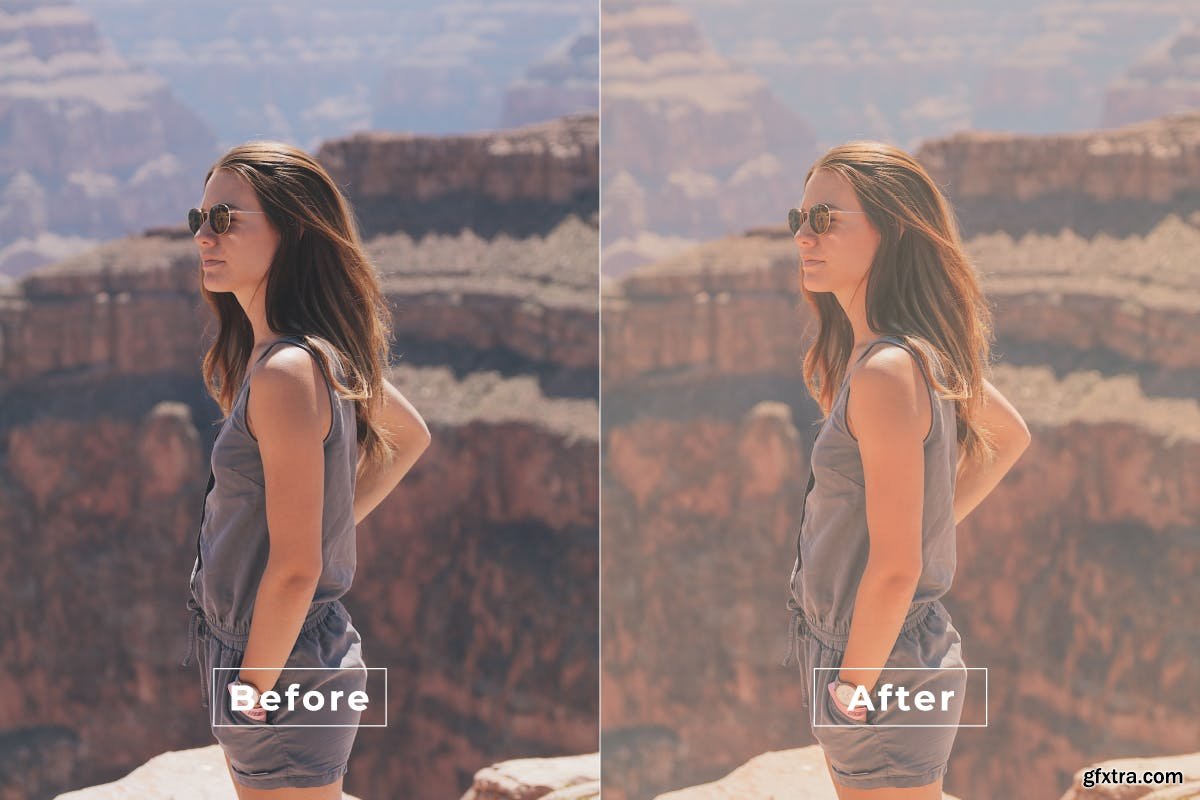
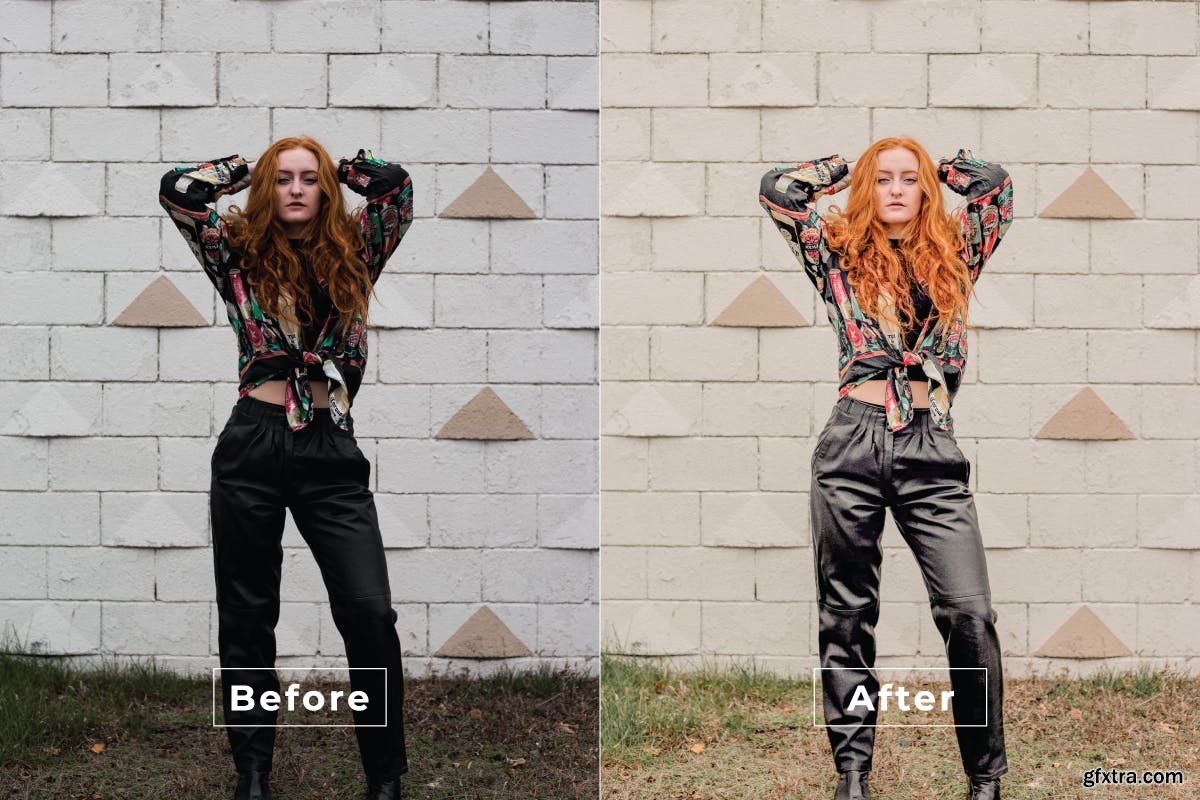

CreativeMarket - Art Portrait Photoshop Action 6569458
ATN

CreativeMarket - Retro Photocopy Effect 5656322
JPG, PSD, PDF, GRD
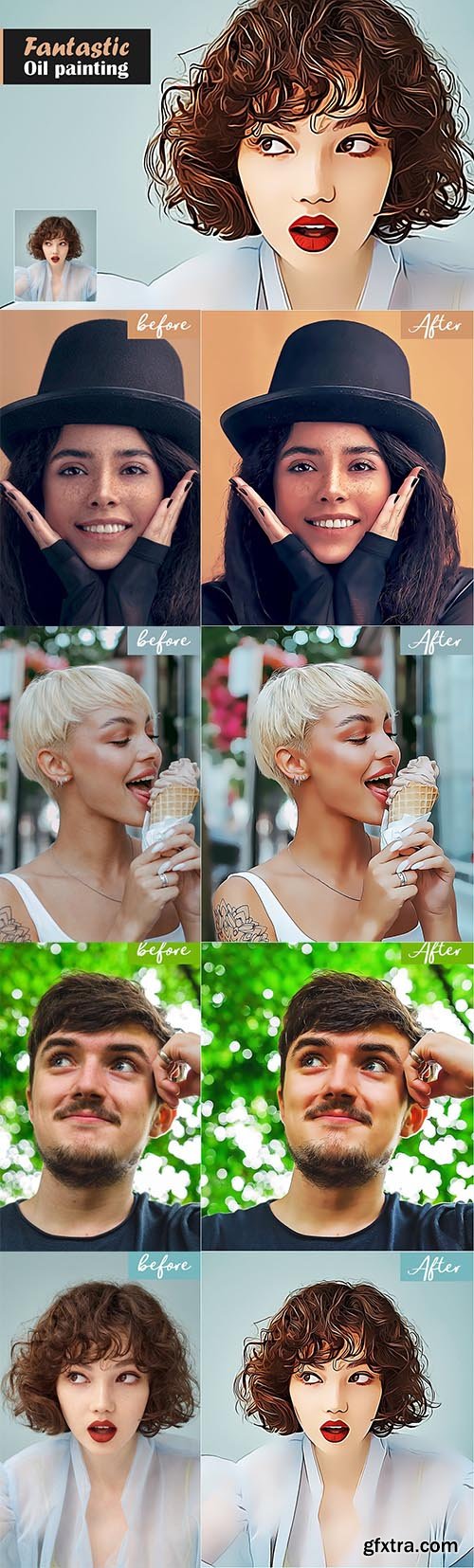
CreativeMarket - Fantastic Oil Painting 5567355
atn

GraphicRiver - Pen Drawing Painting B&W Photoshop Action 33962546
atn
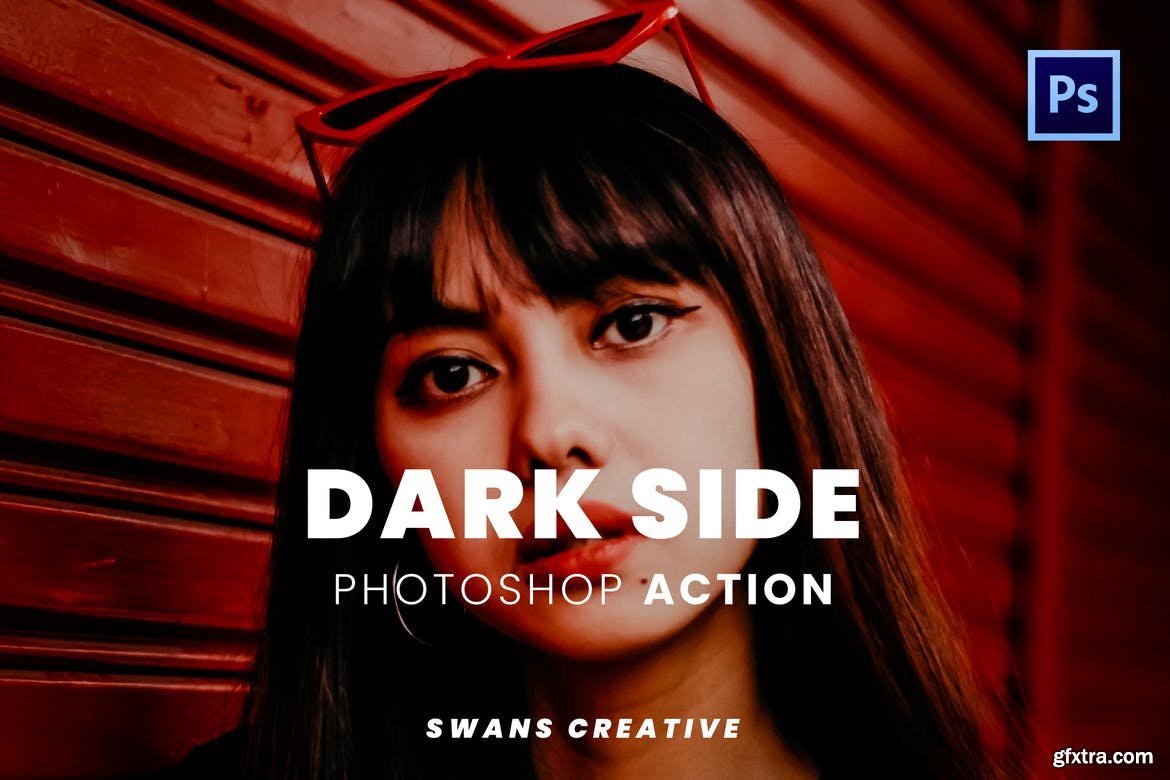
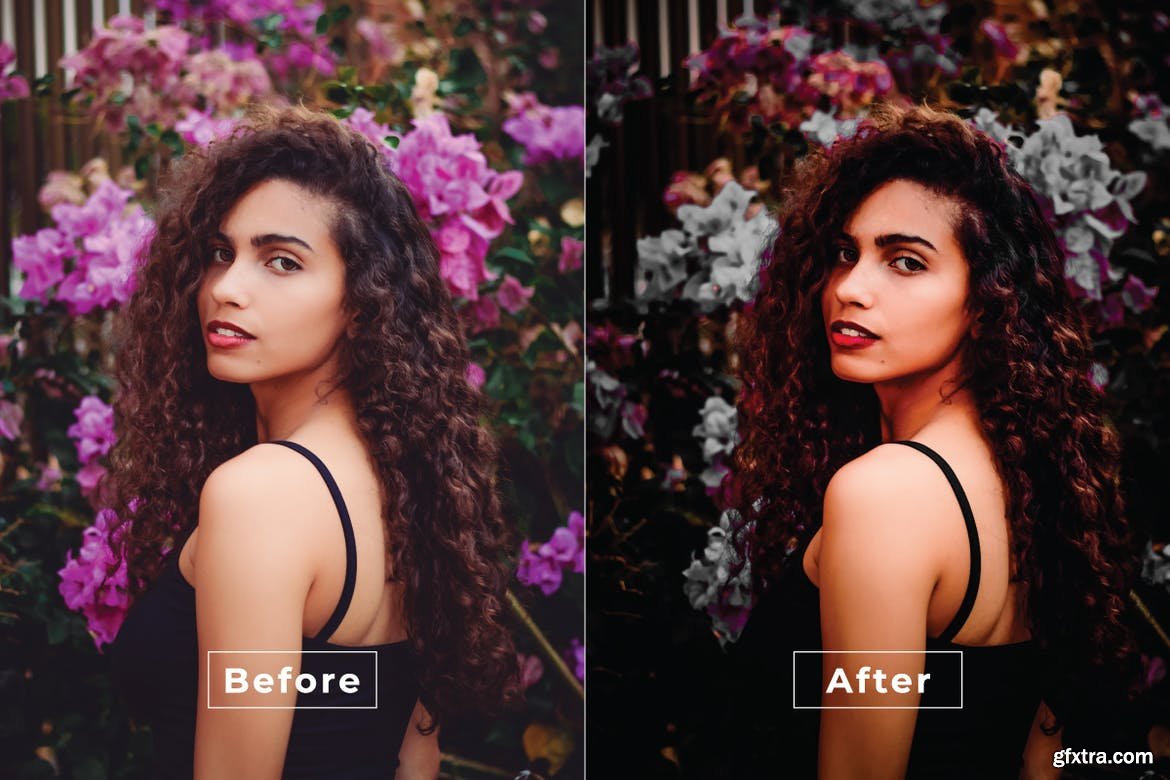
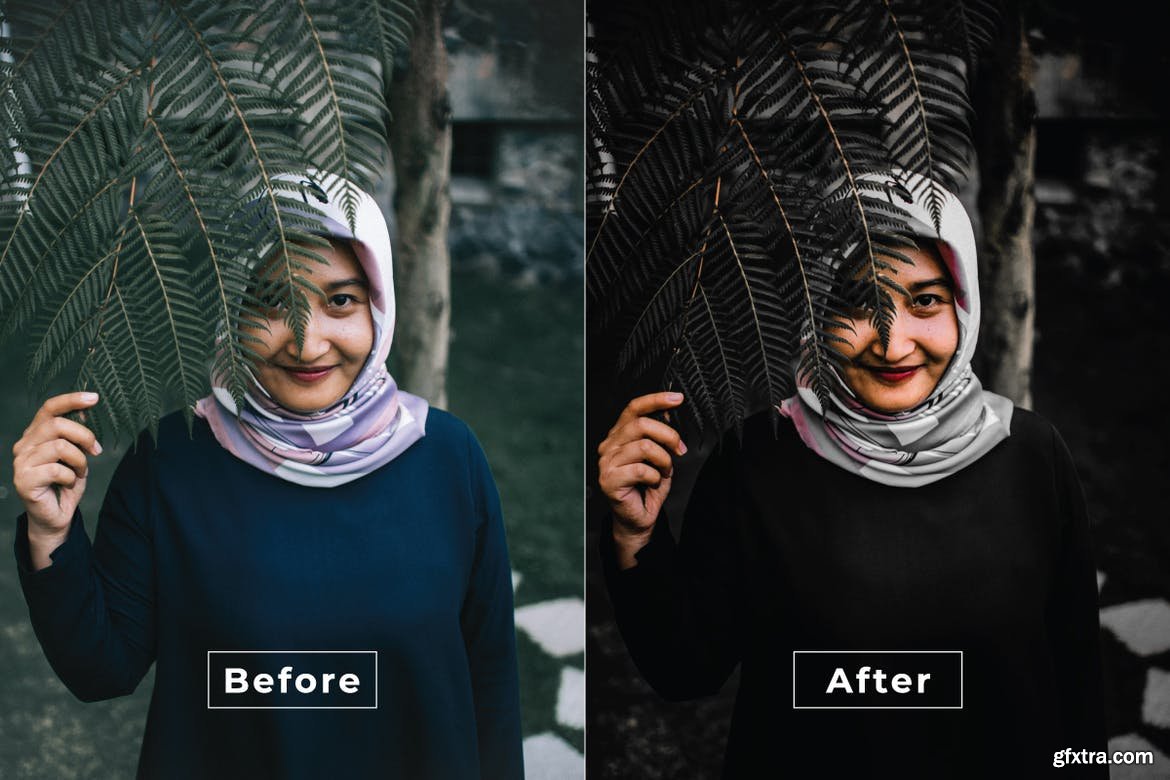
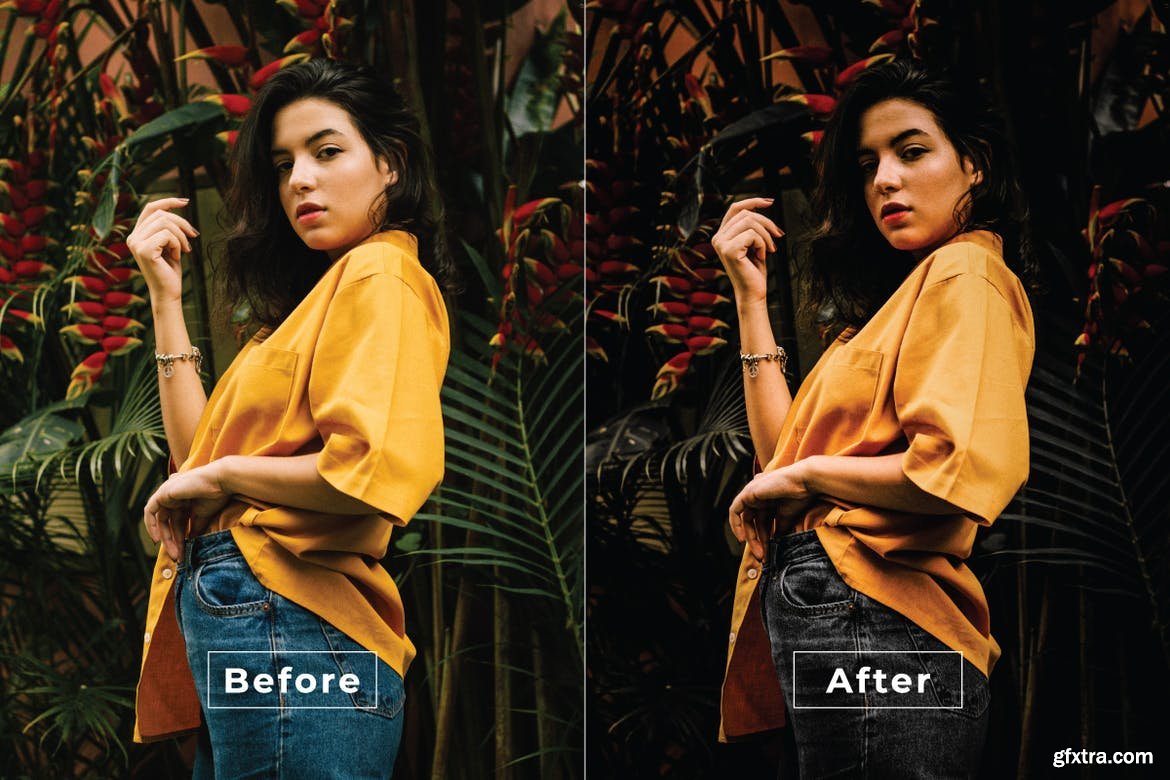

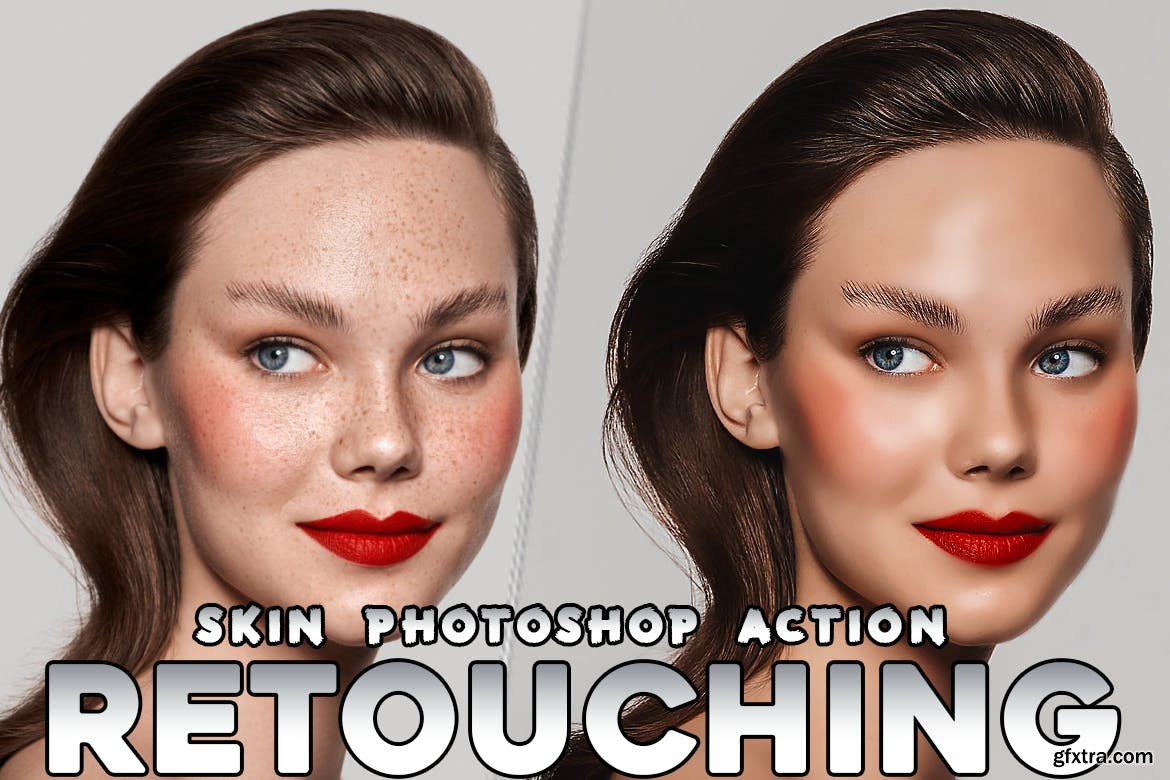
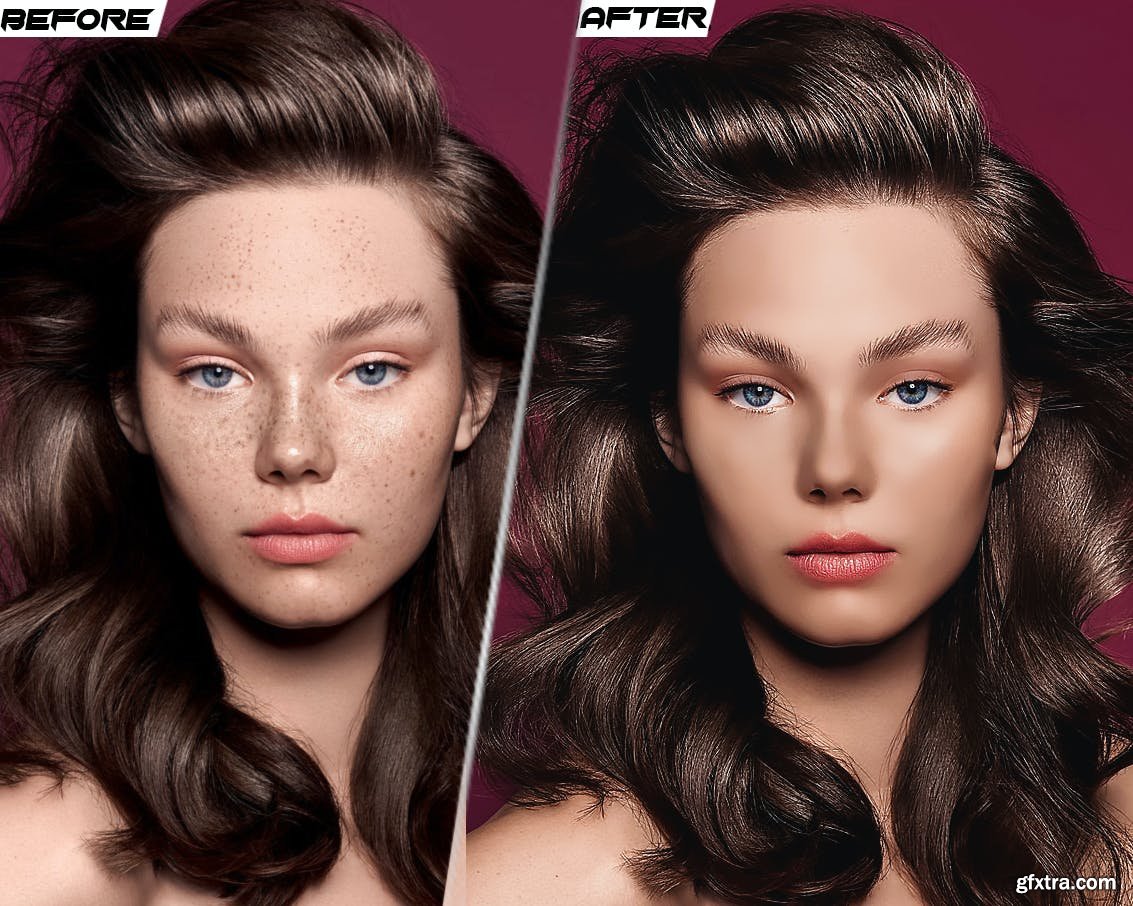
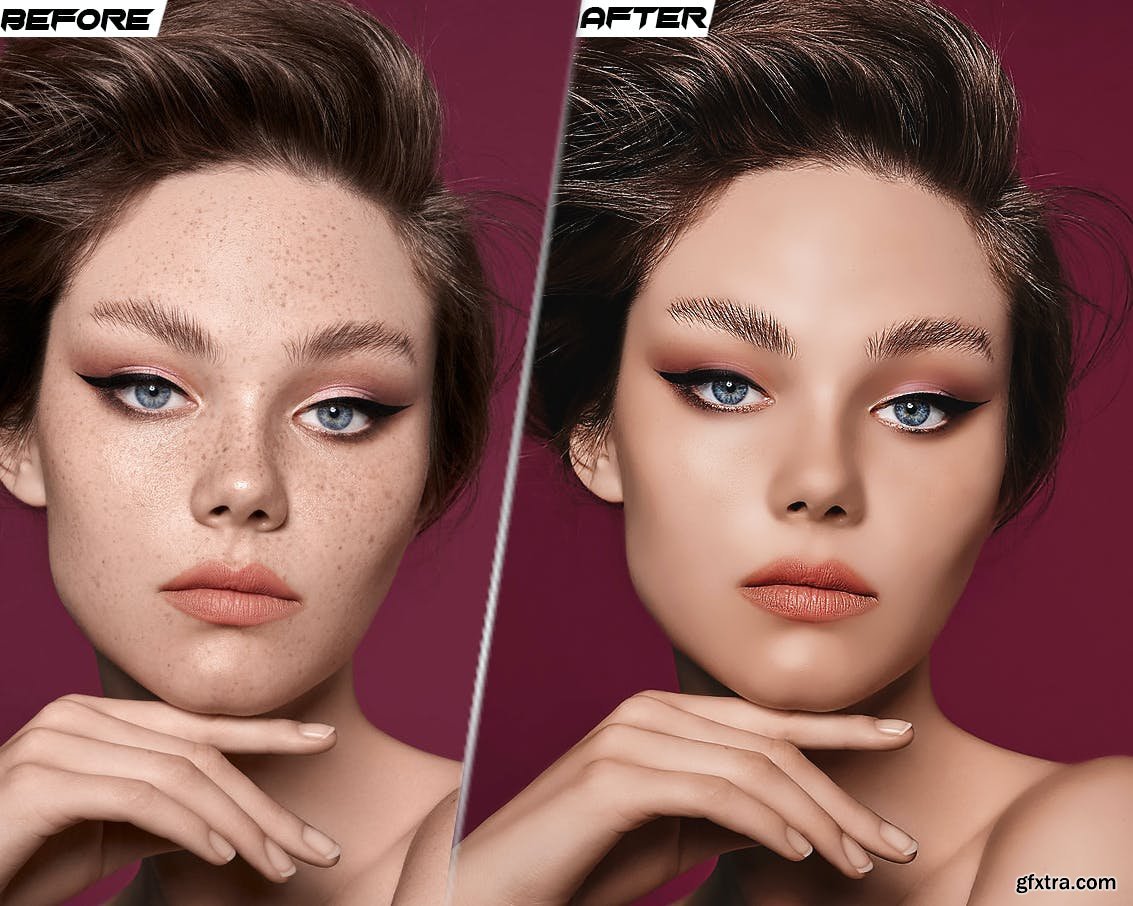
Skin Retouching HDR Fashion Photoshop Action
atn
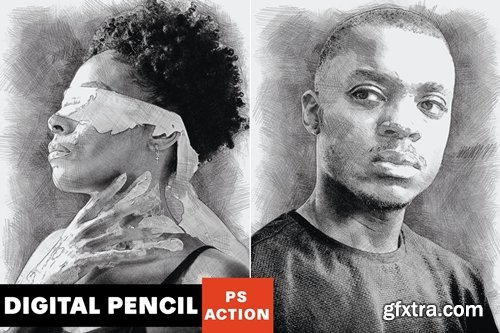

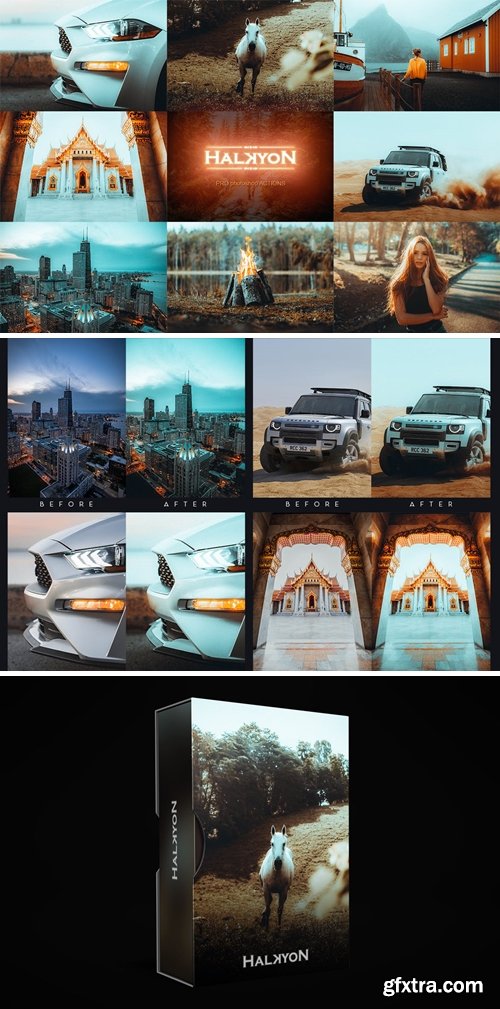
Halkyon Premium Photoshop Actions Collection

Package containing five actions created in Adobe Photoshop capable of adding a five different effects to your images.
The name of the effect are:
- Abstract Dual Color Effect
- Blue Vivid Ghost Effect
- Colorful Blurred Effect
- Dramatic Blurred Dream Effect
-
Dramatic Sepia Night Effect
Inside the package you'll find five .atn files each containing multiple actions with the same effect, but for different kind of images. Some images may be too bright or too dark for the normal action, so you'll have to use one of the three actions in each .atn file in order to make sure you get the effect you want.
How to use:
- Open Photoshop (Minimal Supported Version: CS6)
- Go to the "Actions" panel (if you don't know here it is, go to Windows - Actions)
- On the top-right side of the panel there's a small icon with 4 horizontal lines - click on that
- Then select the option "Load Actions" and select the .atn file you want from the folder you have after buying this package.
- Open the image you want to add the effect on, select the action you want, and press play.
!!! Before buying this package make sure of a few things. !!!
-
First, don't use images that are incredibly dark or bright. Make sure your images have a normal amount of brightness. This way you can make sure your images will look good after adding the effect.
-
Second, make sure you use this action on new-opened images. Using this action on projects that already have other images in them may result in adding the effect to all the images. The reason for this is that I use a technique that lets you change the parameters of the effects in case you want (by allowing you to play with the layers and effects), and because of that the effect may be added to every image on your project if you use the action in that way. To avoid that, open a new image in Photoshop, use the action, save the image and then use it in another project. !!!
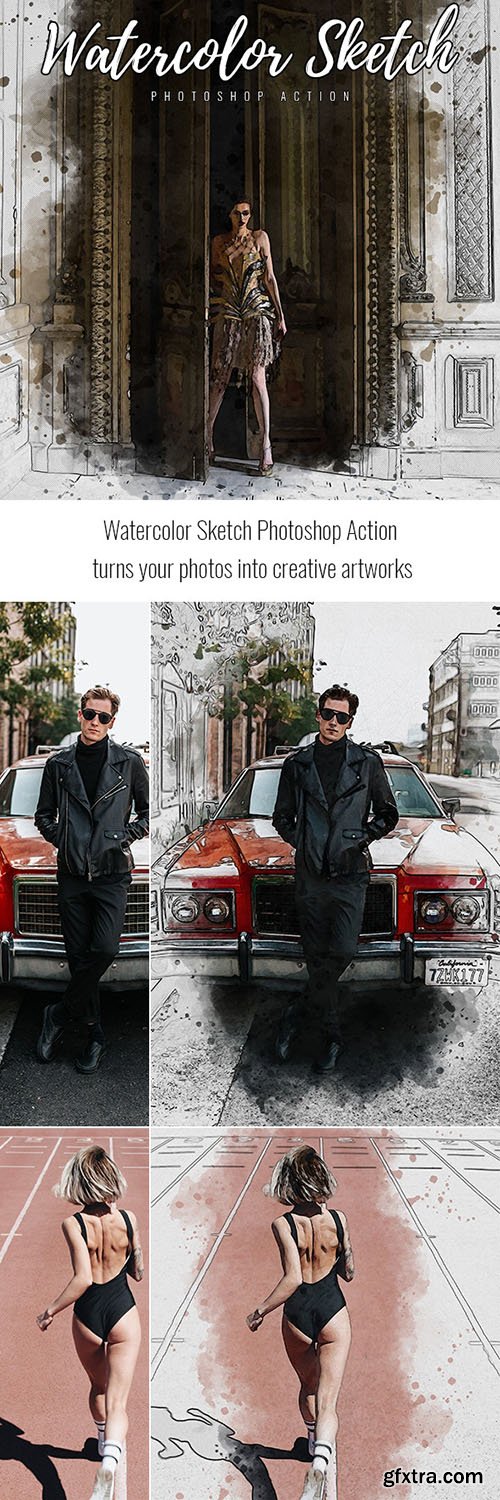
GraphicRiver - Watercolor Sketch Photoshop Action 33365580
ABR, Photoshop PAT, Photoshop ATN
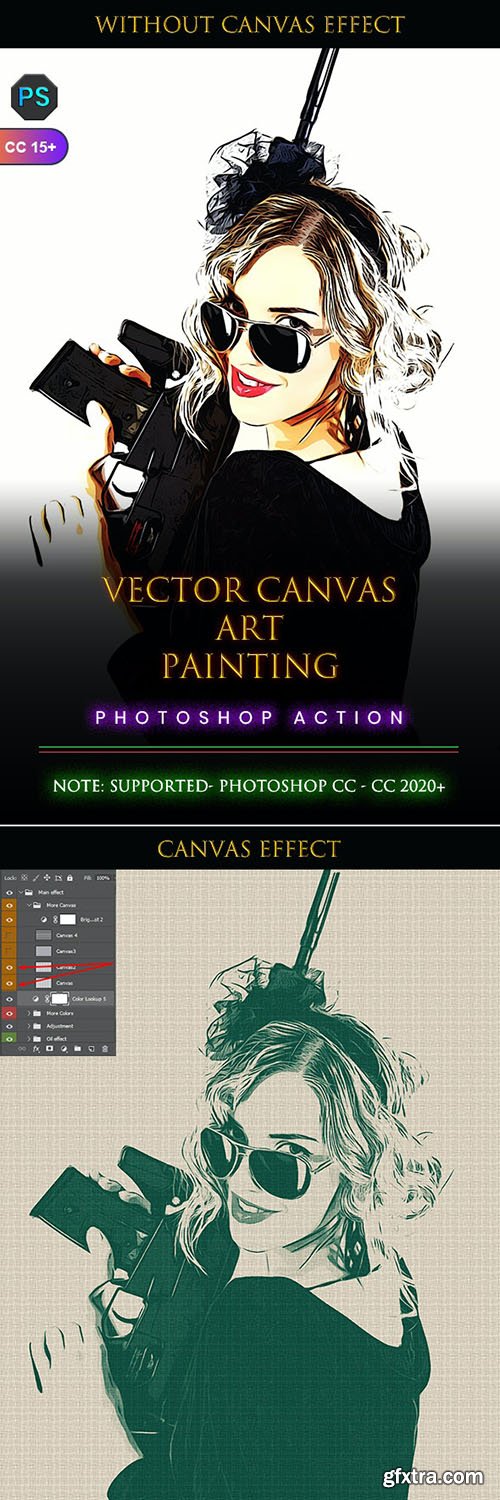
GraphicRiver - Vector Canvas Art Painting Photoshop Action 33762445
ATN
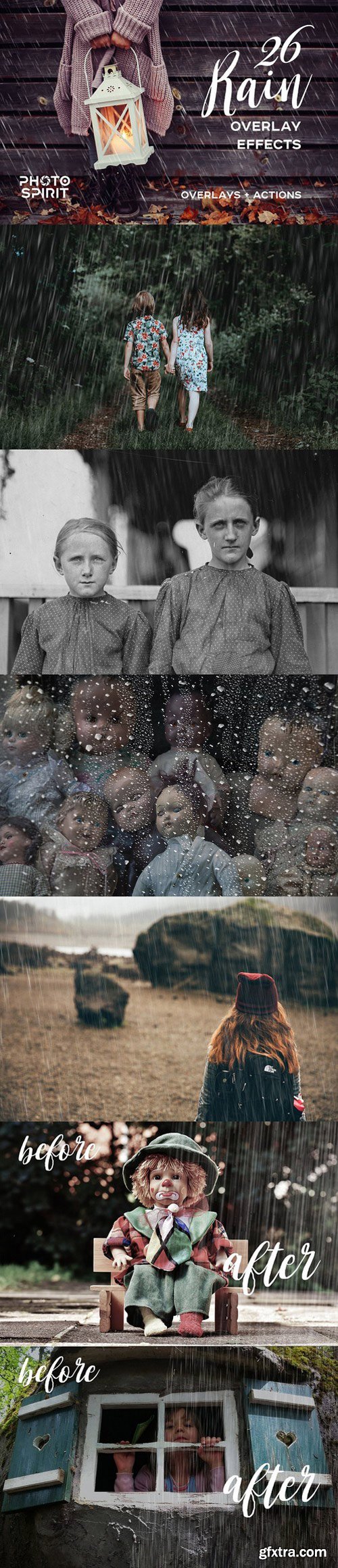
Suitable for both amateurs and professionals. Excellent results on color and black and white photos. For your convenience, the added actions for selecting and overlaying overlays in the Screen mode. This will work both in Photoshop and in Photoshop Elements. The rain overlays can be used in any graphics editor, which supports layer overlay in the Screen mode.
INCLUDED:
- 26 Rain Overlay Effect JPG 3000x2000
- Overlay Actions.atn
- User Guide.pdf

126,000 Royalty-Free 3D Model

Udemy Türkçe


Top Rated News
- CreativeLive Tutorial Collections
- Fasttracktutorials Course
- Chaos Cosmos Library
- MRMockup - Mockup Bundle
- Finding North Photography
- Sean Archer
- John Gress Photography
- Motion Science
- AwTeaches
- Learn Squared
- PhotoWhoa
- Houdini-Course
- Photigy
- August Dering Photography
- StudioGuti
- Creatoom
- Creature Art Teacher
- Creator Foundry
- Patreon Collections
- Udemy - Turkce
- BigFilms
- Jerry Ghionis
- ACIDBITE
- BigMediumSmall
- Globe Plants
- Unleashed Education
- The School of Photography
- Visual Education
- LeartesStudios - Cosmos
- Fxphd
- All Veer Fancy Collection!
- All OJO Images
- All ZZVe Vectors
- CGTrader 1 CGTrader 2



















