

Categories: PhotoShop » Actions *.ATN
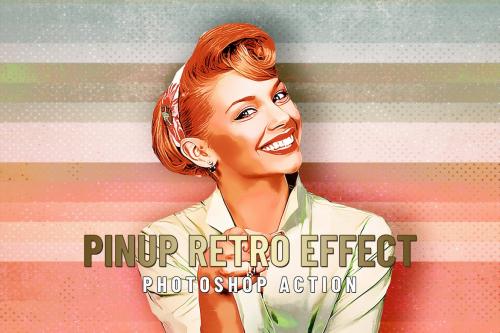

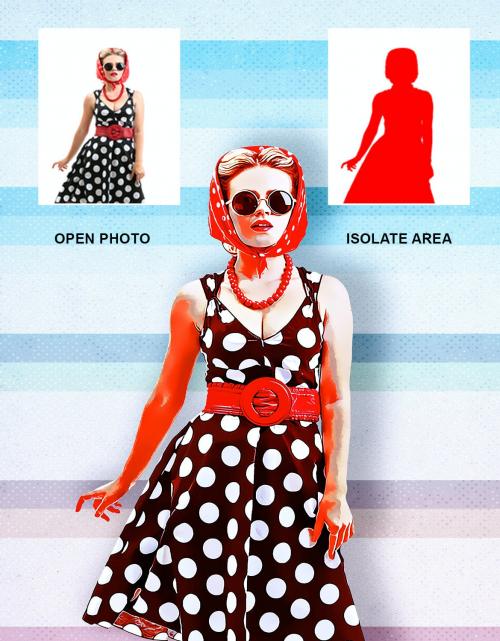
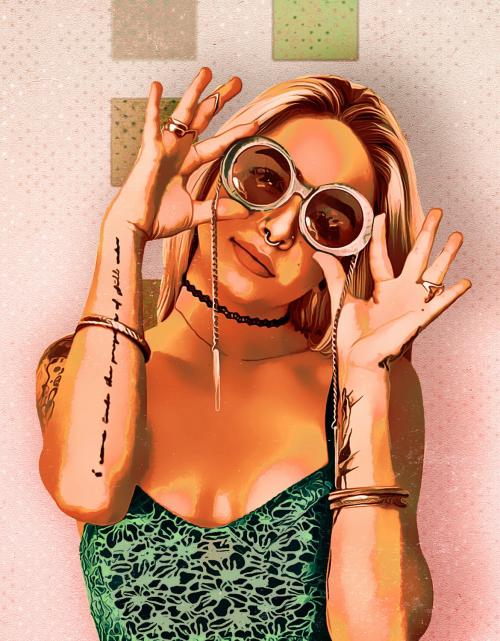
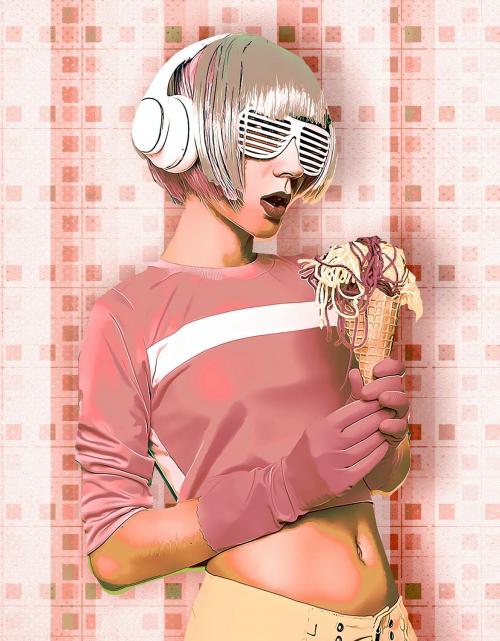
PinUp Retro Effect - Photoshop Action
**Some basic settings Photoshop:**
- Work only with **ENGLISH** language photoshop.
- **Use the RGB Mode and 8 Bits** color (Go to Image/Mode and check the RGB color and 8 Bits/Channel).
- Set the **Opacity brush and flow to 100%** (Select Brush Tool and move Opacity and Flow slider to 100%).
- Be sure the photo set **Background from layer** (Go to Layer/New/Background from layer).
**Item contains:**
1. Action ATN file
2. Pattern PAT file
3. Help file
- Tested and working in CS and CC+ photoshop version
- Preview image not included
- Recommended photo dimension is between 2000-4000px...



Related Posts
Information
Members of Guests cannot leave comments.
126,000 Royalty-Free 3D Model

Udemy Türkçe


Top Rated News
- CreativeLive Tutorial Collections
- Fasttracktutorials Course
- Chaos Cosmos Library
- MRMockup - Mockup Bundle
- Finding North Photography
- Sean Archer
- John Gress Photography
- Motion Science
- AwTeaches
- Learn Squared
- PhotoWhoa
- Houdini-Course
- Photigy
- August Dering Photography
- StudioGuti
- Creatoom
- Creature Art Teacher
- Creator Foundry
- Patreon Collections
- Udemy - Turkce
- BigFilms
- Jerry Ghionis
- ACIDBITE
- BigMediumSmall
- Globe Plants
- Unleashed Education
- The School of Photography
- Visual Education
- LeartesStudios - Cosmos
- Fxphd
- All Veer Fancy Collection!
- All OJO Images
- All ZZVe Vectors
- CGTrader 1 CGTrader 2



















