

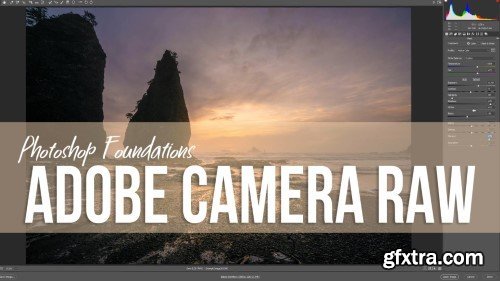
- Adobe Camera Raw (ACR) is the most multi-faceted tool in the image editing world. At its basic level, it is a Raw processor that plugs into Photoshop so you can edit Raw images before they go to Ps for processing. However, ACR can take you well beyond the basics and accomplish some pretty advanced tasks. In this foundations course, we are going to take an intense dive into the world of Raw editing inside Adobe Camera Raw. We are going to discuss everything from the setup and interface of ACR to saving your images in mass and everything that happens in between. This is your one-stop shop for learning ACR from the ground up.

 Comments: (0)

Masking in Adobe Camera Raw and Lightroom is not easy. You have a whole new interface with several new mask additions and they threw out the concept of the Adjustment Tools like bad bathwater. Several items have been rearranged and the whole Add, Subtract, and Intersect Mask thing… Forget about it! Or should you forget about it?Would that be the best idea for your workflow? Absolutely not! The Masking area in ACR and Lightroom that came packaged with the Photoshop CC 2022 release is incredible! While there are several changes to the way we worked in the past, it is all for the better, I promise. In this course, I will help break down some of the barriers you may have with the Masking tools. I will supply you with knowledge and some incredible presets that use the principles of my Zone System Express as their base. After this course, not only will you be making better masks with the presets I have built, but you will know how to make your own and how to use this new feature to its maximum potential!
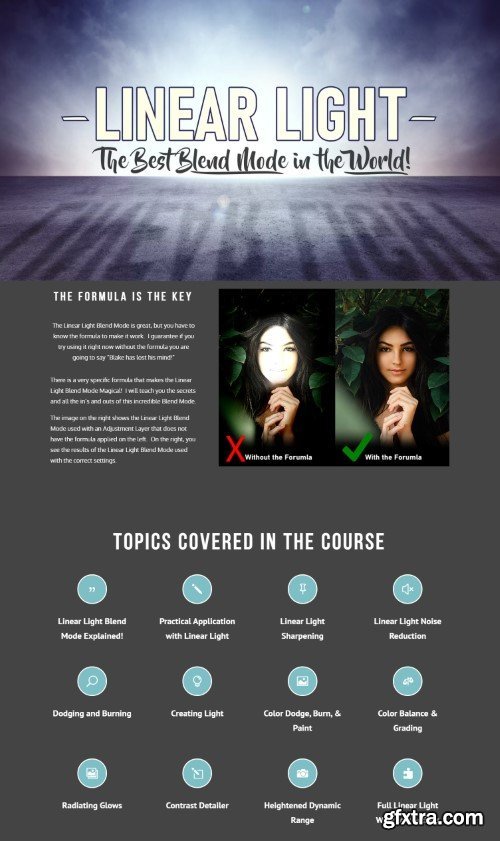
It’s not often we think of a Blend Mode as being the best thing since sliced bread. But, I gotta tell ya out of all Photoshop’s 28 Blend Modes, there is one that rules them all. There is one Blend Mode that can handle any task you throw at it with unprecedented results. It’s NOT Soft Light, it’s Linear Light!
For the last several months I have been documenting every task I have used the Linear Light Blend Mode with and the list is exhaustive! I found that I use it with everything from Noise Reduction & Sharpening to Color Grading and Dodging and Burning. Really, there is no other Blend Mode that is quite as versatile.
In this course, I will cover all the ways I use the Linear Light Blend Mode. I am 100% positive your workflow will change for the better when you start implementing the use of the Linear Light Blend Mode more often.
126,000 Royalty-Free 3D Model

Udemy Türkçe


Top Rated News
- CreativeLive Tutorial Collections
- Fasttracktutorials Course
- Chaos Cosmos Library
- MRMockup - Mockup Bundle
- Finding North Photography
- Sean Archer
- John Gress Photography
- Motion Science
- AwTeaches
- Learn Squared
- PhotoWhoa
- Houdini-Course
- Photigy
- August Dering Photography
- StudioGuti
- Creatoom
- Creature Art Teacher
- Creator Foundry
- Patreon Collections
- Udemy - Turkce
- BigFilms
- Jerry Ghionis
- ACIDBITE
- BigMediumSmall
- Globe Plants
- Unleashed Education
- The School of Photography
- Visual Education
- LeartesStudios - Cosmos
- Fxphd
- All Veer Fancy Collection!
- All OJO Images
- All ZZVe Vectors
- CGTrader 1 CGTrader 2



















