

Categories: 3D Models & Addons » Game Assets
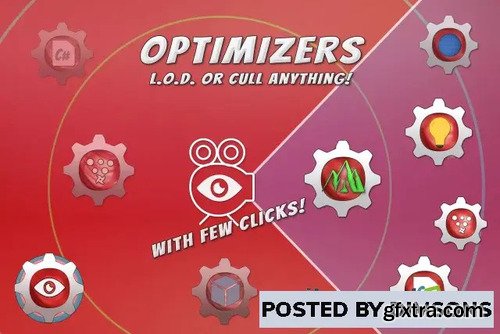
Cull, deactivate or activate, adjust quality basing on distance or visibility.
Do it on anything inside scenes of your project!
Give your game more FPS and be able to arrange more details!
Optimizers can optimize almost everything, things like Lights, Particle Systems, Multiple Terrains (not optimizing single big terrain), Renderers, NavMesh Agents, Script Components and more!
Just add optimizer to your game object, select components of which you want change quality. Define distances and percentage amount of parameters you want to change when reaching certain LOD levels, now your optimizer is ready! Version: 2.2.2 (13 Mar 2025)


Related Posts
Information
Members of Guests cannot leave comments.
126,000 Royalty-Free 3D Model

Udemy Türkçe


Top Rated News
- CreativeLive Tutorial Collections
- Fasttracktutorials Course
- Chaos Cosmos Library
- MRMockup - Mockup Bundle
- Finding North Photography
- Sean Archer
- John Gress Photography
- Motion Science
- AwTeaches
- Learn Squared
- PhotoWhoa
- Houdini-Course
- Photigy
- August Dering Photography
- StudioGuti
- Creatoom
- Creature Art Teacher
- Creator Foundry
- Patreon Collections
- Udemy - Turkce
- BigFilms
- Jerry Ghionis
- ACIDBITE
- BigMediumSmall
- Globe Plants
- Unleashed Education
- The School of Photography
- Visual Education
- LeartesStudios - Cosmos
- Fxphd
- All Veer Fancy Collection!
- All OJO Images
- All ZZVe Vectors
- CGTrader 1 CGTrader 2



















