

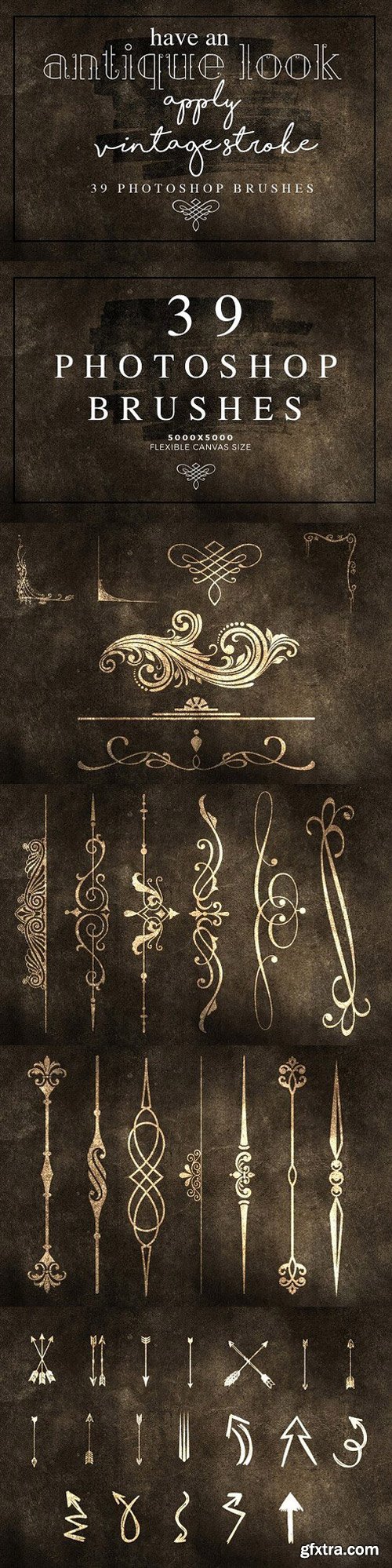
- Instantly build a huge brushes library with this beautiful collection of photoshop brushes!
- This will help you find the right brushes for the task in hand quickly.
- They are ideal for a variety of Projects. They make a great addition to menu design to stationery to websites and much more.
- These lovely brushes, each designed to elevate your concept art preferably in huge prints likely Poster to mini add as well.
- Easily add a real cohesive look to any type of project with these Photoshop designs.

- 36 EPS files
- 36 JPEG files
- 36 PNG files .
- Layered EPS (eps10) files
- JPEG, PNG files at 300 dpi (5000 x 5000 px)
- All elements isolated (PNG files)
- Editable with Illustrator CS and newer, Illustrator CC, Illustrator 10, Corel Draw, with Photoshop CS and newer, Photoshop CC

- High Resolution 300 dpi
- JPEG 4500x3000px (15"x10")
- High quality effects
- CS, CC, PSE

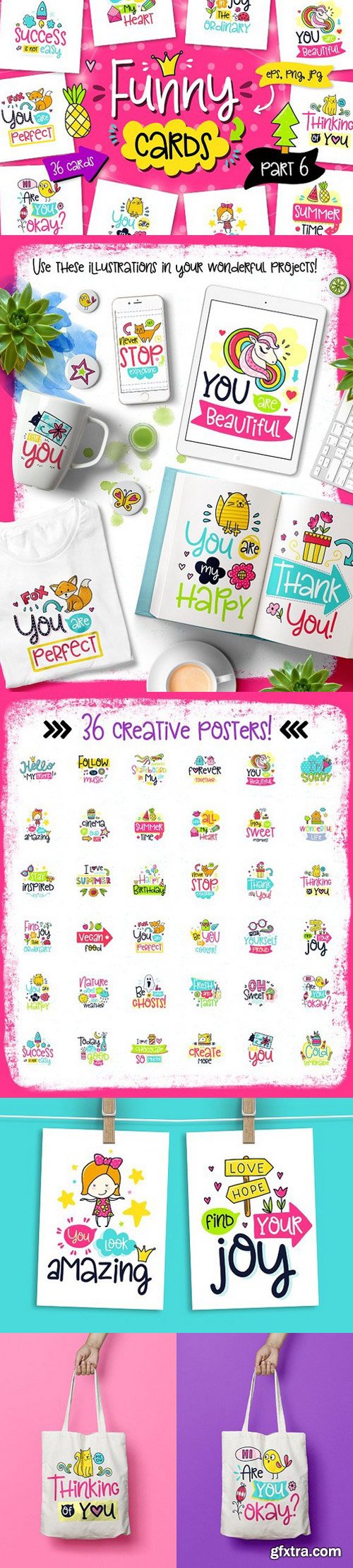
- Instantly build a huge brushes library with this beautiful collection of photoshop brushes!
- This will help you find the right brushes for the task in hand quickly.
- They are ideal for a variety of Projects. They make a great addition to menu design to stationery to websites and much more.
- These lovely brushes, each designed to elevate your concept art preferably in huge prints likely Poster to mini add as well.
- Easily add a real cohesive look to any type of project with these Photoshop designs.
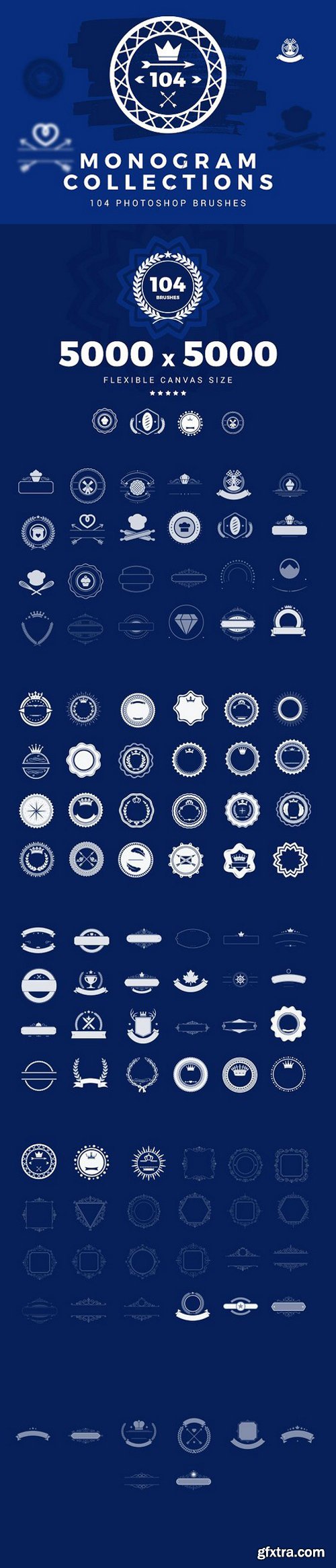
- Instantly build a huge brushes library with this beautiful collection of photoshop brushes!
- This will help you find the right brushes for the task in hand quickly.
- They are ideal for a variety of Projects. They make a great addition to menu design to stationery to websites and much more.
- These lovely brushes, each designed to elevate your concept art preferably in huge prints likely Poster to mini add as well.
- Easily add a real cohesive look to any type of project with these Photoshop designs.

- 8 PSD files, each file has a smart object where you can place your own design,
- 2 JPG files without posters, with an empty wall, which you can use as a background.

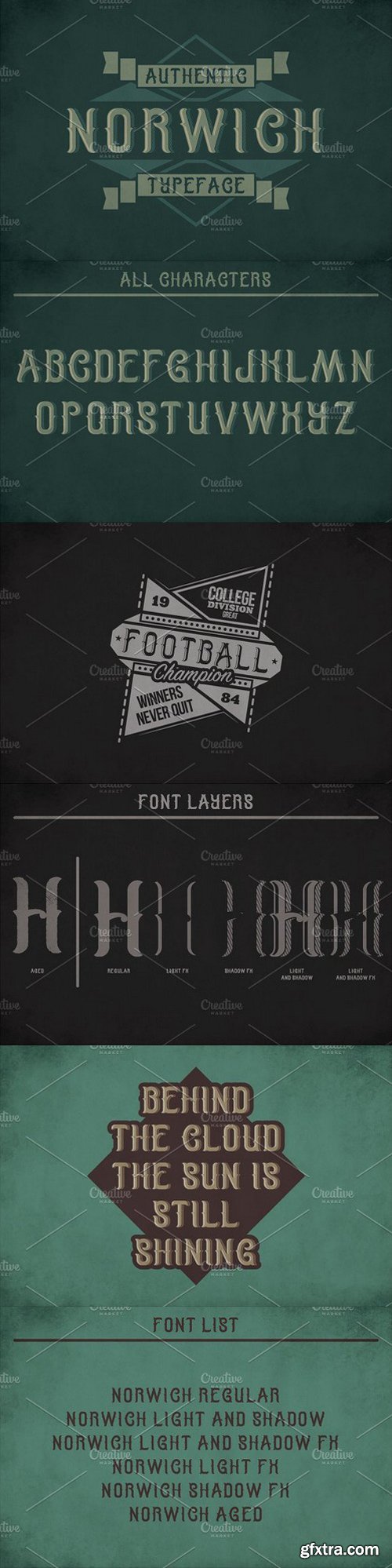
- EPS10 files with all graphics stuff from screenshots
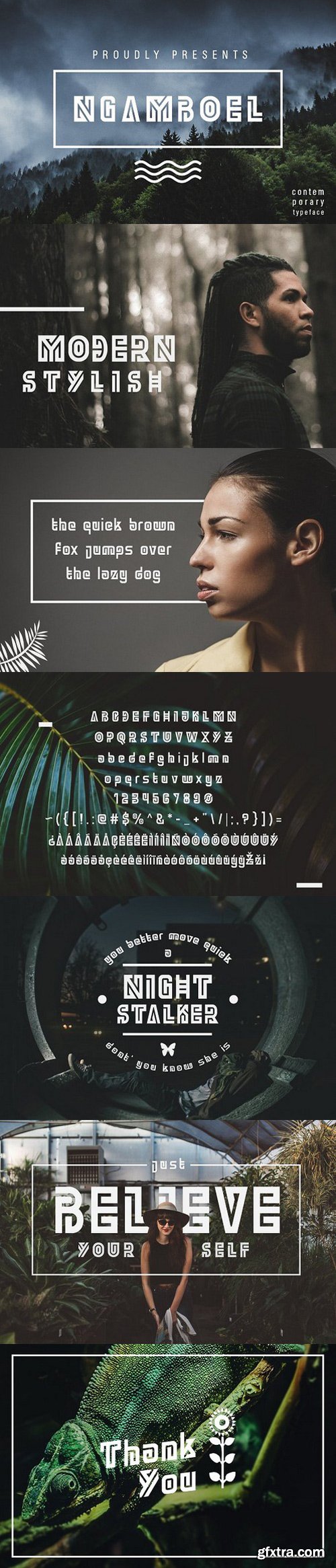
- OTF and WOFF font files
- 5 fonts in complect (with special effects), plus aged version
- You can mix effects (look at 4-th screenshot)

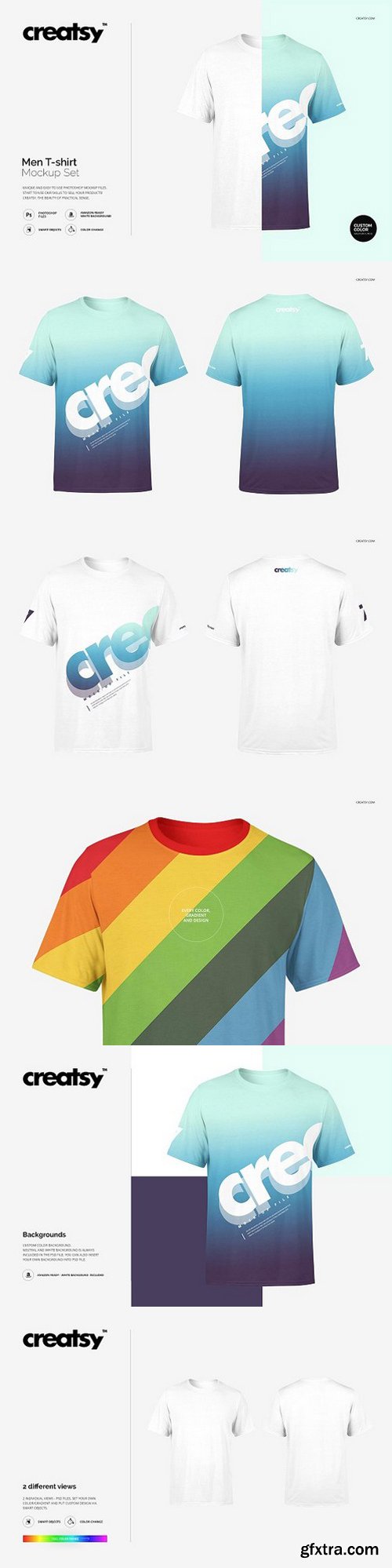
- files works only in Photoshop (min. PS CS4);
- pack includes 2 .psd files, 2 different views, file specs: 2500x2500 px 300dpi;
- editable: front, back, sleeves, neckring;
- changeable colors, gradients (full range) and design (via smart objects);
- backgrounds: custom, neutral and white (check preview);
- Amazon ready: white background is always included;
- well organized layers as in all of other Creatsy mockups.

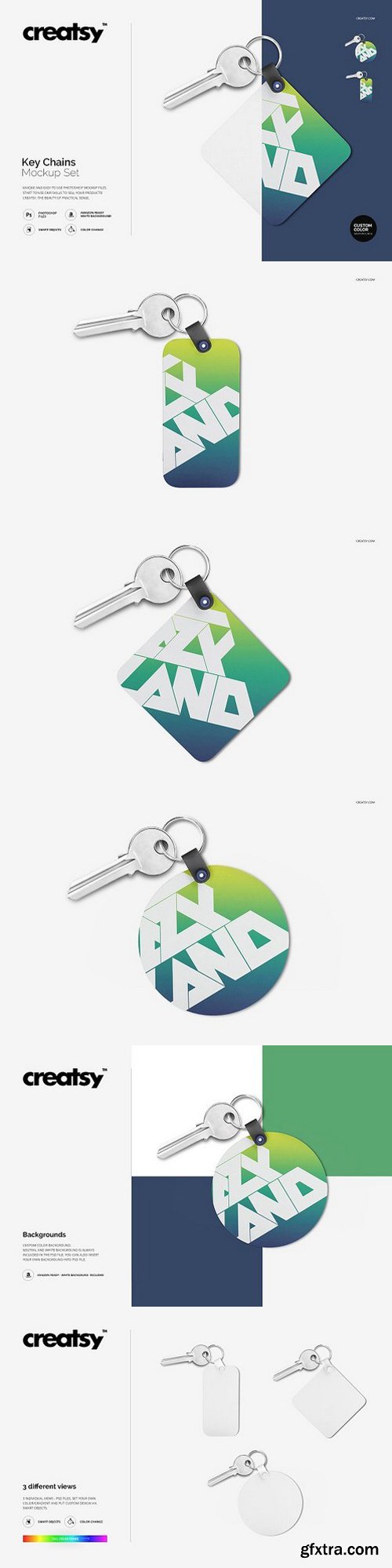
- files works only in Photoshop (min. PS CS4);
- pack includes 3 .psd files, 3 different views, file specs: 2500x2500 px 300dpi;
- changeable colors, gradients and design of tag (via smart objects);
- removable key;
- backgrounds: custom color, neutral and white (check preview);
- Amazon ready: white background is always included;
- well organized layers as in all of other Creatsy mockups.

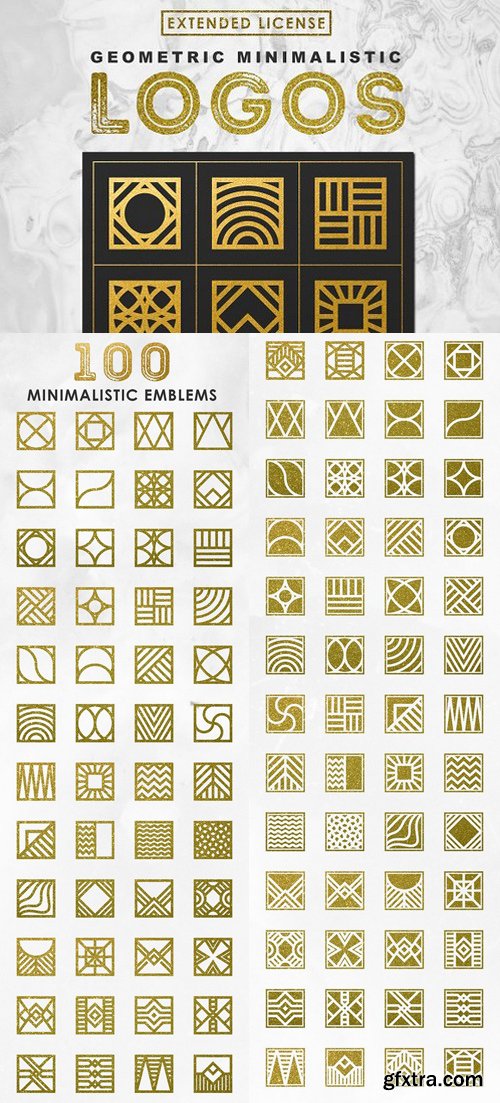
- EPS format file with 30 seamless patterns
- AI format file with 30 seamless patterns
- 30 JPEG files, size: 4167 × 4167 px at 300dpi
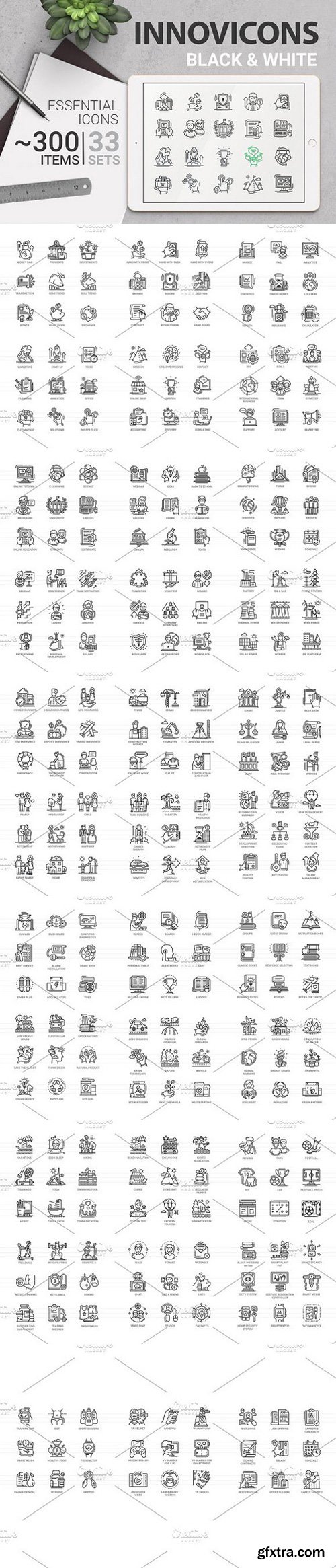
- Stroke thickness editable file included.
- Innovicons is a perfect solution for your website design. Just pick up your own colors!
- ZIP includes:
- editable EPS10 vector file format
- EPS10 vector files with editable stroke thickness
- high quality JPG
- PNG isolated icons pack in sizes: 128x128; 180х180; 256х256; 512x512
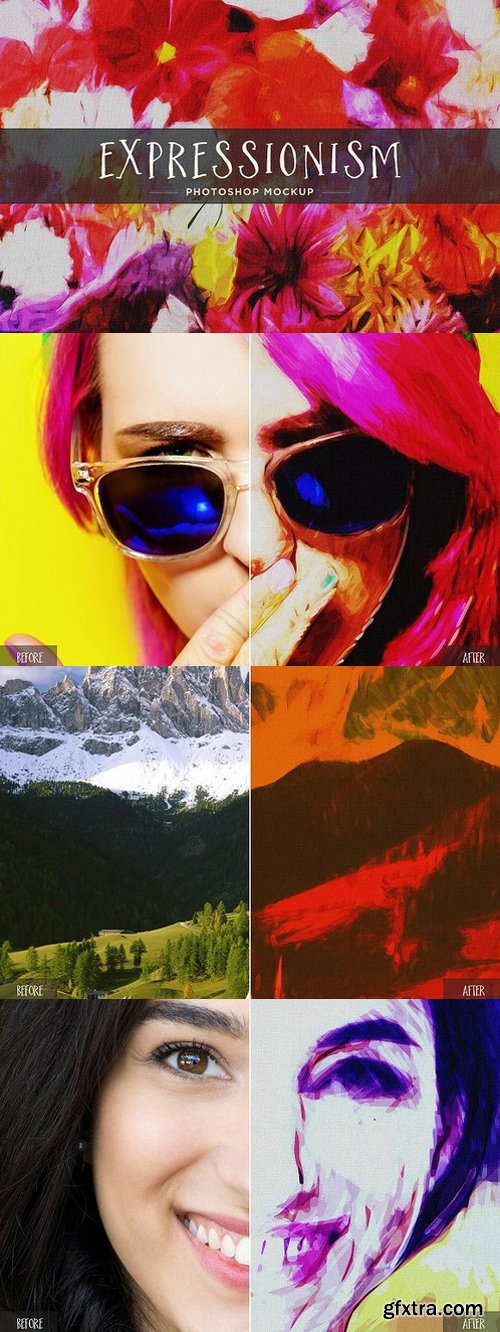
Expressionism was a movement originated in Germany at the beginning of the 20th century and the main concept is to present the world solely from a subjective perspective, distorting it radically for emotional effect in order to evoke moods or ideas.
With the Expressionism Photoshop Mockup you can now create your own expressionist paintings from any photo or graphic that you want. This Mockup kit for Photoshop use a single Smart Object to handle many different effects to transform your image into Expressionism art.
The mockup comes in both Vertical and Horizontal at 3000 x 2000 px with a base effect and many optional Adjustment Layers that you can show or hide or even change the settings to get new results. Among other adjustments, it includes: increase whites and blacks, desaturate/saturate colors, increase shadows, etc and a realistic canvas texture to create fully customizable expressionist art from your image.
How to edit:
- Open any of the included .psd file in Adobe Photoshop
- Double click on the first top layer named "Your Image"
- Place your image in the new document, save it and close it
- You can now play with all the different adjustments included to give your image a perfect painted look

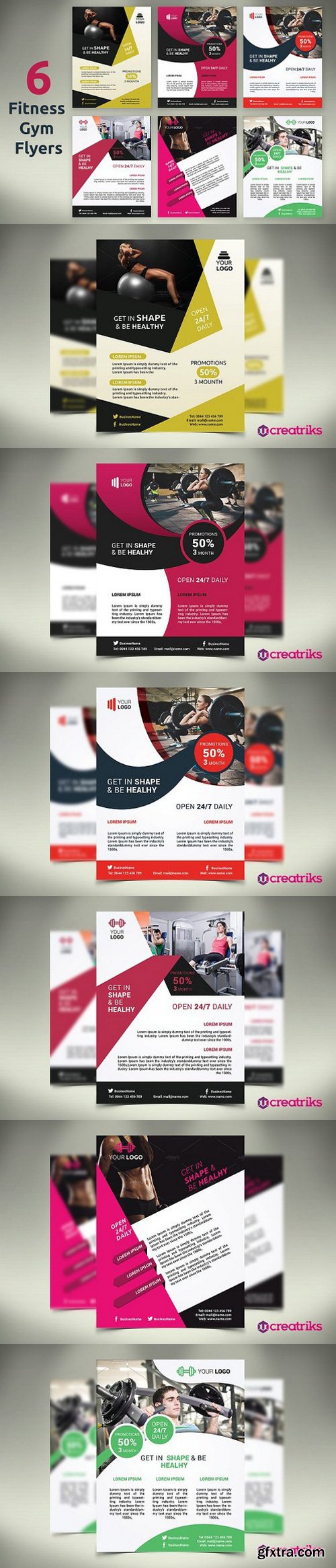
- 6 Photoshop Files (.psd)
- File size 8.75 in x 11.25 inches
- 0.25 inches bleed
- Easy to Customizable
- 300 DPI Resolutions
- Ready to Print
- Free Fonts
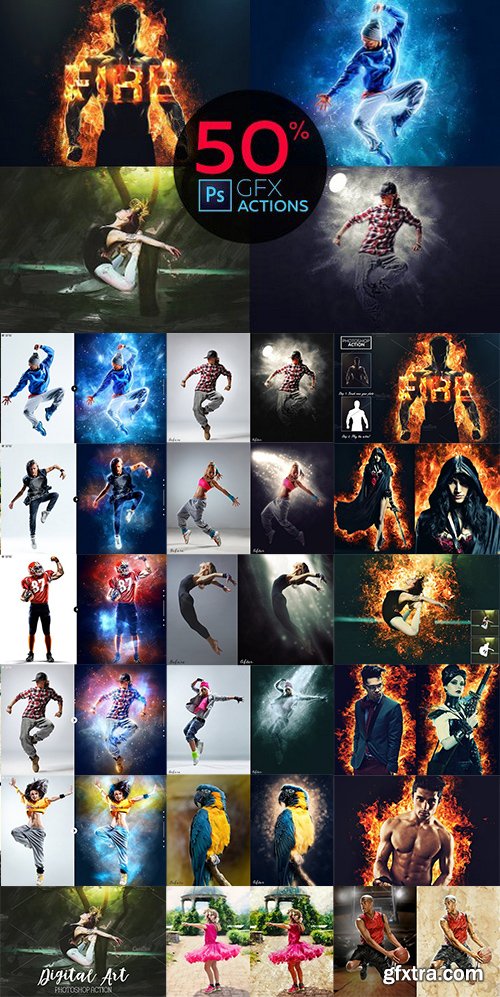
- Digital Art - Photoshop Action
- Fire Effect - Photoshop Action
- Space Photoshop Action
- X-RAY Photoshop Action
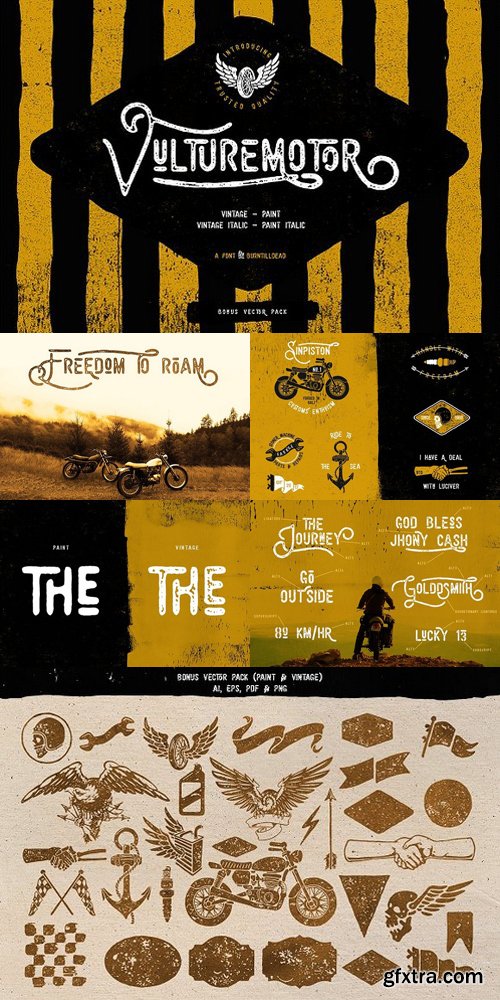
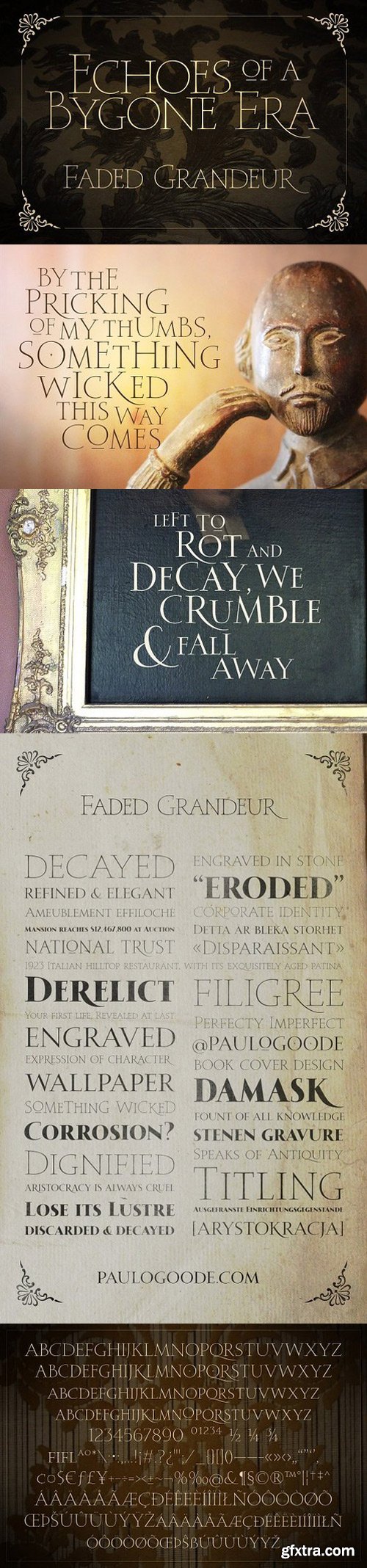
- All caps display typeface
- 350 glyphs
- Alternate Stylistic Set for characters A-Z and a-z
- Four weights included – Thin | Light | Regular | Bold
- Central European language support – conforms to Adobe Latin 1 specification
126,000 Royalty-Free 3D Model

Udemy Türkçe


Top Rated News
- CreativeLive Tutorial Collections
- Fasttracktutorials Course
- Chaos Cosmos Library
- MRMockup - Mockup Bundle
- Finding North Photography
- Sean Archer
- John Gress Photography
- Motion Science
- AwTeaches
- Learn Squared
- PhotoWhoa
- Houdini-Course
- Photigy
- August Dering Photography
- StudioGuti
- Creatoom
- Creature Art Teacher
- Creator Foundry
- Patreon Collections
- Udemy - Turkce
- BigFilms
- Jerry Ghionis
- ACIDBITE
- BigMediumSmall
- Globe Plants
- Unleashed Education
- The School of Photography
- Visual Education
- LeartesStudios - Cosmos
- Fxphd
- All Veer Fancy Collection!
- All OJO Images
- All ZZVe Vectors
- CGTrader 1 CGTrader 2



















