





- "Lazy Wind" is an addon for Blender that allows you to apply a procedural wind effect to your models with just one click. Create realistic wind effects using powerful geo-node technology, without the need for complex simulations and baking.
- One-Click Application: Press a button and your model comes to life under the gusts of wind, using advanced procedural technologies.
- Customizable Effect Area: A second button lets you easily draw and select the area on the model where the effect will be applied, giving you full control over how and where the wind impacts your scene.
- Fully Customizable: The addon offers extensive options to customize every aspect of the wind effect, allowing you to precisely control the amplitude, Frequency and Min/max height of the wind.
- Time-Saving: "Lazy Wind" is perfect for adding dynamic wind effects to background objects in your scene, saving time on preparation and execution of complex animations

AutoCam — An Intuitive Camera Animation System for Blender
AutoCam is a Blender addon that lets you create polished camera animations without breaking your creative flow. Record a first-person walkthrough, convert it to a clean curve, and generate a fully rigged camera inside Blender, in seconds.

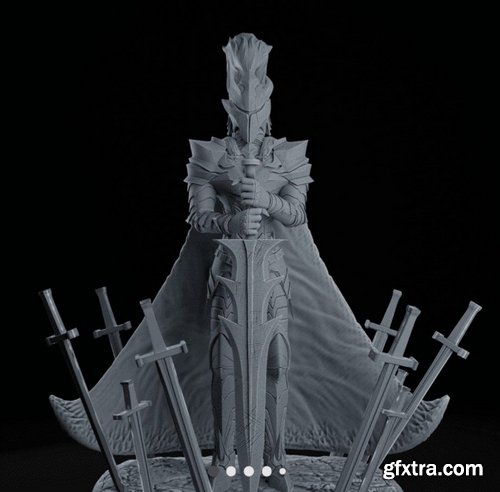
- Bring one of the most iconic shadow soldiers to your collection! This model is inspired by Igris, the Crimson Knight who first appears in Solo Leveling Season 1. With his imposing armor, commanding pose, and aura of silent power, he’s a must-have for fans of the manhwa and dark fantasy. The design has been carefully optimized for 3D printing and includes: Separated into multiple parts for easier painting and assembly, with precision-fit joints. Alternate version without cape, for those who prefer a cleaner silhouette or more freedom in customization. Hollowed version included to save resin while maintaining structural integrity and high detail. Sharp details on the armor, sword, and hidden face – perfect for dry brushing, washes, and advanced painting techniques. Ideal for display, dioramas, or as a centerpiece in your collection.

- Introducing the adorable Dobby sculpture! This 3D-printed version of the lovable house elf captures his innocence and heartwarming personality perfectly. With his little sock held high, Dobby stands proudly, showcasing his freedom. Whether you're a fan of Harry Potter or simply love charming, detailed collectibles, this piece is a must-have for any collection!
- The incredible detail in the design brings Dobby to life, with every wrinkle in his robes and expression on his face. This piece is perfect for displaying on a shelf, adding some magic to any room. If you’ve always wanted to bring a piece of the wizarding world into your home, this is your chance!
- Add some magic to your collection with Dobby today!



- This delightful figurine set captures the timeless charm of Tom and Jerry in a heartwarming moment of relaxation. Tom, the ever-determined cat, and Jerry, the clever mouse, share a rare peaceful moment as they lie together, content and resting. The sculpting beautifully highlights their playful relationship with incredible attention to detail, from Tom's relaxed posture to Jerry's mischievous grin.
- This adorable set brings a sense of nostalgia for fans of the classic cartoon, making it the perfect addition to any collection. Whether you're a lifelong fan of Tom and Jerry or simply appreciate well-crafted art pieces, this figurine is sure to bring joy and laughter into your home.
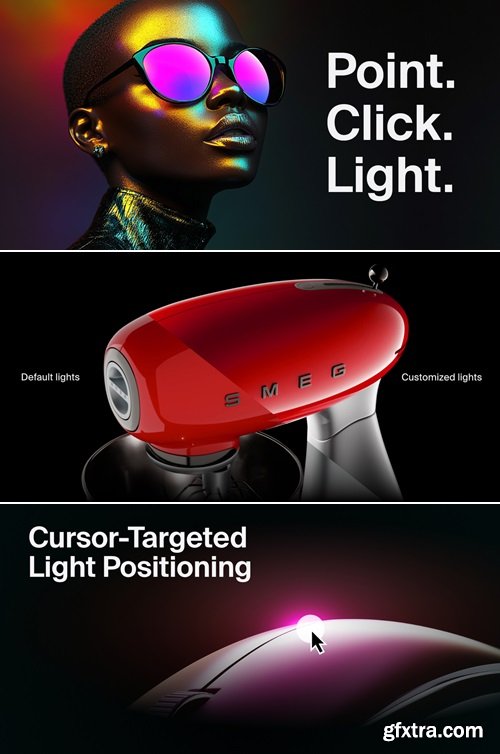
Intuitive Placement. Powerful Customization. Realistic Effects. Streamlined Automation. From HDRI to Gobo to IES. Light Wrangler is the ultimate lighting solution for Blender.
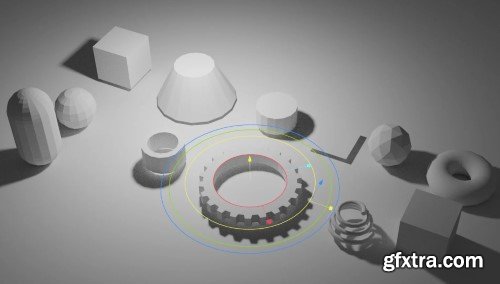
Modern Primitive v0.0.34 for Blender
Modern Primitive: Elevating Blender’s Foundational Modeling Tools
The Modern Primitive add-on for Blender reimagines the way artists interact with primitive shapes, transforming basic geometric forms into dynamic, customizable building blocks for 3D modeling. Designed to streamline workflows and enhance creativity, this toolset bridges the gap between simplicity and sophistication, offering parametric controls, advanced primitives, and a non-destructive workflow that adapts to both beginners and seasoned professionals. Whether crafting intricate hard-surface designs or prototyping architectural concepts, Modern Primitive empowers users to create with unprecedented flexibility.

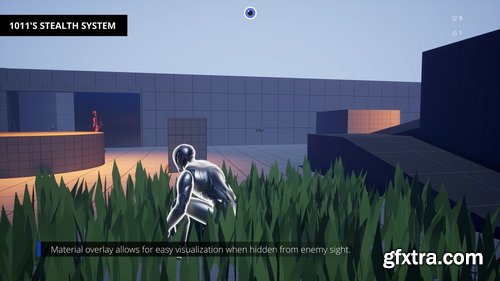
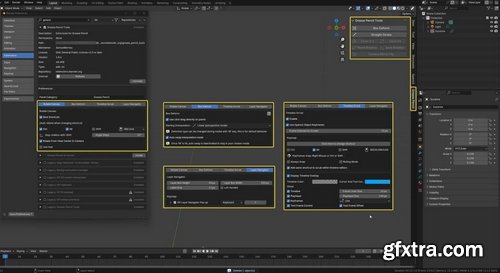
- Add-ons are mostly installed automatically in the program. In some cases, users download files from third-party profile resources and import them into the program. It all depends on whether the selected tool is in the Blender ecosystem.
- For automatic installation, you need to check for the add-on in the program. Go to the Edit tab — Settings — Add-ons. In the search bar, type the name of the add-on you are interested in. If the program has found it, just check the box next to the name — and the tool will be installed. To expand the search parameters, you can use the add-on sorting at the top of the window, selecting the Official, Community, and Testing options.

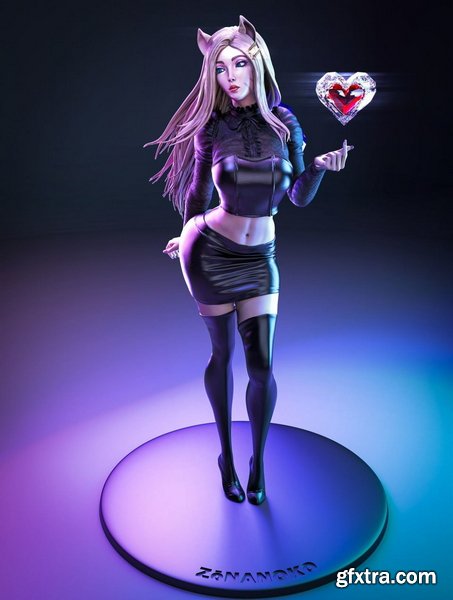



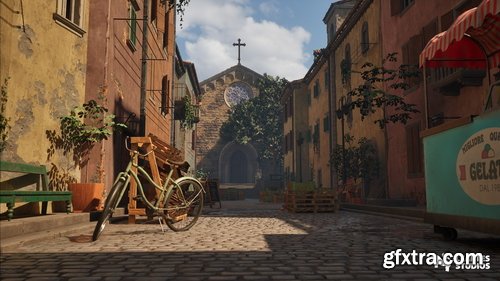
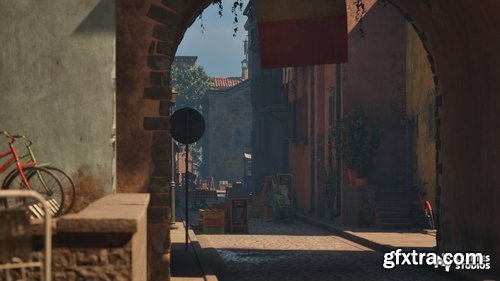
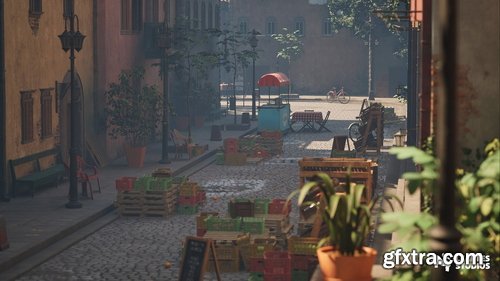
126,000 Royalty-Free 3D Model

Udemy Türkçe


Top Rated News
- CreativeLive Tutorial Collections
- Fasttracktutorials Course
- Chaos Cosmos Library
- MRMockup - Mockup Bundle
- Finding North Photography
- Sean Archer
- John Gress Photography
- Motion Science
- AwTeaches
- Learn Squared
- PhotoWhoa
- Houdini-Course
- Photigy
- August Dering Photography
- StudioGuti
- Creatoom
- Creature Art Teacher
- Creator Foundry
- Patreon Collections
- Udemy - Turkce
- BigFilms
- Jerry Ghionis
- ACIDBITE
- BigMediumSmall
- Globe Plants
- Unleashed Education
- The School of Photography
- Visual Education
- LeartesStudios - Cosmos
- Fxphd
- All Veer Fancy Collection!
- All OJO Images
- All ZZVe Vectors
- CGTrader 1 CGTrader 2



















