

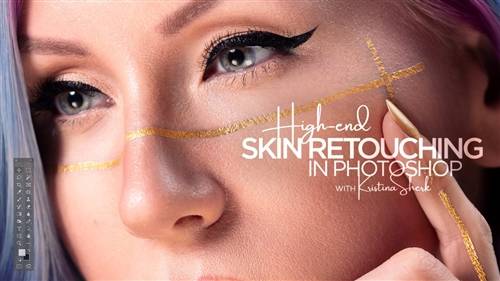
KelbyOne - High-End Skin Retouching in Photoshop
It is time for frequency separation 2.0! Join Kristina Sherk in a completely updated class on high-end skin retouching. A lot has changed in the 5 years since her original class came out, and Kristi has completely rebuilt her process from the ground up to utilize the new features and functions in Photoshop. Learn how you can get the same awesome results, using the latest tools, in much less time!


CreativeLive - Local Dodging and Burning for Beauty Retouching
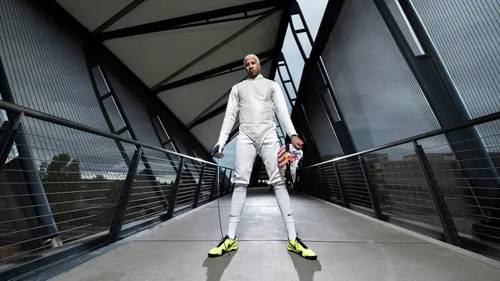
CreativeLive - Digital Sports Photography
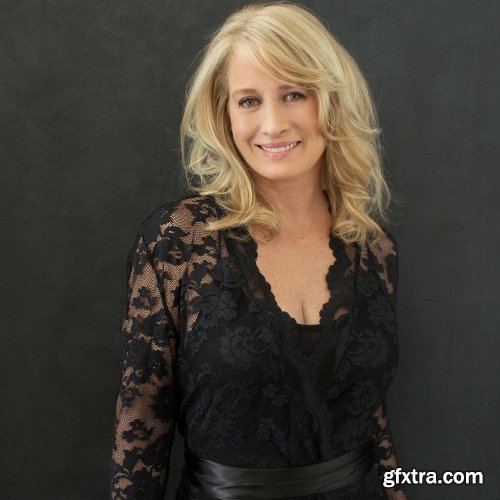
The Portrait System - DIY Hair
https://theportraitsystem.com/course/hair/
- Today is all about DIY hair! As we all know, hair is such an important part of a photoshoot. Not everyone has the means to hire a professional stylist, but you need your client’s hair to look great. That’s where DIY comes in to play.
- Sue walks us through her tried and true techniques for styling clients’ hair. Learn how to create boho, glamour, and set curls with various irons and brushes. Discover the biggest mistakes hair-dressers make, how to prep your client before the shoot, and which hair tool Sue would choose in her studio if she could only have one.
- So, if you have been wanting to offer your clients hair service for their shoots, or you just prefer to be able to control what their hair will look like, this DIY Hair course is a great course for you. These DIY hacks are a great tool for your toolbelt. It’s great to know what you’re doing in case you have a hair emergency while on set. So tune in and get ready to get glam!
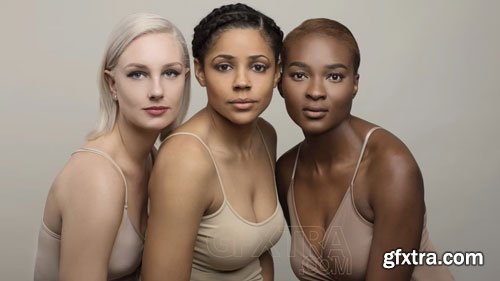
The Portrait System - Hair, Makeup, and Styling
https://theportraitsystem.com/course/hair-makeup-and-styling/
Working with Hair & Makeup, Working with Hair & Makeup: Bonus ,DIY Curls, DIY Hair, Wardrobe: Build / Style / Educate / Hack, Wardrobe Dresses

The Portrait System - Group and Family Posing with Michele Celentano
https://theportraitsystem.com/course/group-and-family-posing/
- Group posing can be difficult but Michele will take you through all the tips and tricks that have helped her become so successful. Everything from posing small groups of two, all the way to large groups of 12 or more! Michele will teach you to take control as you master her methods of shaping groups. These techniques work with people of all ages and sizes. Her ability to pose these families is astounding.
- So if family posing has been difficult for you to perfect in your photography business, you won’t want to miss this course. Learn all the techniques you will need to know in order to take on larger groups with ease so you can produce the best quality portraits for your clients. They will cherish these photos forever!
- Family is forever – and once you apply Michele’s principles to your family portraiture, your business will never be the same.
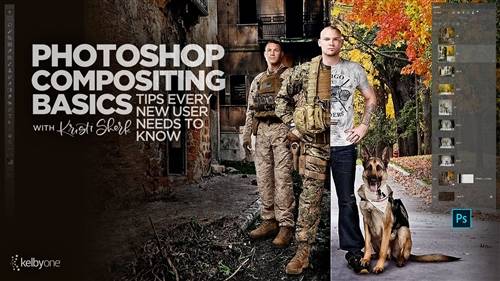
KelbyOne - Photoshop Compositing Basics: Tips Every New User Needs to Know
Join Kristi Sherk to learn the fundamentals of real world compositing. Every photographer will eventually be faced with situations that call for basic compositing skills to get the job done. In this class Kristi teaches you how to remove distractions by shooting with compositing in mind, merging facial expressions in group photos for the best looks, adding atmospheric elements to your photos, replacing ugly skies, and other creative compositing possibilities. If you’re looking to dip your toes into the world of compositing, or just wanting the skills to tackle real world compositing situations, then this is the class for you!

CreativeLive - Think Like a 10K Wedding Photographer
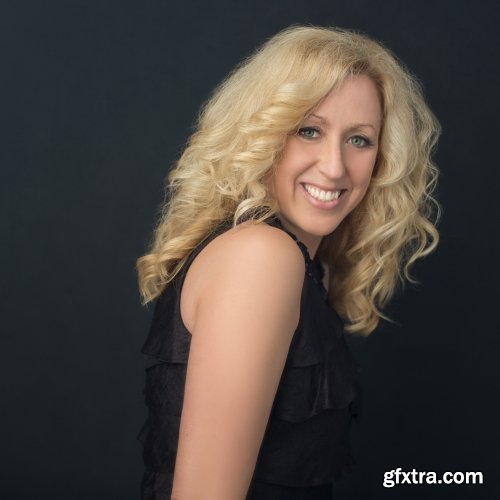
The Portrait System - Hearing NO in Sales
https://theportraitsystem.com/course/hearing-no-in-sales/
- Tammy Zurak left a corporate sales job to start a business as a glamour photographer – which is now thriving! Sue was blown away the first time she heard Tammy’s belief that if a potential client says, “No”, they just haven’t been properly convinced yet. Go through her selling process step by step and you’ll start believing that “No” really means “Not yet.”
- Providing a service means that it is never about you or what you’re getting. What could you do to help them?
- Same goes for when connecting with other businesses. “If I was them, what would I need?”
- Stop acting like this is out of people’s reach. When people want to pay for something, they will find a way to pay for it.
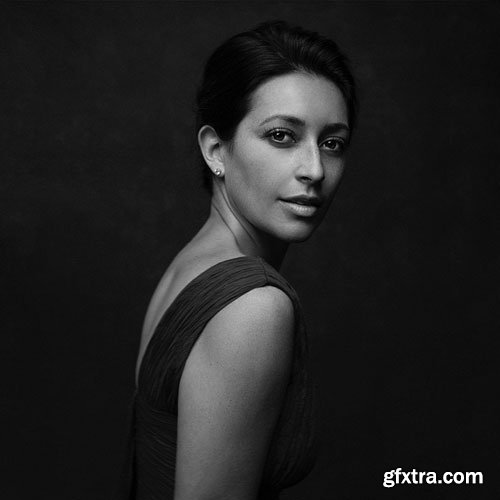
The Portrait System - Face Campaign
https://theportraitsystem.com/course/face-campaign/
- For many, many years I identified that one of my favorite subjects and greatest missions in life is to talk about transformation on all levels – physical, personal, spiritual, and in business.
- I have found ways to put this message into everything I do, like #50IsFabulous and #ExistInPhotos to name a few.
- In this video we are going to talk about finding our marketing campaign, a series of cohesive marketing images and words that communicate a strong purpose in us. Our marketing campaign helps us identify a reason and establish a connection to having a Portrait taken.
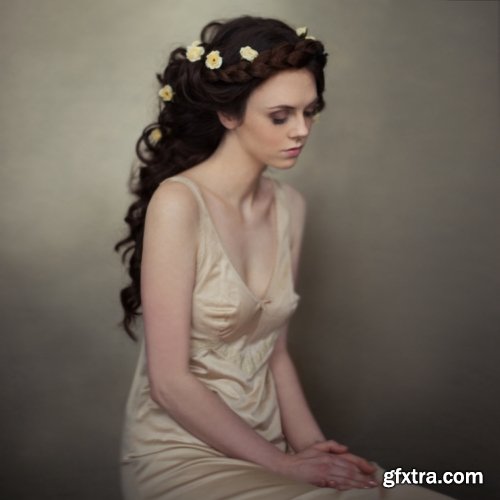
The Portrait System - Braids & Flowers
https://theportraitsystem.com/course/braids-flowers/
Learn how and where to buy and place artificial hair and fake flowers. Then, Sue shows you how to easily place them into your client’s hair. This knowledge helps create beautiful and emotional images for your clients. From tiny to large blooms, the power of bobby pins, and the accessibility of hairpieces, Sue will show you how a little bit of budget and craftiness will go a long way for your next shoot.

Peter Coulson Photography - Volley App!
https://inspire.peter-coulson.com.au/workshops/marketing/volley-app
- Volley is back!
- We are so excited to announce a new feature for our subscribers – Volley!
- This is a way for us to interact via the app, Volley. This is a free app to download with a a private Inspire chat only available to active subscribers via the download link above. Once you created an account, click the join link and jump into our chat, you can then ask Peter questions in video format which is much easier for him to communicate.
- There is no pressure to join but it is another added service we wanted to give you for being a part of Inspire.

Peter Coulson Photography - Tethered Shooting With The Leica
https://inspire.peter-coulson.com.au/workshops/photoshoots/tethered-shooting-with-the-leica
Peter has been loving shooting with his Leica, and has also changed his tune about Lightroom! He used to previously hate it as it changes your file to a DNG, but as the Leica files are already DNG, it is no longer a problem and he has found the Leica tethers perfectly to it. In this tutorial, he will show you his new Leica workflow for 3 different looks with Ana.

Peter Coulson Photography - Tahan
https://inspire.peter-coulson.com.au/workshops/photoshoots/tahan
These lighting tutorials are from a recent shoot with model Tahan Lew. Even though we only had a limited amount of time, Peter managed to achieve 4 different looks replicating other peoples lighting while still making it his own.
This is followed by a Raw Workflow and two retouching tutorials.

Peter Coulson Photography - Lindbergh Tent Lighting
https://inspire.peter-coulson.com.au/workshops/photoshoots/summer
This series of tutorials covers a full day photoshoot with Australian Art Nude Model Summer McInerney.
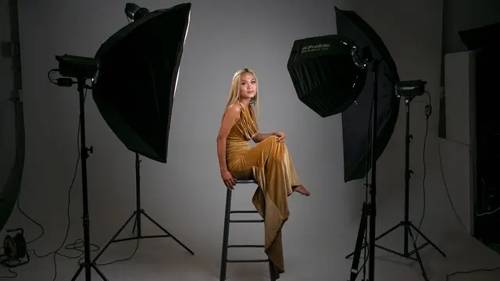
CreativeLive - Go-To Lighting Setups
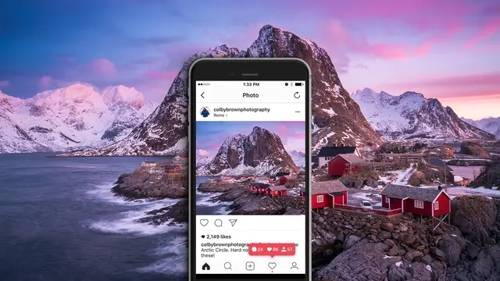
CreativeLive - Developing a Social Media Strategy for Photographers
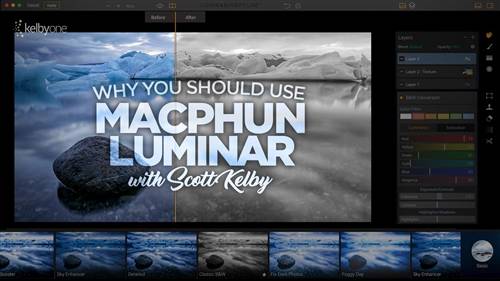
KelbyOne - How To Use Macphun's Luminar Plugin For Lightroom and Photoshop
Learn how to add Luminar to your Lightroom and Photoshop workflow! Join Scott Kelby as he introduces you to exactly how he uses Luminar. Macphun’s Luminar is a plugin for Lightroom and Photoshop, as well as being a standalone image editor, which means there are lot’s of ways you can add this tool to your existing workflow. You can think of Luminar as special effects plug-in that can be used for creating quick looks, finishing touches, or even serving as a substitute for Photoshop if you are a Lightroom-only user. Luminar is currently a Mac-only product, but a Windows version is scheduled to be released soon. In this class Scott shows you how to access Luminar, gets you oriented to its interface, and then shows you how he uses its filters, presets, and features to give his images that extra finishing touch through several start to finish projects.
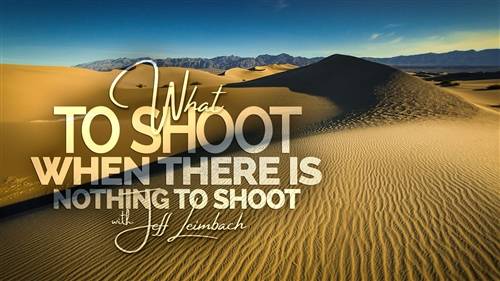
KelbyOne - What to Shoot When There is Nothing to Shoot
We’ve all had those days when you’re racking your brain for something to photograph. Join Jeff Leimbach for a class packed with inspiration for new ideas, places, and times to create photos! It’s always a good idea to have some additional photographic ideas in your back pocket for those occasions when your original plans just don’t work out. No matter where you are, the time of day, or the type of weather, there’s always something to shoot if you are creative. By the end of the class you’ll be motivated to grab your camera, get out there, and make some photo magic.

KelbyOne - Travel Photography - Post Processing
On the heels of part 1, Shooting Travel Photos Like a Pro, Scott Kelby puts down the camera and teaches you how to bring your travel photos into Lightroom, get them organized, and process everything from the most basic shot and stitching multi-frame panoramas, to blending HDR while moving seamlessly between Lightroom and Photoshop. When the processing is complete you'll learn how to make slideshows and photo books that your friends and family will absolutely love.
This class is perfect for any photographer needing to learn or brush up on post processing.
This class is perfect for any photographer needing to learn or brush up on post processing.
KelbyOne - Scott Kelby's 2016 'Simplified Lightroom Image Management' (SLIM) System
Have you ever wished you could start your Lightroom catalog over from scratch and do it right? If you have, or if you are just starting to use Lightroom for this first time, then this class is for you. Join Scott Kelby as he walks you through his simplified Lightroom image management system (SLIM) that keeps his drive organized, his workflow simple, and his piece of mind intact. This is a class you’re going to want to watch in its entirety before you take action, but it may be just the thing you need to rethink how to use Lightroom from the ground up and see things in a new light. There’s a Q&A session with the live studio audience at the end to expand your understanding even further.

KelbyOne - Travel Photography: Making Portraits of the Locals
Learn how to take better portraits of the locals when you are traveling! Join Scott Kelby and Rick Sammon as they teach you a progression of techniques that you can use to make your travel photos come alive by including people in the scenes you capture. Scott and Rick start the class with a discussion of their favorite gear, and then jump right into giving you the tools you need to come back home with photos you are proud of and really show the culture of the location you visited. In this class you’ll learn about approaches for candid (and semi-candid) portraits, photographing the vendors and staff you interact with, getting the locals to pose, paying locals, hiring models, and so much more! Watch this class and decide to take these few extra steps on your next travel adventure and you’re sure to see an immediate change in your photography!

CreativeLive - Photoshop Power Tips and Tricks
CreativeLive - Photoshop Brushes for Beginners
126,000 Royalty-Free 3D Model

Udemy Türkçe


Top Rated News
- CreativeLive Tutorial Collections
- Fasttracktutorials Course
- Chaos Cosmos Library
- MRMockup - Mockup Bundle
- Finding North Photography
- Sean Archer
- John Gress Photography
- Motion Science
- AwTeaches
- Learn Squared
- PhotoWhoa
- Houdini-Course
- Photigy
- August Dering Photography
- StudioGuti
- Creatoom
- Creature Art Teacher
- Creator Foundry
- Patreon Collections
- Udemy - Turkce
- BigFilms
- Jerry Ghionis
- ACIDBITE
- BigMediumSmall
- Globe Plants
- Unleashed Education
- The School of Photography
- Visual Education
- LeartesStudios - Cosmos
- Fxphd
- All Veer Fancy Collection!
- All OJO Images
- All ZZVe Vectors
- CGTrader 1 CGTrader 2



















