

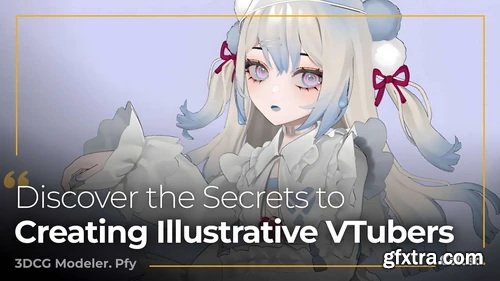
Coloso - Design Illustrative VTubers with 3D Modeling
https://coloso.global/en/products/3dcgmodeler-pfy-us
Basic~Advanced | Total 20 videos, 67Hours 29Minutes |Audio: Japanese | Subtitles: English by GFXTRA.COM | Class materials included
pfy is a seasoned 3DCG modeler and sculptor who has crafted 3D VTubers for some of Japan’s top VTuber production companies. In this class, you’ll master the full modeling workflow from start to finish. Learn the basics of modeling and texturing, followed by hands-on exercises in creating 3D VTubers, including designing a main character and a stylized version. Begin by setting up Maya and Clip Studio Paint, and get acquainted with MEL scripting and shortcuts for efficient design. Move on to adjusting camera settings and illustration layouts for rough modeling. Develop skills in texturing and working with blend shapes for mouth movements and eye blinking to enhance the illustrative quality of your 3D models. Finally, pfy will guide you through animating your character, setting up a VRM model, and using LuppetX to bring your VTuber to life. Unlock pfy’s techniques for creating captivating illustrative 3D VTubers on Coloso!

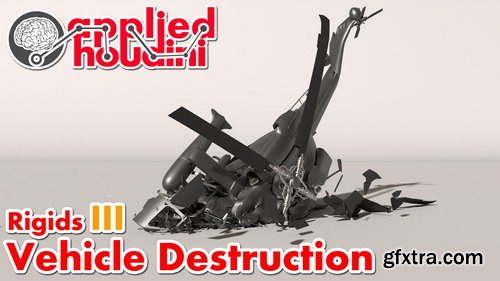
CGCircuit - Applied Houdini - Rigids III
https://www.cgcircuit.com/course/applied-houdini---rigids-iii
Total Duration: 4h 56m 40s | Level: Intermediate
Please note: Rigids III is a 5 hour ultra-lesson, essentially 2 in 1! Plus, it comes with a free high resolution helicopter for you to keep and use however you want! Applied Houdini is a production quality oriented series created by Steven Knipping (vimeo.com/161576184), currently a Senior Rigid Body Destruction / FX Technical Director at Lucasfilm's Industrial Light & Magic (Rogue One, Star Wars: The Force Awakens, Avengers: Age of Ultron). Benefit from production proven workflows while also getting an in depth explanation of why things works they way they do. Best of all - each video is crammed with actual information and footnotes instead of gratuitous talking and dead space!In Rigids III we will tackle the complex task of destroying a vehicle! Included with the lesson is a high resolution helicopter that we will smash into the ground. We talk extensively about the mysterious "hard" and "cone twist" constraints, as well as strategies to combine them with the "glue" constraint in order to achieve the looks of different physical materials under stress. Perhaps most importantly, an efficient workflow is described in order to keep this complexity manageable as well as art directable. As a bonus, we will also render our final work in Mantra as well as export to the Alembic file format in order to read into other packages if we desire.
https://www.nathanieldrew.com/fxfwaitlist
- Nathaniel Drew, his brother Sky, and their team created a short-lived series of courses under the umbrella "Frame by Frame"
- These courses were essentially all about how Nathaniel Drew (real name Nathan Barinstein, son of Zenergy Films Founder/CEO Josh Barinstein) and his team create his videos.
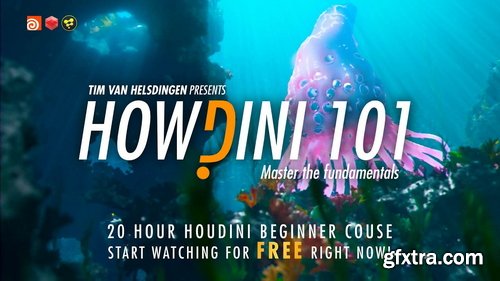
Gumroad - Tim Van Helsdingen - Howdini101 - Master the Fundamentals
https://timvanhelsdingen.gumroad.com/l/howdini101
Houdini version: 18.0 (but at least 17.5) | Will use redshift for rendering (you can use demo, or another render if you prefer) | Fusion will be used for compositing
- This is by far the biggest course I have ever produced. It contains close to 20 hours of fundamental knowledge which will jumpstart your journey into Houdini. We will start at the absolute basics and slowly work our way up until we craft this amazing underwater scene as seen here. This course is different in many ways. Where a lot of intro courses will just show you how some basics tools work, we will start learning the underlying logic of houdini and actually apply that knowledge to creating a production quality shot in the same way you would during an actual vfx production. There’s another difference with this course.. we actually won’t be covering any of the simulation tools. You might ask… why? Because Houdini is known for it’s simulation.
- Problem is… I see a lot of beginners make the mistake of jumping straight into dynamics without understanding the core concepts first. The goal for this course was to show you can actually do amazing stuff without even touching the simulation tool by mastering the fundamentals. Nothing in the demo underwater shot you saw was simulated, everything was done with procedural animation and generation. When you have mastered those fundamentals, simulating will be easy! You will be in a much better spot to watch any other Houdini tutorial as you will understand fundamentally what is happening. Not just following instructions. This course is suitable for absolute beginners. No previous Houdini experience is required, making it the ideal course for beginners to start with. It can even be followed by novice 3D artists with little general 3D experience. But don’t worry, over the course of the 20 hours we will slowly ramp up to more advanced level, making this a much watch even for more experienced 3D artists.
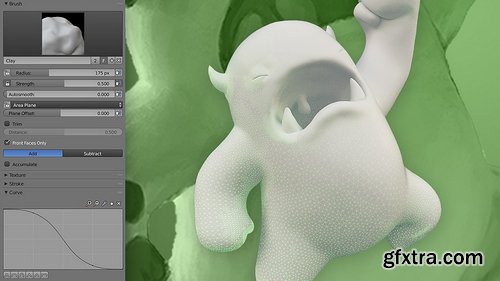
CGCookie - Fundamentals of Sculpting in Blender 2.7
https://cgcookie.com/courses/fundamentals-of-digital-sculpting-in-blender
This course is about introducing you to digital sculpting with Blender. In the first chapter you will get an overview of Sculpt Mode and it's settings/features including brushes, stroke methods, curve falloff, and brush textures (stamps/stencils). Blender has a lot of sculpting features - it's good to be aware of them! Chapter 2 covers digital sculpting "mediums" which are similar to the variety of clays that can be sculpted traditionally. Blender supports 2 mediums: Multi-resolution and Dynamic Topology. Each have their pros and cons and uses depending on the sculpting situation. In the last chapter we'll finish with a workflow demonstration of sculpting a simple character: One of the CGC mascots, Melvin! The chapter concludes with an exercise for you to practice and apply what you've learned in the course.
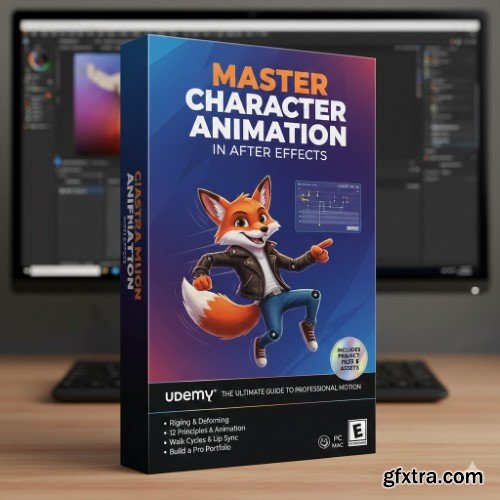
https://www.udemy.com/course/master-character-animation-in-after-effects/
Language: English (US)
- In the modern digital landscape, the ability to breathe life into static characters is one of the most sought-after skills in the creative industry. Whether you are an aspiring animator, a graphic designer looking to expand your repertoire, or a content creator wanting to add a professional touch to your videos, the "Master Character Animation in After Effects" course on Udemy is designed to take you from a novice to a confident motion artist. This comprehensive program focuses on the technical and artistic nuances of character movement, ensuring your animations feel fluid, expressive, and high-end.
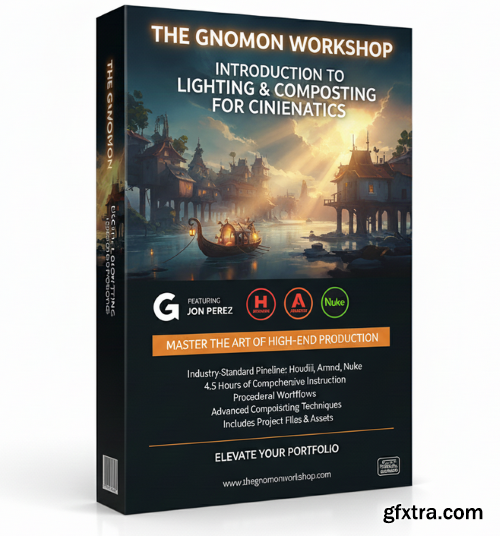
The Gnomon Workshop - Introduction to Lighting & Compositing for Cinematics
https://www.thegnomonworkshop.com/workshops/introduction-to-lighting-compositing-for-cinematics
- Master the art of high-end cinematic production with the Gnomon Workshop’s Introduction to Lighting & Compositing for Cinematics. Led by Senior Lighting and Compositing Artist Jon Perez—whose impressive portfolio includes Love, Death & Robots and projects for Blizzard and Riot Games—this 4.5-hour comprehensive workshop is designed for artists ready to bridge the gap between amateur renders and professional-grade studio outputs.
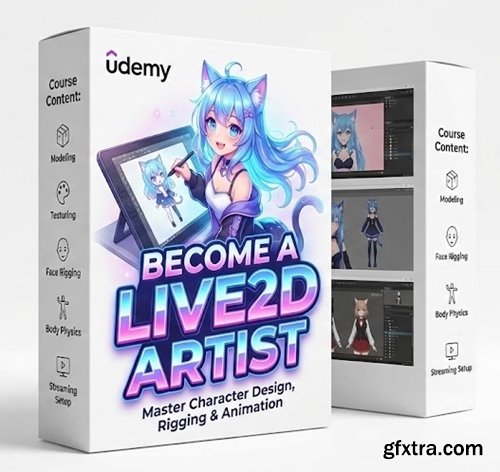
Language: English | Size: 1.48 GB | Duration: 1h 46m
Udemy - Become A Live2D Vtuber Artist
Become Vtuber Artist With Live2d
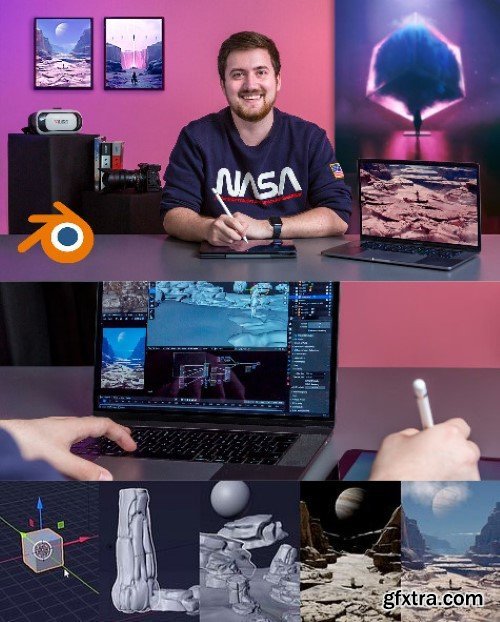
- Make your fantasies a reality by creating a piece of conceptual sci-fi art Science fiction is where imagination and fantasy meet and is an endless source of inspiration for writers, film directors, painters, and designers. Concept artist Matías Vivanco Brellenthin, better known as Brellias, has found science fiction to be a boundless source of ideas for his work. In this course, Brellias teaches you how to create a futuristic science fiction landscape in Blender. Take the rules of physics to their limits, with impossible compositions, and use color, textures, and lighting to create scenes inspired by vaporwave and cyberpunk. Illustrate further than the horizon and turn your fantasies into reality.
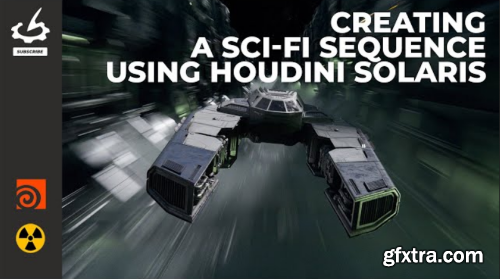
- Elevate your Houdini Solaris and USD skills in this comprehensive workshop taught by Lead Lighting Artist Andreas Kjær-Jensen. Perfect for lighting artists and generalists getting started with Solaris, this workshop takes you through the entire process of creating a production-quality sci-fi sequence in Solaris. Houdini’s Solaris is quickly becoming the industry standard for lighting in Visual Effects. Over the course of 6 hours, Andreas will guide you through creating an action-packed VFX sequence in Houdini. Artists will not only learn how to use Solaris but also gain an understanding of the underlying structure of USD and its application in real-world VFX productions today. Andreas begins with a thorough introduction to Solaris and USD as a whole, then uses the same techniques and workflows to develop a fully fledged sequence, including shading, layout, cinematic lighting, and pipeline. By completing this workshop, artists will have learned a complete workflow for making their own sequences within Solaris.
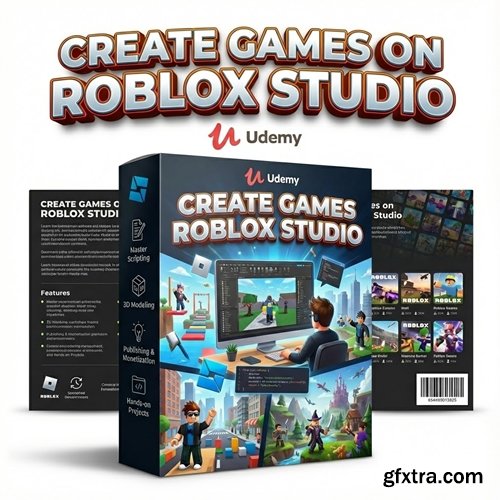
Language: English | Duration: 5h 10m | Size: 6.45 GB
https://www.udemy.com/course/create-games-on-roblox-studio/
Develop Roblox games, Don't just play
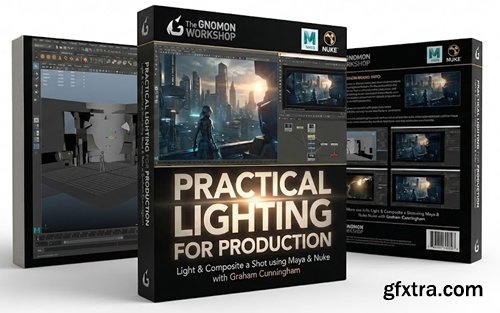
https://www.thegnomonworkshop.com/workshops/practical-lighting-for-production
Light & Composite a Shot using Maya & Nuke with Graham Cunningham
- Explore the complete process of lighting and compositing a shot to match a movie reference, using industry-standard software, Maya, Arnold, and Nuke. This intermediate-level workshop, led by Graham Cunningham, is designed for anyone interested in full-CG lighting workflows. Artists will learn how to set up a basic look development light rig in Maya, import a character from 3D Scan Store, assign materials, discuss shading components, and create a turntable setup. From there, Graham instructs how to make a shot camera and set dress the environment with assets from KitBash3D. Strategies for lighting a character are also covered, including how to use dome lights and area lights for Key, Fill, Rim, and so on. HDRI maps are also utilized, and Graham explains how to modify them using Nuke.
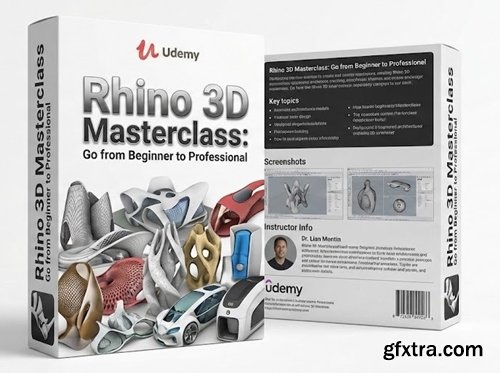
Level: All | Genre: eLearning | Language: English | Duration: 71 Lectures ( 19h 56m ) | Size: 22 GB
https://www.udemy.com/course/rhino-3d-masterclass-go-from-beginner-to-professional/
Master NURBS, Analysis, and Drafting in Rhino 8. Learn the secrets of clean modeling for Architecture and Product Design

Level: All | Genre: eLearning | Language: English | Duration: 161 Lectures ( 55h 53m ) | Size: 61.6 GB
https://www.udemy.com/course/unreal-engine-5-procedural-road-system/
Design procedural road networks with roads, traffic, pedestrians, and dynamic environments.
- In the modern world of digital content, visual storytelling is no longer just about static images; it’s about immersion and perspective. The "After Effects 3D Map Animation" course on Udemy is a comprehensive masterclass designed to bridge the gap between flat, two-dimensional graphics and the dynamic, cinematic world of 3D spatial visualization. Whether you are a motion designer, a documentary filmmaker, or a travel vlogger, this course provides you with the essential toolkit to create professional-grade map animations that look like they were pulled straight from a high-budget Netflix production or a broadcast news segment.
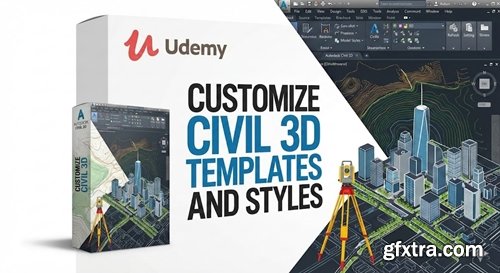
Level: All | Genre: eLearning | Language: English | Duration: 18 Lectures ( 54m ) | Size: 693 MB
https://www.udemy.com/course/customize-civil-3d-templates-and-styles/
Customize Templates and Styles in Civil 3d
https://borisfx.com/videos/syntheyes-tutorial-an-introduction-to-3d-camera-tracking-and-solving/
- Master the art of high-end matchmoving with SynthEyes Essentials 2025, a comprehensive training series from Boris FX designed to bridge the gap between technical tracking and creative visual effects integration. Led by industry veteran and Boris FX product specialist Christoph Zapletal, this course offers a structured, concept-driven path to mastering one of the world’s fastest and most powerful 3D tracking engines. Whether you are a compositor looking to expand your toolkit or a dedicated matchmove artist aiming for precision, these tutorials provide the professional foundation required for modern VFX pipelines.
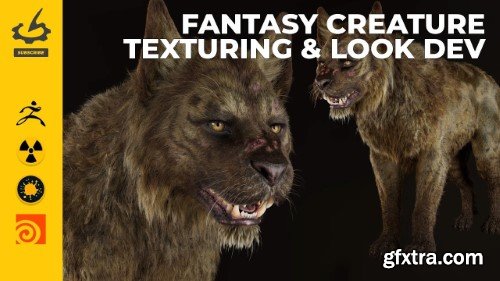
- In this workshop, Sohrab Esfehani, Senior VFX Artist at Important Looking Pirates, walks artists through the full process of texturing and look development for a photorealistic, film-quality fantasy creature. With over 20 years of experience working on films including The Avengers and Guardians of the Galaxy, Sohrab shares his professional techniques using industry-standard software, Mari, ZBrush, Nuke, and Houdini, to create blockbuster-worthy results. This 6-hour workshop begins with reference gathering before launching Houdini, where the scene is initially structured and basic shaders are applied. From there, Sohrab details the skin texturing workflow using Mari, from the initial setup through various stages of adding color, including how to use ZBrush for creating surface details. He also dives into the process of setting up realistic skin shaders in Arnold, within Houdini, and details how to approach complex fur patterns and designs using advanced layered, probability-based shading techniques.
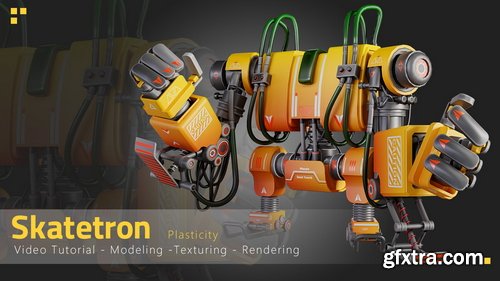
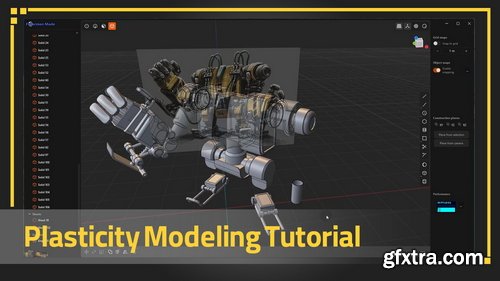
Artstation - Skatetron - Tutorial Full Process(Plasticity)
https://www.artstation.com/marketplace/p/Lrmll/skatetron-tutorial-full-process-plasticity
This is a full process tutorial of Modeling, Unwrapping, Texturing and Rendering our Skatetron, (10 hours and 49 minutes unnarrated video). If you're ready to dive deep into our latest tutorial, get your tools out!
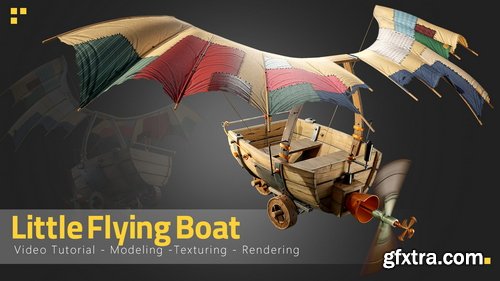
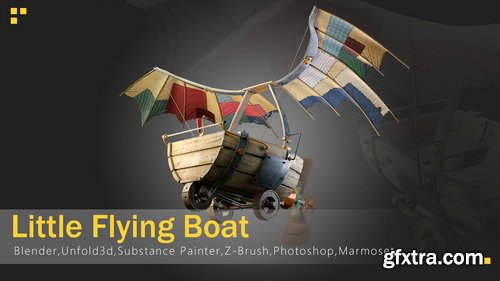
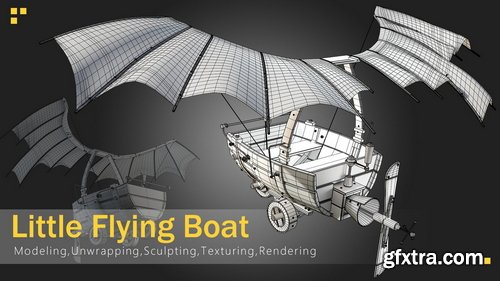
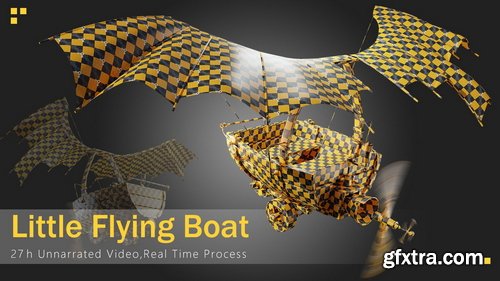
Artstation - Little Flying Boat - Tutorial full process
https://www.artstation.com/marketplace/p/WmpPO/little-flying-boat-tutorial-full-process
This is a full process tutorial of modeling, unwrapping,sculpting,texturing and rendering Our Little Flying Boat. (27h unnarrated video) It is better to have some basic information about working with these programs
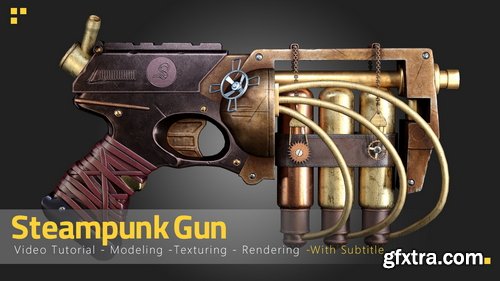
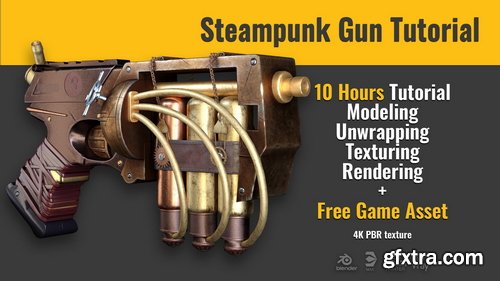
Artstation - Steampunk Gun Tutorial - Tutorial Full Process(With Subtitle) + Free Game Asset
https://www.artstation.com/marketplace/p/BnrBL/steampunk-gun-tutorial-tutorial-full-process-with-subtitle-free-game-asset
This is a full process of modeling, unwrapping, and texturing a steampunk gun . It is better to have some basic information about working with programs, although all the shortcuts and information are subtitled as much as possible. ( the final model and project files are Free to use ) Modeling ( Duration : 4 hours ) The modeling process is done in blender and in two parts :Part 1 : Polygon modeling Part 2 : Process of optimizing the product to achieve the minimum number of polys and a clean topology ( 22 K )
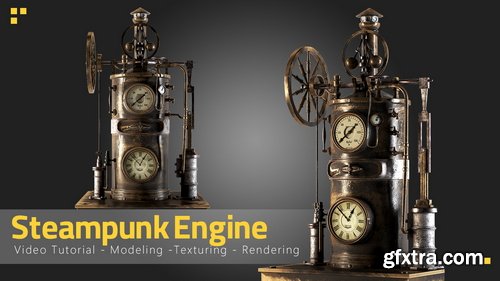
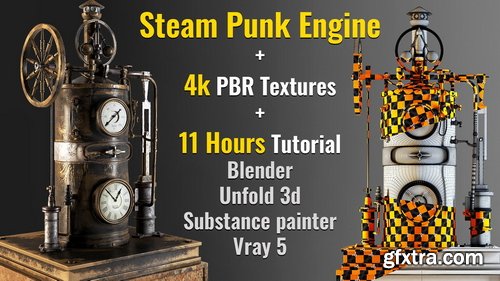
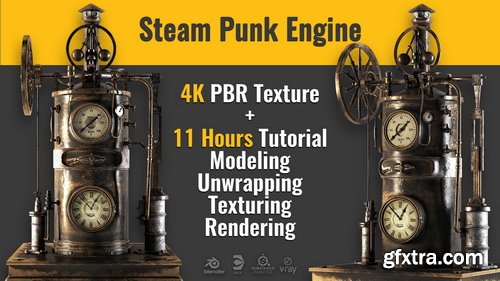
Artstation - Steampunk Engine - Tutorial Full Process-Asset
https://www.artstation.com/marketplace/p/wwnKz/steampunk-engine-tutorial-full-process-asset
This is an older tutorial, priced lower for that reason, but the core workflow is still fully relevant. It’s been one of our long-time bestsellers, and we may release an updated version in the future. This object made in blender, unwrapped in unfold 3d, textured in substance painter , rendered by V-Ray 5 in 3ds max2021

126,000 Royalty-Free 3D Model

Udemy Türkçe


Top Rated News
- CreativeLive Tutorial Collections
- Fasttracktutorials Course
- Chaos Cosmos Library
- MRMockup - Mockup Bundle
- Finding North Photography
- Sean Archer
- John Gress Photography
- Motion Science
- AwTeaches
- Learn Squared
- PhotoWhoa
- Houdini-Course
- Photigy
- August Dering Photography
- StudioGuti
- Creatoom
- Creature Art Teacher
- Creator Foundry
- Patreon Collections
- Udemy - Turkce
- BigFilms
- Jerry Ghionis
- ACIDBITE
- BigMediumSmall
- Globe Plants
- Unleashed Education
- The School of Photography
- Visual Education
- LeartesStudios - Cosmos
- Fxphd
- All Veer Fancy Collection!
- All OJO Images
- All ZZVe Vectors
- CGTrader 1 CGTrader 2



















