

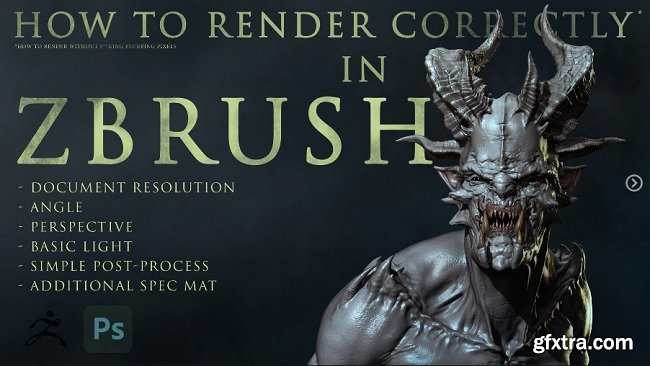
Artstation – How to render correctly in ZBRUSH
https://www.artstation.com/marketplace/p/yblV/how-to-render-correctly-in-zbrush-rus-eng I decided to record a mini-tutorial about a very basic, but a very important thing – How you can make screenshots or render in Zbrush in high quality.
The tutorial is in Russian (audio) + It has English subtitles (.srt file) But anyway during the video a lot of tooltips and it’s pretty clear to understand just if you see what am I doing. I position this tutorial as information for beginners, but I think that this knowledge will help a lot of artists. You will learn: 1 simple way to speed up BPR render How to change the resolution of render and get your screens in 3k or more How to remember the angle of the model Work with the perspective of the camera Basic lightning setting 2 presets for BPR Shadow settings ZbrushToPhotoshop plugin pipeline with an explanation of 6 most needed passes How to adjust passes in Photoshop Very basic tools and hotkeys in Photoshop (masks\levels\brightness&conrast\hue&saturation\photo-philters\gradients\overlay modes\cropping) How to make a fake SSS How to add a cool specular for skin or wet places with the help of Additional material settings Work with background You’ll get:



126,000 Royalty-Free 3D Model

Udemy Türkçe


Top Rated News
- CreativeLive Tutorial Collections
- Fasttracktutorials Course
- Chaos Cosmos Library
- MRMockup - Mockup Bundle
- Finding North Photography
- Sean Archer
- John Gress Photography
- Motion Science
- AwTeaches
- Learn Squared
- PhotoWhoa
- Houdini-Course
- Photigy
- August Dering Photography
- StudioGuti
- Creatoom
- Creature Art Teacher
- Creator Foundry
- Patreon Collections
- Udemy - Turkce
- BigFilms
- Jerry Ghionis
- ACIDBITE
- BigMediumSmall
- Globe Plants
- Unleashed Education
- The School of Photography
- Visual Education
- LeartesStudios - Cosmos
- Fxphd
- All Veer Fancy Collection!
- All OJO Images
- All ZZVe Vectors
- CGTrader 1 CGTrader 2



















