

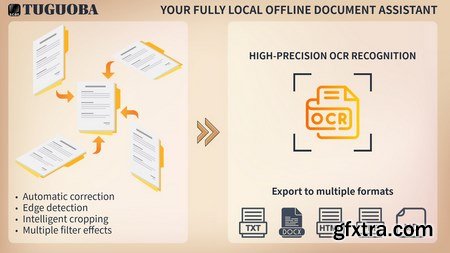
With Document Scanner, users can freely scan any type of documents, and convert receipts, invoices, cards, magazines, etc. into professionally scanned documents. Create your digital products
Windows 10 N system requirement:
Open the Start button > Settings > Apps > Apps & features > Optional features > Add a feature > install Media Feature Pack > Reboot
Features
1. Automatic, high-quality document edge detection and perspective correction.
2. Manually change the scan area.
3. Batch file processing.
4. Manually sort pages.
5. Multiple filtering effects.
6. No watermark output.
7. No data collection.
8. No registration required to access.
9. Easy to operate and easy to manage.
10. Support edit
System Requirements
- OS: Windows 10 version 17763.0 or higher
- Memory: 8 GB (Minimum), 16 GB (Recommended)
- Processor: Intel Core i7-10th Gen / AMD Ryzen 7 4000 (Minimum), Intel Core i9-12th Gen / AMD Ryzen 9 5900X (Recommended)
Home Page - https://tuguoba.com/scanner


NeoSkola Bütün Kursları

Udemy Türkçe


Top Rated News
- TheBoudoirDivas All Tutorial
- 126,000 Royalty-Free 3D Models
- CreativeLive Tutorial Collections
- Fasttracktutorials Course
- Chaos Cosmos Library
- MRMockup - Mockup Bundle
- Finding North Photography
- Sean Archer
- John Gress Photography
- Motion Science
- AwTeaches
- Learn Squared
- PhotoWhoa
- Houdini-Course
- Photigy
- August Dering Photography
- StudioGuti
- Creatoom
- Creature Art Teacher
- Creator Foundry
- Patreon Collections
- Udemy - Turkce
- BigFilms
- Jerry Ghionis
- ACIDBITE
- BigMediumSmall
- Globe Plants
- Unleashed Education
- The School of Photography
- Visual Education
- LeartesStudios - Cosmos
- Fxphd
- All Veer Fancy Collection!
- All OJO Images
- All ZZVe Vectors
- CGTrader 1 CGTrader 2



















