


https://www.artstation.com/marketplace/p/wdyB/robot-easylut-100-bundle-luts
- Transform raw footage into cinematic future-worlds with the Robot Easylut 100 Bundle — a powerhouse collection of 100 professionally crafted LUTs (Look-Up Tables) designed for Blender, Unreal Engine, DaVinci Resolve, and Adobe Suite. Created for artists craving the gritty neon-drenched aesthetics of Blade Runner, Cyberpunk 2077, or Alien, this bundle delivers instant atmosphere without tedious manual grading.

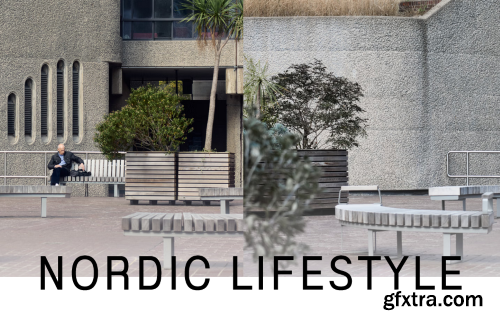
- Includes 2 bright and modern Styles, with 3 contrast variations. Recommended for architectural, food, and still life photography. Capture the calm clarity of Nordic moments. This Style brightens natural light, lifts shadows, and adds a subtle glow—perfect for creating clean, modern, and effortlessly stylish images that echo the tranquility of Scandinavian living.
PSOFT Pencil+ RenderApp: Elevate Your 3D Art with Stylized Precision
- In the dynamic realm of 3D design and animation, the demand for captivating non-photorealistic rendering (NPR) continues to surge, driven by industries like anime, gaming, and advertising. PSOFT’s Pencil+ RenderApp emerges as a dedicated solution, empowering artists to transform 3D models into striking cel-shaded illustrations, intricate line art, and hand-drawn masterpieces with unmatched efficiency. Designed for both seasoned professionals and aspiring creators, this standalone rendering tool bridges the gap between technical complexity and artistic vision, offering a streamlined workflow to achieve anime-inspired visuals, comic book aesthetics, or any stylized project.
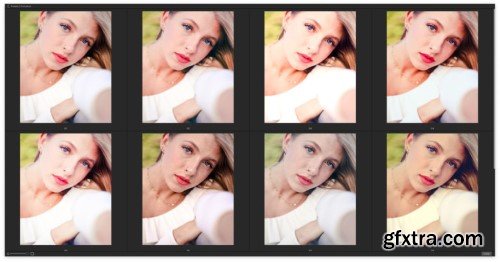
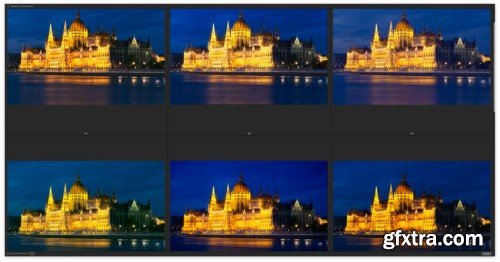
- The ON1 Photo RAW 100 Pack of Presets and LUTs brings the hottest trends and styles right to your photos. With 70 new handcrafted LUTs and 30 all-new presets, it’s never been easier to bring creative flair onto your images. Some of the LUT packs include trending looks for your travel and blog photos while others incorporate mood and rich color tones into your urban scenes. The Presets will apply stunning style onto your images while helping you discover new uses for some of the filters inside of Effects.
https://maxpacks.com/paperpack
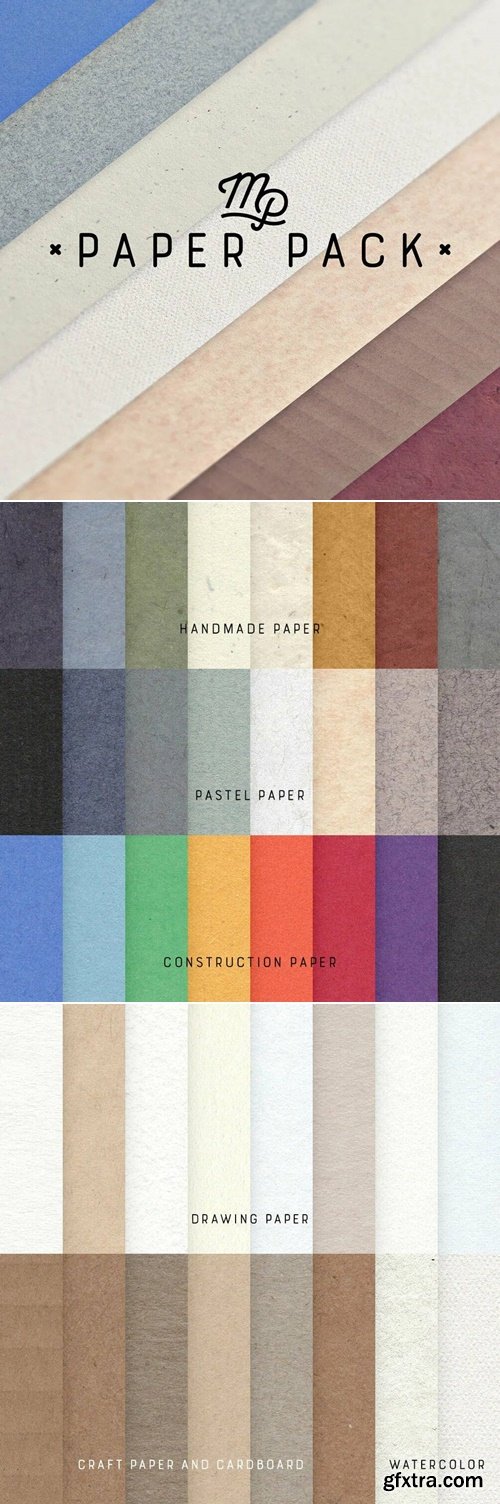
- Take your digital art to the next level by effortlessly adding warm, realistic paper textures. People won’t be able to tell if your piece is digital or traditional!
- This diverse pack of 58 papers is the perfect complement to your MaxPacks collection. All textures are royalty free high resolution print-ready scans of premium art paper. Toned pastel papers are a staple of plein air gouache landscape studies, sensitive pastel still lives, and charcoal figure studies. Or maybe you want nice clean drawing papers or newsprint for your delicate pencil drawings to add a bit more realism. If it’s sophisticated watercolor paper you’re looking for, the fan favorite Watercolor MaxPack papers are included here as well. Perhaps your piece calls for a collage effect, this set of papers has you covered with all of your familiar favorites including playful construction paper and rough cardboards. You could even do some virtual scrapbooking, decorative lettering, or greeting cards on the delicate textures in this pack. And if you need a custom color there are three overlay textures to help you make the exact texture you you’re looking for.
- The best part is, these beautiful high quality paper textures are compatible with the software of your choice.
- Great brushes deserve great paper.
https://fatimamandouh.gumroad.com/l/gsobxf
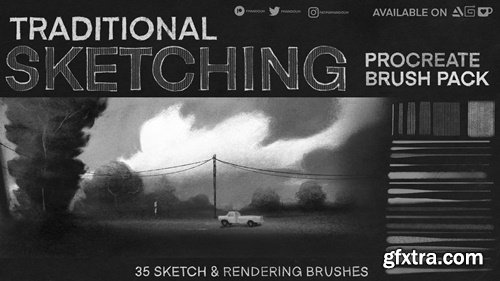
- I’m really excited to finally share my procreate sketching brushes! Took quite a while for me to make these, customizing them, editing, testing etc. until I found what I personally love and look for in a great traditional piece.
- I created these brushes to mimic the tools and techniques I like to use in my traditional sketchbook drawings.
- Lots of graphite, charcoal, lines and smudging.
- These beginner friendly brushes are great for visual development, value painting and drawing, quick sketches and thumbnails, great in black and white or color!
- I think they are very versatile so the more you play around with them and experiment with size/opacity or the brush setting the more you’ll find a good drawing rhythm.
- My personal favorites are the chaotic textures, i think they work great as a value painting tool as well as a great smudging tool!
https://www.etsy.com/au/listing/1587485885/premium-sony-s-log-luts-collection
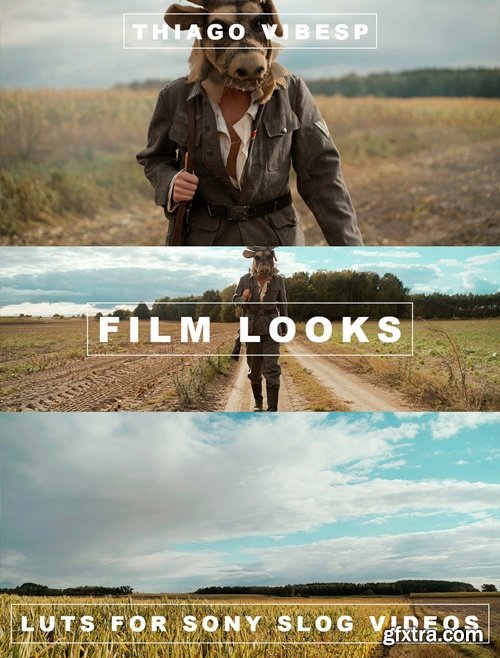
- Unlock Cinematic Brilliance with Our Exclusive Sony SLog Presets for Adobe Premiere Pro
- Transform your footage into cinematic artistry with our meticulously crafted SLog presets for Adobe Premiere Pro. Designed specifically for filmmakers and content creators who demand excellence, these presets are your secret weapon to unlocking the full potential of your Sony camera’s SLog capabilities.
https://www.motionvfx.com/store,mmusic-video-dvr,p3727.html
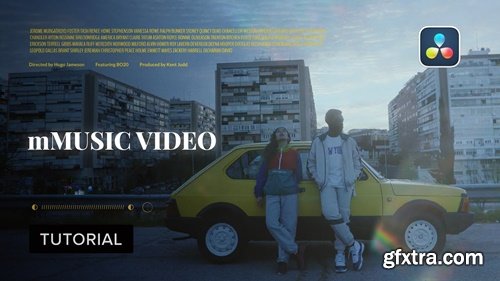
Get the know-how to improve your music videos and share your passion!
https://mononodes.com/get-out/
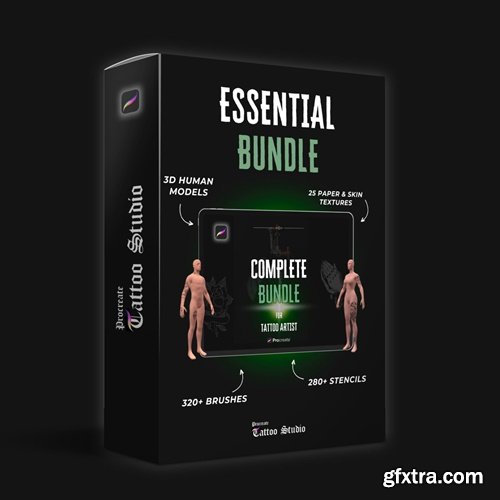
https://procreatetattoostudio.com/products/all-in-one-bundle-for-tattoo-artist
- Unlock the full potential of digital tattoo artistry with the Procreate Tattoo Studio - The Ultimate Bundle. Designed exclusively for tattoo artists using Procreate, this comprehensive bundle empowers you to create stunning digital tattoos with unparalleled precision and realism.
We offer a unique and diverse toolkit, allowing you to add an incredible depth and detail to your settings, whether they're urban streetscapes, bustling commercial zones, or digital platforms.
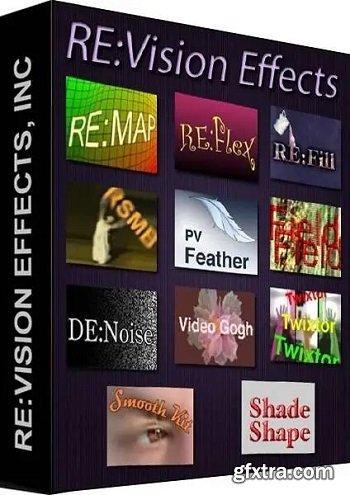
Effections are our bundled collections. RE:Vision Effects’ Twixtor used to retime up to 160x slower than real time. DEFlicker by RE:Vision Effects is designed to smooth out annoying flicker and artifacts when shooting high speed or timelapse video.
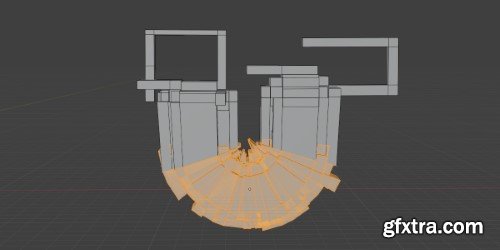
- Streamline complex shape animations with Simple Bend Ex, an intuitive plugin that transforms flat layers/text into dynamic curved paths with real-time controls. Designed for motion designers, this tool eliminates tedious keyframing for bending/warping effects while maintaining vector fidelity.

https://aescripts.com/braw-studio/
Compatibility: After Effects, Audition, Media Encoder, Premiere
BRAW Studio V3 revolutionizes video editing by offering powerful new features for Adobe Premiere Pro, After Effects, and Media Encoder users. With the latest version, you can now play and color grade .BRAW files effortlessly using the new Desktop Application. Enjoy precise adjustments with the White Balance Picker and streamline your workflow with the Premiere Pro Metadata Organizer Tool. Ideal for professionals seeking to maintain quality while editing and encoding BRAW footage directly within Adobe environments. Upgrade to BRAW Studio V3 for a comprehensive, efficient video editing experience.
- Sick of Blender taking its sweet time during startup because of a bunch of addons hogging all the data and checking for updates online? Well, say adios to the waiting game! With 'Delayed Loading of Addons,' you get to pick which ones kick in when Blender boots up. Enable the others only when you need them, all at the push of a button. Trust me, it's a game-changer and a personal favorite of mine!Sick of Blender taking its sweet time during startup because of a bunch of addons hogging all the data and checking for updates online? Well, say adios to the waiting game! With 'Delayed Loading of Addons,' you get to pick which ones kick in when Blender boots up. Enable the others only when you need them, all at the push of a button. Trust me, it's a game-changer and a personal favorite of mine!
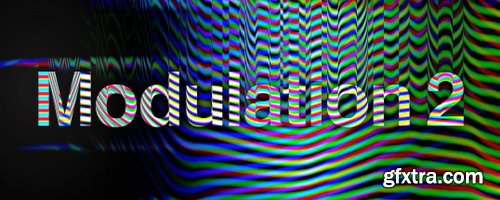
Aescripts - Modulation 2 v2.1.0
https://aescripts.com/modulation/
After Effects: 2025, 2024, 2023, 2022, 2021, 2020, CC 2019, CC 2018, CC 2017, CC 2015.3, CC 2015, CC 2014 | Premiere: 2025, 2024, 2023, 2022, 2021, 2020, CC 2019, CC 2018, CC 2017, CC 2015.3, CC 2015, CC 2014
- We use modulation and demodulation algorithms on images to create an analog distortion look. We change the frequency of a signal based on the brightness of the video. Higher brightness means a higher frequency, and lower brightness means a lower frequency. This method, called modulation, sends brightness information through radio waves. We recreated this process digitally, allowing us to easily manipulate different settings and color channels.
- Try adjusting the plugin parameters to achieve various interesting results. We recommend paying attention to the plugin's color modes, which allow you to use all the color channels of your video. Note that the CMY and CMYK modes are similar but not identical. In the CMY mode, the Key color is obtained at the intersection of the three channels, while in the CMYK mode, the Key color is modulated separately. It's better to try it yourself than to read the description!
Superhivemarket - Engon v1.6.1
Software Version 3.6 to 4.5
https://blendermarket.com/products/engon
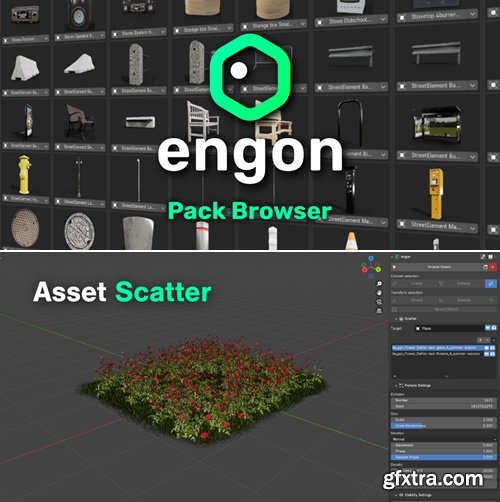
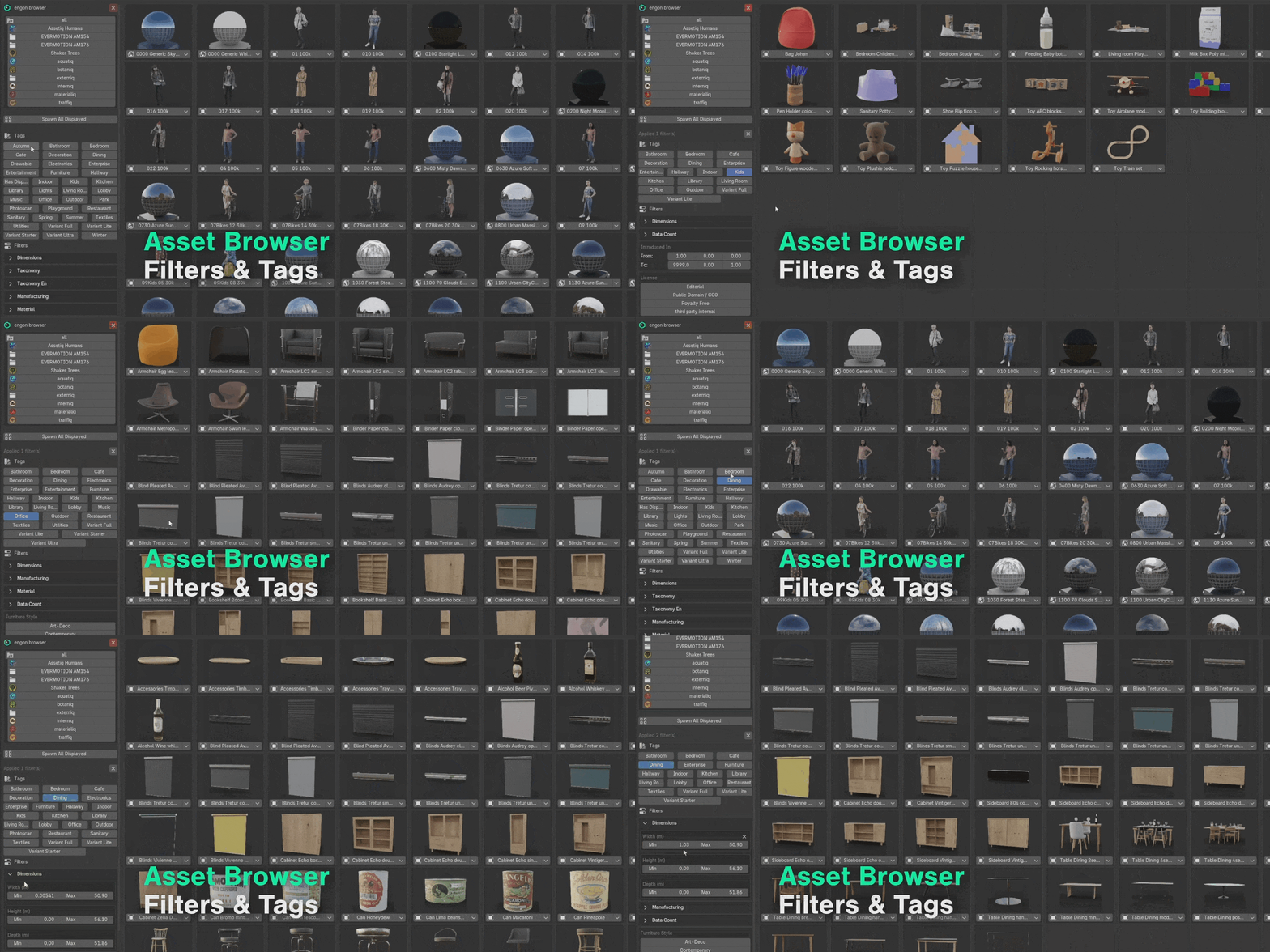
Quick search bar, instant spawn, useful filters and all with the right tags.

.blend | Blender 4.4.3+
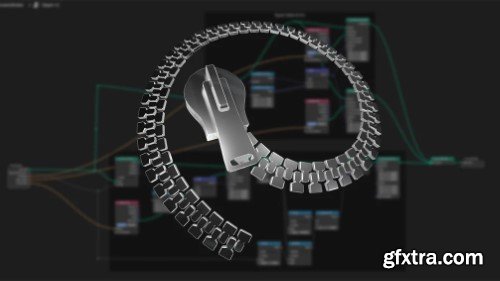
- A very simple setup to create random spaceshiplike or other shapes for inspiration and exploration of simple or complex shapes as a starting point. Using geometry nodes, it's very simple setup but very powerful. This is done using Blender 4.2. Though it should work on older version (haven't tested tho)
- I added a symetry and remesh modifier to the object after the geometry node group to further modify the mesh to my liking.
Timelapse v1.0.1 For Blender
Blender 4.5.1
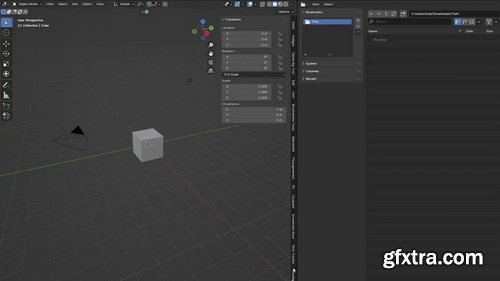
Take screenshots at a specified interval in Blender. Change the interval in seconds as you see fit so that screenshots are taken every ‘__’ seconds. This uses Blender's built-in screenshot function. Select your preferred image format. Currently, only JPG/PNG are available, as I don't see the point in using others. Specify the directory if necessary. Otherwise, the file will be automatically saved in the ‘Timelapse’ folder where you saved the Blend file. Click ‘Start/Stop’. Click ‘Open Folder’.
- Groups layers like Photoshop without breaking expressions, parenting, or cropping. Like a pre-compose you can toggle open in the same layer stack. Group layers, show and hide them in the layer stack and control like a pre-comp. It doesn't break expressions, cut off at the edges, and allows you to do things like apply effects before OR after masking, select layers right in the comp, group without cutting off at the edges, and more.
126,000 Royalty-Free 3D Model

Udemy Türkçe


Top Rated News
- CreativeLive Tutorial Collections
- Fasttracktutorials Course
- Chaos Cosmos Library
- MRMockup - Mockup Bundle
- Finding North Photography
- Sean Archer
- John Gress Photography
- Motion Science
- AwTeaches
- Learn Squared
- PhotoWhoa
- Houdini-Course
- Photigy
- August Dering Photography
- StudioGuti
- Creatoom
- Creature Art Teacher
- Creator Foundry
- Patreon Collections
- Udemy - Turkce
- BigFilms
- Jerry Ghionis
- ACIDBITE
- BigMediumSmall
- Globe Plants
- Unleashed Education
- The School of Photography
- Visual Education
- LeartesStudios - Cosmos
- Fxphd
- All Veer Fancy Collection!
- All OJO Images
- All ZZVe Vectors
- CGTrader 1 CGTrader 2



















