

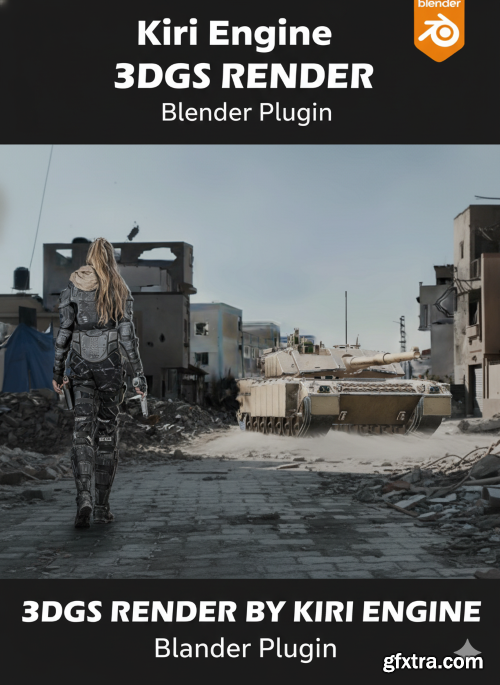
- Unlock a new dimension of realism in your 3D workflow with 3DGS Render by KIRI Engine, a cutting-edge Blender add-on designed to bring scanned environments and objects to life with stunning detail. Built by the creators of the popular KIRI Engine photogrammetry app, this free tool bridges the gap between real-world scans and professional-grade rendering inside Blender.

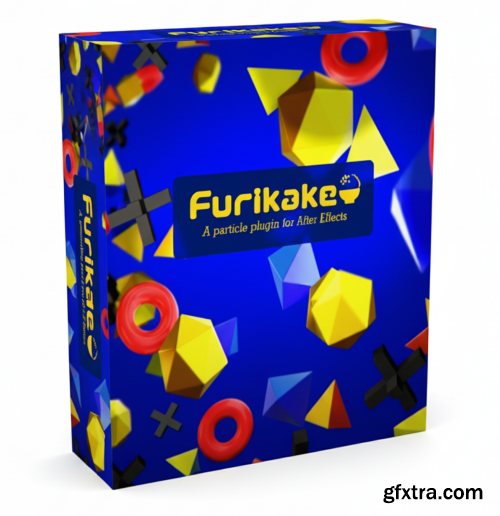
- Furikake is a lightweight and high-performance particle generation plugin for After Effects. With a high-speed rendering engine that fully leverages the power of modern CPUs and a graphical user interface, it can smoothly handle a massive number of particles. It also supports Multi-Frame Rendering (MFR), Depth of Field (DOF), and 32-bit color for high-quality visual expression.
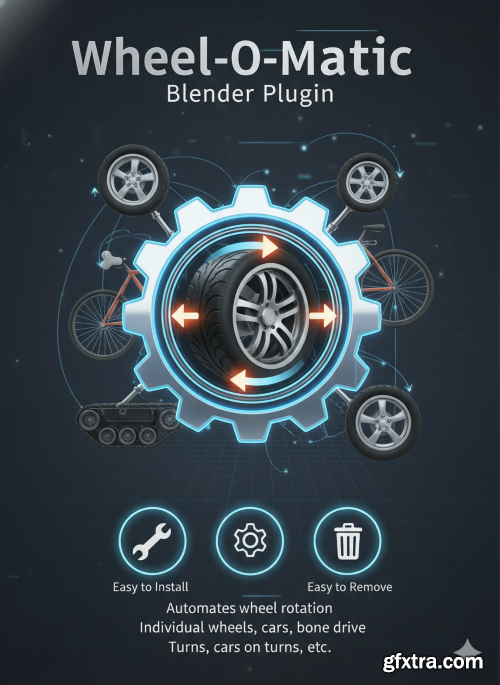
Blender 4.2 - 4.5
- An add-on for automating the rotation of any wheel in any direction. Easy to install, easy to configure, easy to remove. Works with individual wheels, wheels on cars, wheels with bone drive, wheels on turns, cars on turns, etc.
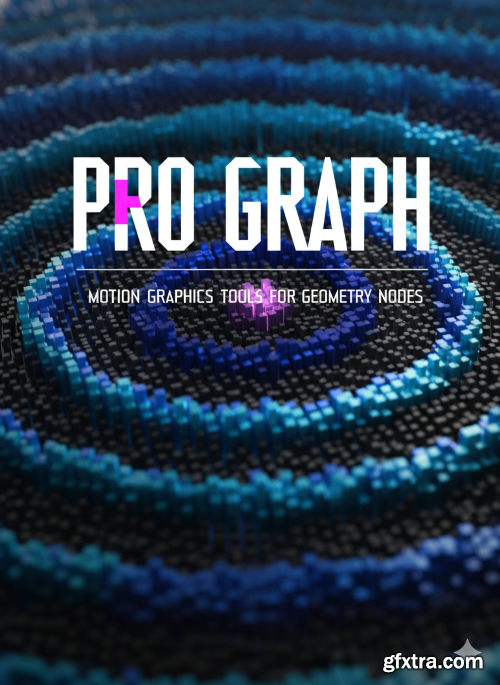
- Bring the power and workflow of Cinema 4D's legendary MoGraph system directly into Blender. MoGraph Tools is a massive collection of 77 professional node groups designed to take your motion graphics and effects to the next level.
- Take your 3D modeling workflow to a professional level with Kushiro Addons Bundle v1.51.1, a comprehensive collection of industry-proven tools designed to supercharge Blender’s creative capabilities. Developed by Kushiro, one of the most respected addon creators in the Blender community, this bundle combines speed, precision, and efficiency into one powerful package — turning everyday modeling tasks into smooth, intuitive, and enjoyable experiences.
- Pro Particles is the ultimate toolkit for professional particle simulations in Blender. Powered by a custom-built physics engine, you can create stunning, complex effects with an intuitive UI for a seamless workflow. This pack also includes demo files and 4 bonus products (Shockwave, Curve Advection, and more) to kickstart your creativity.
- Red Giant 2026 injects fresh energy into workflows with a set of helpful new features, including new capabilities in After Effects with Geo, UI improvements to Particular Designer, and Parametric Curve, a new tool for handling color and HDR video that allows artists to manipulate their footage with an HDR curve. Geo, Red Giant’s new tool for texturing and repeating 3D geometry in After Effects, packs even more creative potential with added support for rigged animation and built-in depth of field, and more.
- Universe 2026 shines with a new Bokeh plugin that allows you to quickly create beautiful bokeh and mimic camera focus without a complex camera setup. Bokeh Transition, a variant of the plugin, makes it easy to seamlessly transition between two clips with a de-focus effect. Both plugins, plus uni.Blur, are built on the new performance core, which will be expanded to other Universe products in the future.
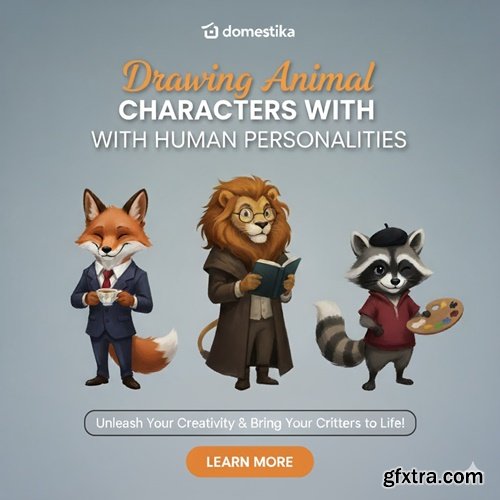
https://www.domestika.org/en/courses/4242-drawing-animal-characters-with-human-personalities?exp_set=1
- Explore anatomy, perspective, volume, light, and shadow to bring human-like animal characters to life on the page
- Mickey Mouse, Donald Duck, Bugs Bunny, Scooby—some of the most iconic characters in the history of entertainment have one thing in common: they look like animals but behave like humans. This duality makes for relatable and eternally memorable animated stars. Award-winning character designer Florian Satzinger has harnessed the power of this dynamic to create universally recognized cartoon personalities, collaborating with household names like Warner Bros. and Disney.
- In this online course, learn to draw human-like animals, from the first pencil sketch to the finished artwork in Photoshop. Florian walks you through his entire process, exploring depth, perspective, form, movement, lighting, and color. Design the characters that define your viewers’ childhoods and live on in their memories forever.
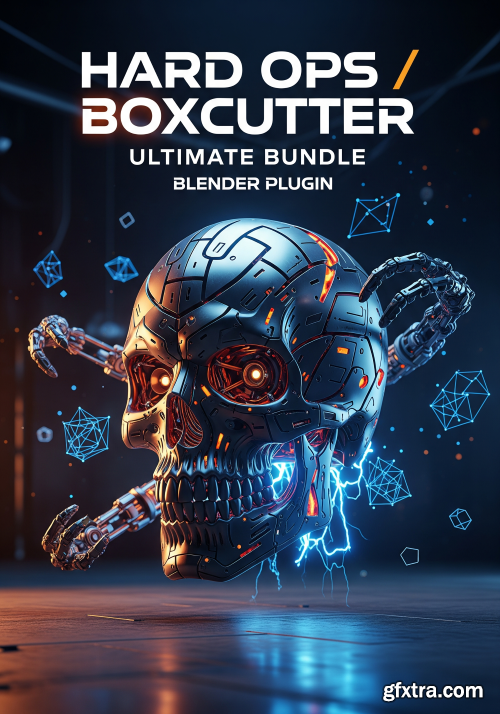
- Unleash a new era of speed and precision in your Blender workflow with the Hard Ops / Boxcutter Ultimate Bundle. This isn't just a collection of add-ons; it's a complete revolution for anyone serious about hard-surface modeling. This powerful bundle combines two industry-leading tools into a seamless, intuitive system that transforms the way you create.

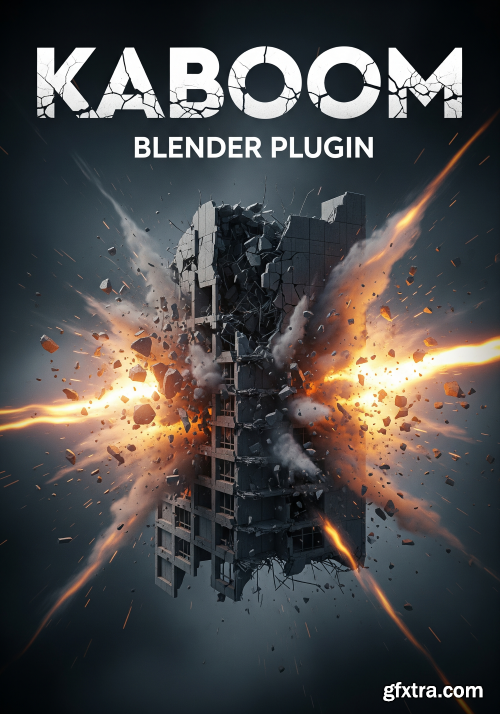
Kaboom v1.7.0 for Blender
https://blendermarket.com/products/kaboom
Kaboom is Blender addon to help you create spectacular destruction animations. In few steps you will produce some nice looking VFX.
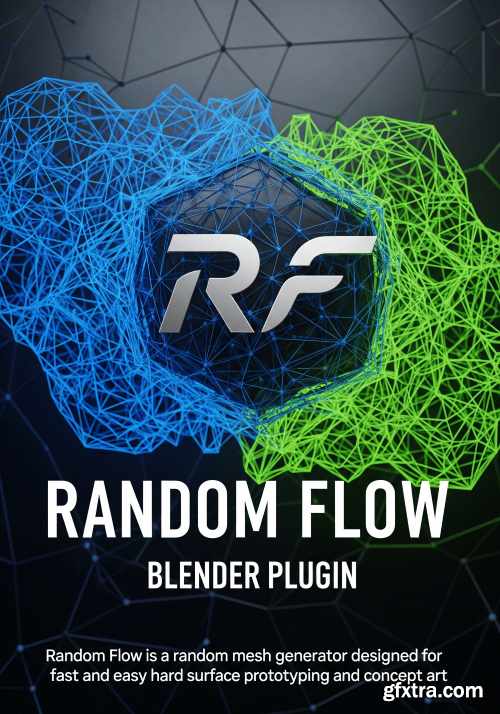
SuperhiveMarket - Random Flow v3.6.5
https://superhivemarket.com/products/random-flow
Blender 4.5
- Random Flow is a random mesh generator designed for fast and easy hard surface prototyping and concept art. This a fast changing add-on with lots of new functionalities in the future.
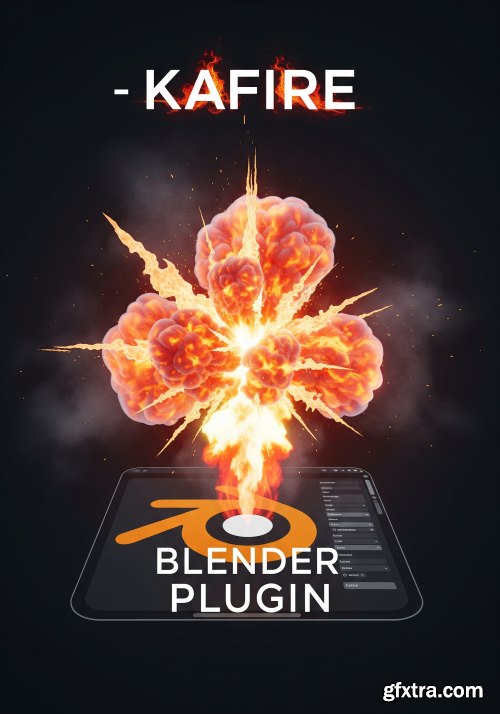
https://superhivemarket.com/products/kafire
Blender Version 4.3, 4.2, 4.1, 4.0, 3.6, 3.5, 3.4, 3.3
KaFire is an addon to generate fire explosions easily

https://presetcurator.com/shop/film-emulation-luts-and-powergrades-pack/
- This pack features a curated collection of 20 LUTs and PowerGrades designed to recreate the iconic look of vintage film. It includes a Kodak 2383 emulation for that rich, cinematic color profile loved by filmmakers, along with Fuji 3513 LUTs that capture the unique tones and character of classic Fuji 35mm film. You’ll also find Fujicolor C200-inspired LUTs that deliver vibrant, true-to-life colors. With support for 35mm, 16mm, and 8mm film styles, this pack brings authentic depth and nostalgic warmth to your footage.
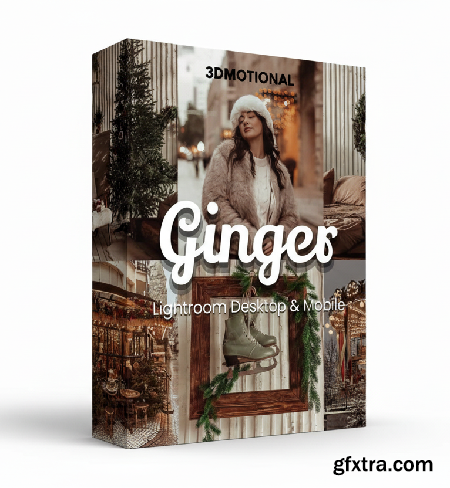
https://3motional.net/b/OPT9R
- 30 Ginger Lightroom Presets Desktop & Mobile | Warm Winter, Christmas, and Festive Filters for Cozy Holiday Photography
- Add cozy festive warmth to your photos with 30 Ginger Lightroom Presets! Includes Desktop (XMP) and Mobile (DNG) files plus a help guide. Perfect for Christmas, family, and winter photography. Create soft, creamy, and moody tones for holiday portraits, lifestyle photos, and seasonal edits. Ideal for photographers, influencers, and content creators seeking cozy, aesthetic Christmas color grading.
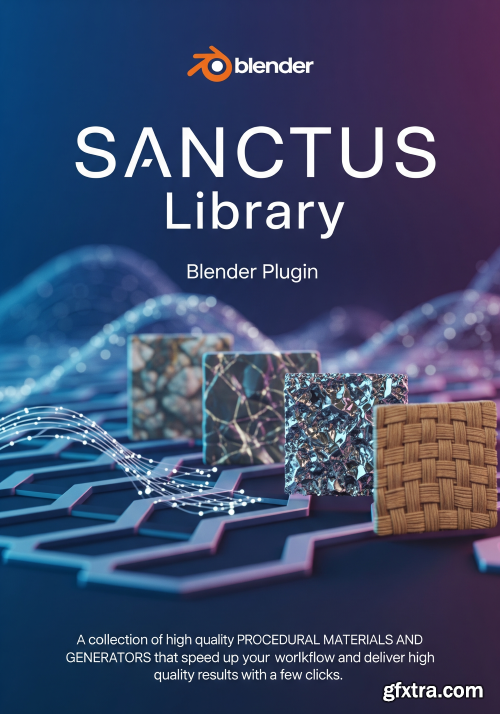
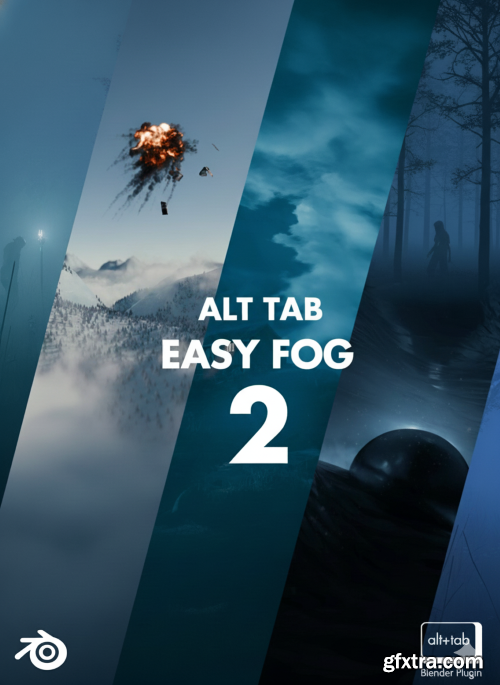
- Created by a couple of blender geeks who just love making awesome tools, Alt Tab Easy Fog 2 is here to kick your volumetric game up a notch. Perfect for anyone, from weekend creators to professional artists, this addon makes adding clouds, smoke, and all sorts of foggy effects to your scenes a breeze. With a slick UI, you can drop in presets and tweak them without breaking a sweat. We improved everything Alt Tab Easy Fog 1 had to offer and packed in even more presets and polished the UI, making everything you liked about our first version even better.
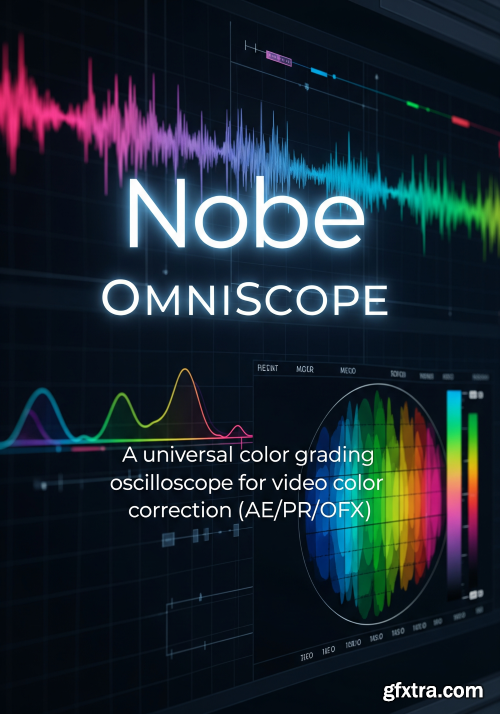
Nobe OmniScope is loaded with powerful features that make color grading easy. GPU acceleration, HDR, StreamDeck support. Use the benefits of GPU acceleration and monitor your images in real-time with almost no delay.
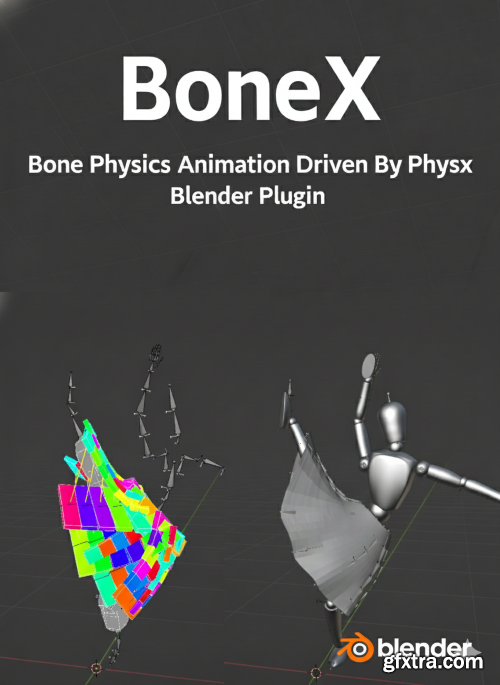
- BoneX is a Blender addon helps you to create bone physics animation, driven by PhysX. PhysX is a mature physics engine used in game field, like UE4, U3D. Relying on PhysX to generate stable rigid body simulations, you can create bone physics effects for character animation. You can modify the properties of the rigid body and set its connection stiffness, damping quality, etc. to achieve the physical effects you want. Vivid physics bring an unparalleled level of realism and depth to character animations. For those using Blender, many methods exist to achieve this, including cloth and rigid body simulations etc. In the realm of game engines, rigid body simulations often used for character physics. Despite my efforts to create a free addon blender_skirt_rigid_generator based on Blender’s rigid body simulation, it still with many problems. Consequently, I decided to develop this, leveraging the mature and reliable PhysX physics engine, which offers stable and fast result.
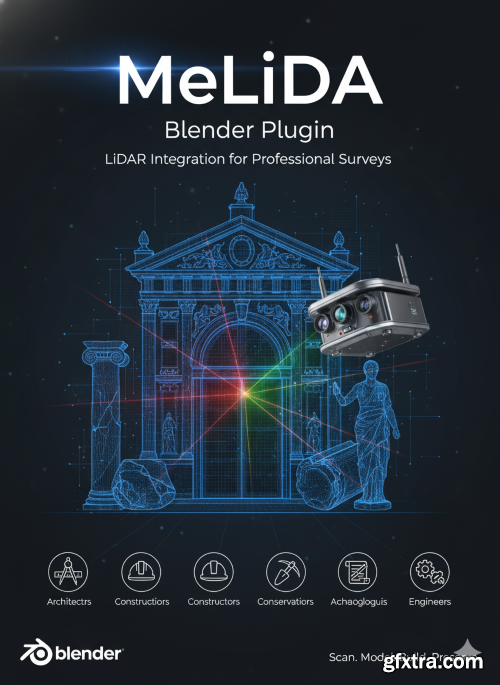
- MeLiDA integrates LiDAR sensors with Blender to create professional surveys of buildings, structures, and their relics—built for architects, constructors, conservators of monuments, archaeologists and engineers.
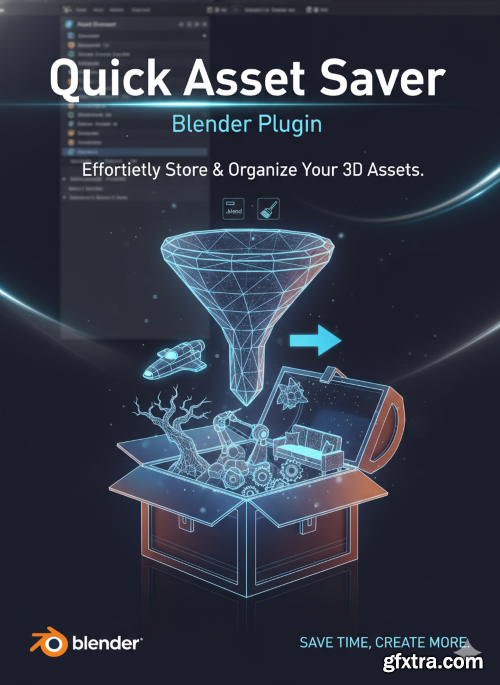
Blender's Asset Library can be incredibly useful for those who want to quickly use their favorite assets again and again in the future, but manually saving them can be an extremely tedious process, especially if you need clean files for your assets.

Flow v5 for Blender
Blender 4.5
- Discover the power of Flow, our authorial ecosystem to manage the assets and materials, add them to scene, customize them and work with them much easier and quicker. All to improve the workflow, save time and create better renders! It`s not just the asset manager, it`s the entire Swiss Tool that was designed to be the ultimate help for working with asset libraries in Blender, including our polyspaace libraries. Throughout the time we`ve developed lots of features, that already save hundreds of hours and helped us creating scenes better, than we`ve ever imagined!
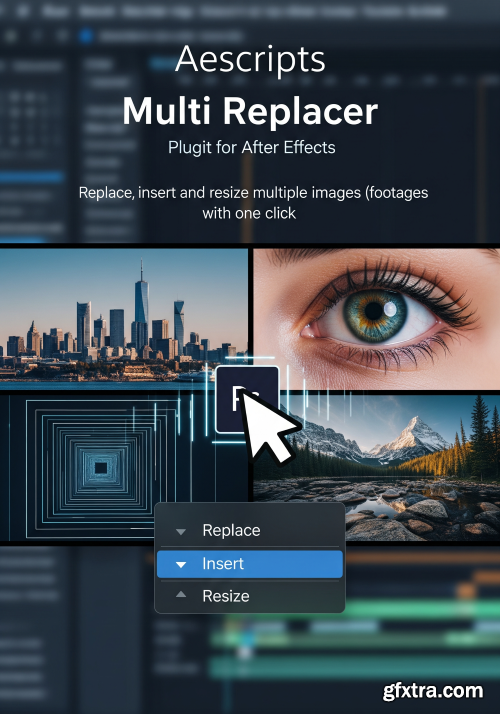
https://aescripts.com/multi-replacer/
Replace, insert and resize multiple images (footages) with one click. Replace, insert and resize your multiple images(footages) with one click. And save a lot of boring work time. If you are working with ready-made templates, this script is for you, especially if you working with Slideshows, Video Wall, Screen Wall, Photo gallery, and Openers
126,000 Royalty-Free 3D Model

Udemy Türkçe


Top Rated News
- CreativeLive Tutorial Collections
- Fasttracktutorials Course
- Chaos Cosmos Library
- MRMockup - Mockup Bundle
- Finding North Photography
- Sean Archer
- John Gress Photography
- Motion Science
- AwTeaches
- Learn Squared
- PhotoWhoa
- Houdini-Course
- Photigy
- August Dering Photography
- StudioGuti
- Creatoom
- Creature Art Teacher
- Creator Foundry
- Patreon Collections
- Udemy - Turkce
- BigFilms
- Jerry Ghionis
- ACIDBITE
- BigMediumSmall
- Globe Plants
- Unleashed Education
- The School of Photography
- Visual Education
- LeartesStudios - Cosmos
- Fxphd
- All Veer Fancy Collection!
- All OJO Images
- All ZZVe Vectors
- CGTrader 1 CGTrader 2



















