Blender Market - Drag & Drop Import v1.0.4
https://www.blendermarket.com/products/drag-n-drop-import/

Optimize your workflow with Drag and Drop Import for Blender. Quickly and easily import files by dragging them from your file explorer and dropping them into Blender’s 3D Viewport or Outliner. No more navigating through menus or dialogs - just a seamless and efficient process!

user Gamystyle     

Blender Market - Cell Fluids v1.0.1
 Blender Market - Cell Fluids v1.0.1
https://blendermarket.com/products/cell-fluids

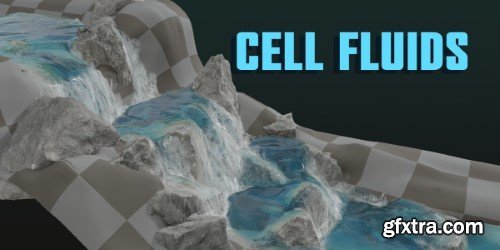
CellFluids is a Geometry Nodes powered addon for simulating fluids.

The simulation is sort of “2.5D”. It is based on the scene’s height field and simulated in 2d grid mesh with displacement applied to it.
user Gamystyle     


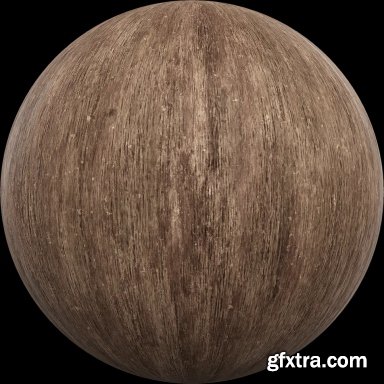
LeartesStudios - Materials - Wood
https://cosmos.leartesstudios.com/materials?genre=wood
Explore and download a universe of high-resolution textures and materials meticulously designed to transform digital landscapes. Our materials infuse realism, aesthetic brilliance, and intricate details into your games, empowering creators to craft visually stunning and immersive worlds.


user 3DRiPPer     

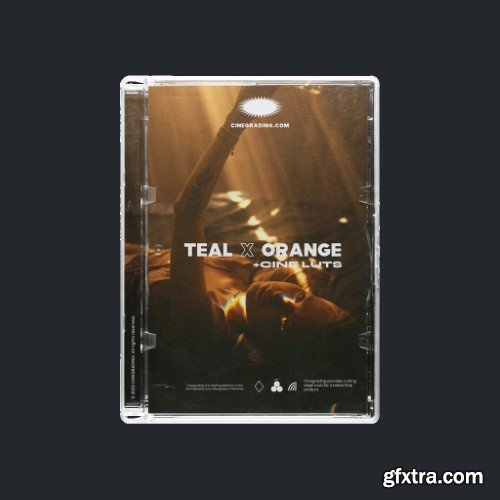
Cinegrading - +Cine Teal & Orange LUTs
CINEGRADING - +Cine Teal & Orange LUTs

+CINE TEAL & ORANGE LUTS (v1.1) INCLUDES (.CUBE) SALE PAGE

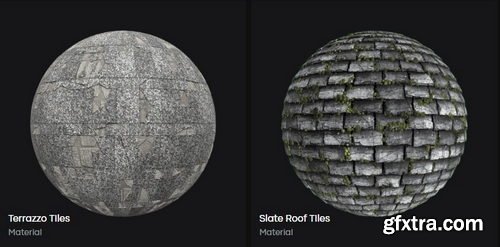
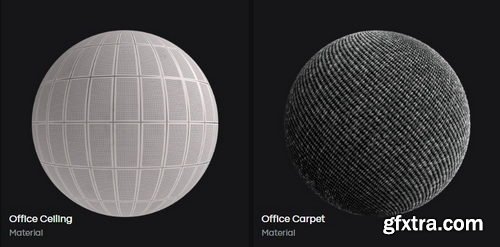
The only Teal & Orange LUTs pack you will ever need. These cutting-edge LUT are inspired by modern Hollywood films, giving you the blockbuster-budget look you want at a micro-budget price.

user Gamystyle     

The Wedding School - Build and Manage an Associate Program
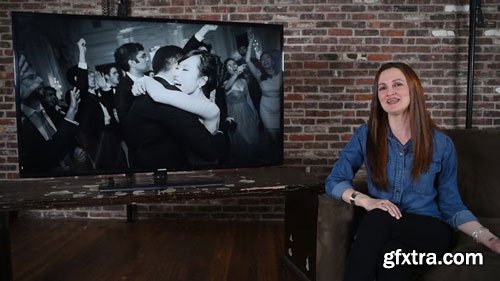
In this course about how to build and manage an associate program, Aislinn provides concrete, specific examples from her own studio (both the things that have worked, and the things that haven’t), as well as offer solid, actionable ideas for growing a studio in this way.  At the conclusion of the class, viewers! will walk away with a full toolkit for starting and managing a successful associate program.

user Themelli     

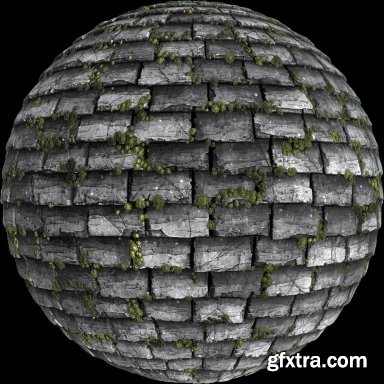
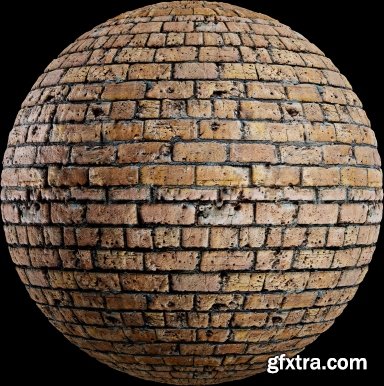
LeartesStudios - Materials - Tiles
https://cosmos.leartesstudios.com/materials?genre=tiles
Explore and download a universe of high-resolution textures and materials meticulously designed to transform digital landscapes. Our materials infuse realism, aesthetic brilliance, and intricate details into your games, empowering creators to craft visually stunning and immersive worlds.


user 3DRiPPer     

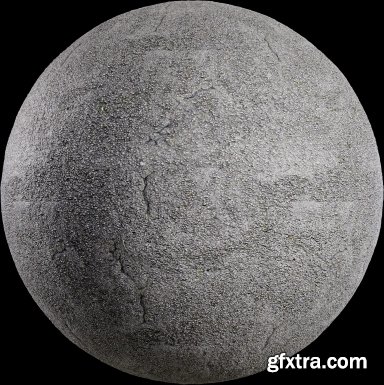
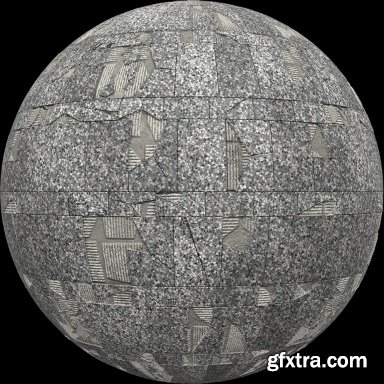
LeartesStudios - Materials - Stone
https://cosmos.leartesstudios.com/materials?genre=stone
Explore and download a universe of high-resolution textures and materials meticulously designed to transform digital landscapes. Our materials infuse realism, aesthetic brilliance, and intricate details into your games, empowering creators to craft visually stunning and immersive worlds.


user 3DRiPPer     

Film Laboratory - Film Stock and Film Inspired LUTs
https://filmlutlaboratory.gumroad.com/l/uduhfeg7vb
These LUTs are recommended to be applied to Rec-709 format footage.  We have developed our LUTs accurately by emulating the very same film stocks and prints they have used to record their films (if they weren't recorded digitally) to get the closest look possible.  The LUTs work with any software that is able to apply Cube file LUTs such as DaVinci Resolve, Premiere Pro, Photoshop, After Effects, Filmora and more.

user Gamystyle     

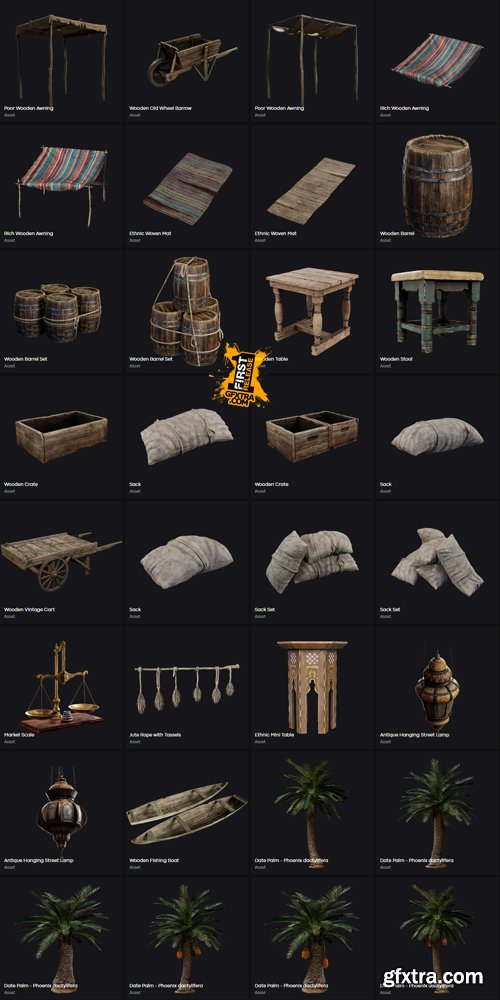
LeartesStudios - Middle Eastern Street
https://cosmos.leartesstudios.com/collections/middle-eastern-street
Middle Eastern Street Props
UnrealEngine Nanite


user 3DRiPPer     

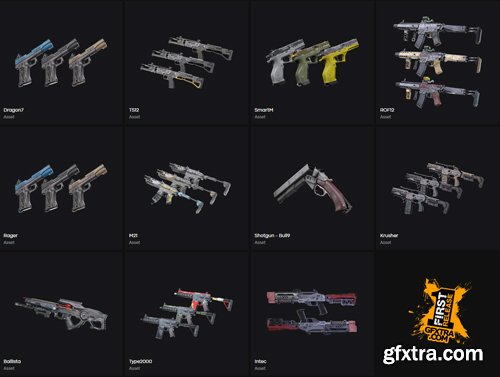
LeartesStudios - Cyberpunk Weapons
https://cosmos.leartesstudios.com/collections/cyberpunk-weapons
UnrealEngine Nanite


user 3DRiPPer     

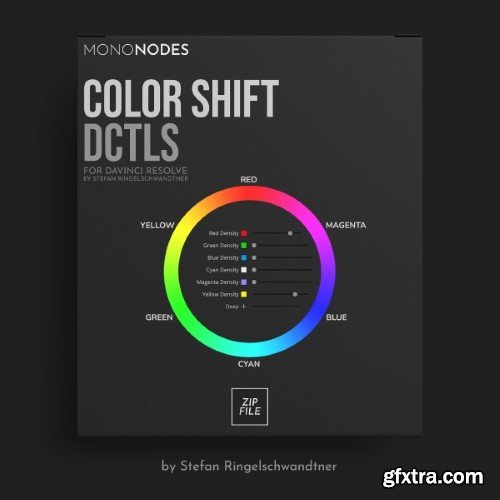
Mononodes - Color Shift DCTLS v2.2 for Davinci Resolve
https://mononodes.com/color-shift-dctl/

Not being happy with the native tools like “Color Warper” and “Hue vs Hue”, I developed a tool to shift and manipulate colors in a broad way. I was very inspired by FilmLight’s Baselight “Hue Shift” tool, where you have the option of first shifting hues into neighborly colors and then, in a second step, adding more saturation, changing the brightness or desaturating a specific hue value. It focuses exclusively on 6 main colors and is therefore very reduced and clearly designed. Here is an interesting video about the “Hue Shift” tool in Baselight. Other inspirations were “Capture One” and “Photoshop”.

user Gamystyle     

Max Rive Photography - What We Have Seen - Focus Stacking

DURATION:  3h34m | RAWS:  4 | Language:  English |  File Size: 2.2 GB
https://maxrivephotography.com/products/photoshop-focus-stacking-tutorial
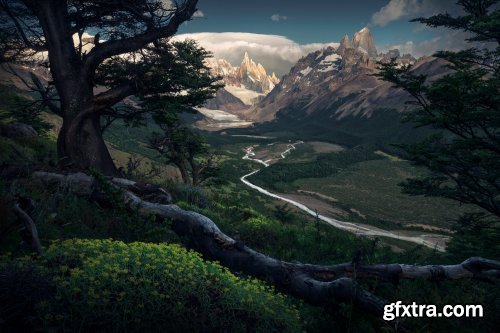
Watch and lear  n this in-depth editing demonstration on one of the most popular landscape photos on Instagram of all time. Various editing techniques have been updated in this all new 2020 take. The results are spectacular with now even better contrast, light and colors. Max Rive used 3 different RAW files to ensure the flowers and the background are in focus. Other Photoshop editing techniques include - color painting the shadows, combining color profiles, adding light from the side, adding mist, river editing, diffusing the light, making your photo ready for Instagram and many more editing techniques.

user Gamystyle     

Max Rive Photography - Green Paradise Tutorial
Max Rive Photography - Green Paradise

Duration:  4H 3m |  Language:  English |  File Size: 4.4 GB
https://maxrivephotography.com/products/green-paradise-art-print
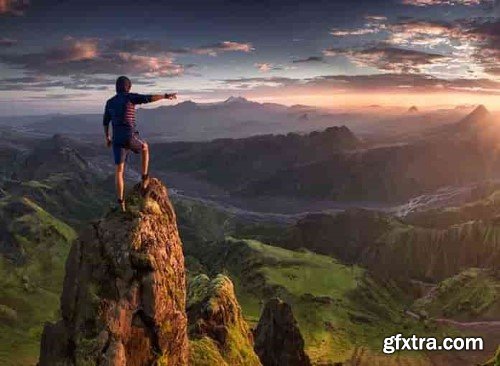
The ultimate processing video with techniques such as manual focus stacking, perfect color balance, manual seperation and more. This photo has been taken without a tripod yet I have taken 2 photos with different focus points, 1 for the foreground flowers and 1 for the distant mountains. Both raw files are included for the main video. The video will end with an in depth demonstration how the photo will be prepared for Instagram. This will include finding the right crop, smart warping, adding darkness, sharpening and saving the file in the right file size without any compression by Instagram.The bonus video will demonstrate how i process one of my popular instagram photos from start to finish. Techniques include: adding light from the side in both raw and photoshop, selective color, color balance, the semi black and white conversion, manual warping, sharpening, saving file for Instagram.

user Gamystyle     

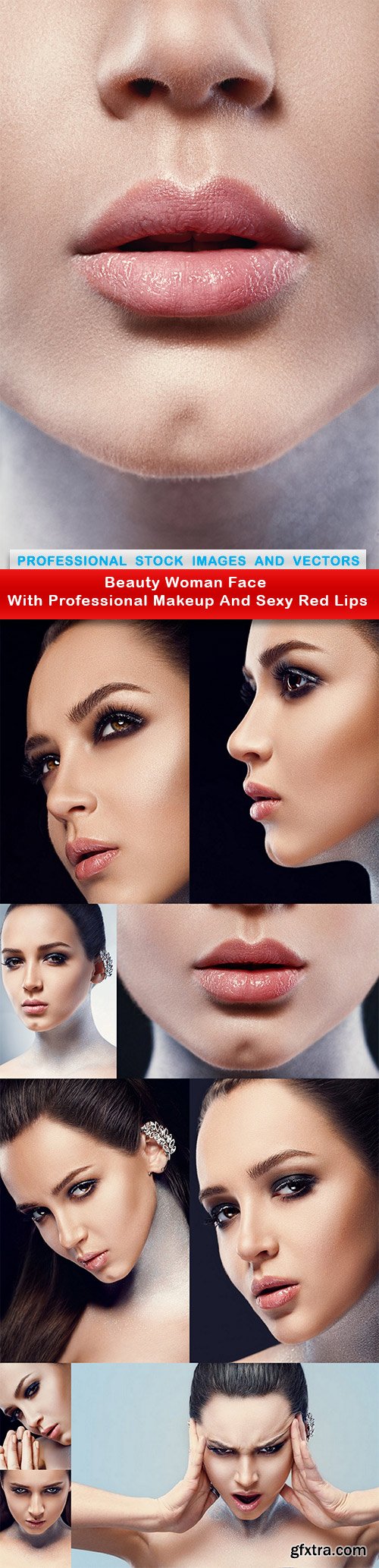
Beauty Woman Face With Professional Makeup 10xJPG

Fotolia - Beauty Woman Face with
Professional Makeup and Sexy Red Lips

10 UHQ JPG Images | 9000x6000 pix | 300 dpi | 63.3 MB

user DostPost     

Happy woman with yellow tulips - 10 UHQ JPEG

Fotolia - Happy Woman with Yellow Tulips

10 UHQ JPEG | 6734x7849 px | 300 dpi | 45 MB


user DostPost     

Beautiful girl with long hair - 14 UHQ JPEG

Fotolia - Beautiful Girl with Long Hair

14 UHQ JPEG | 6734x7849 px | 300 dpi | 102 MB


user DostPost     

Peter Coulson Photography - Making Photography Your Business
In this mentor session with Peter, he talks about making photography your business & the truth that you will need to separate your art from it and be more of a business person to make money first.

user Themelli     

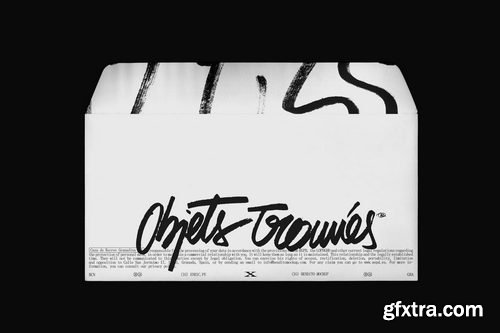
Bendito Mockup - OTv1 Envelope 03 Mockup
https://benditomockup.com/shop/otv1-envelope-03/
Files format: Adobe Photoshop 2024 Image size: File #01: 6000px x 4000px / 300 dpi


user PostMan     

Peter Coulson Photography - LUTs Revisited
Peter has created some LUTs that he is able to use in Lightroom that give him the same effect as his Red Green and Blue channels in Phocus, and this video he shows you how he creates them and imports them into Lightroom.

user Themelli     

Peter Coulson Photography - Lighting With Mirrors 2
Following on from the the first mirrors tutorial, Peter wanted to get a different effect using the mirrors, so he found a smashed mirror out the back of the studio to play around with a dappled light look. As multiple lights create multiple shadows, you will see him tweak his set up to get around this.

user Themelli     

Peter Coulson Photography - Kellys Garage
Kelly has a garage that he has turned into his home studio, and we received a Volley from him asking if it was at all possible for us to come around when we were in LA for Peter to show him how he could best use this space. As we hear from a lot of people that they are shooting in home garage studios, we figured it would be worthwhile filming this for Inspire everyone can benefit from Kelly’s question and see how much you can still create with limited space!

user Themelli     


Premium Mockups


rss