

ProductionCrate LaForge Suite V1.3.7 Win
The LaForge Suite is a collection of plugins for Adobe After Effects and Premiere Pro, each powerful enough to create incredible effects in a click. Some of our favorites include:
- Crates HyperGlitch - Create stunning glitch effects with several art styles.
- Crates Easy Glow - An easy yet realistic glow effect that follows the inverse cube law.
- Crates Hologram - Instantly convert your footage and graphics into a Hologram!
- Crates Height Relight - Relight your depth maps, perfect for motion graphics.
- Chromatic Aberration - A free plugin for instant aberrations!
- + 20 more!


Create true-to-life designs, only in CLO. Accurately visualize the fabric, fit and silhouette of your designs as fast as you can imagine them. CLO gives you a familiar, easy-to-use interface which enables you to visualize your designs in a way that is quick and hassle-free. Significantly shorten your time-to-market with virtual sampling and remote collaboration.Designing with virtual garments reduces sample production, shipment and material waste.

Protect the privacy of others in your videos with super-fast and easy-to-use tracking. Whether you produce films professionally or shoot videos as an enthusiast: It is such a joy to accompany the most beautiful moments from your vacation, special people at work or even the growing up of your children with your own camera. But as soon as you show a video via the Internet - whether private or business - your videos become public.
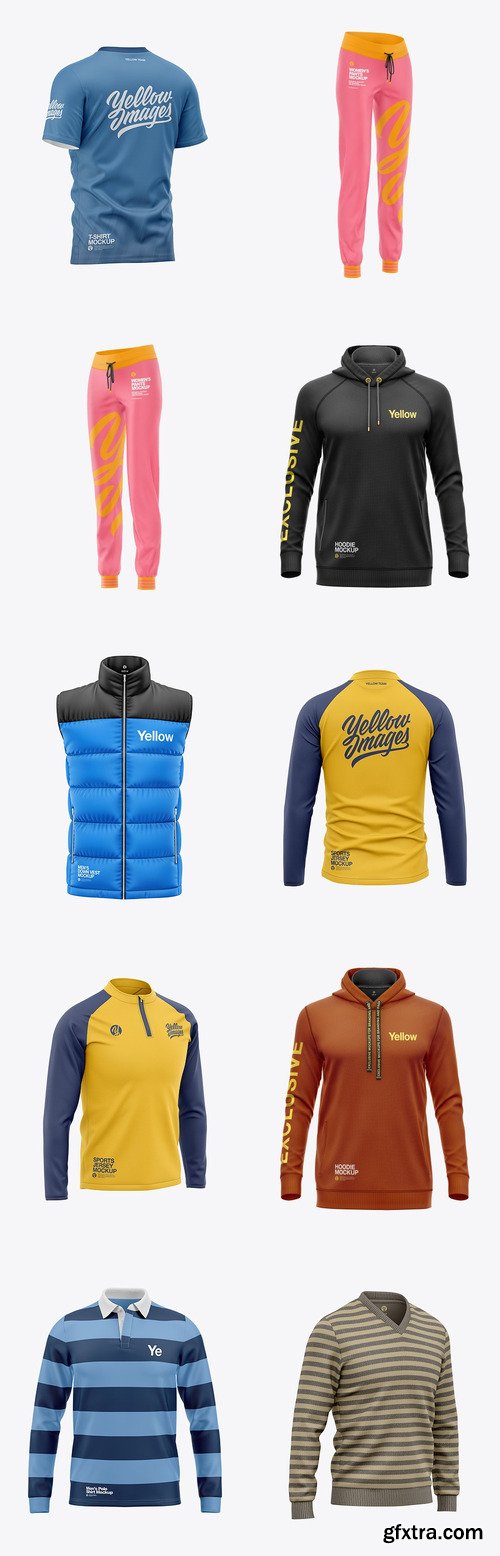
TIF | 1.47 GB

TIF | 1.75 GB


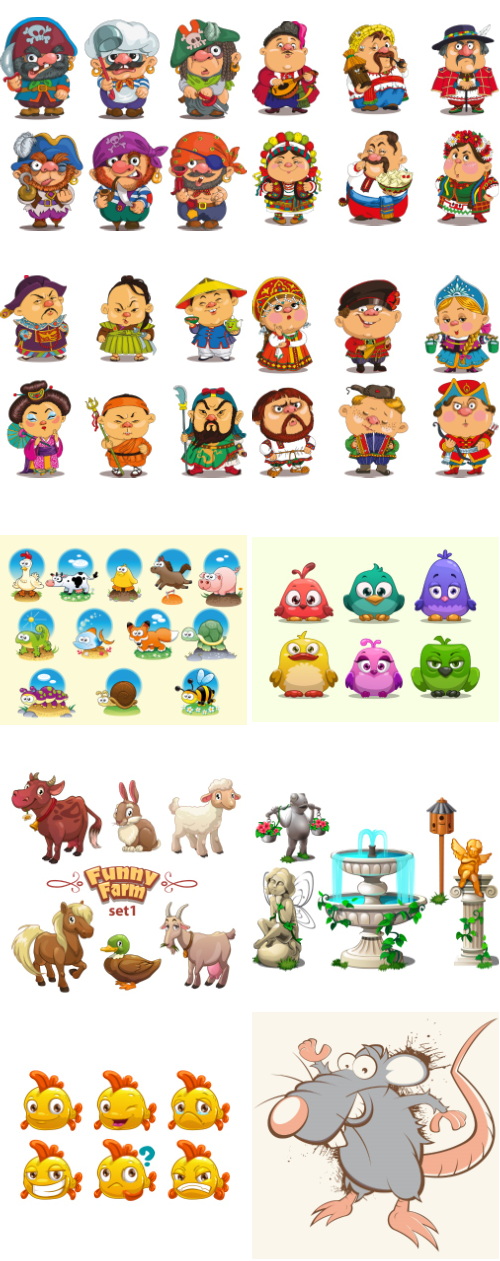
Mix Cartoon Illustration #4
Shutterstock | 23 EPS Vectors | +Previews | RAR 30.5 MB

Mix Cartoon Illustration #3
Shutterstock | 22 EPS Vectors | +Previews | RAR 36.8 MB


Mix Cartoon Illustration #1
Shutterstock | 25 EPS Vectors | +Previews | RAR 39 MB

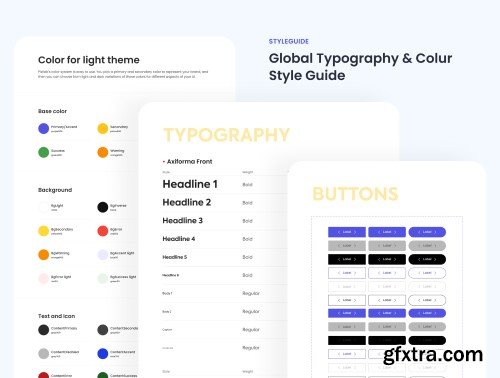
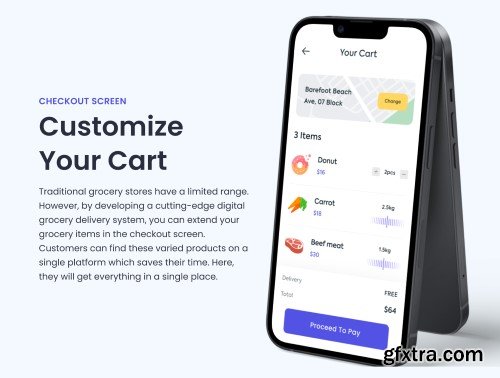
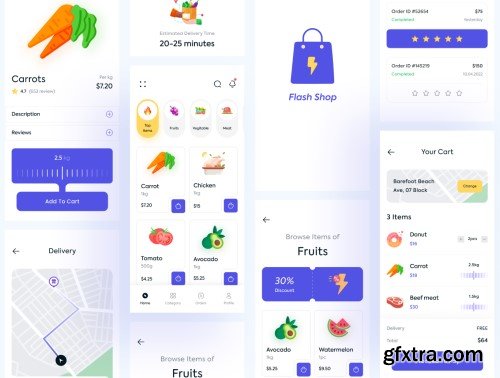
UI8 - Flash Shop - Online Grocery App
https://ui8.net/fahim-ekan/products/flash-shop---online-grocery-app
- Flash Shop makes it easy to order all kinds of grocery items online. You can track your order’s progress and communicate with your shopper every step of the way using the app. Simply place your order and choose a pickup time, and a shopper will prepare your order at the store. Depending on the store, a shopper or store employee will bring the groceries to your car, or you can pick them up at the designated area.
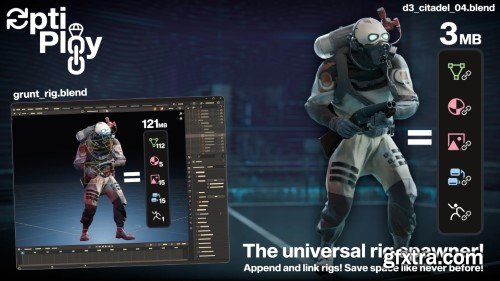
- Append and link rigs! Save space like never before! OptiPloy, the Optimized Deployment of rigs (and more) is now here. OptiPloy (optimized deployment) can be considered a better alternative to appending and linking rigs, while having the best of both worlds. Appending them for full functionality, and linking all the data that composes the rig to reduce duplication. And that can save a LOT of space.
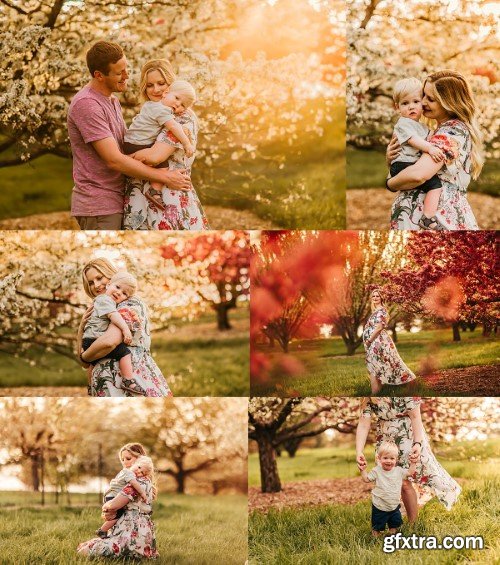
- Due to the digital nature there are no refunds. You must ensure you have the correct software prior to purchase. To use the presets in Lightroom Mobile you MUST have Lightroom CC 1.4+ installed on your computer.
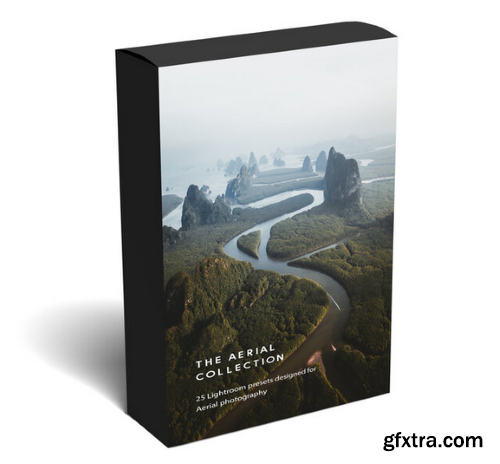
- The Aerial collection contains 25 Lightroom Classic Desktop/Mobile presets that have been specially created for Aerial photography. Compatible with all desktop versions of Lightroom & Lightroom Mobile. Each preset was designed, tested, and tweaked to work well on the DJI Mavic 2 Pro / DJI Mavic 2 Zoom / DJI Mavic Pro / DJI Mavic Air / DJI Inspire 1 & 2 / DJI Phantom 1-4 / DJI Spark/ DJI Mini These presets will give your Aerial photos soft and well-balanced tones, whilst giving each image a unique tonal look. Each preset will act as a starting base for your edits, speed up your workflow, and give your images a cohesive style. You can also improve your editing by reverse engineering each preset to better understand my workflow and how Lightroom works. Remember that every preset should be used as a foundation to work off. These presets are not a ‘one-click’ solution and no preset is for that matter. You will have to fine-tune certain settings, like exposure, white balance, shadows, whites, and blacks under the 'Basic' panel to get your desired look. With that being said, included in this pack is a 47 minute long in-depth Lightroom/Photoshop tutorial where I will show you exactly how I edit my photos using these presets and how I give my photos that extra punch in Photoshop. I will also show you the best export settings for Instagram so that your images are razor sharp.


126,000 Royalty-Free 3D Model

Udemy Türkçe


Top Rated News
- CreativeLive Tutorial Collections
- Fasttracktutorials Course
- Chaos Cosmos Library
- MRMockup - Mockup Bundle
- Finding North Photography
- Sean Archer
- John Gress Photography
- Motion Science
- AwTeaches
- Learn Squared
- PhotoWhoa
- Houdini-Course
- Photigy
- August Dering Photography
- StudioGuti
- Creatoom
- Creature Art Teacher
- Creator Foundry
- Patreon Collections
- Udemy - Turkce
- BigFilms
- Jerry Ghionis
- ACIDBITE
- BigMediumSmall
- Globe Plants
- Unleashed Education
- The School of Photography
- Visual Education
- LeartesStudios - Cosmos
- Fxphd
- All Veer Fancy Collection!
- All OJO Images
- All ZZVe Vectors
- CGTrader 1 CGTrader 2



















