

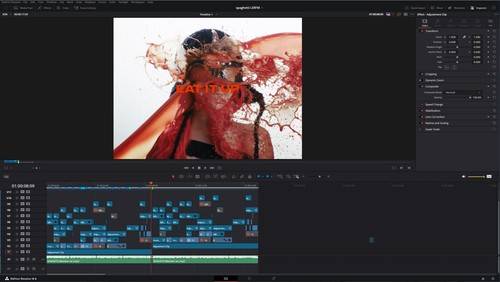
Payhip - Spaghetti PF
Go to “Project Manager” (either by launching Resolve or clicking on house icon from the bottom right-hand corner). Right click on the empty area or grey space. Click on “Restore Project Archive“. Select “.dra” extension folder. You’ll have the project file with all the media used in it. Compatible with davinci resolve 18.6 and higher on both free and studio version
Creator: Kaijiro | File Format: ZIP | File Size: 269MB

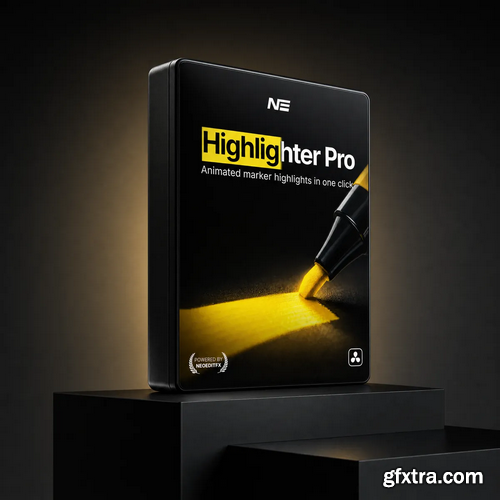
https://neoeditfx.com/products/highlighter-pro
- Drag it on and the highlight draws itself. No Fusion, no keyframes
- Animate the highlighter in and out independently
- Change the highlighter color and the text color under it
- Add a texture overlay for an organic, hand-drawn marker look
- Second-based timing. Consistent speed at any clip length
- Edit page native. DaVinci Resolve 20+, Free and Studio
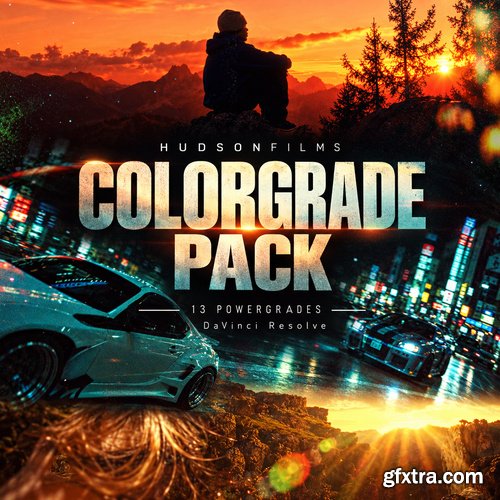
Hudsonfilms Colorgrade Pack – 13 PowerGrades for DaVinci Resolve
Creator: Hudsonfilms | Software: DaVinci Resolve
Contents: 13 Editable PowerGrades | Primary Footage Profile: S-Log3 | Archive: RAR
Apply Hudsonfilms’ signature color looks with a collection of 13 PowerGrades developed through the creator’s own video work. Each look can be applied quickly, then adjusted to suit your footage and creative direction.
Pack Features
- 13 signature color grades for DaVinci Resolve.
- Quick application with editable grading settings.
- Designed primarily for S-Log3 footage.
- For Rec.709 footage, the creator instructs users to remove the input Color Space Transform node on the left.
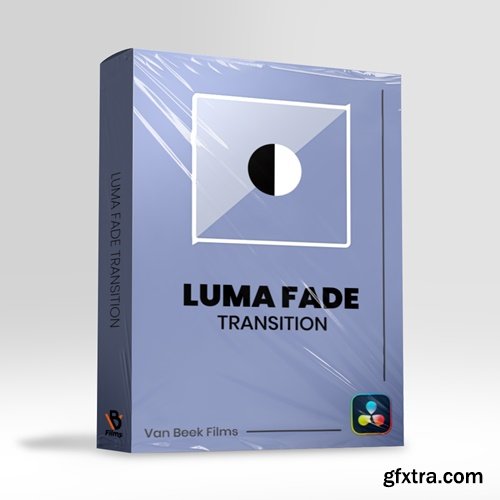
https://payhip.com/b/vZ2lW
- Effortlessly blend two clips using this lightweight, drag-and-drop Luma Fade Transition — fully customizable right on the Edit page. Originally built for day-to-night transitions in real estate videos, this effect works beautifully across a wide range of content, from cinematic b-roll to stylized social reels.
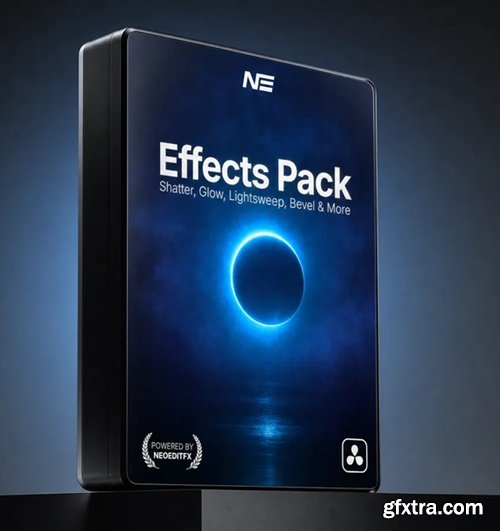
https://neoeditfx.com/products/effects-core-pack
- 16 effects DaVinci Resolve never shipped with
- Glow, light sweep, shatter, stroke, chroma, emboss, and more
- Search “Neo”, drag onto your clip, adjust in the inspector
- Use it on the Edit page or in Fusion, no keyframes
- GPU-accelerated and built for the timeline
- DaVinci Resolve 20+, Free and Studio
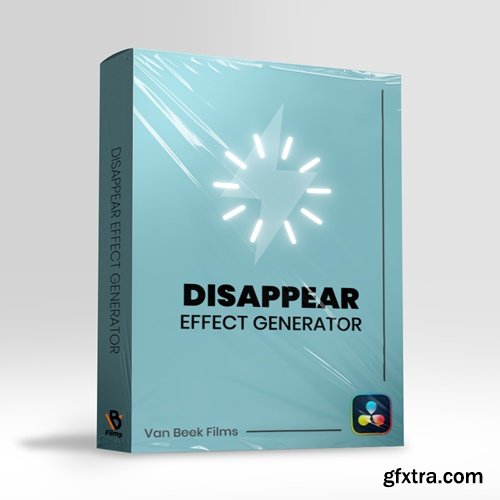
https://payhip.com/b/7e4mT
- Make anything vanish with style using this cinematic Disappear Effect — just drag and drop over your clips and watch your subject poof* out of frame. Perfect for real estate videos where agents need to disappear, or for car edits, music videos, and any creative project.
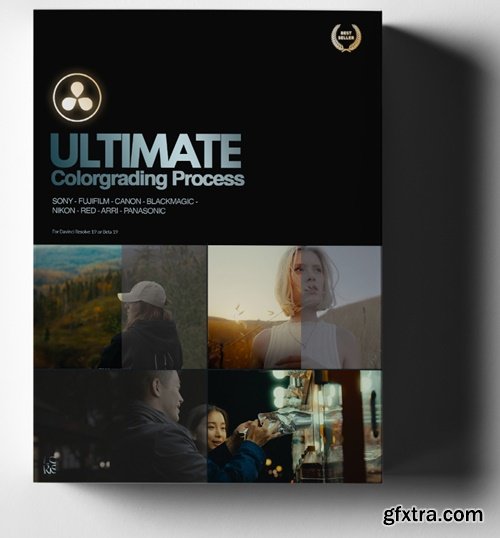
- Ultimate Colorgrading Process
- Ultimage CP is the most competent and hybrid of all powergrades for unique video rendering. It's no longer a question of colorimetry, it's about creating unique, cinema-like images with character that will be different from what you see in many videographers.
- Designed for LOG, Raw & Rec709 sequences.
- Tested and approved on the following cameras :
- Sony-Canon-Nikon-Fujifilm-Blackmagic-Panasonic-Arri-Red-DJI
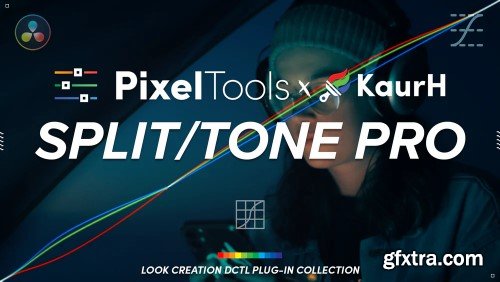
- Create sophisticated cinematic color separation with greater speed, precision, and control using PixelTools Split/Tone™, a professional DCTL plug-in for DaVinci Resolve Studio designed specifically for creating split-tone looks. From classic warm highlights and cool shadows to subtle tonal color separation, Split/Tone™ gives you a dedicated environment for shaping the relationship between different tonal regions of your image. Instead of fighting with traditional RGB curves or complicated masking and keying techniques, you can build refined split-tone looks in seconds with intuitive controls and immediate visual feedback.
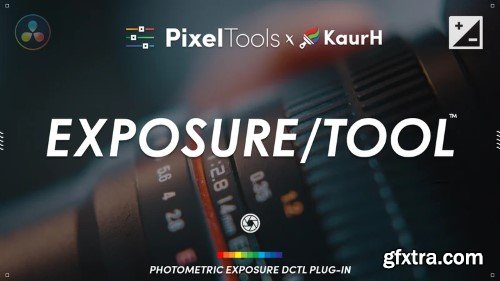
- Take control of exposure with the precision of a cinematographer and the simplicity of a photographic camera. PixelTools Exposure/Tool™ is a professional DCTL plug-in for DaVinci Resolve Studio, designed to give colorists a more intuitive and controlled way to adjust exposure using photographic stop-based controls. Instead of relying solely on traditional Lift, Gamma, Gain, or Offset adjustments, Exposure/Tool™ provides a dedicated exposure workflow that lets you make precise changes while maintaining greater control over the tonal structure of your image. Whether you need to brighten an underexposed shot, bring down an overly bright image, or make subtle exposure refinements, the tool is designed to make the process fast, predictable, and repeatable.
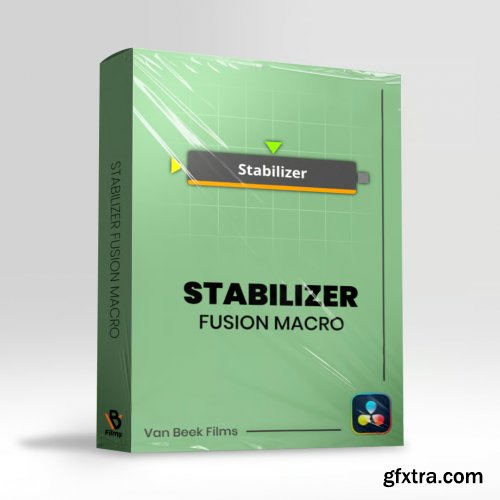
Van Beek Films – Stabilizer (Fusion Macro) for Davinci Resolve
https://payhip.com/b/0BzxD
- Get buttery smooth footage in seconds with these powerful Stabilizer Tools for DaVinci Resolve — designed specifically for real estate videography, but perfect for any handheld or motion-heavy shot. Whether you’re dealing with micro jitters, handheld wobble, or imperfect gimbal shots, these tools give you precise control and professional-level stabilization without slowing down your workflow.
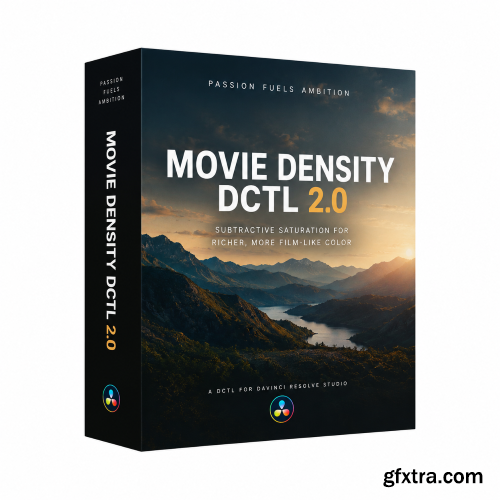
- Stop using saturation that looks digital. This DCTL uses subtractive color technology to add the complex, rich tonal density that defines a professional, filmic look to any scene. Achieving genuine film density requires more than just boosting saturation—it requires a complex interaction of hues. Traditional saturation tools add chroma, often flattening your image.
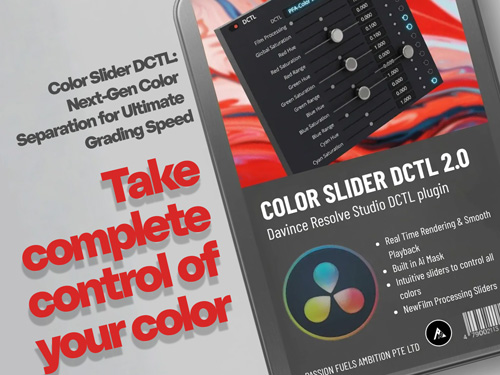
Passion Fuels Ambition - Color Slider DCTL 2.0
Zero GPU tax: Pure mathematical color separation that won't lag your timeline
Surgical precision: Bypasses pixel selection for accurate, predictable color isolation
Single-node power: All color channels accessible in one lightning-fast DCTL
- Take complete control of your color with Color Slider DCTL 2.0, a next-generation color separation and grading tool designed for DaVinci Resolve Studio. Built for speed, precision, and creative flexibility, Color Slider gives you dedicated control over six essential color channels—Red, Green, Blue, Cyan, Magenta, and Yellow—all within a single, efficient DCTL node.
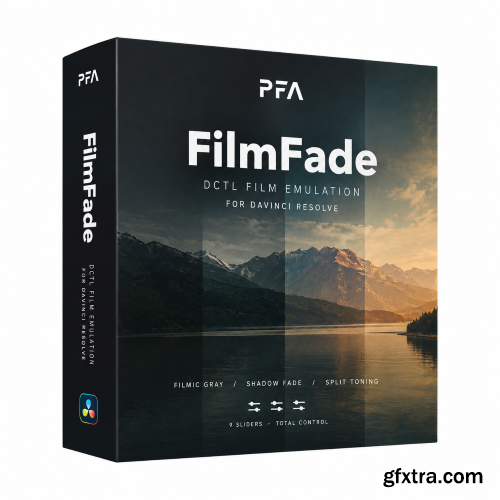
- The PFA FilmFade DCTL is a GPU-accelerated color tool designed to add authentic film fade characteristics to your digital footage in DaVinci Resolve Studio. It simulates the way film handles contrast in shadows and highlights, creating the gentle roll-off that gives film its organic, cinematic feel.
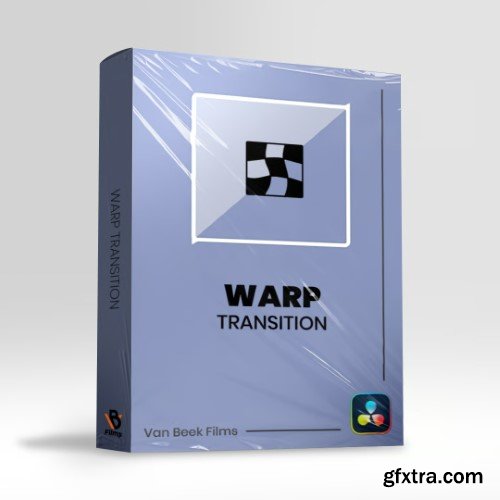
- Easily blend shots with style using this powerful, drag-and-drop Warp Transition — designed for real estate day-to-night shots, but versatile for any creative edit. With multiple prebuilt warp styles and full customization on the Edit page, you can add smooth, dynamic motion between scenes without touching Fusion. ✅ Smooth warp-based transition with natural motion ✅ Includes several prebuilt warp styles ✅ Built entirely for the Edit page — no Fusion required ✅ Delivered in a single .drfx file for one-click install
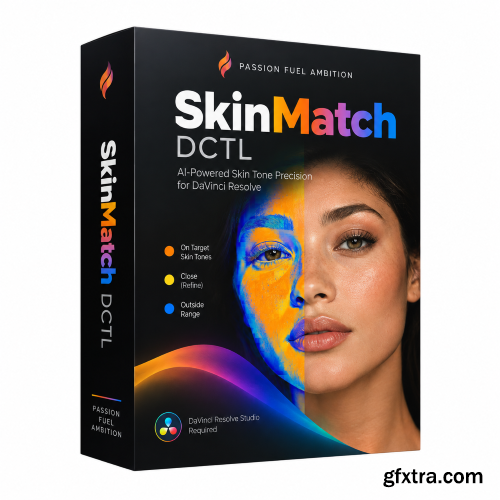
- Take the guesswork out of skin tone correction with SkinMatch DCTL by Passion Fuel Ambition—a professional color grading tool designed to help colorists achieve clean, natural, and consistent skin tones with greater speed and precision.
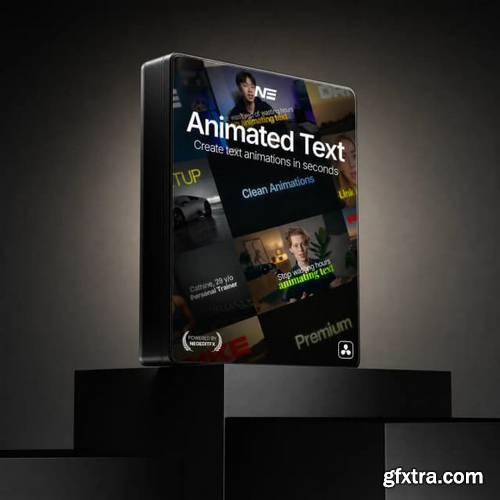
https://neoeditfx.com/products/animated-text-pack
- Neo TextMotion: one plugin, 67 million animation combinations
- Zero keyframes. Toggle animations, pick easing, done
- 42 built-in presets, plus a preset manager to save your own
- Animate the full text, or by letter, word, and line
- 67 classic titles included as a bonus (30 and 60 FPS)






















Top Rated News
 thegreatcourses
- Udemy Part 3
- Pose and Reference Pack
- PSDMarket All Flyer
- TheBoudoirDivas All Tutorial
- 126,000 Royalty-Free 3D Models
- CreativeLive Tutorial Collections
- Fasttracktutorials Course
- Chaos Cosmos Library
- MRMockup - Mockup Bundle
- Finding North Photography
- Sean Archer
- John Gress Photography
- Motion Science
- AwTeaches
- Learn Squared
- PhotoWhoa
- Houdini-Course
- Photigy
- August Dering Photography
- StudioGuti
- Creatoom
- Creature Art Teacher
- Creator Foundry
- Patreon Collections
- Udemy - Turkce
- BigFilms
- Jerry Ghionis
- ACIDBITE
- BigMediumSmall
- Globe Plants
- Unleashed Education
- The School of Photography
- Visual Education
- LeartesStudios - Cosmos
- Fxphd
- All Veer Fancy Collection!
- All OJO Images
- All ZZVe Vectors
- CGTrader 1 CGTrader 2






























