


Justin Gerard’s Monster-of-the-Month Brush Sets have been developed to give illustrators digital tools that simulate the look and feel of traditional painting and drawing. Each Monster of the Month brush set is built out of the core brushes used each month to paint, texture, and detail each monster. Every set is unique and contains completely new brushes which help tackle specific natural textures and surfaces. I designed these brushes by sampling my own scans of traditional paint strokes, splatters, sprays, pencil strokes, and maybe some spilled coffee.
This set comes with an ADOBE PHOTOSHOP .abr file with over 100 unique brushes, including Blenders and Mixer Brushes.
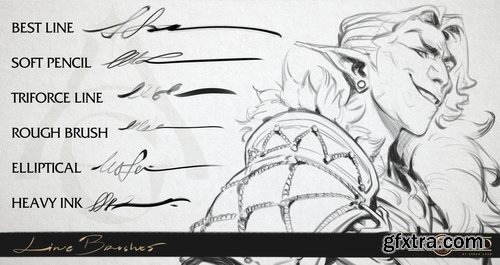
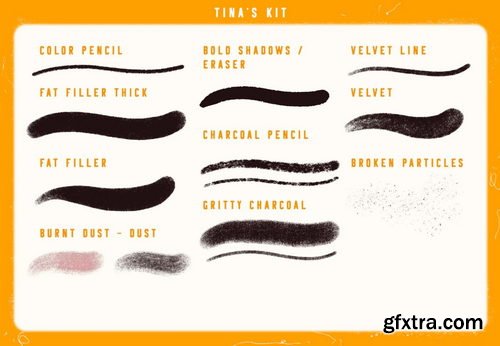
Each brush contains built-in characteristics such as opacity, flow, special modes and textural effects that make it handle in unique ways. Please see the Brush Guide in the sample images above for some helpful tips on how to use the brushes to their fullest potential.

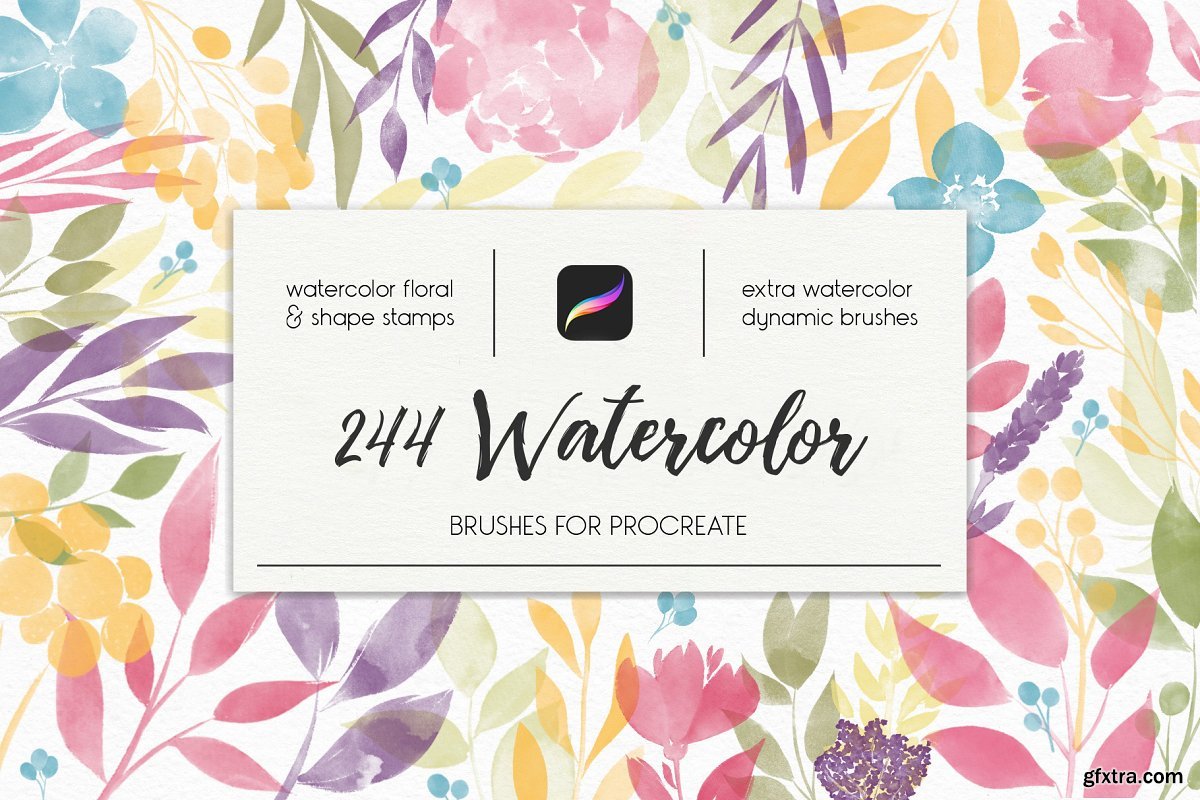
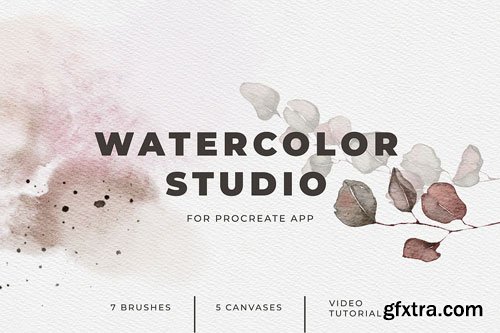
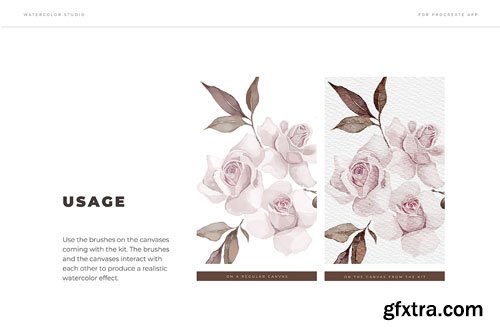
CreativeMarket - 244 Watercolor Brushes For Procreate 3851051
BRUSH
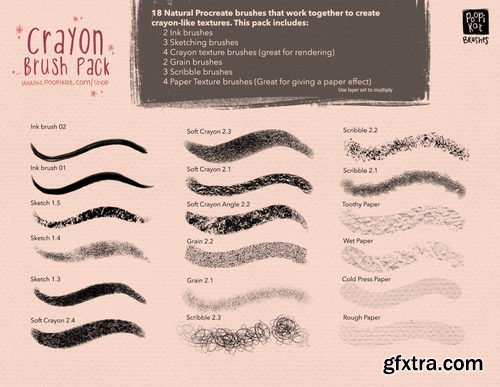
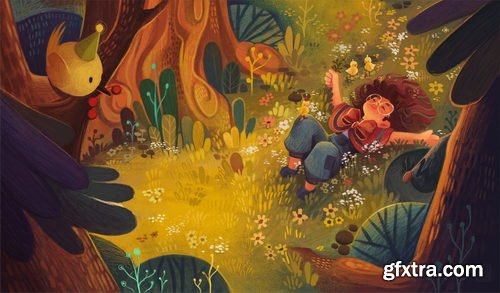
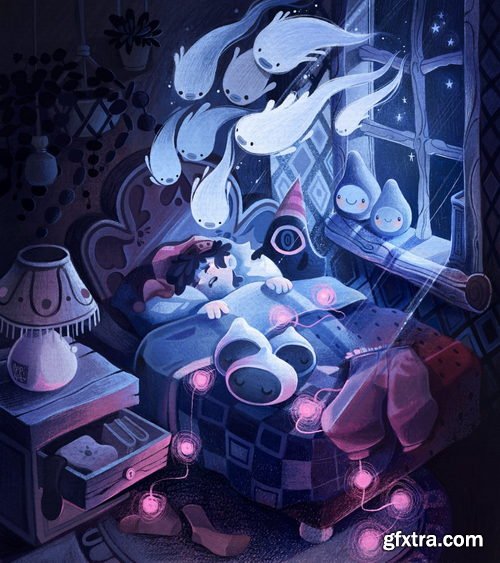
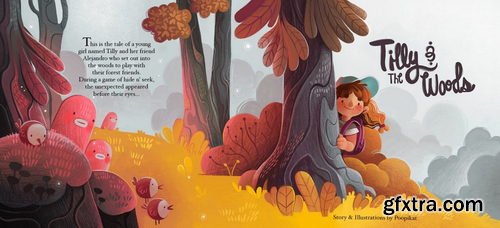
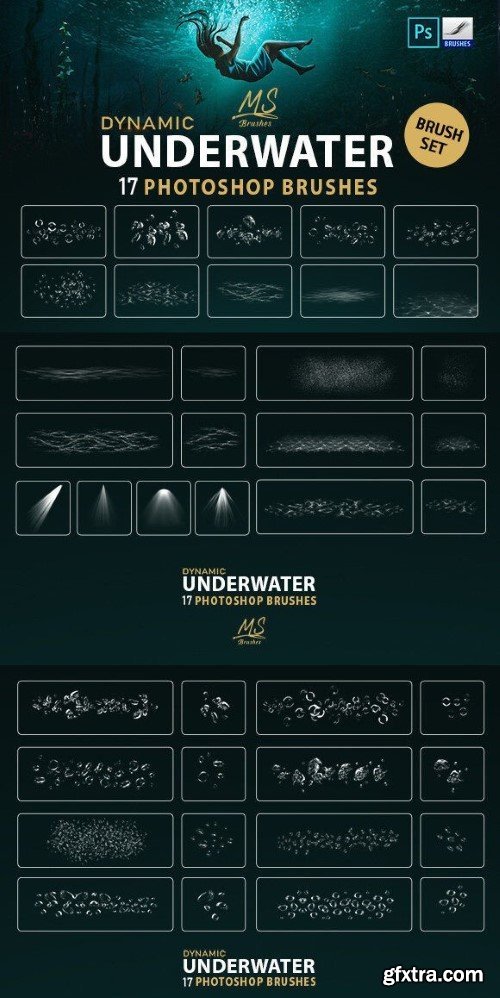
This set of 17 High Quality Dynamic Underwater Brushes includes everything you need to create a Realistic underwater Bubbles & Ripples & Refraction & lights, you can actually Paint with them. You will receive a Tutorial video explaining how to use Brushes, and a Pdf file explaining how to install Brushes on Photoshop, Gimp, Procreate, affinity photo,
just upload this brush set into your photoshop and enjoy!
INCLUDING:
– 2 Abr files for Photoshop CS6 and above (with size up to 5000px) and Photoshop CS2 (with —size up to 2500px).
– Video Tutorial (how to use Brushes).
– PDF File (How to install).
– PDF File (Preview).
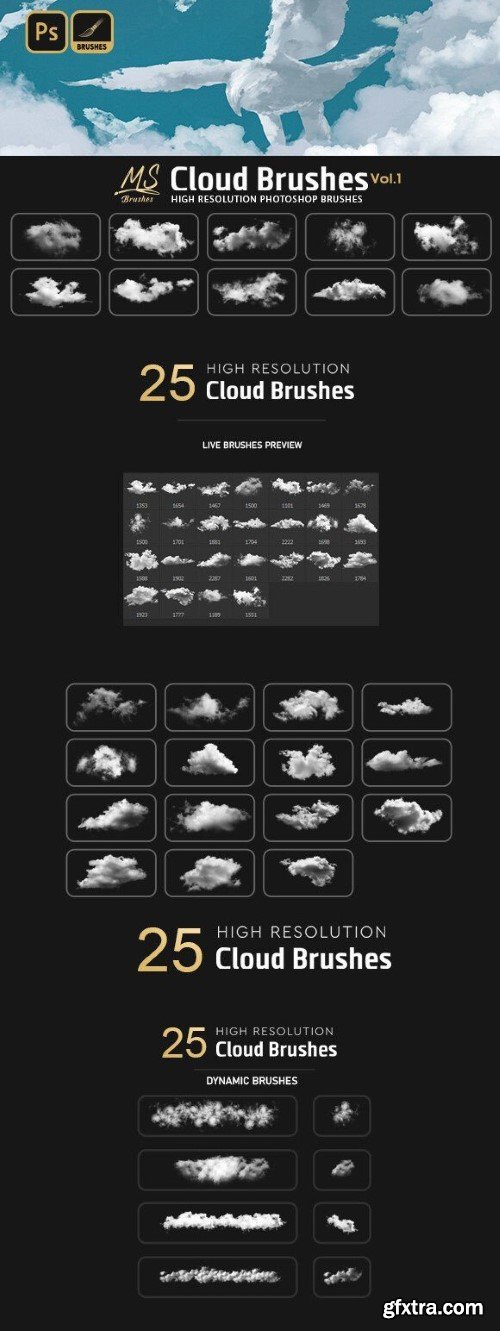
This brush set contains 25 high-resolution cloud brushes for Adobe Photoshop. The brushes are composed of various types of clouds.
Compatibility:
Photoshop CS2 & CC, GIMP, Procreate 5.0, and Affinity Photo.
The pack includes:
• 2 ABR File for Photoshop CS2 & CC +
• PDF File How to Import brushes into (Photoshop, Gimp, Procreate, affinity photo)
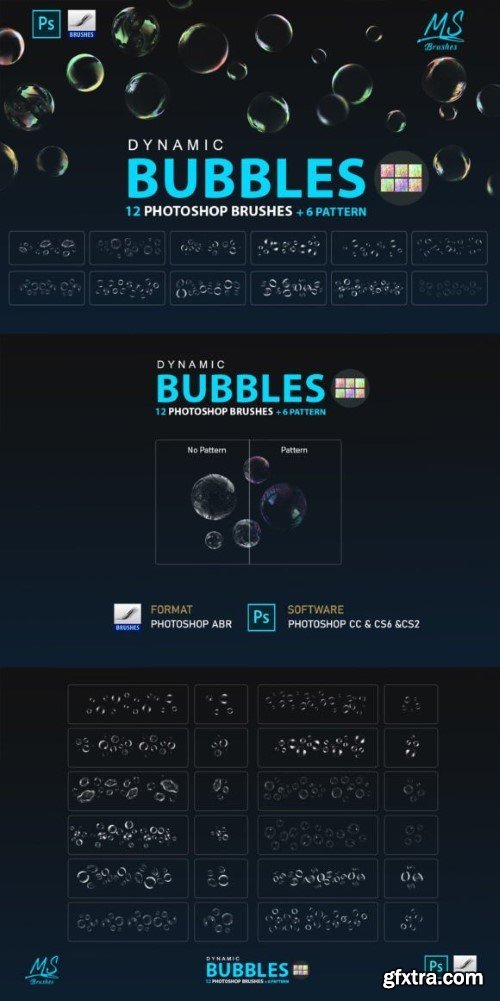
12 high quality Dynamic water Bubbles brushes + 6 Pattern, you can Paint with Bubbles and change your Bubbles colors to get a colorful pack right away!
Create professional visual effects for your art, illustrations or other projects in seconds!
Included file formats:
2 ABR File for Photoshop CS2 & CC+ (12 high quality Dynamic Bubble brushes set).
Pat. file (6 high quality Patterns).
PDF File How to Import brushes into (Photoshop, Gimp, Procreate, affinity photo)
PDF File How to Import Pattern into Photoshop
PDF Brushes Preview
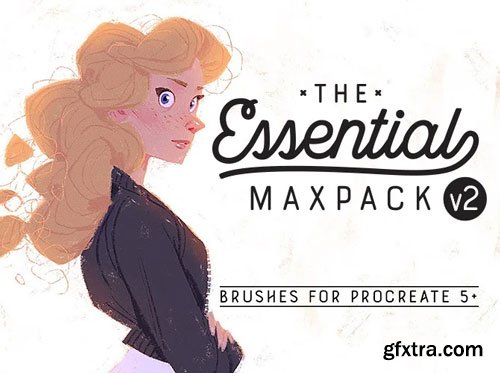
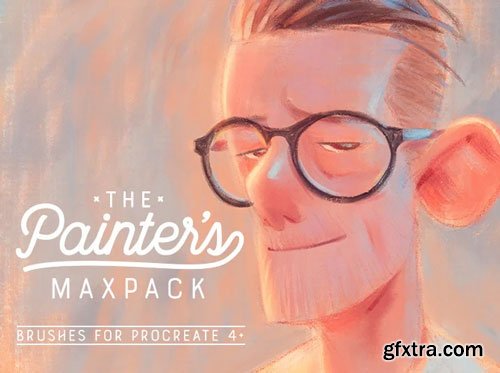
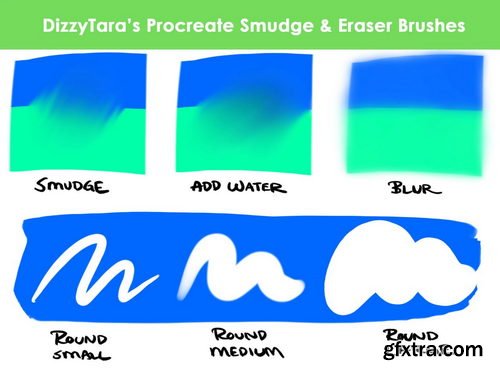
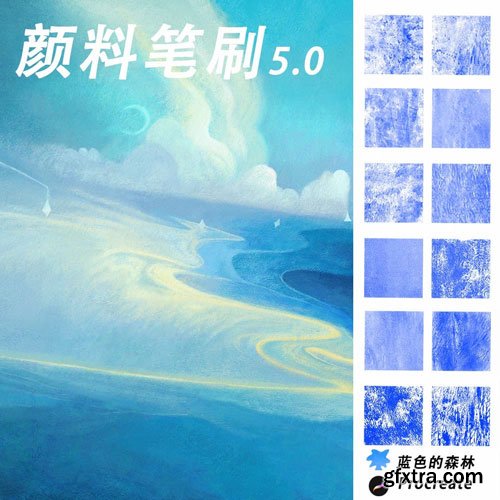
Enjoy 12 natural media brushes and 5 bonus smudge brushes designed to give your digital paintings a richly textured traditional feel. I'm very fond of the Chunky Wet Acrylic brushes, which can be used for broad, rough, painterly strokes, or for fine details. They blend like a dream when you lift off the pressure, or they can leave thick bold marks if you're looking to make a statement. Also featured in the pack are my favorite Old and Dry Brush Pen variants which can be used for lovely sumi style inking or as a bristly paint brush. Many brushes feature tilt effects when used with the Apple Pencil, most notably scratchy bristles like you would find in a real brush pen, and realistic conté side shading. This set is perfect for artists who want to loosen up and get a little messy and painterly!
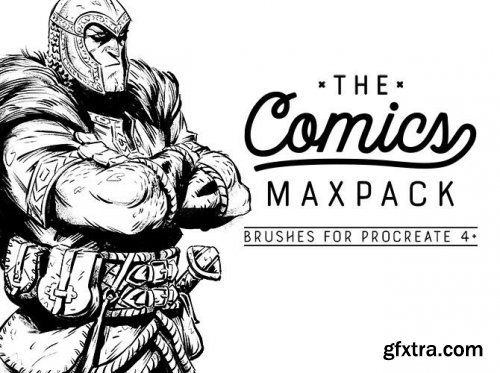
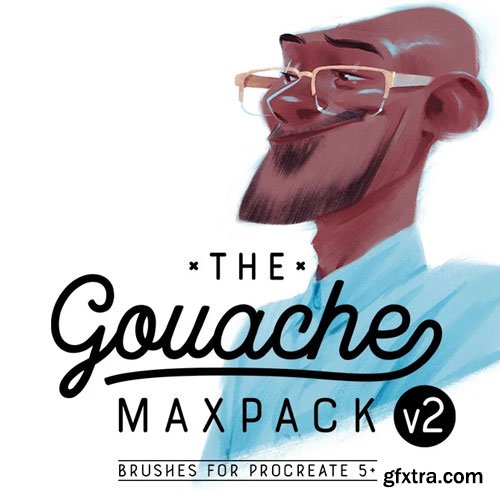
The Gouache MaxPack has been updated to v2! Enjoy 62 natural media brushes including 10 brand new brushes and significant improvements to many of your existing favorites. No matter if you're trying to replicate the flat, bold marks of a mid-century cartoonist, the loose, energetic marks of a concept artist, or the delicate shading of a fully rendered fantasy illustration, this set of brushes has what you need. You will love the velvety marks of the Gouache Smooth as your new daily driver. If you want the beloved look of early animation art, you'll want the Gritty Series for that perfect bit of dry brush on the end of your marks. Capture the effortless looseness of a plein air painter with the Bristle, Split, and Shredded brushes. Or thin out your paint and build up your washes with the Thin Series, each with their own character and grain patterns. Many of the staple brushes of the pack also have alternate Glaze variants which allow you to use the opacity slider to customize how you want to layer your marks. Gouache is a medium as varied as the artists who use it, and the range available in this MaxPack will inspire you to paint exactly how you like. Also included is my absolute favorite new drawing tool, the 600 Series Pencil, inspired by the Blackwing 602. Also new in this update is improved performance across the board in Procreate Pocket for iPhone as a bonus.
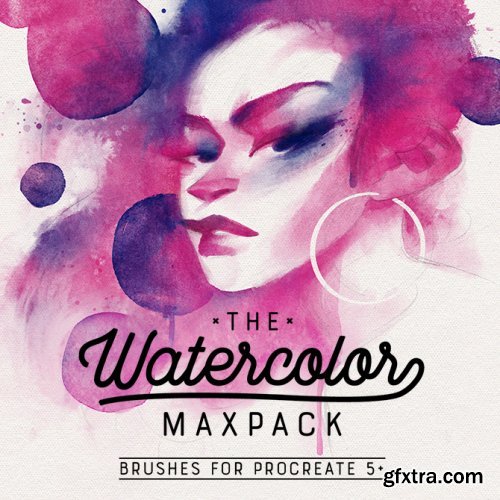
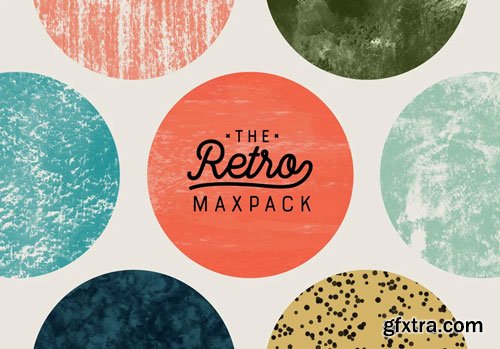
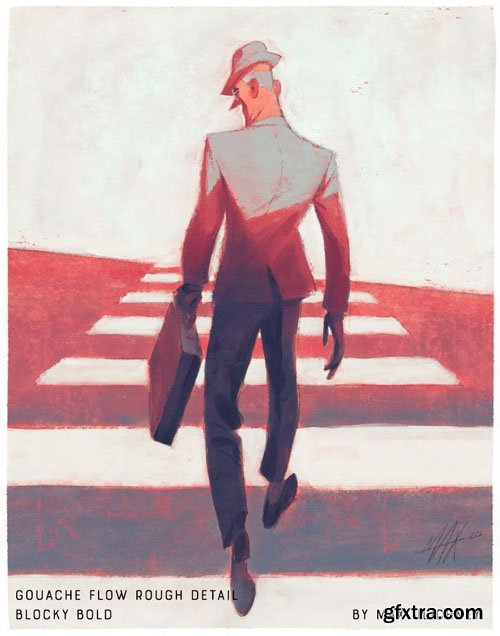
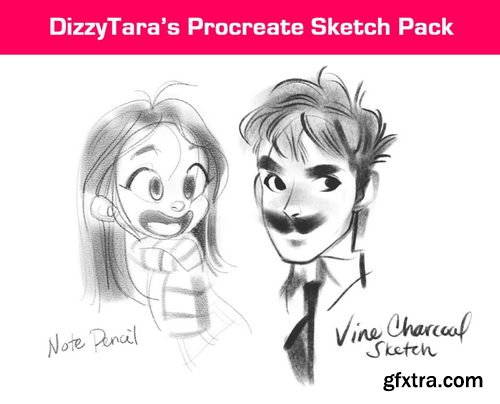
Enjoy 70 of the most uncanny digital brushes you've ever experienced with this eclectic mix of nostalgic brushes. The collection is a celebration of natural texture, with an inspiring variety including pencils, inks, pastels, a host of new gouache brushes, sponges, and some versatile grungy texture brushes. While this pack will no doubt enable you to paint in the style of your favorite 50s style editorials, animation artists, or timeless picture books, it will also be the perfect set of brushes for concept artists looking for loose, expressive marks and heavy texture. For the gouache enthusiast who already owns and loves the Gouache MaxPack, this set expands on it and explores another more adventurous side of the medium; a little rougher, less polished, and celebrating its natural imperfections. Subtle color variation and sophisticated transparency effects make these the most realistic gouache brushes available anywhere. The Gouache Natural family is buttery smooth, with Natural Wash and Natural Thin acting as evolutions of my Watercolor brushes. The namesake Gouache Retro family is my love letter to Mary Blair. These are thick and bold with strong pebbly texture on the edges. The fan-requested Photocopy brushes are very aggressively textured yet delicate tools inspired by mid-century animation backgrounds. Liner Strong and Stipples work together to create clean graphic linework and stippled shading you might see in anything from bold traditional tattoos to mid-century illustrations. The warm, familiar textures in the pastels are absolutely irresistible and capable of soft, dreamy marks or bold, aggressive toothy strokes. There’s a host of texture-focused brushes and Sponges that are ideal for foliage, rocky landscapes, or for adding a bit of color breakup to some nice clean flats in a lasso selection based graphic workflow. And because no pack would be complete without some fun sketching tools, I’ve included 2 new atelier-style pencils, a blending stump smudge brush, and the Vis Dev Sketch for clean, production-ready design work.
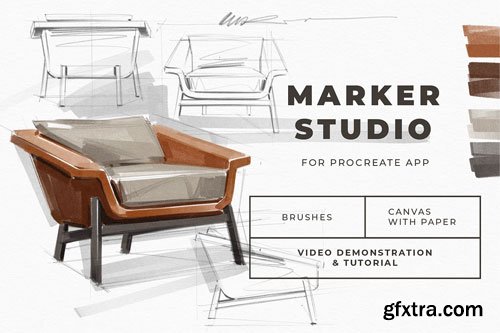
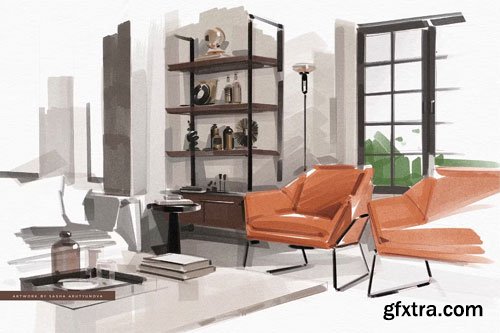
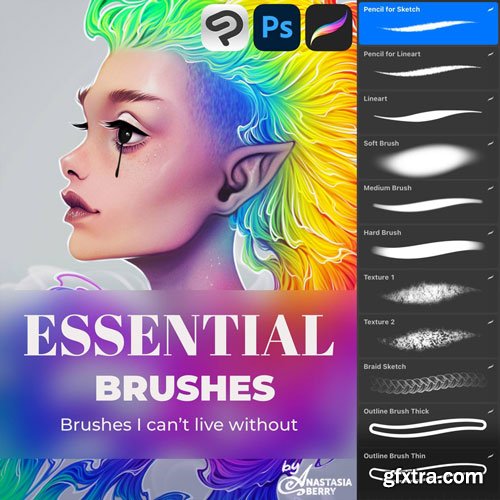
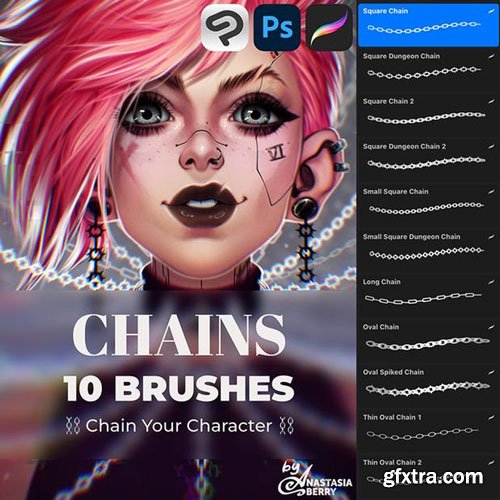
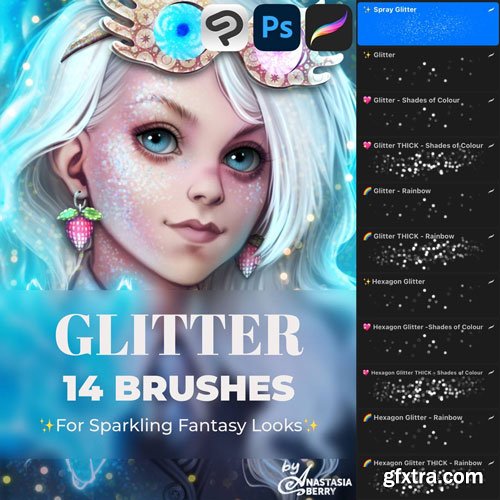
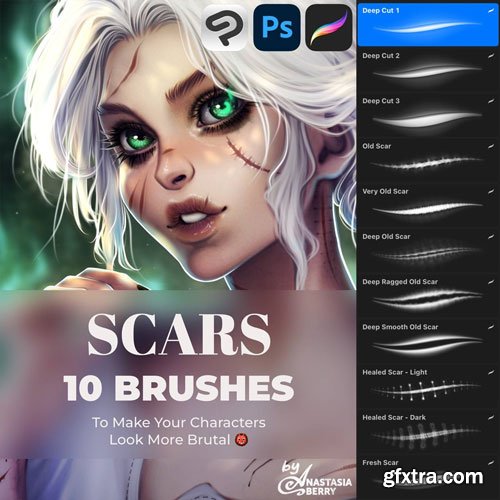
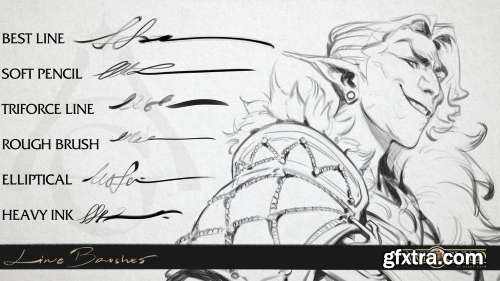
* Note that Rough brush is only compatible with Photoshop.
126,000 Royalty-Free 3D Model

Udemy Türkçe


Top Rated News
- CreativeLive Tutorial Collections
- Fasttracktutorials Course
- Chaos Cosmos Library
- MRMockup - Mockup Bundle
- Finding North Photography
- Sean Archer
- John Gress Photography
- Motion Science
- AwTeaches
- Learn Squared
- PhotoWhoa
- Houdini-Course
- Photigy
- August Dering Photography
- StudioGuti
- Creatoom
- Creature Art Teacher
- Creator Foundry
- Patreon Collections
- Udemy - Turkce
- BigFilms
- Jerry Ghionis
- ACIDBITE
- BigMediumSmall
- Globe Plants
- Unleashed Education
- The School of Photography
- Visual Education
- LeartesStudios - Cosmos
- Fxphd
- All Veer Fancy Collection!
- All OJO Images
- All ZZVe Vectors
- CGTrader 1 CGTrader 2



















