

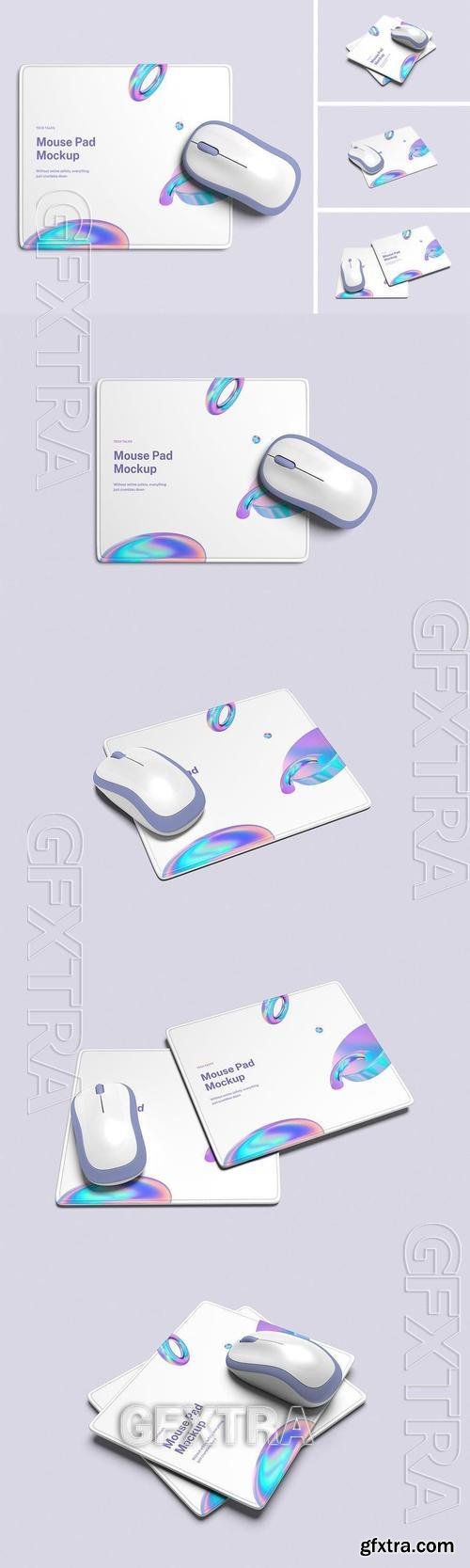

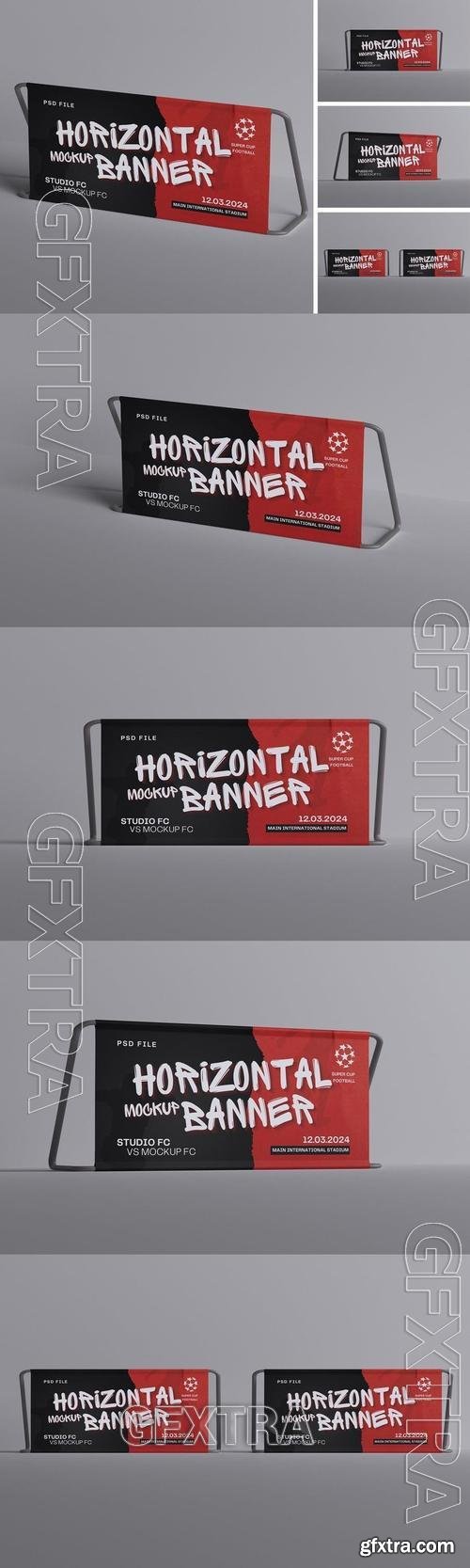
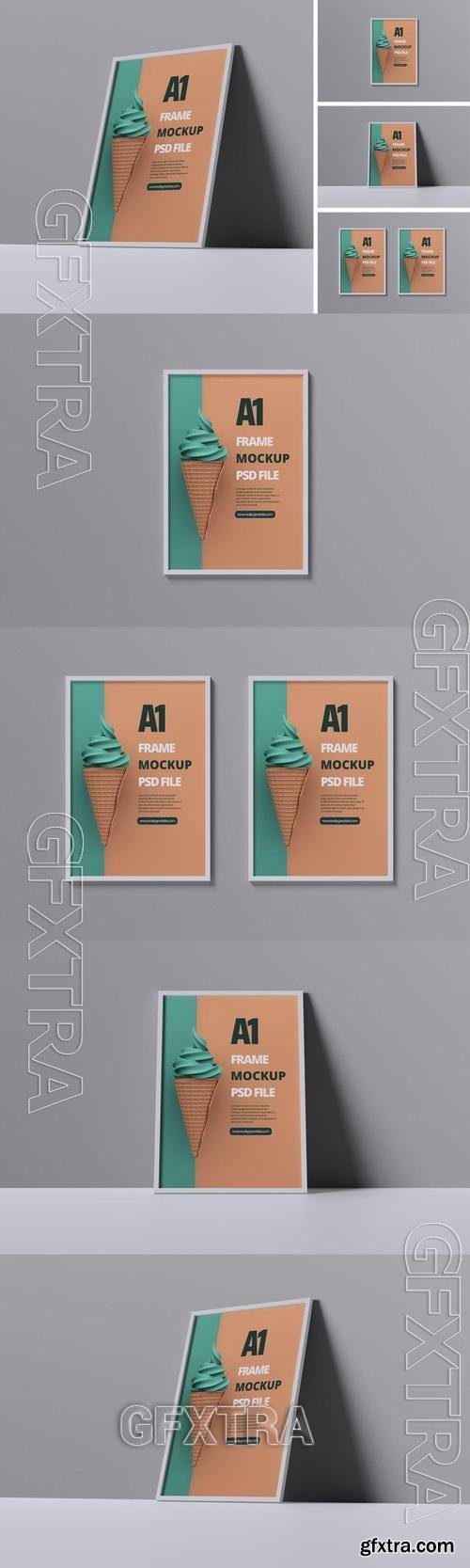
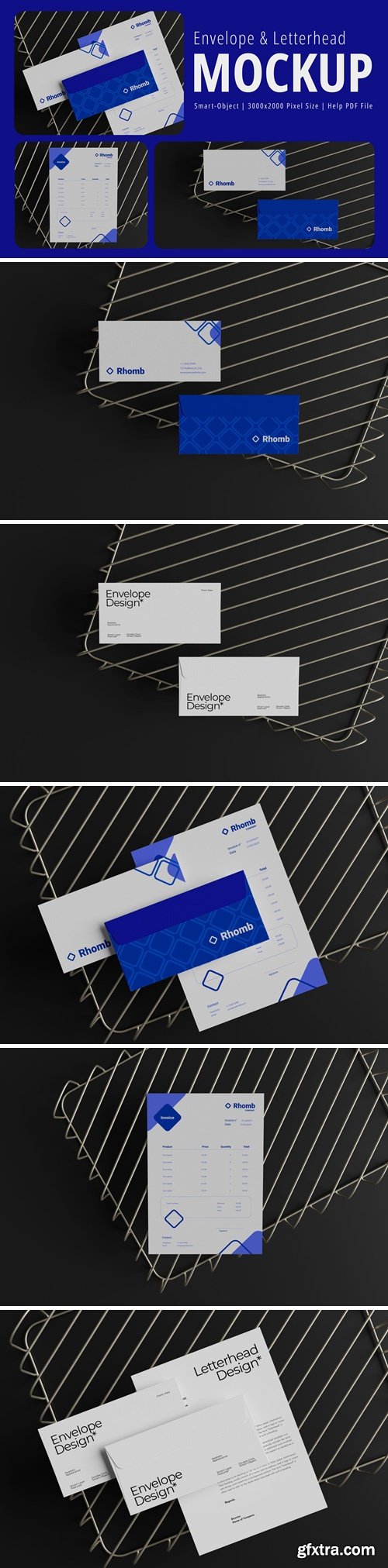
Simply drag and drop your design elements to effortlessly customize and showcase your brand with flexibility.
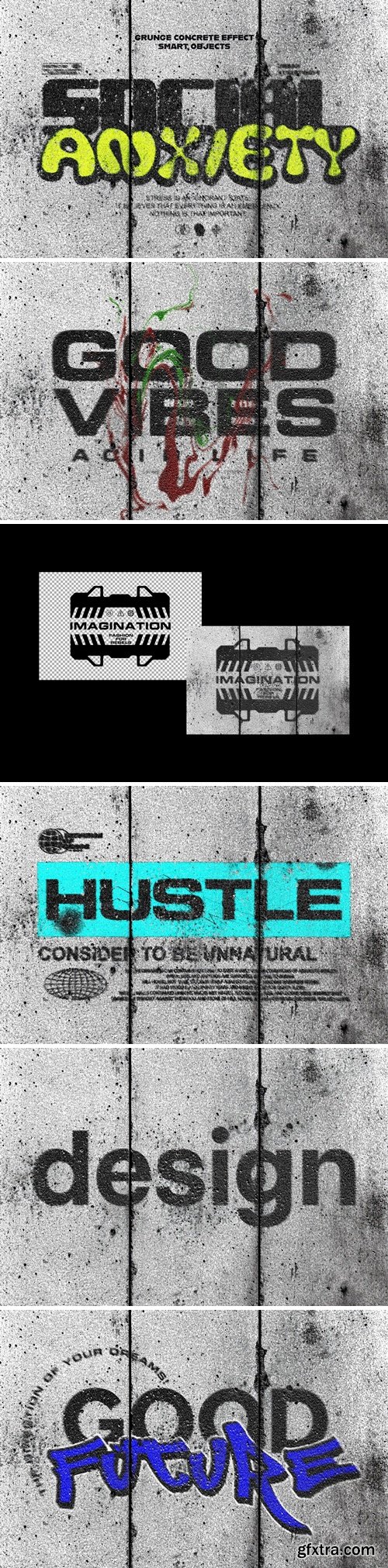
Wrapping a finished project into a suitable mockup is an essential step for presenting your ideas to the world. The main features of a well-built mockup are versatility, realism, and high-quality textures, which we successfully implemented into this file. Open the Smart Object layer with a double-click on its thumbnail, delete the default placeholder layer, then add any graphics you need and save the applied changes. These few actions will provide you with an inspiring showcase scene!

Sampling Deckled Edge Paper with Watercolor Brush
PSD, PDF | 100 MB
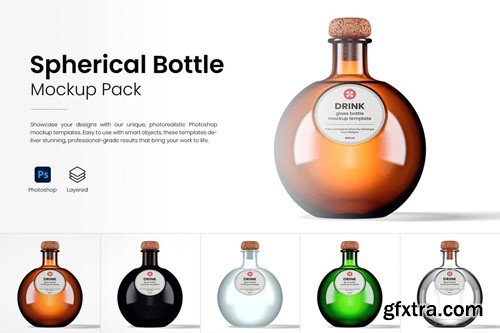
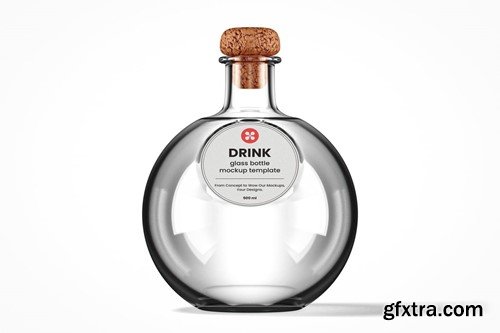
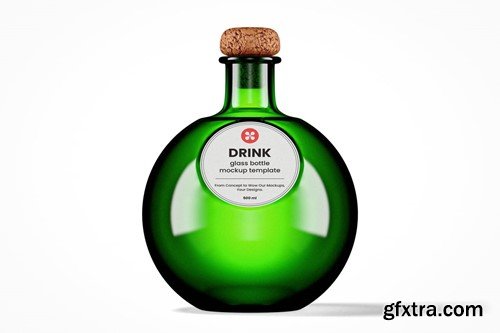
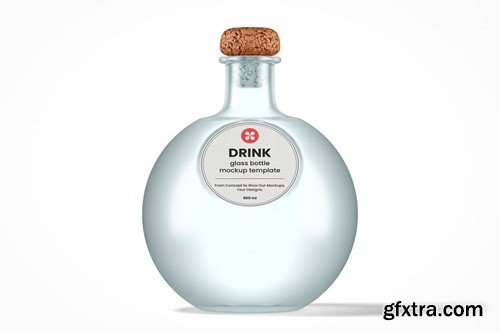
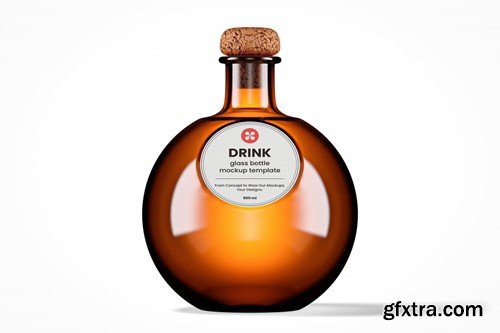
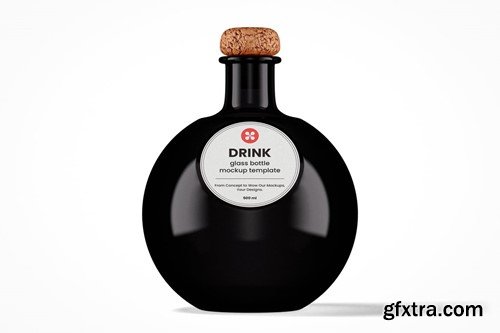
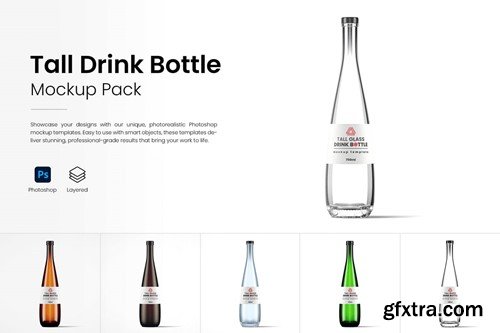
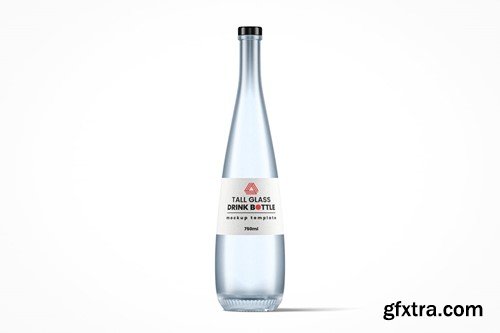
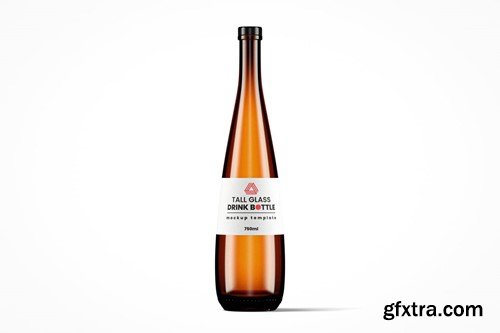
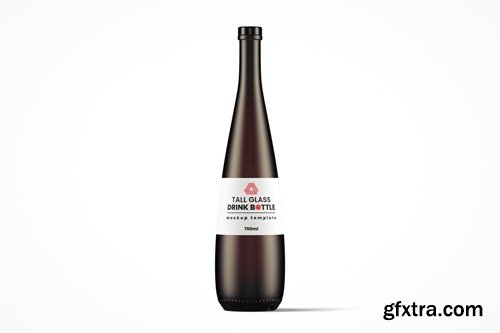
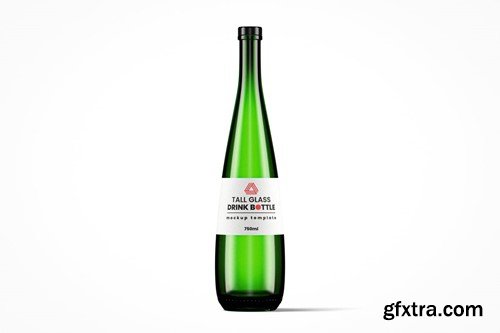
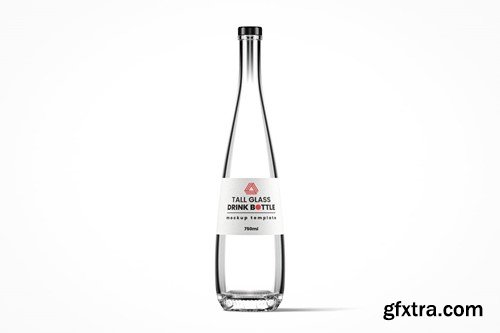
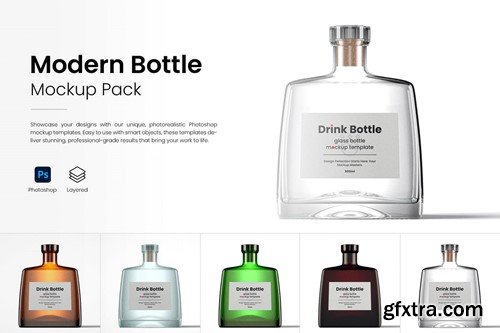
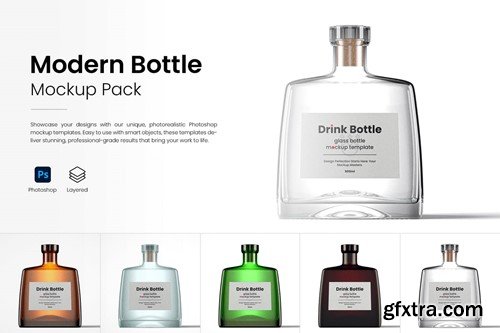
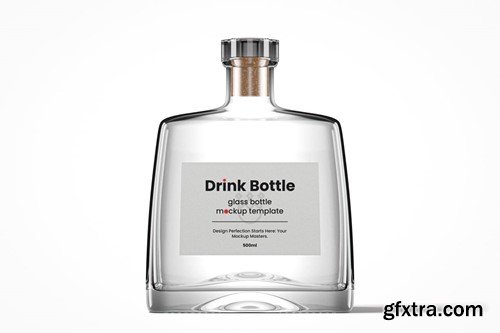
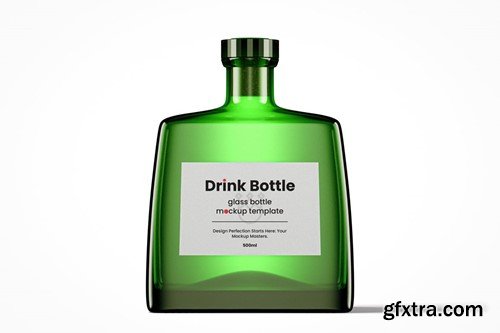
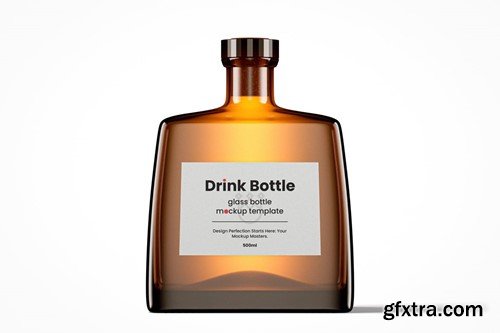
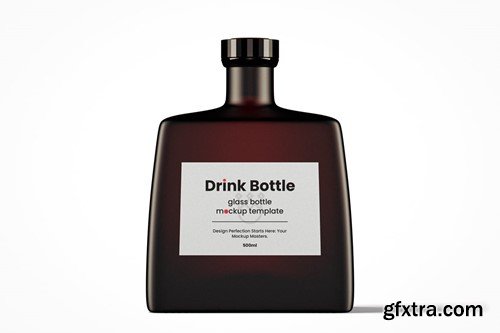
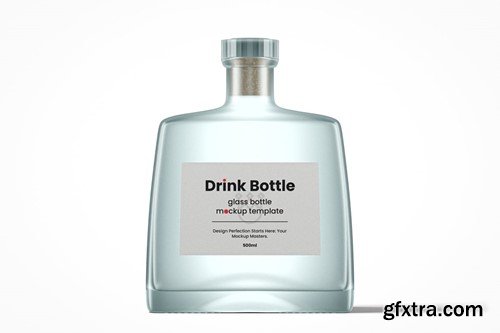
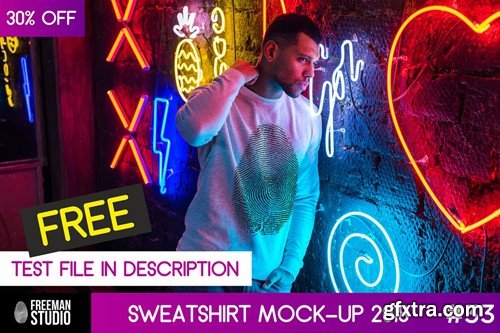
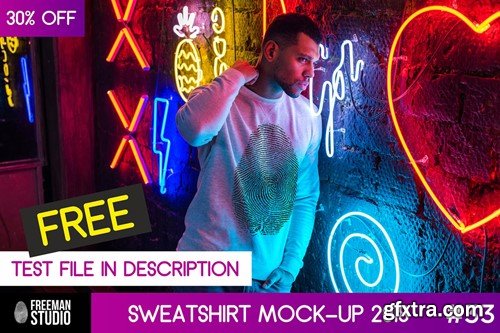
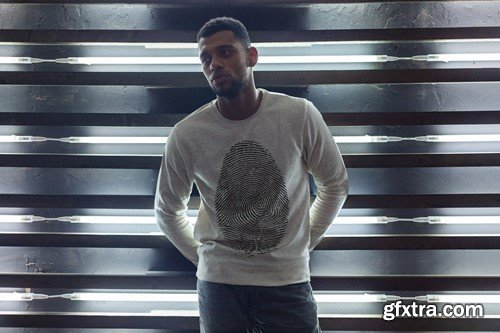
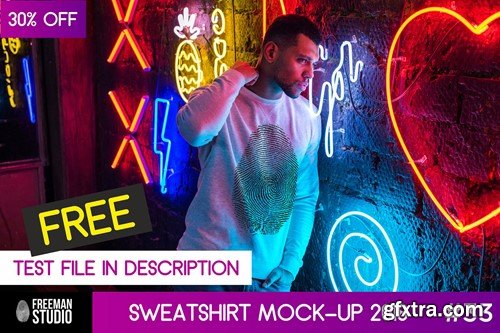
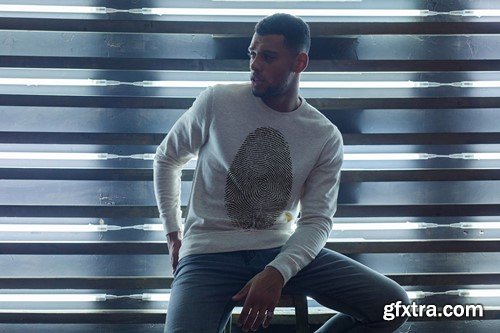
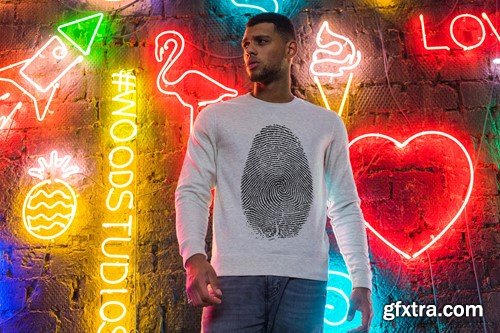

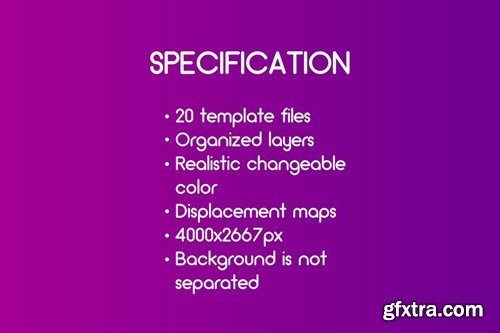

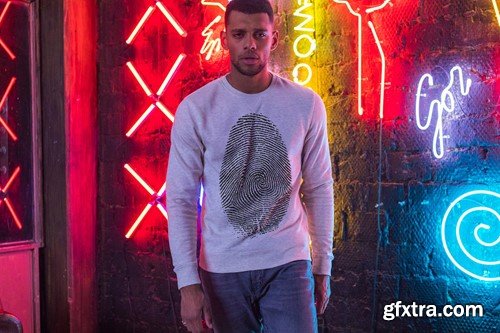
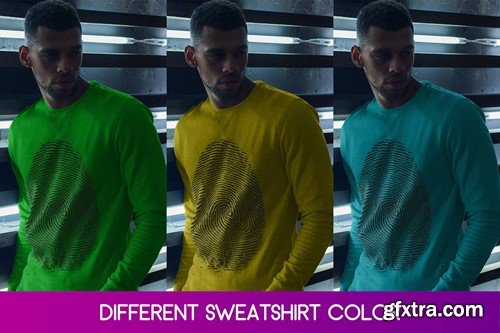
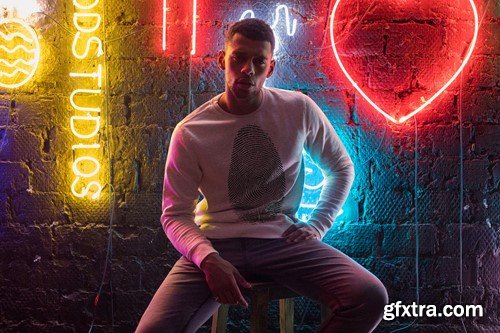


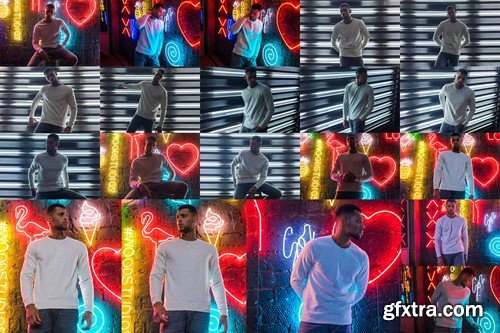
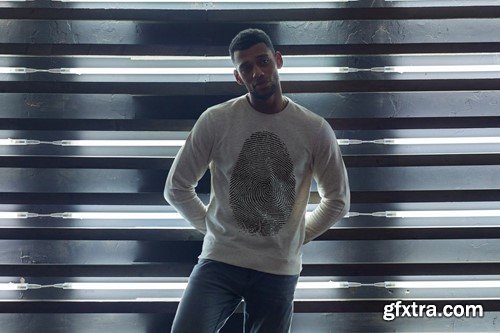
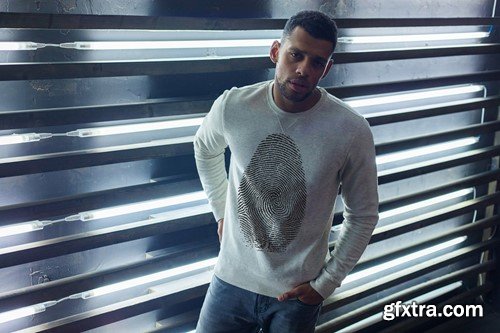
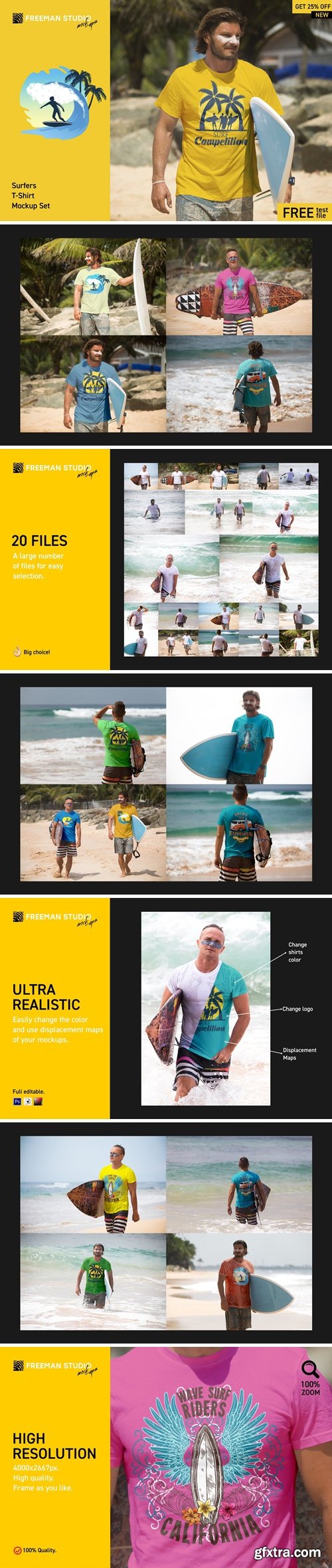
Easy to place your designs using smart objects, double-click the Smart Layer, copy & paste your artwork, save and you’re done!
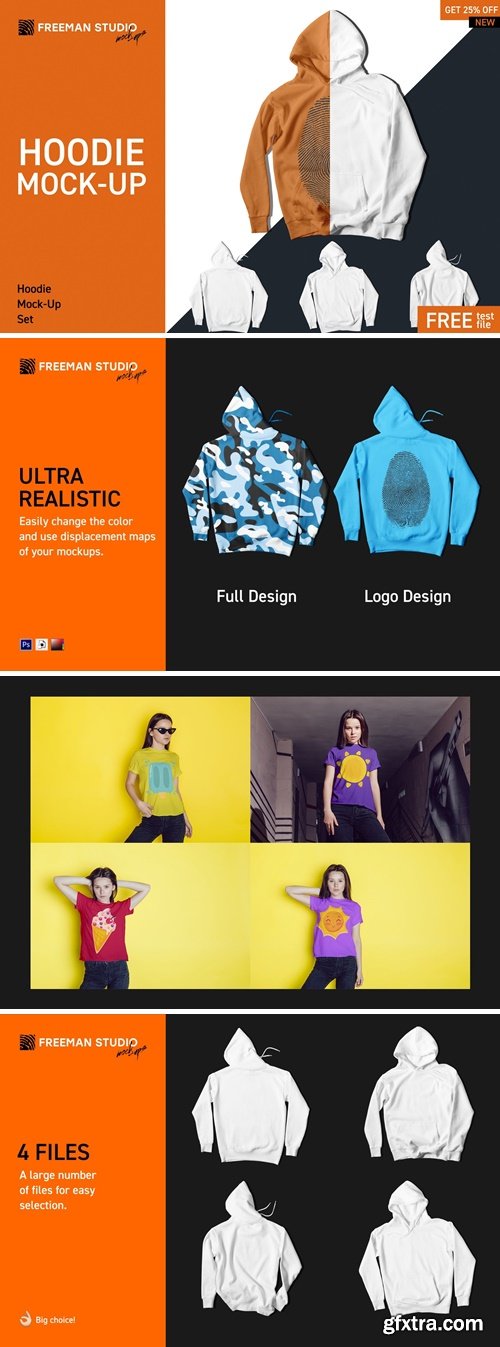
Easy to place your designs using smart objects, double-click the Smart Layer, copy & paste your artwork, save and you’re done!
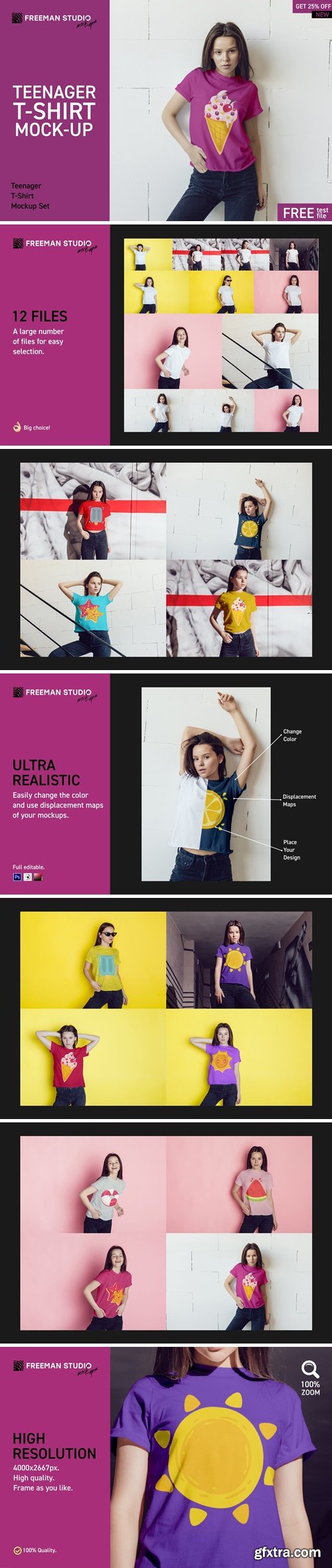
Easy to place your designs using smart objects, double-click the Smart Layer, copy & paste your artwork, save and you’re done!
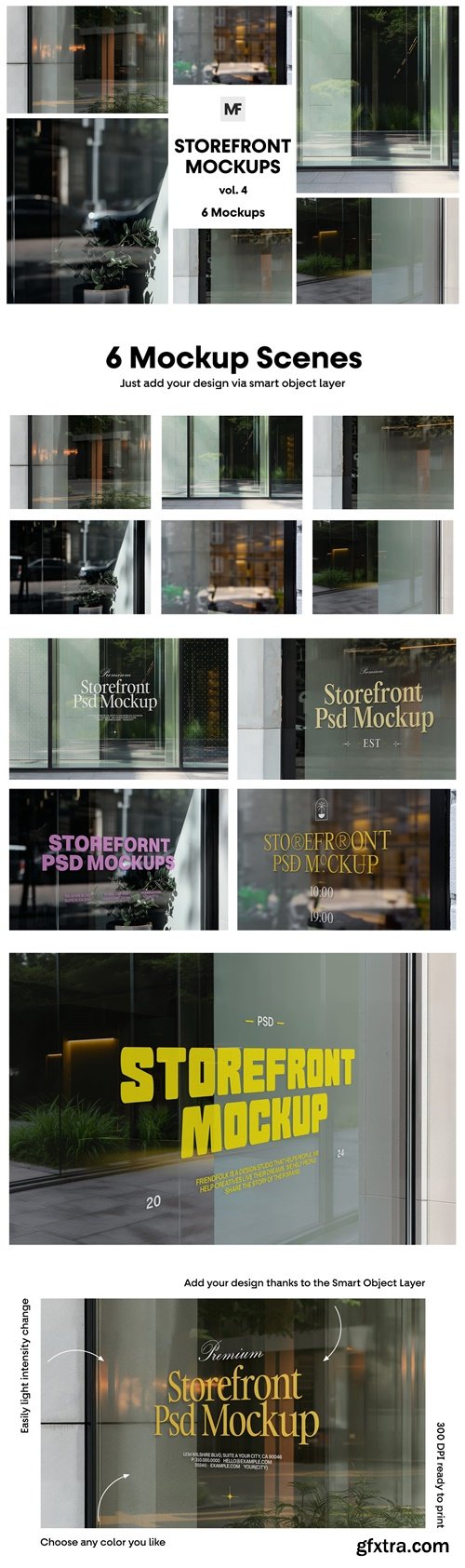
Display your next project presentation in most professional way with our Storefront Restaurant Mockups. Files are properly prepared in Photoshop so you can nice and easily add your design via Smart Object Layers. Different scenes and format allow you to choose which mockup at the moment is best for your expectations. All files are in Hi-Res (300 DPI) which give you opportunity to crop it and present your work. Set your favorite color and light intensity according to your preferences. Just have fun doing your next job!

Easy to place your designs using smart objects, double-click the Smart Layer, copy & paste your artwork, save and you’re done!

GR - T-Shirt Mock-Ups - Apparel Design 140080
6 Layered PSD Files | instructions in RTF | RAR 14 MB | SALE PAGE
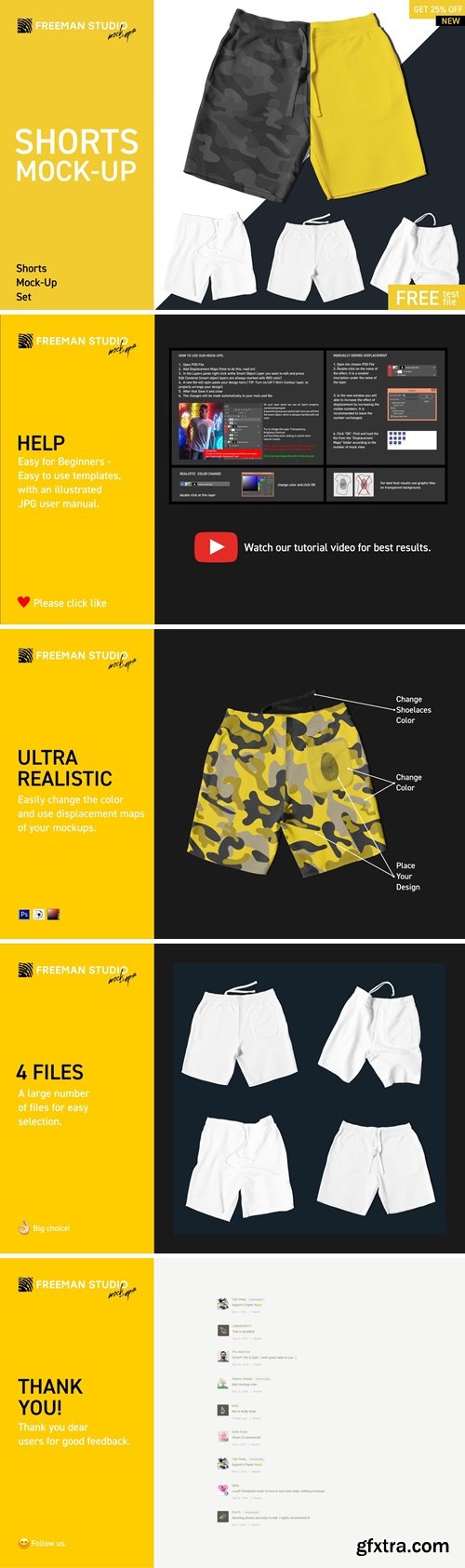
Easy to place your designs using smart objects, double-click the Smart Layer, copy & paste your artwork, save and you’re done!
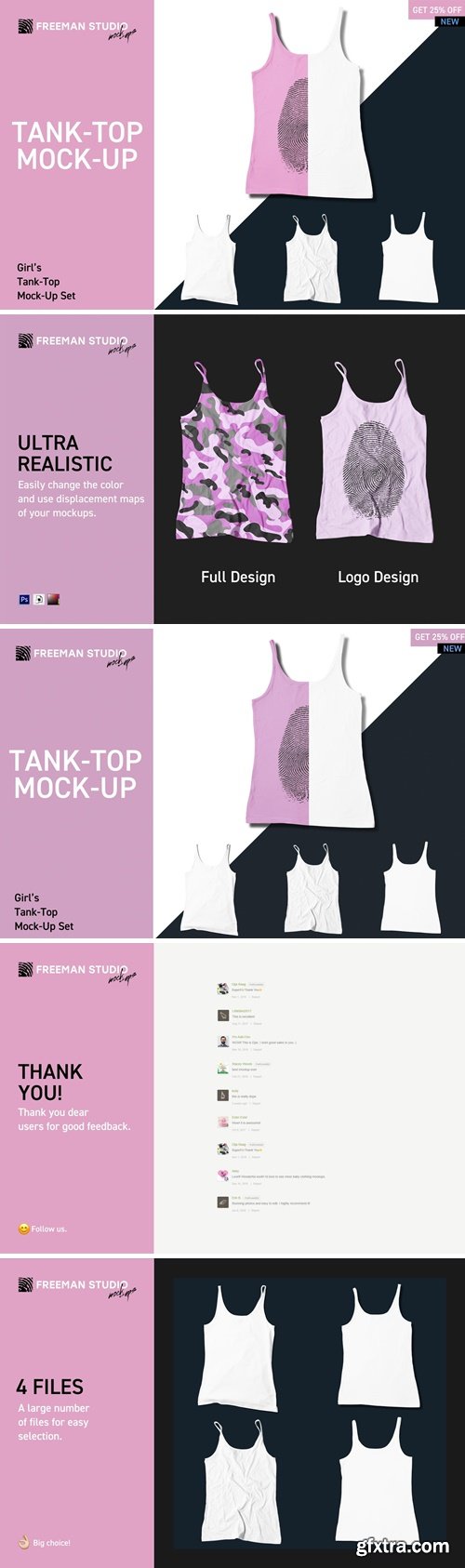
Easy to place your designs using smart objects, double-click the Smart Layer, copy & paste your artwork, save and you’re done!

Easy to place your designs using smart objects, double-click the Smart Layer, copy & paste your artwork, save and you’re done!

Easy to place your designs using smart objects, double-click the Smart Layer, copy & paste your artwork, save and you’re done!
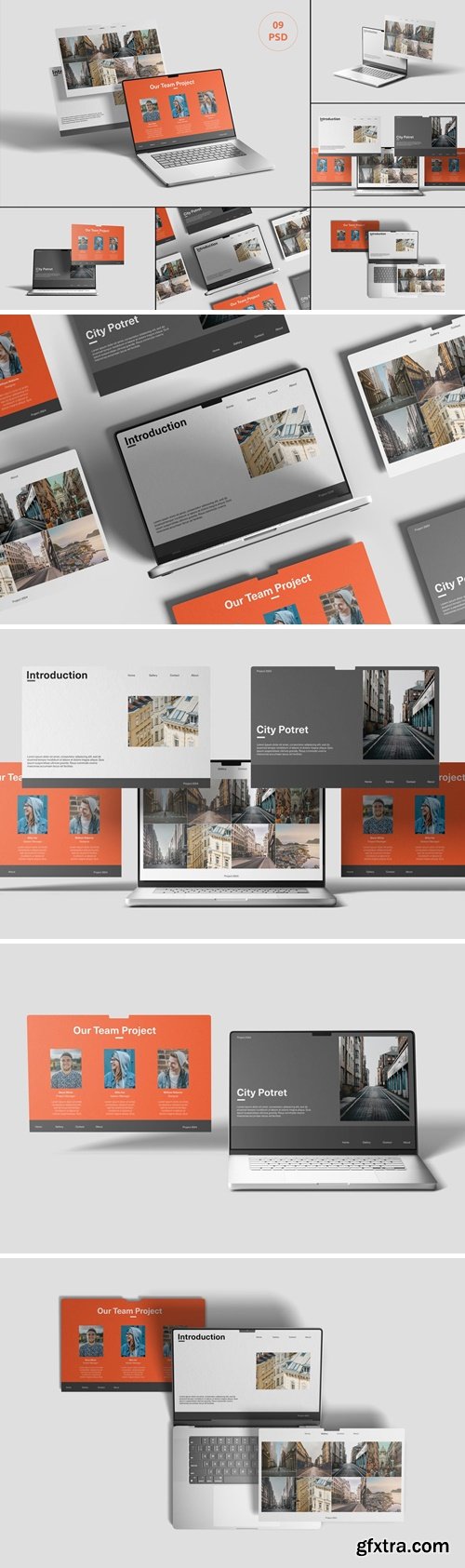
This mockups helps you to create beautiful and high quality images in just a few clicks, The mockups are very easy to adjust by simply placing your images via smart objects and toggling on lighting, and shadow options. The vast amount of options to customize these mockups to your own needs enables you to create realistic and authentic scenes. Perfect and it will present you with a clean, coherent and lifelike touch to your projects, branding, and portfolio.
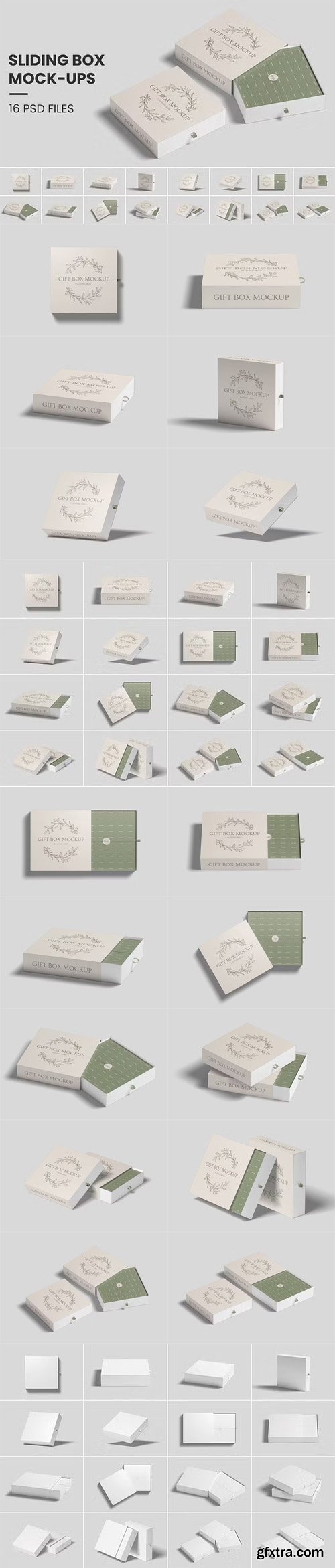
Sliding Gift Box PSD Mockup Templates
Photoshop PSD | 16 PSD | 4500 x 3000 px | 300 dpi | 109 MB
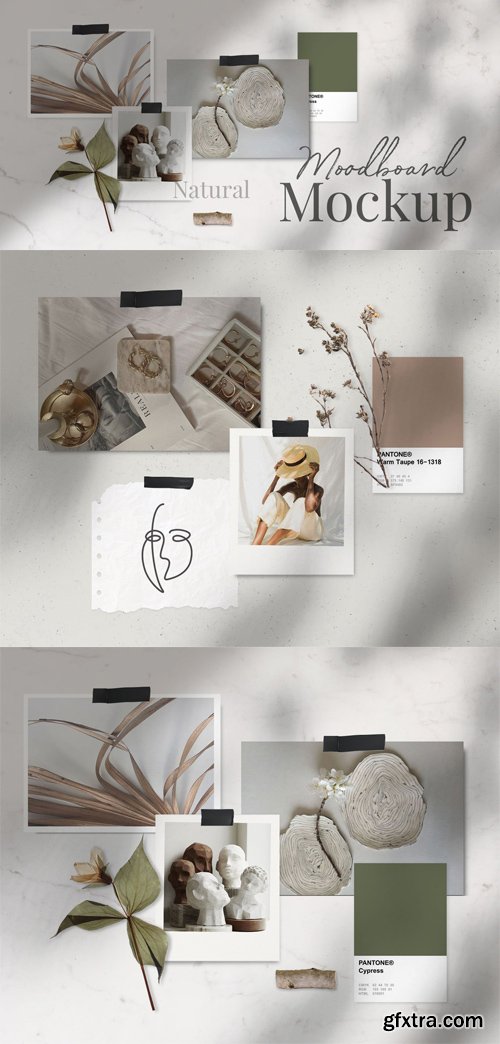
Natural Moodboard PSD Mockup Templates
Photoshop PSD | 2 PSD | Shadow Overlays | 99 MB
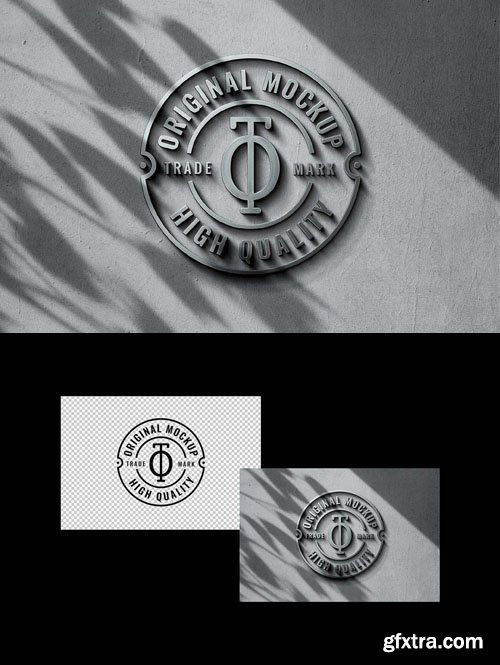
Concrete and Steel Logo PSD Mockup Template
Photoshop PSD | 34 MB
126,000 Royalty-Free 3D Model

Udemy Türkçe


Top Rated News
- CreativeLive Tutorial Collections
- Fasttracktutorials Course
- Chaos Cosmos Library
- MRMockup - Mockup Bundle
- Finding North Photography
- Sean Archer
- John Gress Photography
- Motion Science
- AwTeaches
- Learn Squared
- PhotoWhoa
- Houdini-Course
- Photigy
- August Dering Photography
- StudioGuti
- Creatoom
- Creature Art Teacher
- Creator Foundry
- Patreon Collections
- Udemy - Turkce
- BigFilms
- Jerry Ghionis
- ACIDBITE
- BigMediumSmall
- Globe Plants
- Unleashed Education
- The School of Photography
- Visual Education
- LeartesStudios - Cosmos
- Fxphd
- All Veer Fancy Collection!
- All OJO Images
- All ZZVe Vectors
- CGTrader 1 CGTrader 2



















