

Categories: PhotoShop » Actions *.ATN
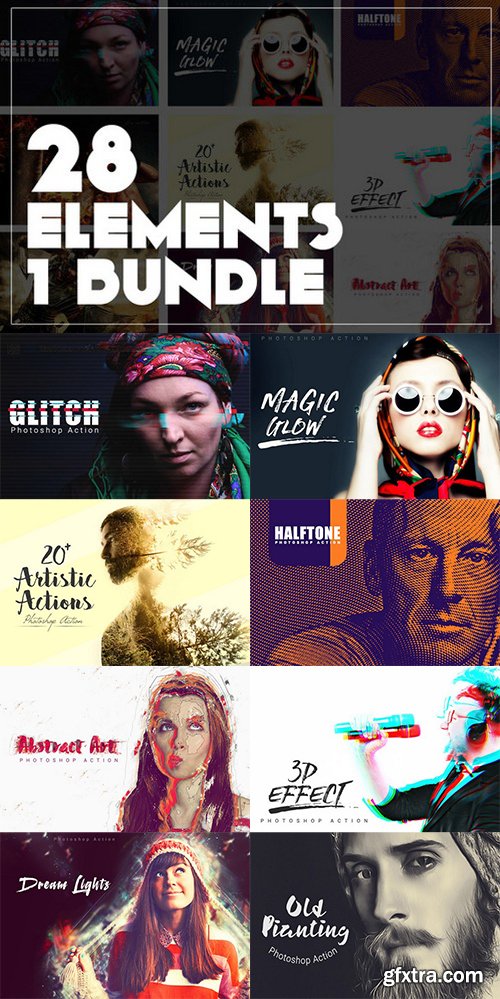
28 Elements 1 Bundle
his action has been tested and working on Photoshop (English version ONLY) CS3,CS4,CS5,CS6,CC+.
If you are not using the English version of Photoshop, you can always change it to English and then back again to your native language using this method below.
- Your photo is in RGB color mode
- Your photo is in 8bit color mode
- You are running the English version of Photoshop.
- If you are experiencing errors, try resetting your Photoshop preferences. To do this, hold down Alt, Ctrl, and Shift keys (Mac: Command, Option, Shift) while starting up Photoshop. A dialog box will appear asking if you wish to delete the preferences/settings file.
- Avoid using small resolution images. For the best results, use Photos between 1500px - 3000px high/wide. Chances of the action running into errors will increase the lower you go under 1000px high/wide. Photos with good color variation and contrast wil work best.
- Avoid brushing onto mainly black areas on a photo. The effect is not very prominant when applied to mostly dark areas of a photo.
- Remember that adjusting your photo resolution will determine how wide the parts spread out. If you run the action at 72DPI, then the parts will be quite close - if you run it at 300DPI, the parts will be spread much wider. Please refer to the video tutorial for a demonstration of this.
- If you experience an 'Out of Memory' error during the action, go to the menu 'Edit -- Purge -- All' then press play again on the action to continue it. This can happen if you have insufficient memory installed on your computer. Photoshop can chew up lots of memory!

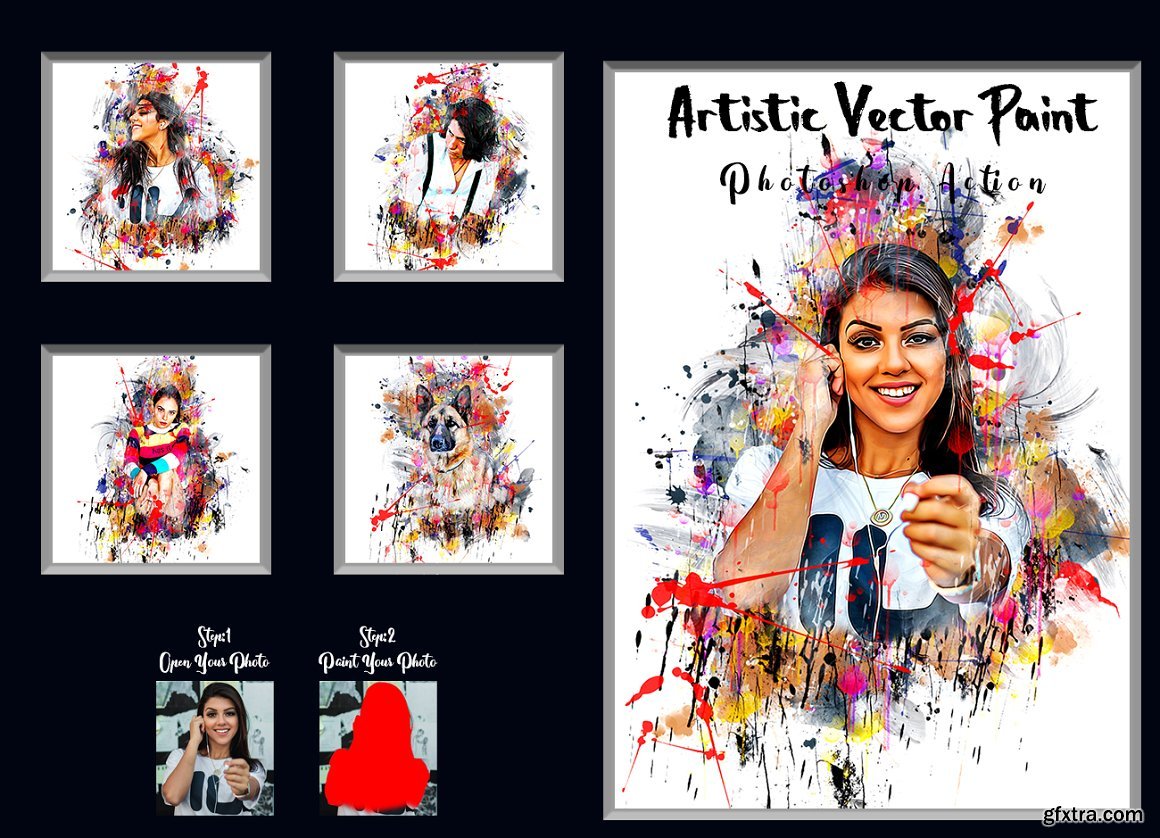
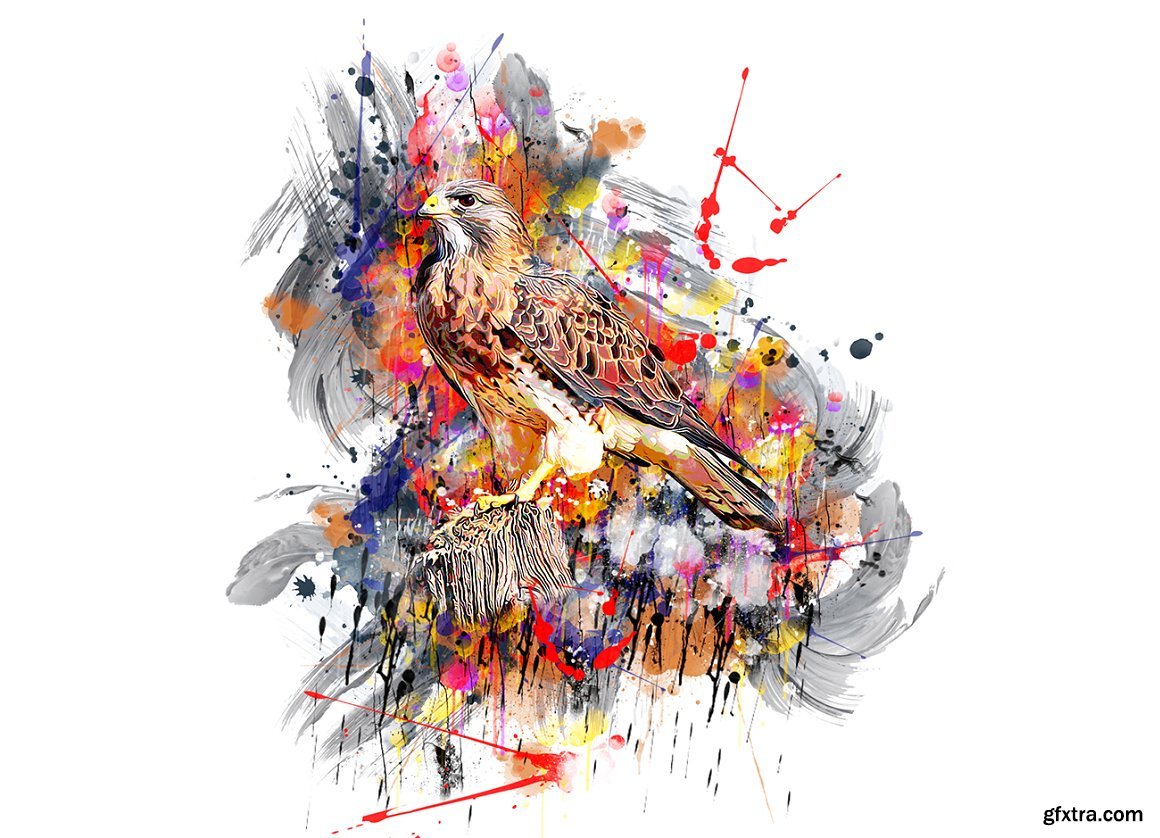
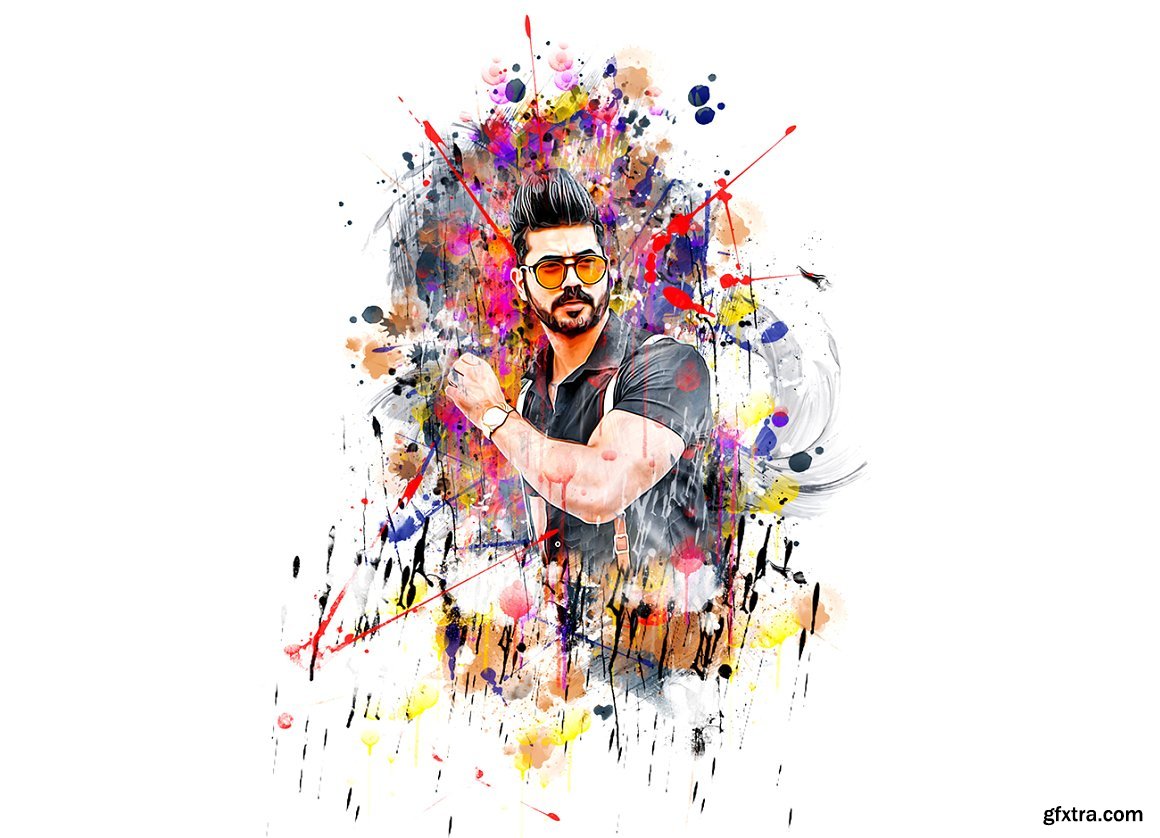
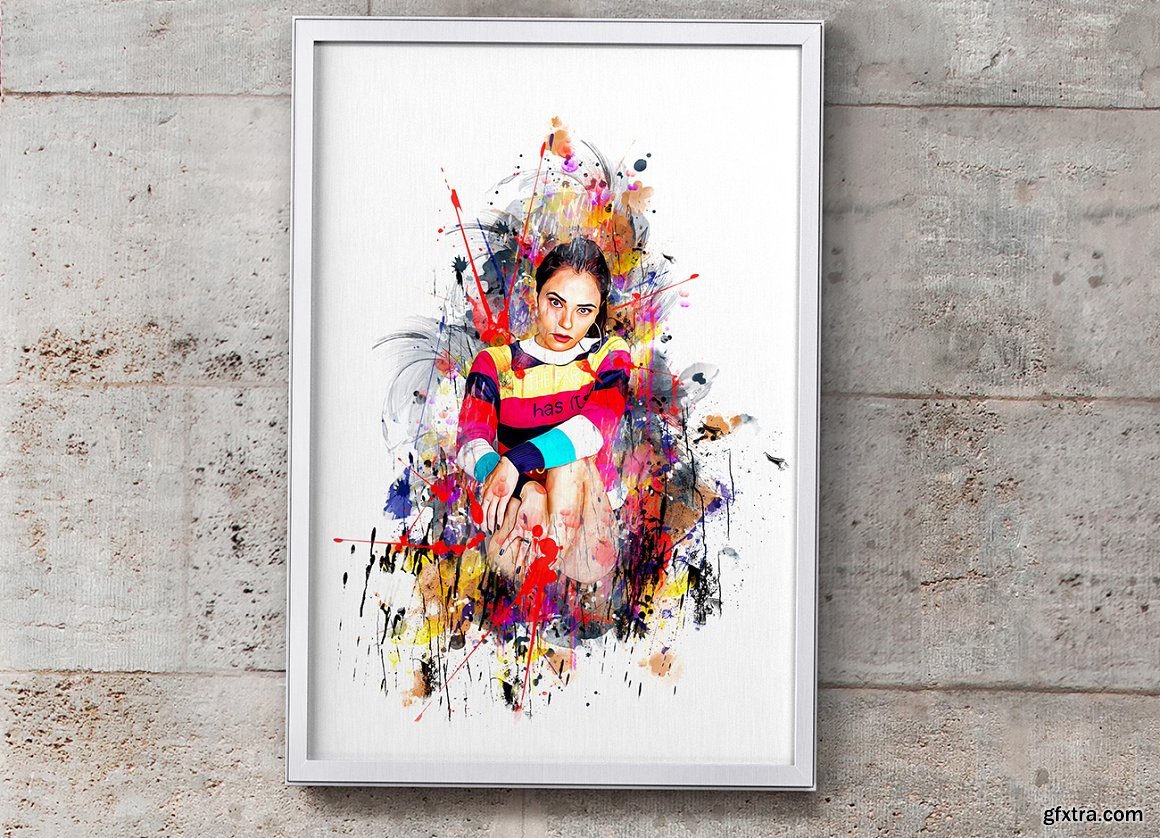
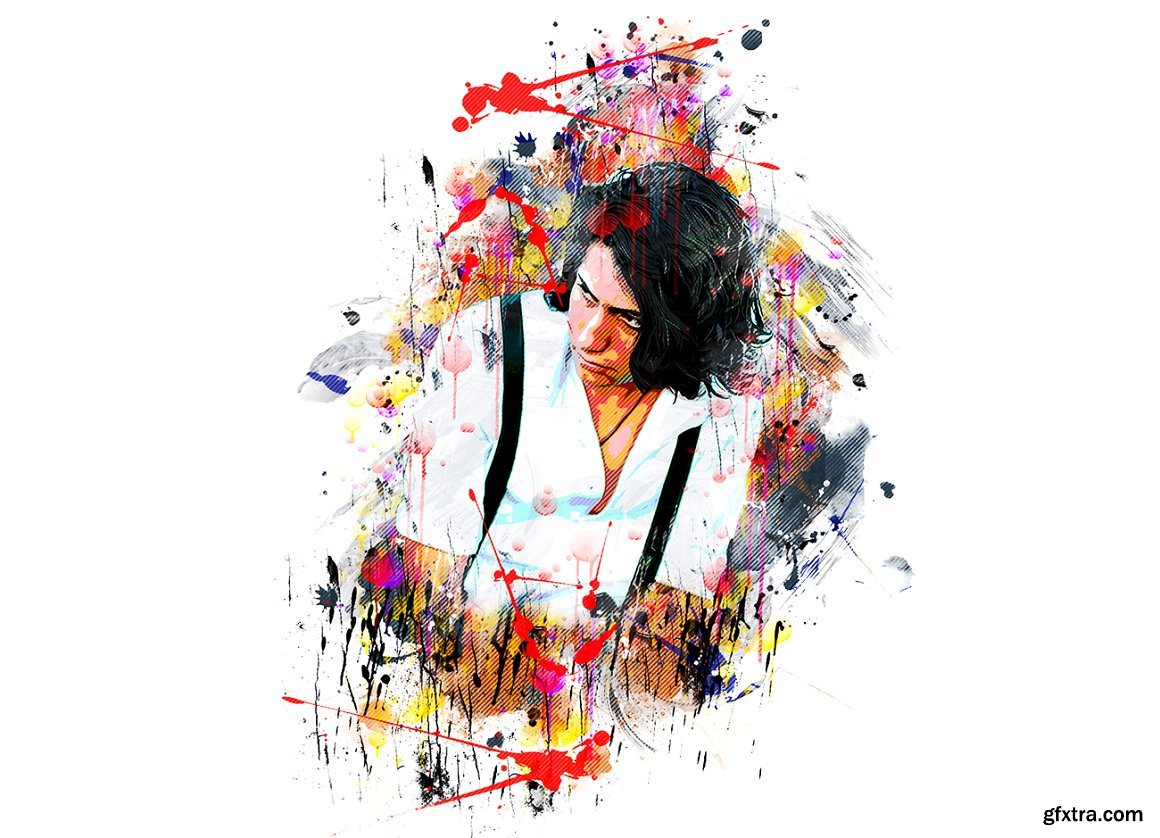
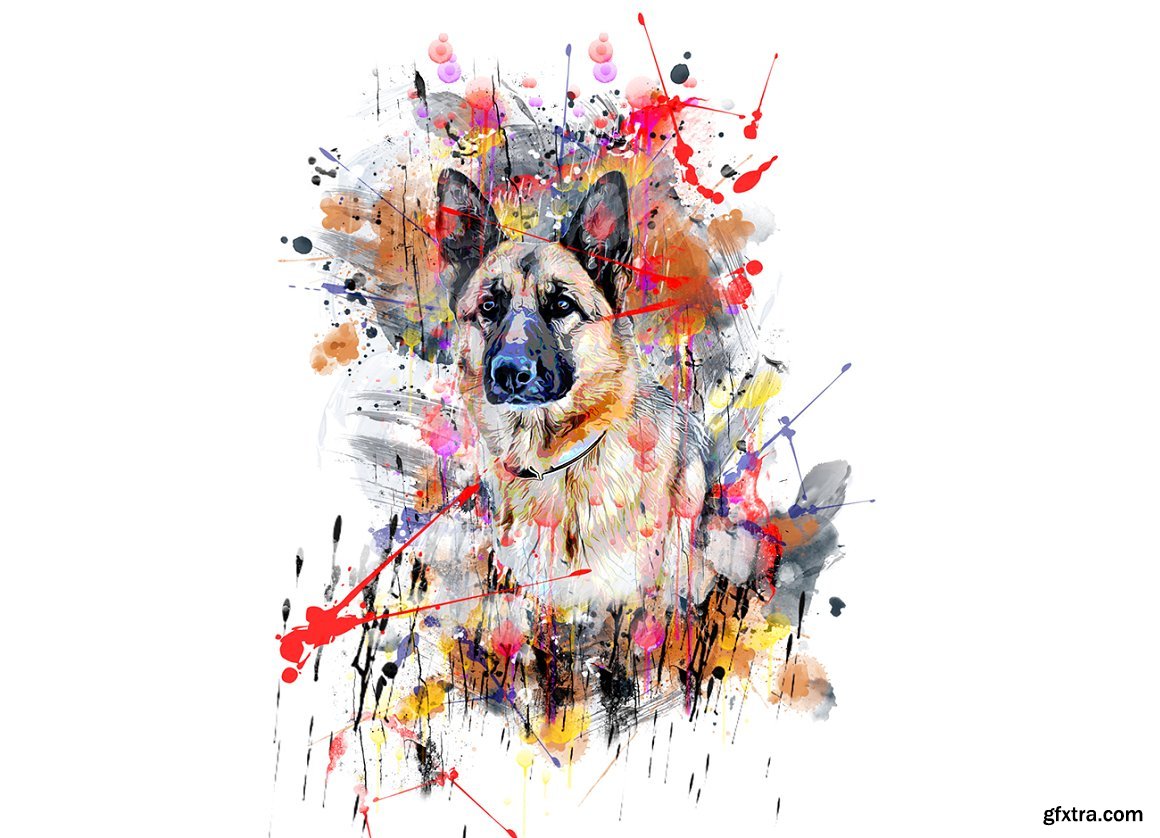
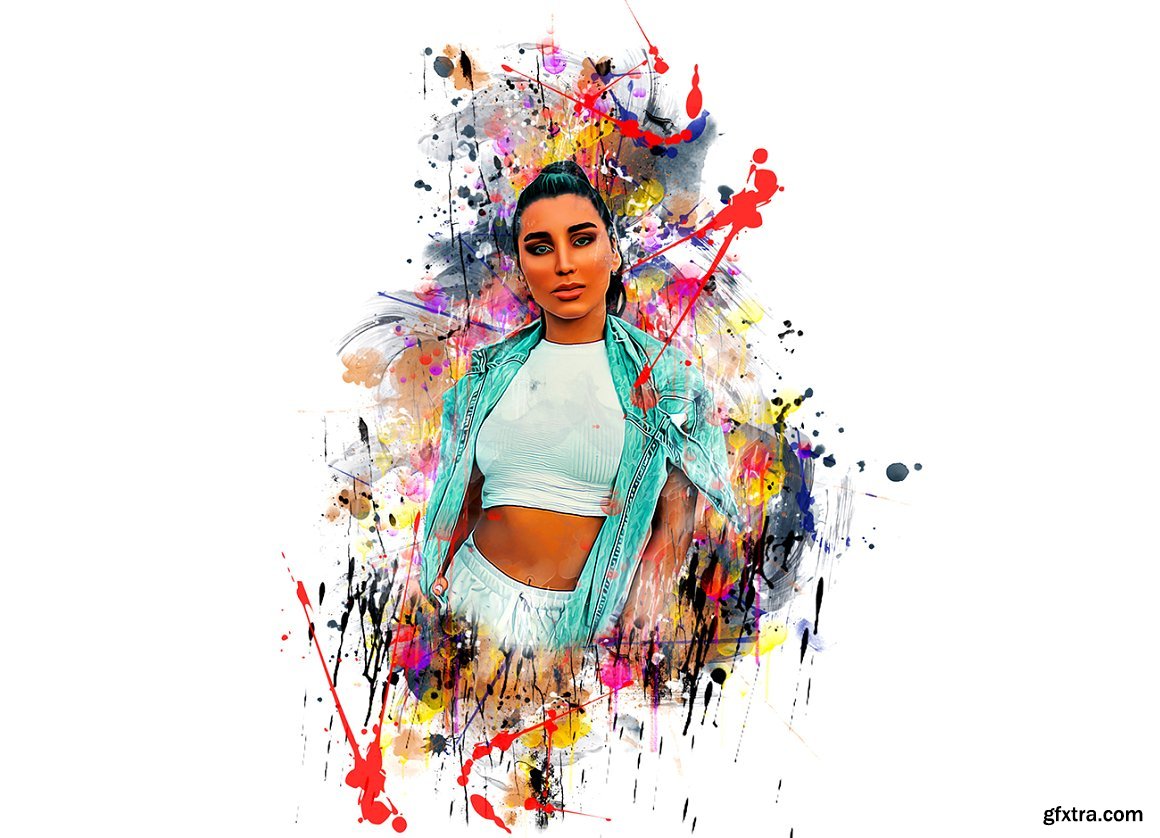
CreativeMarket - Artistic Vector Paint PS Action 7219929
ATN

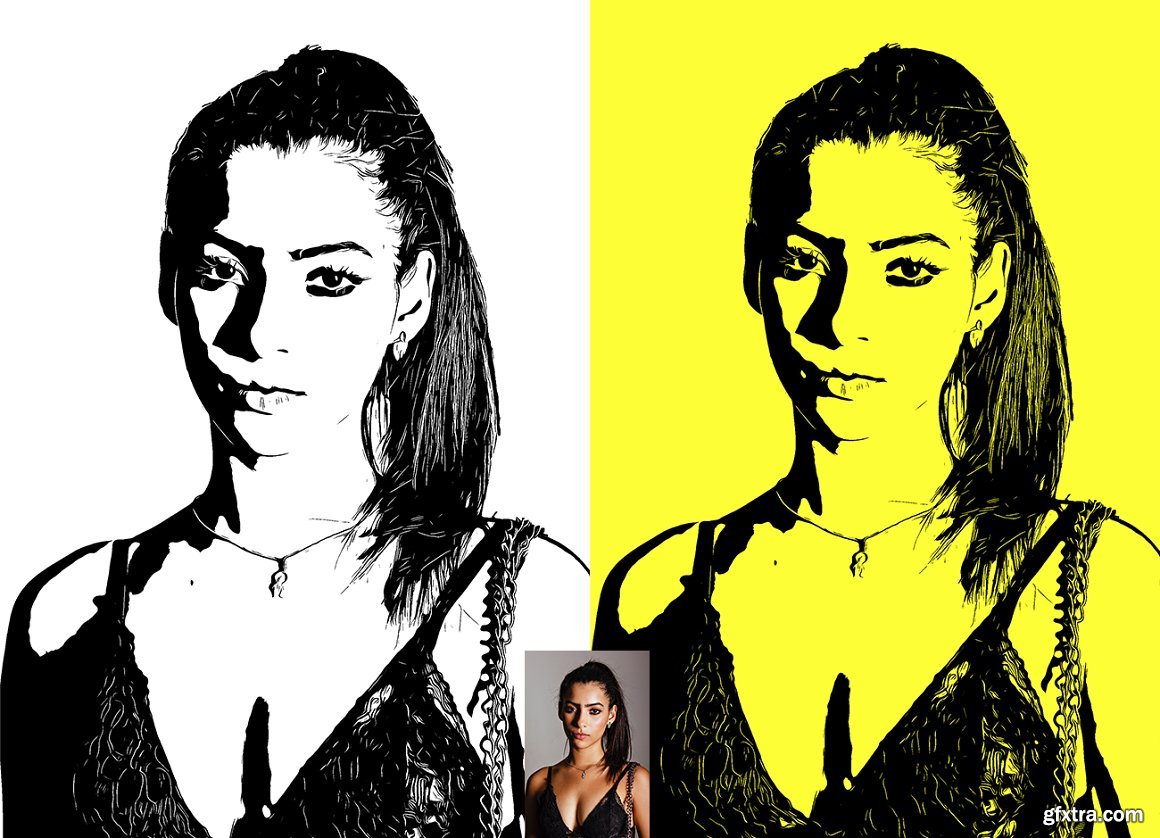
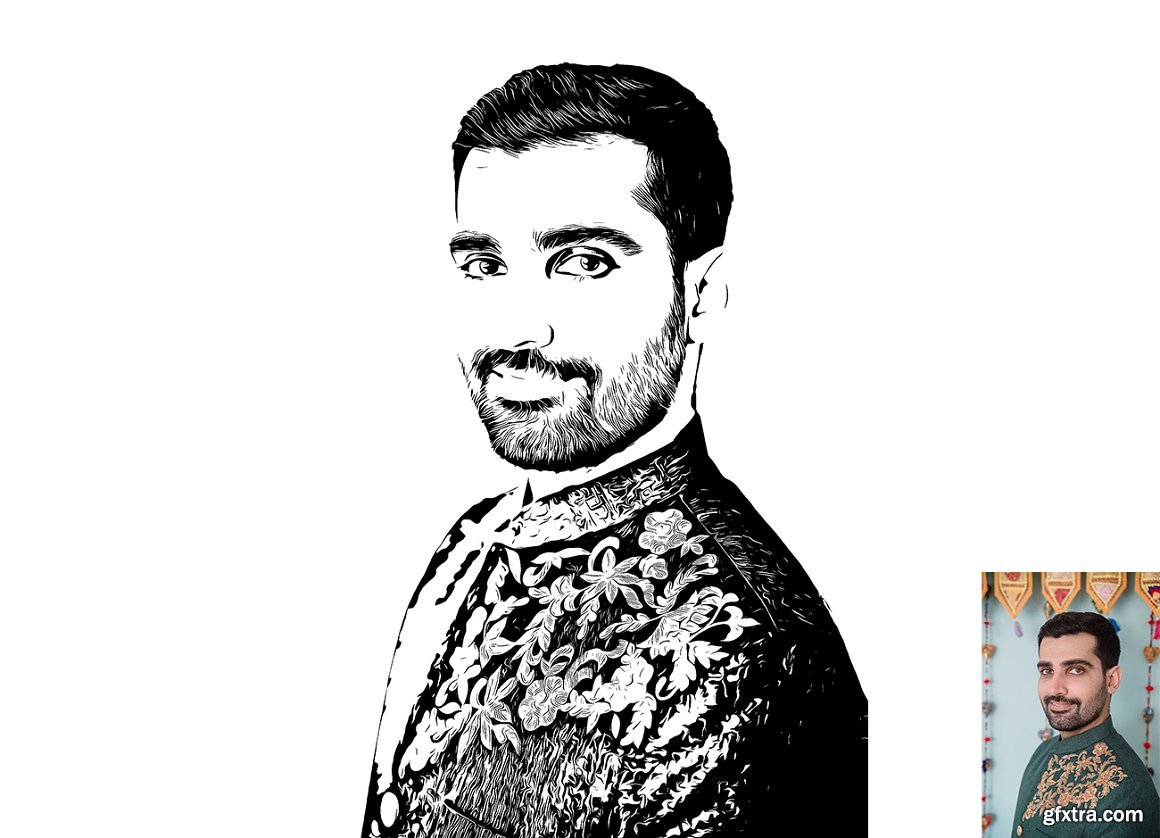
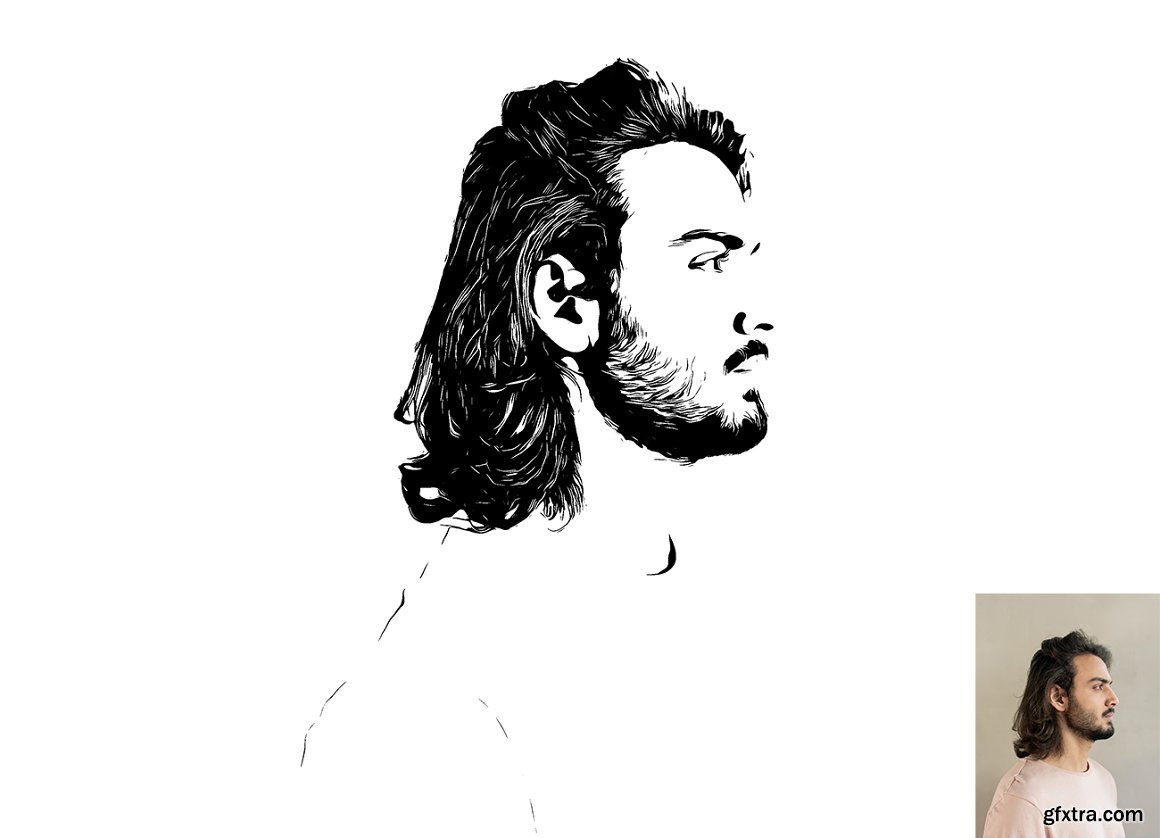
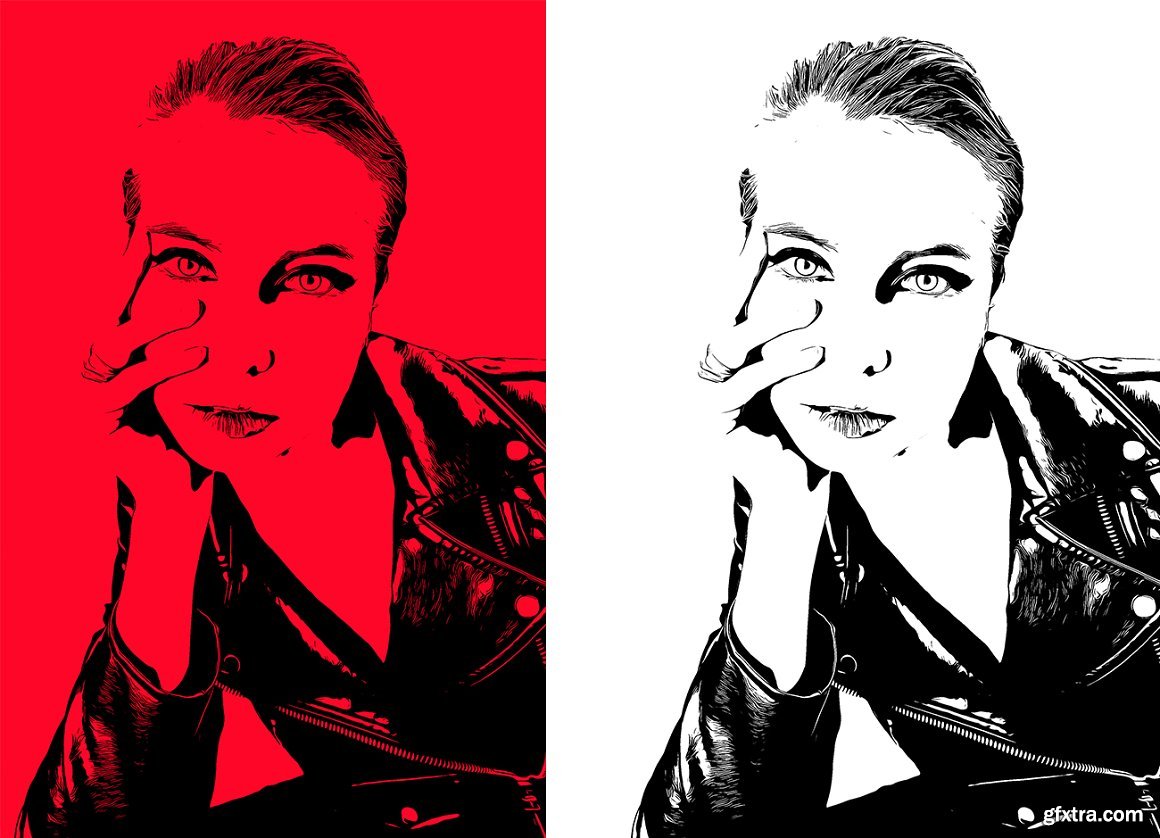
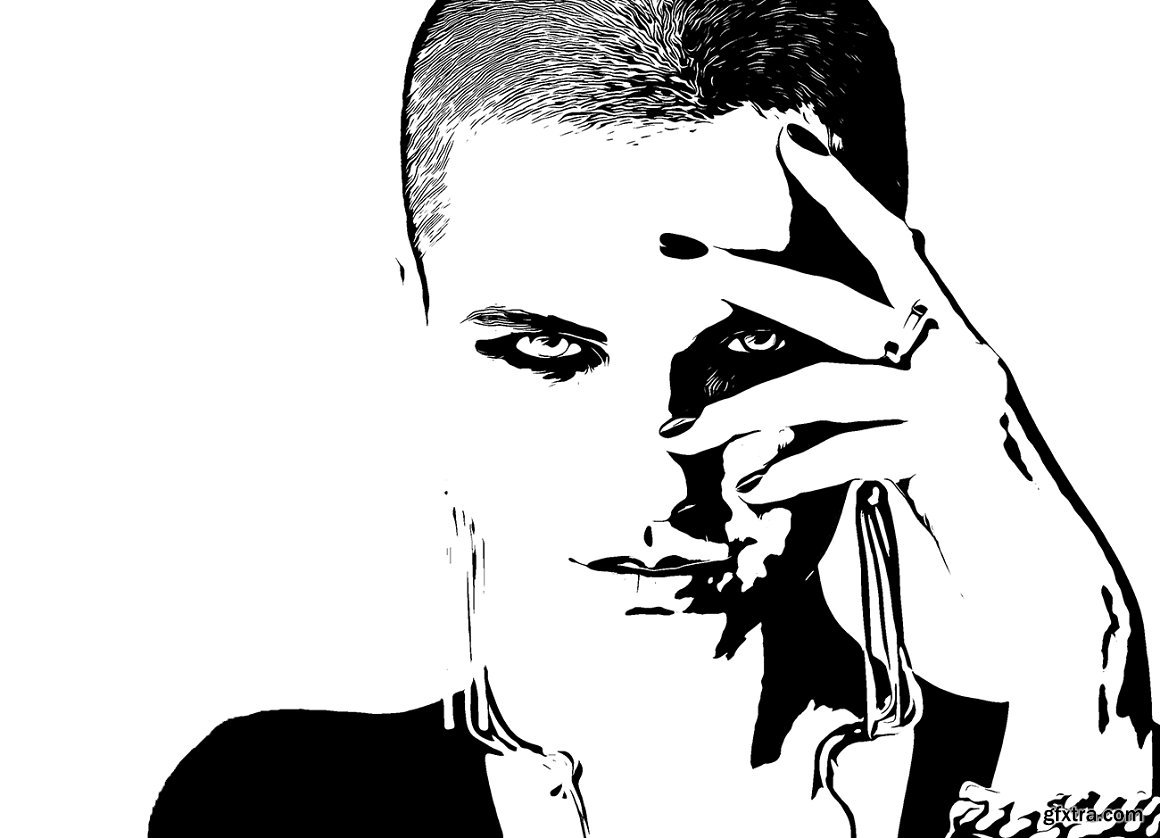
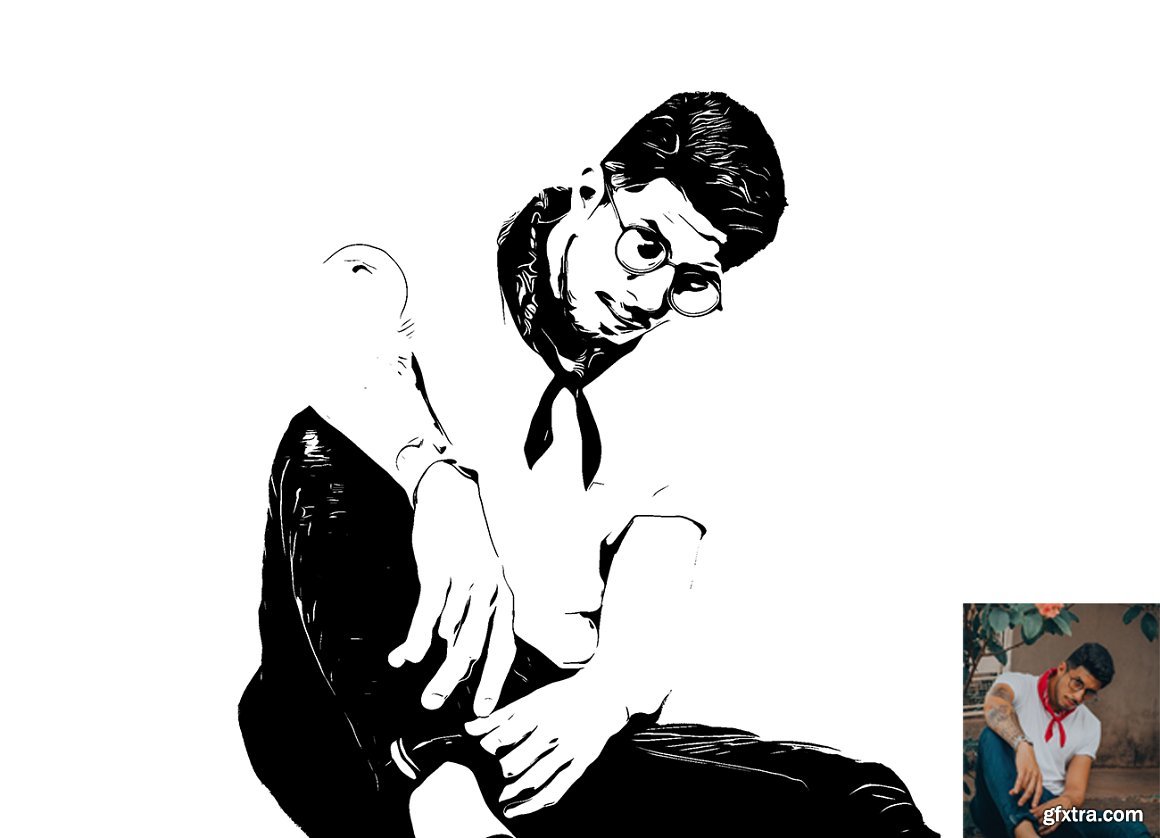
CreativeMarket - Pro Vector Tracing PS Action 7216797
ATN
Categories: PhotoShop » Actions *.ATN

GraphicRiver - Industrail Text FX 23313934
Photoshop ABR, Photoshop PAT, Photoshop ATN

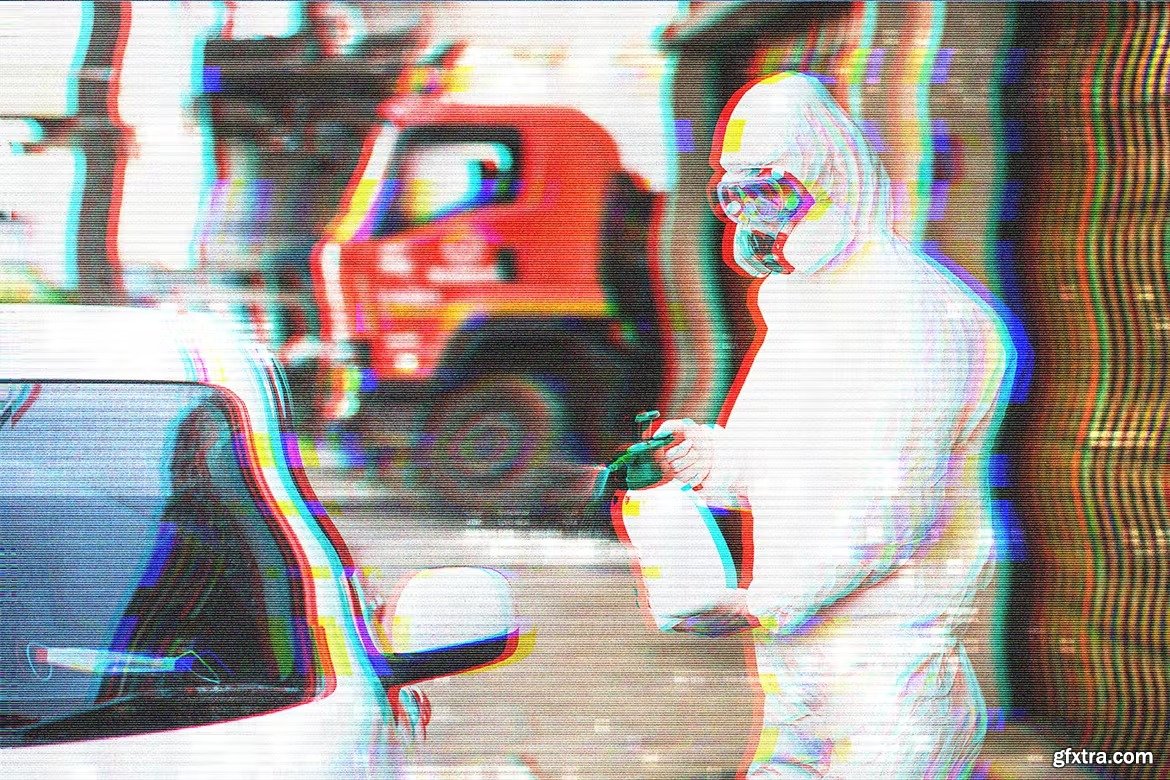
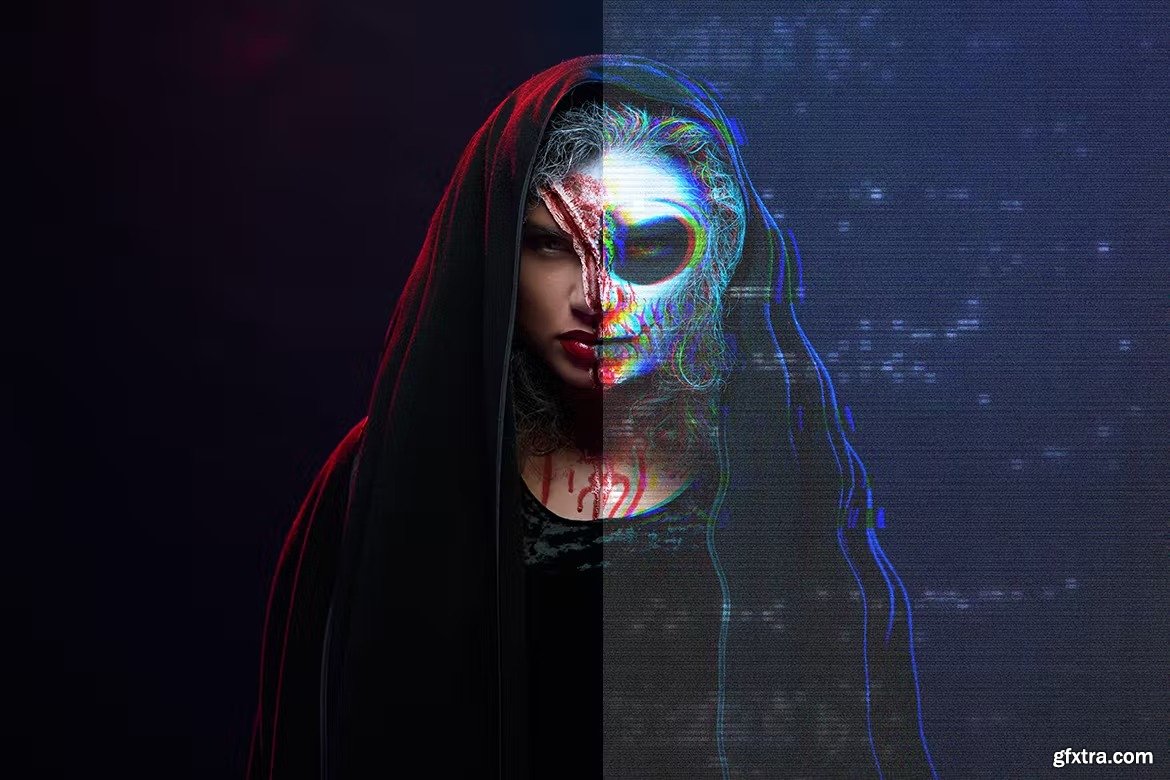


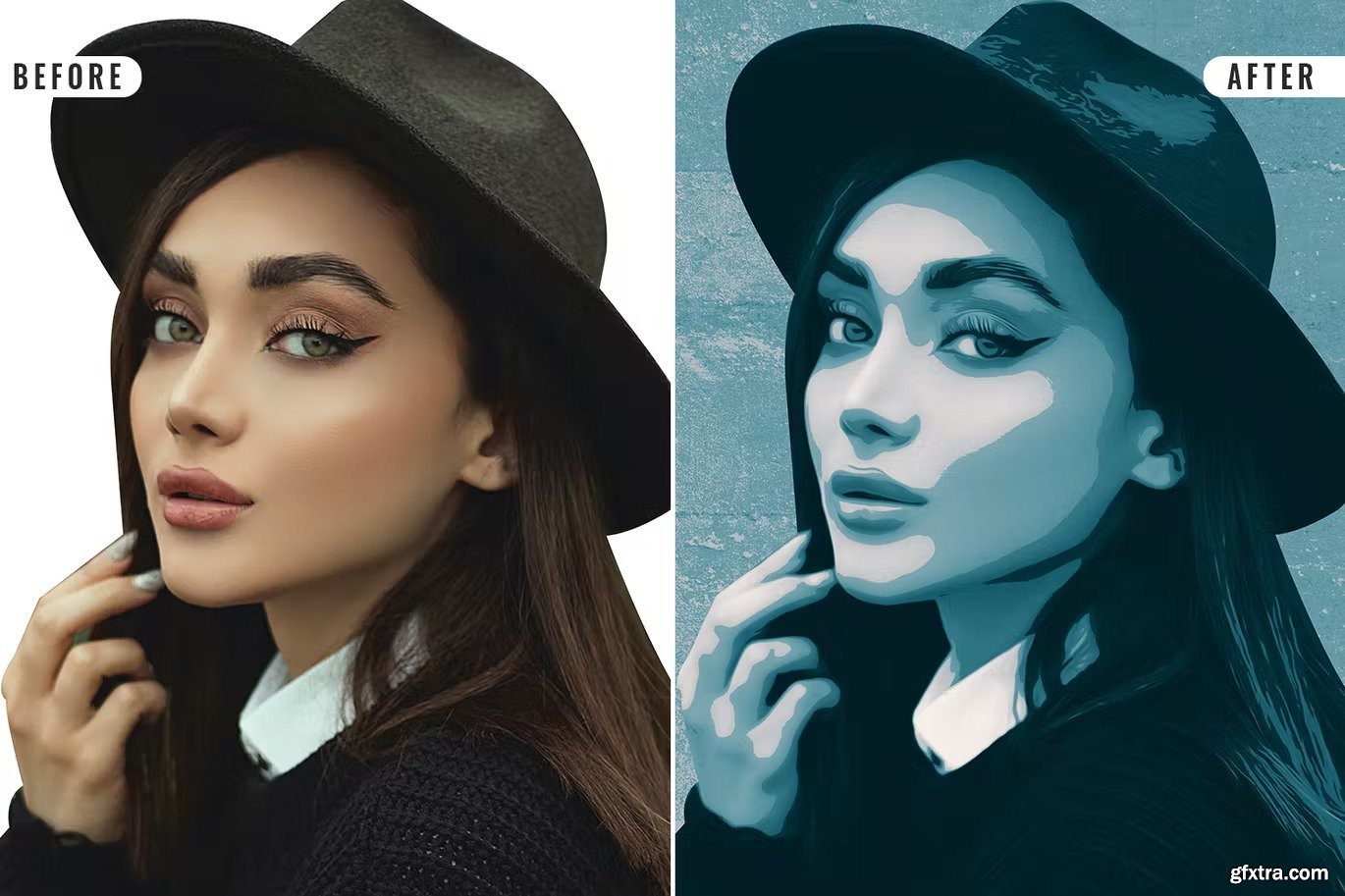
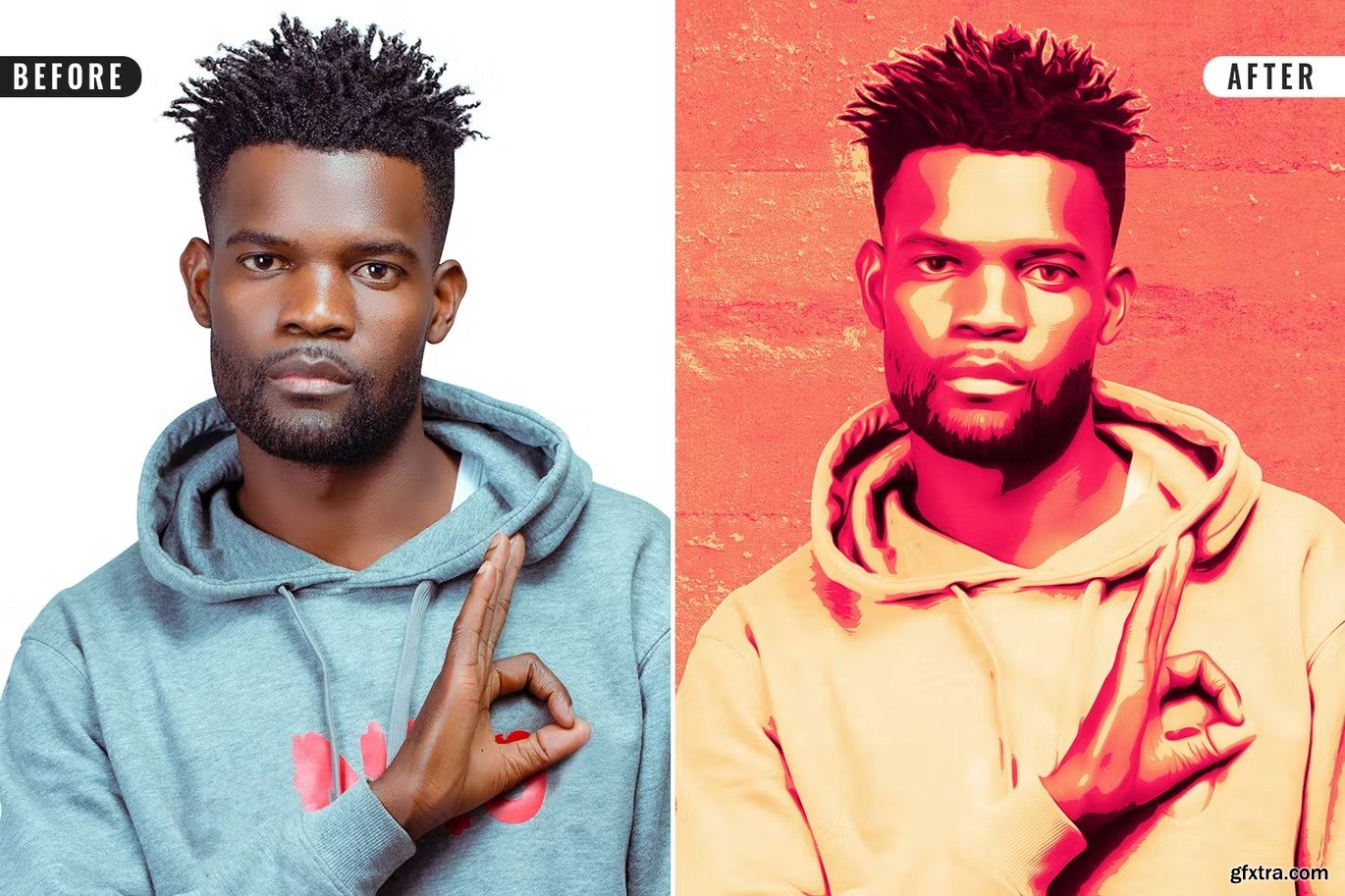
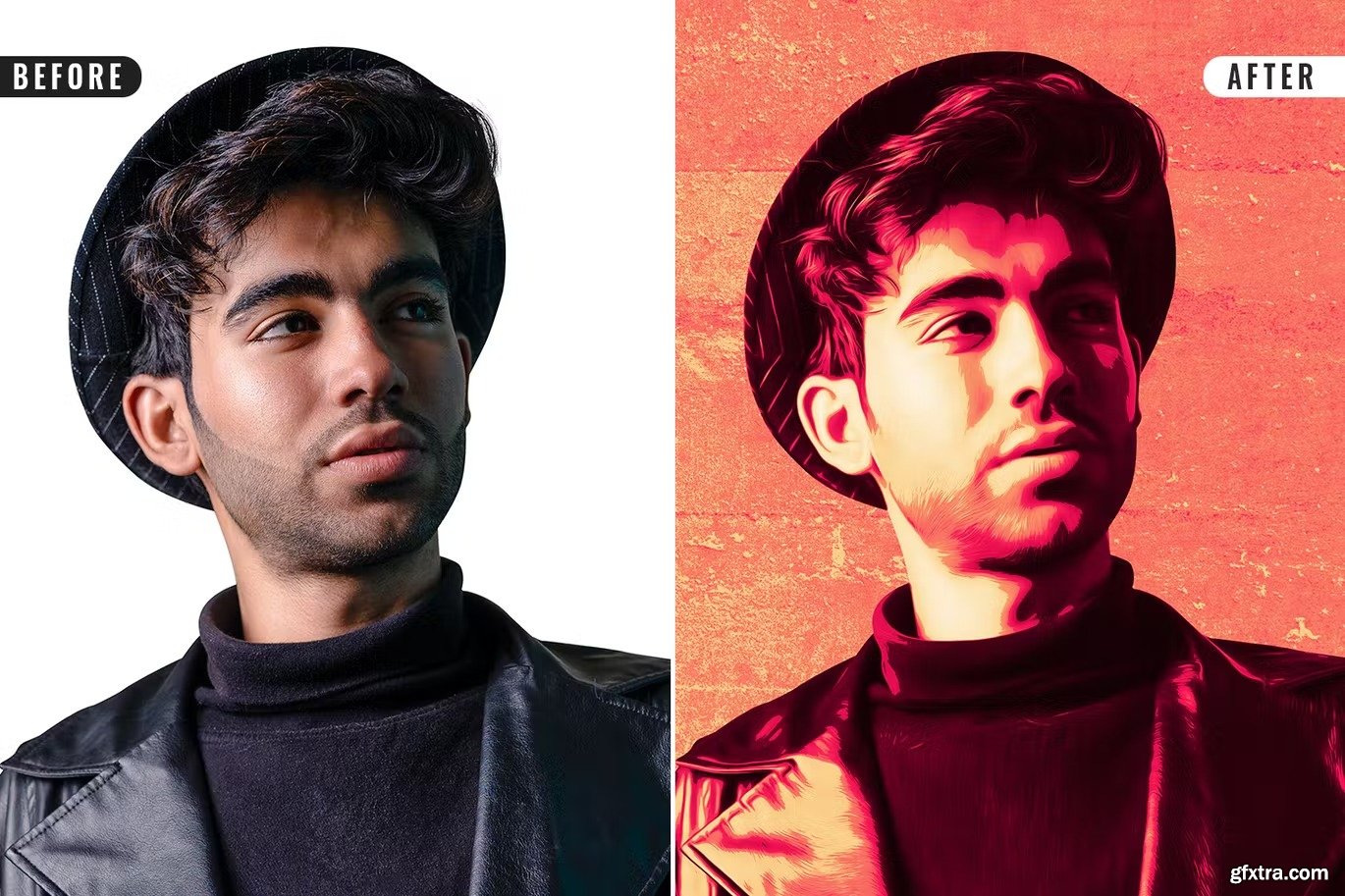
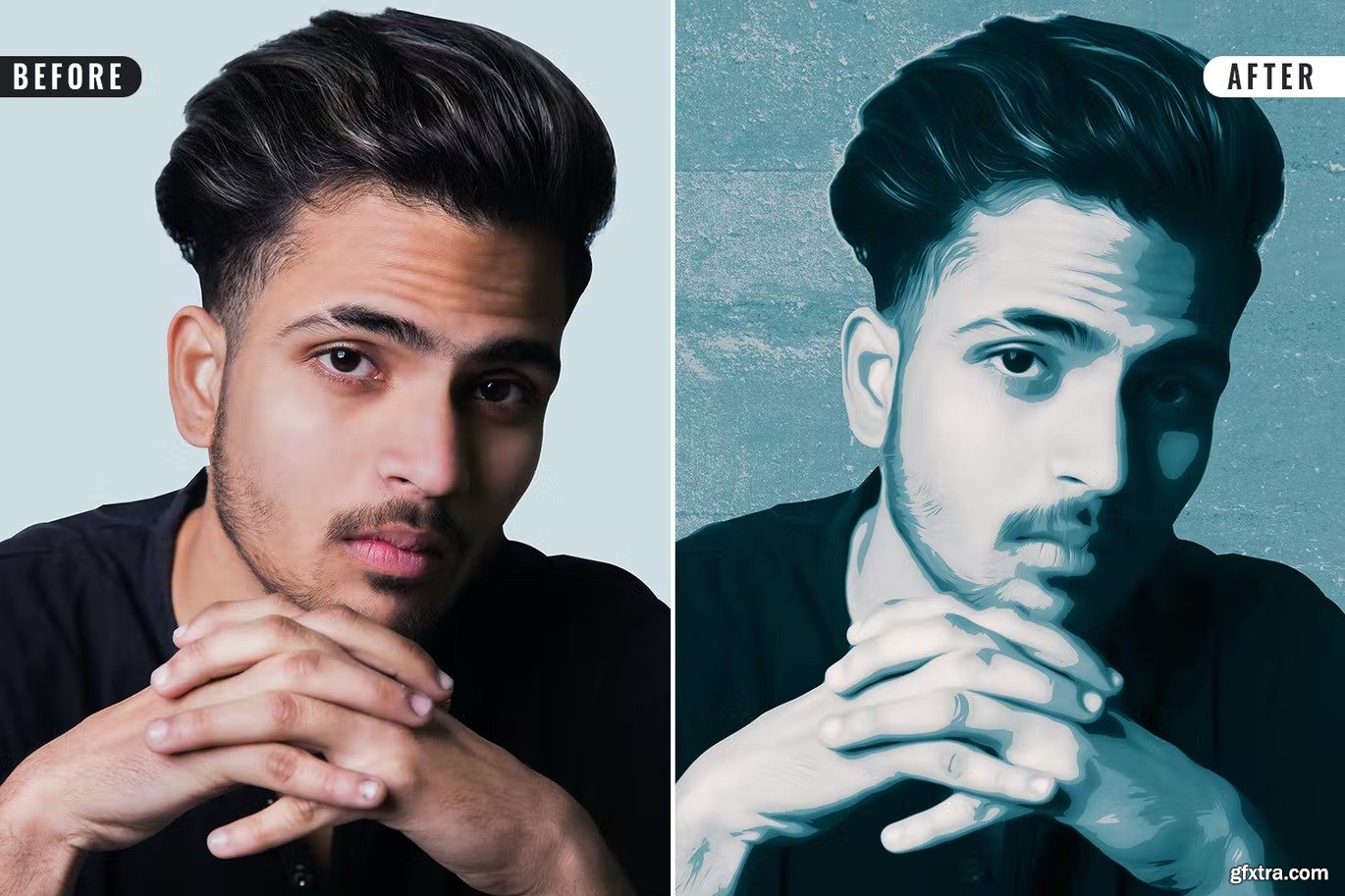

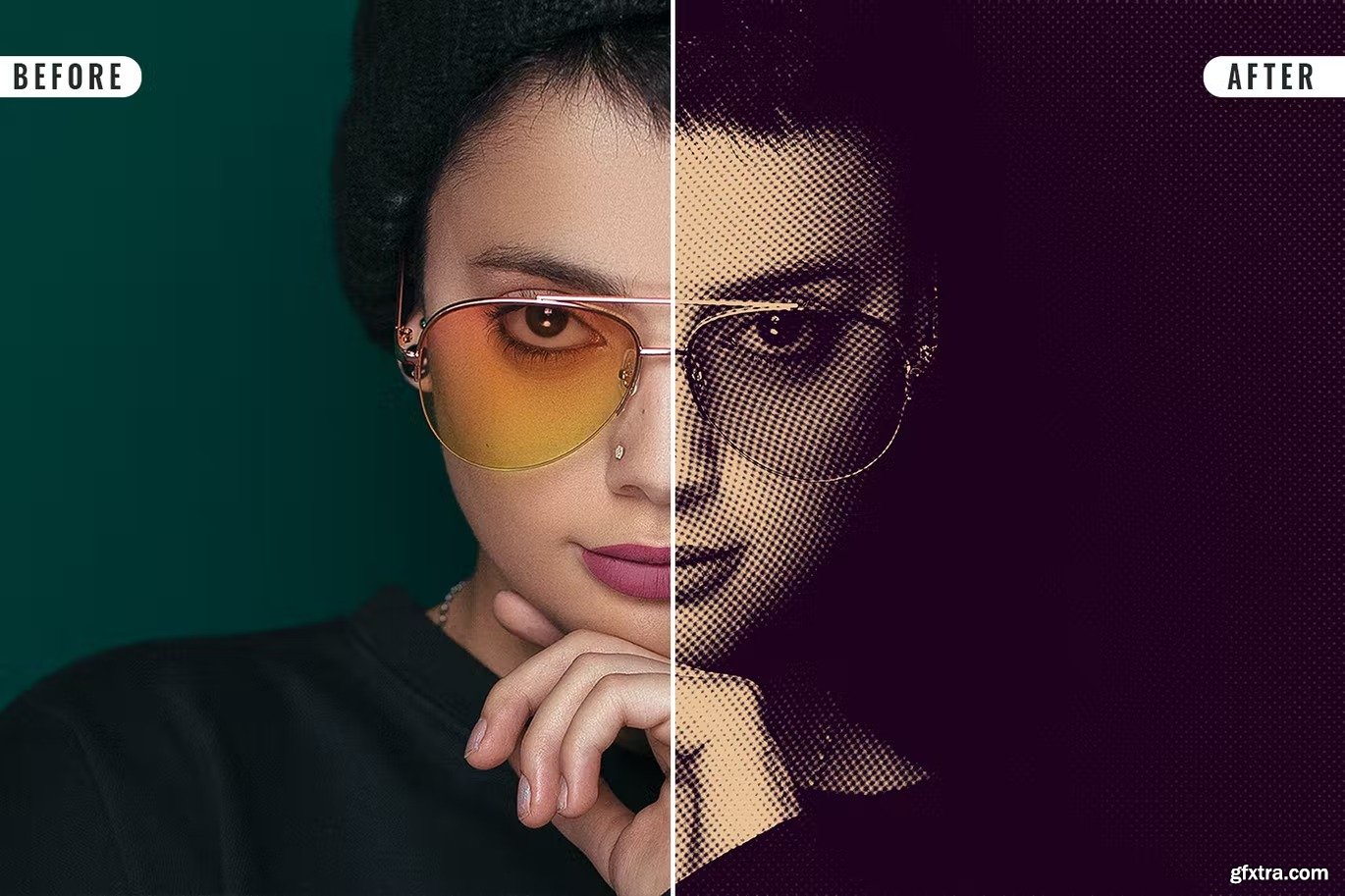
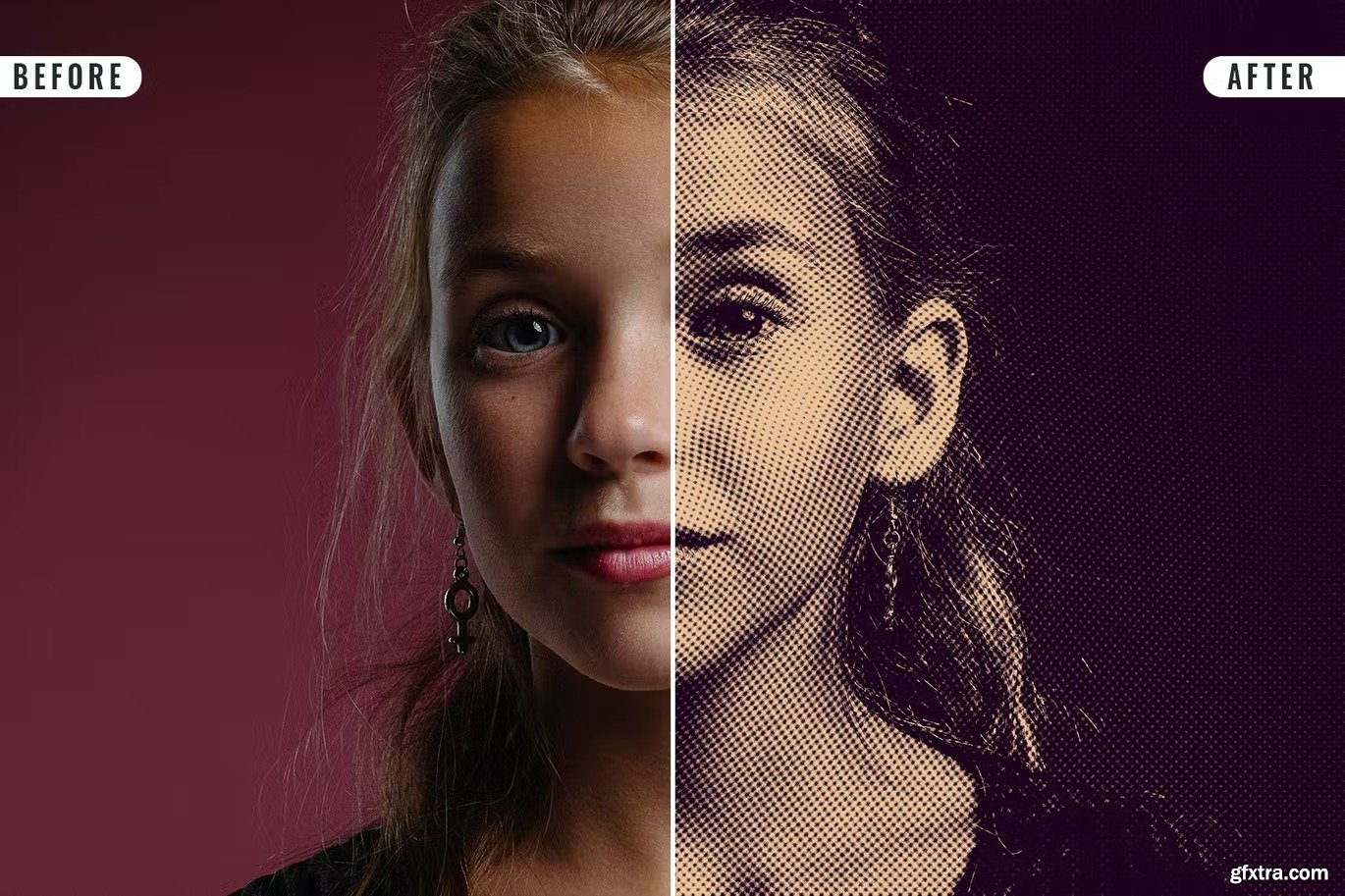
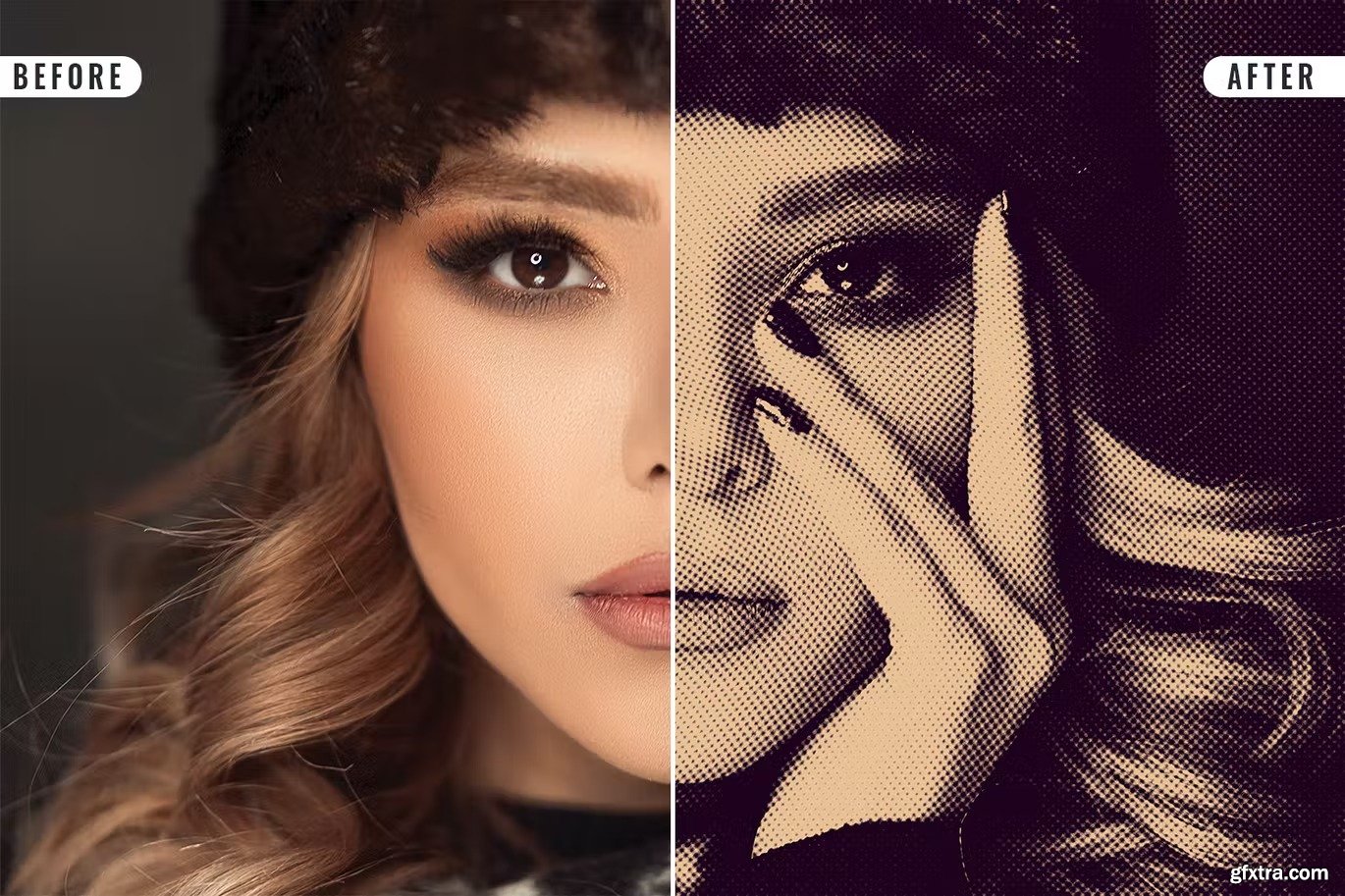
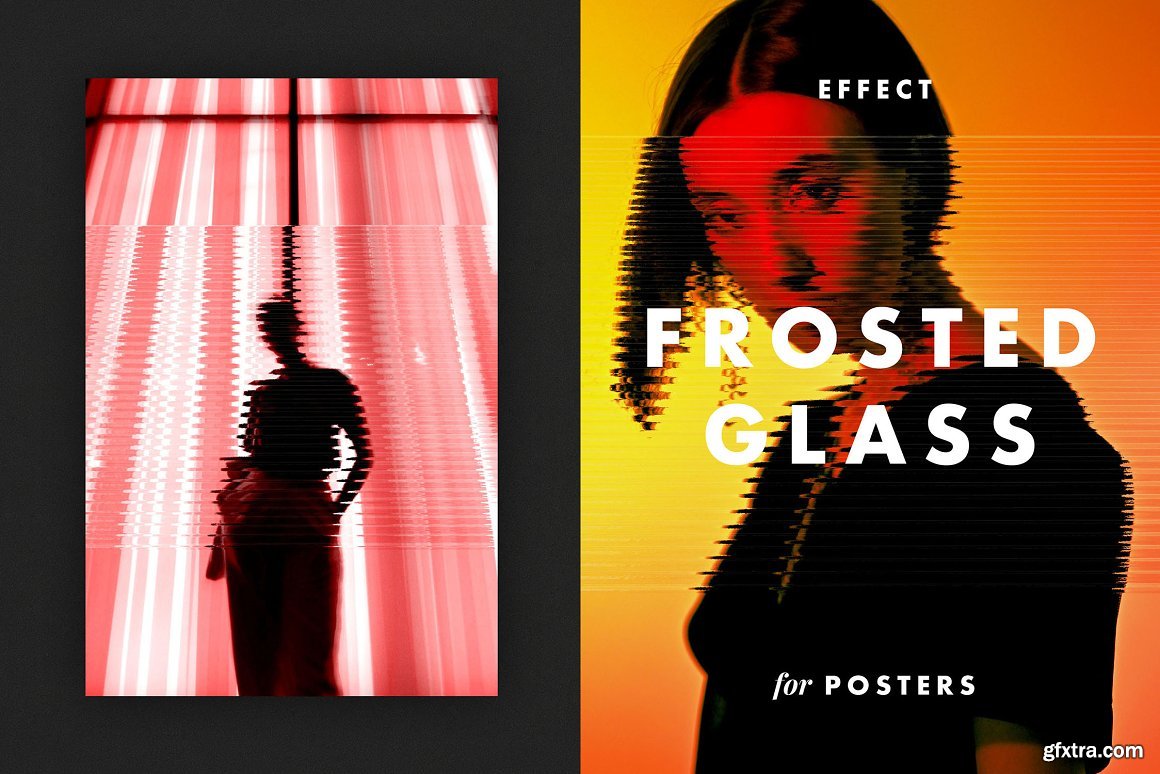
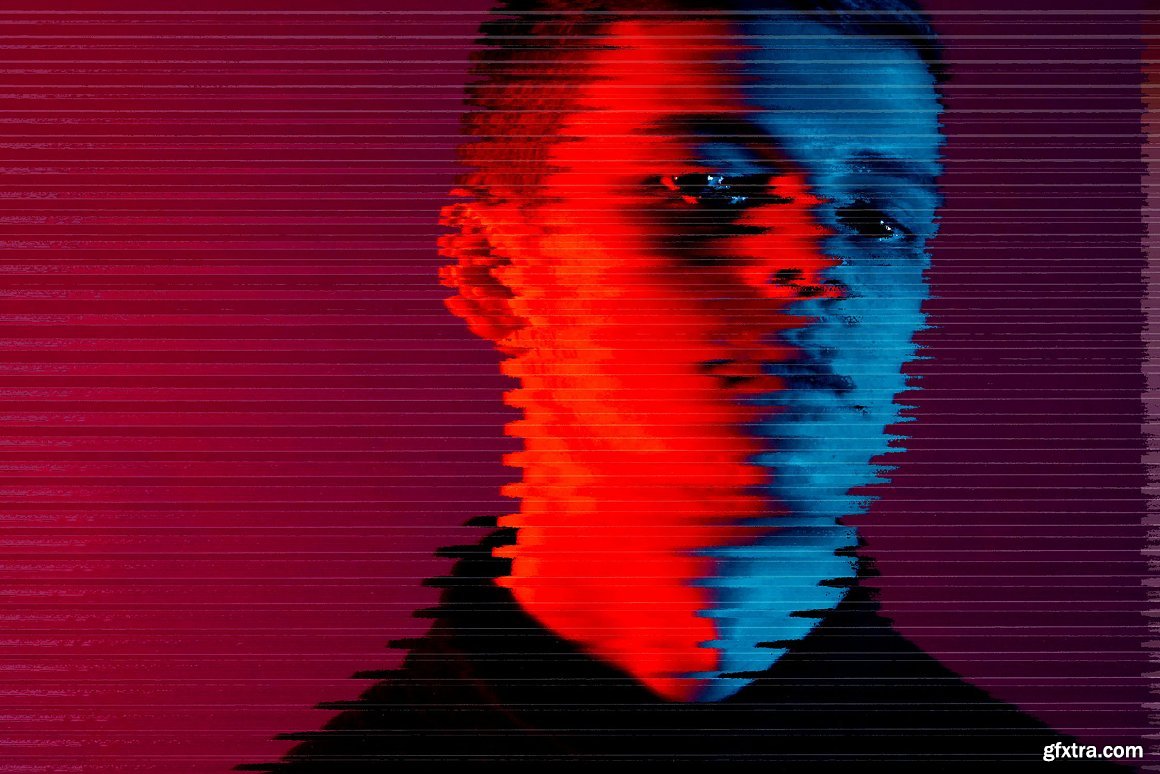

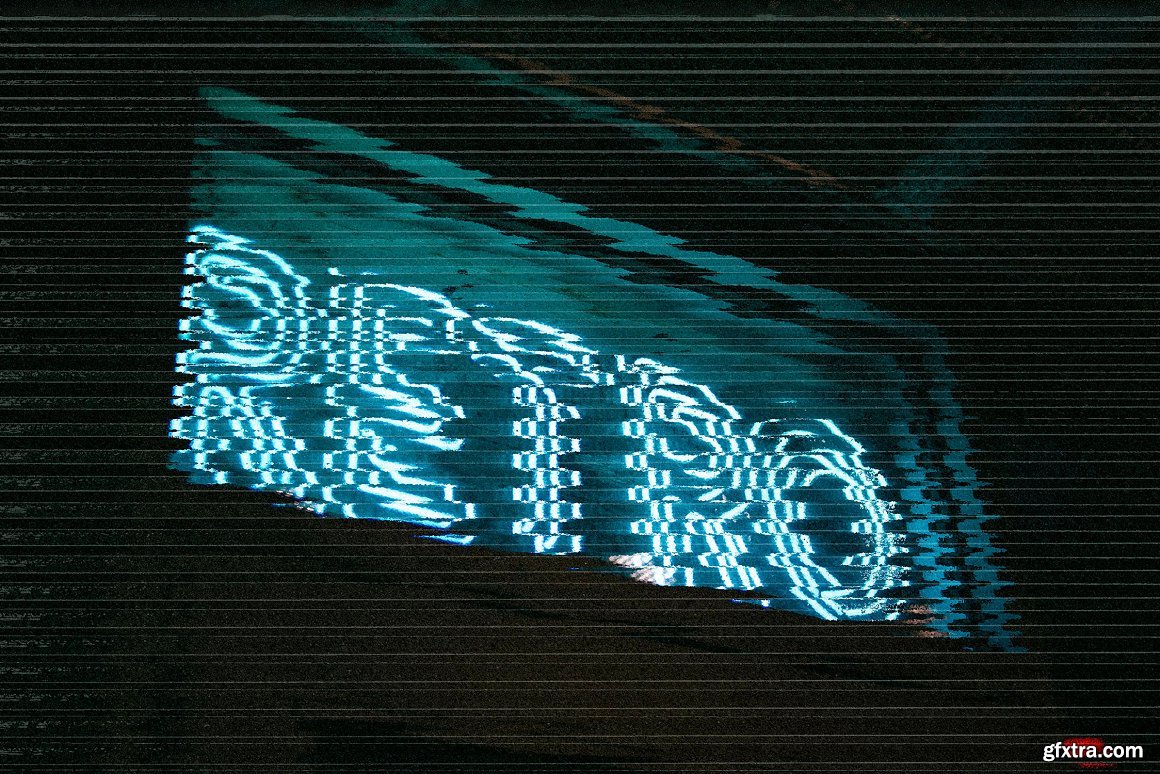
CreativeMarket - Frosted Glass Effect for Posters 7214293
PSD
Categories: PhotoShop » Actions *.ATN
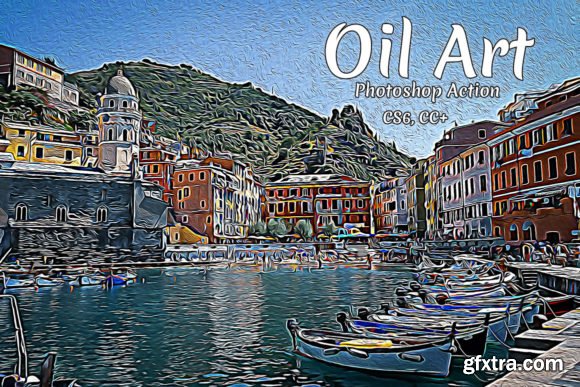
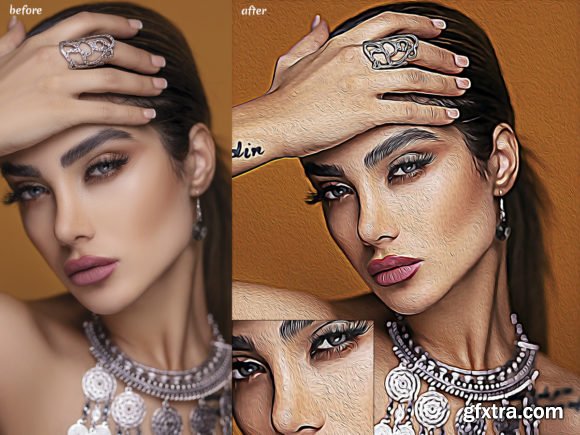
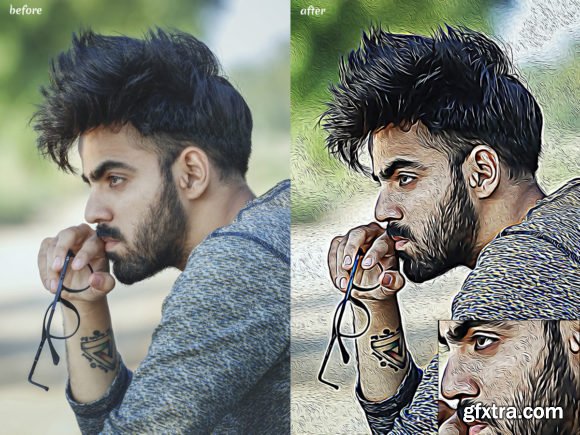
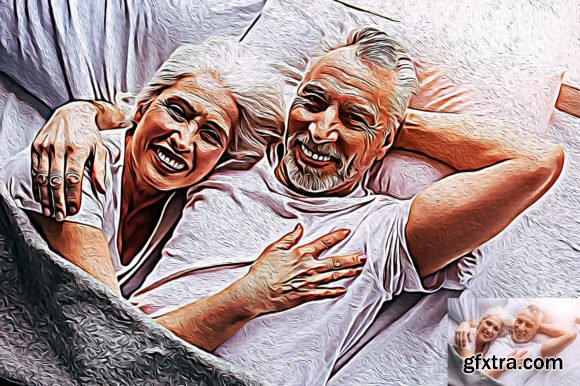
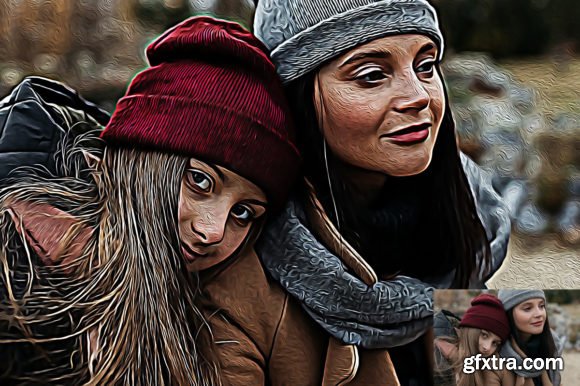
Oil Art Photoshop Action
Features:
Works in the following versions: CS6, CC+
Only for the English version of photoshop
Easy To Use
Non-destructive action
Well Arranged Layers
Layers Are Adjustable
Images in Preview Are Not Included
Included:
1 ATN file (action)
1 Help Files
Categories: PhotoShop » Actions *.ATN
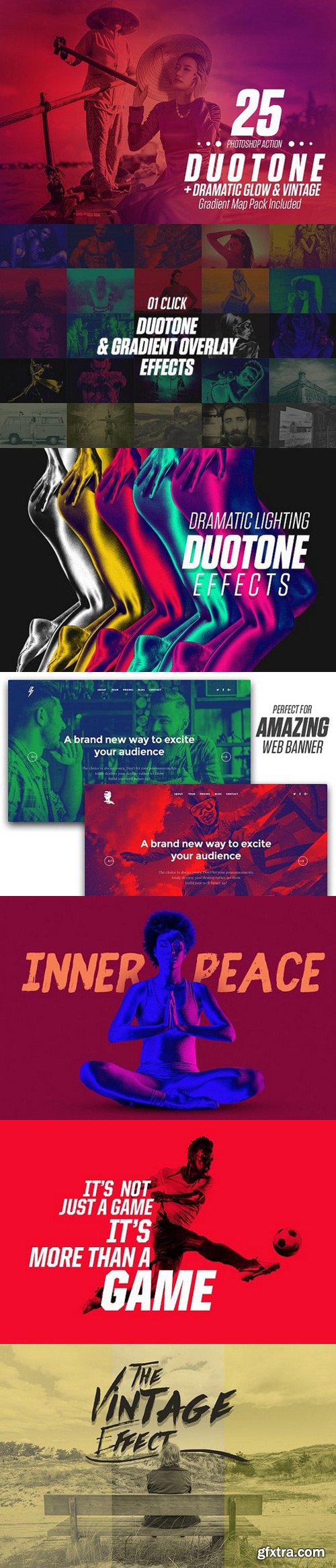
Duotone PS Action & Gradient Map
ATN | RAR
This bundle includes all 25 Duotone Photoshop Action Sets & 25 Gradient map Effects !!
This Bundle is highly curated set of actions saves you time. Works best with UI banner, sports illustration, dramatic lighting and vintage effect. Specially Unique Dramatic Light Effect gives a photographer lot of freedom to try something Artistic.
This carefully crafted bundle has everything you need and is super easy to adjust. Perfect any time you want to place text over an image and adds tons of style to your projects!
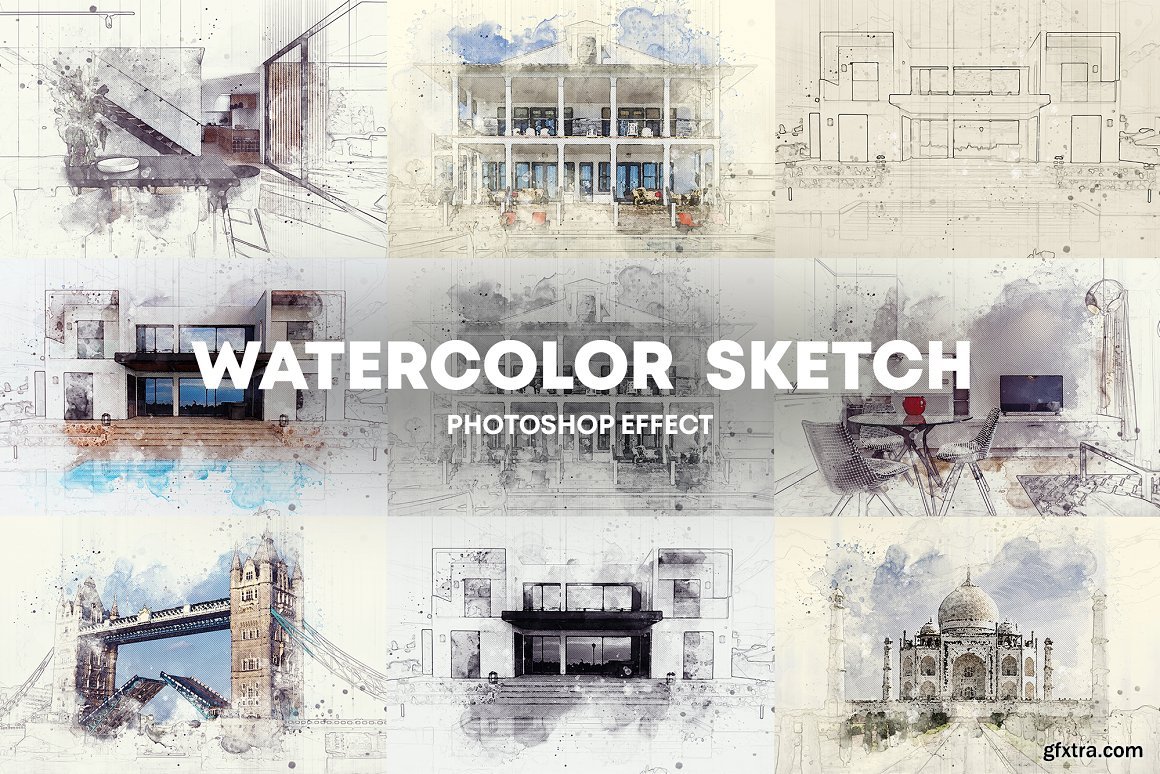
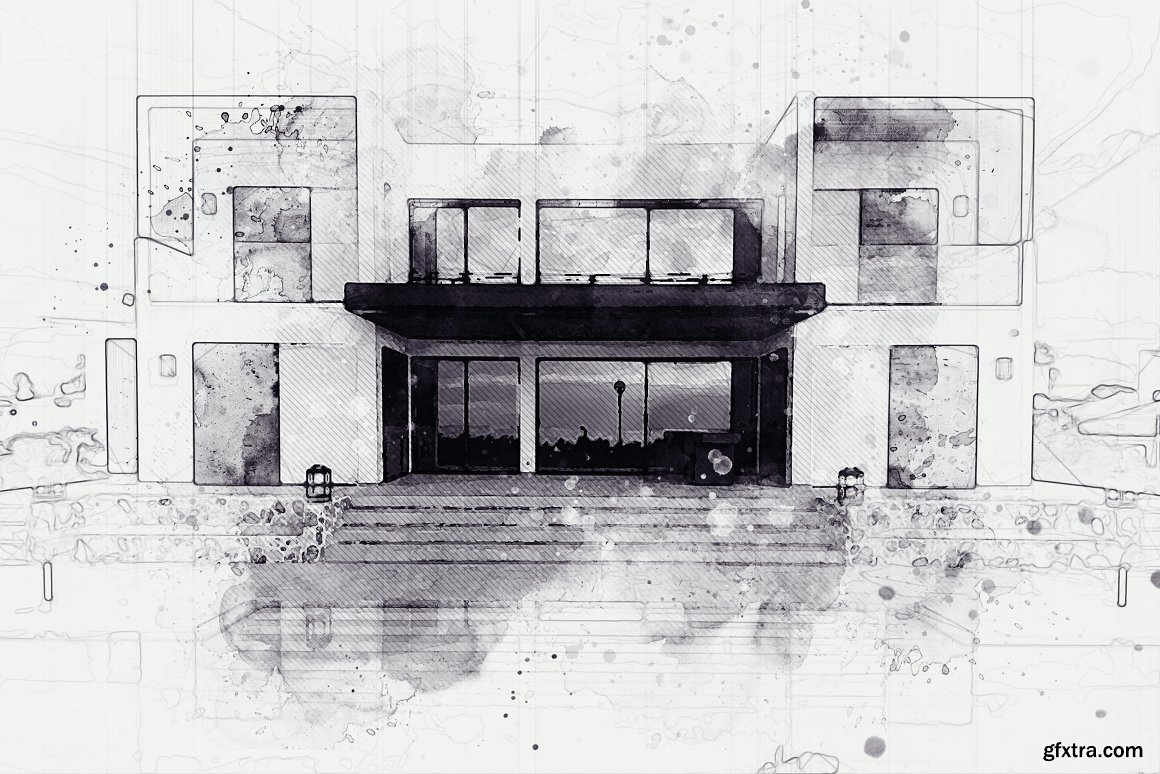
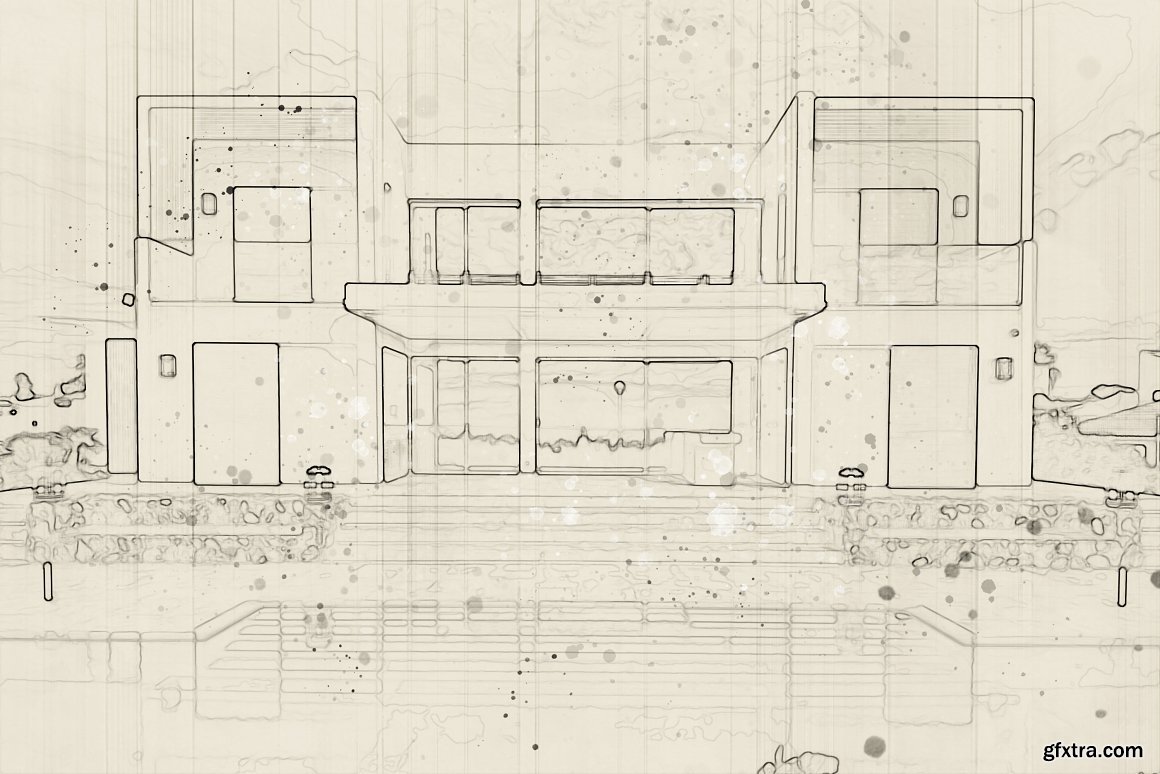
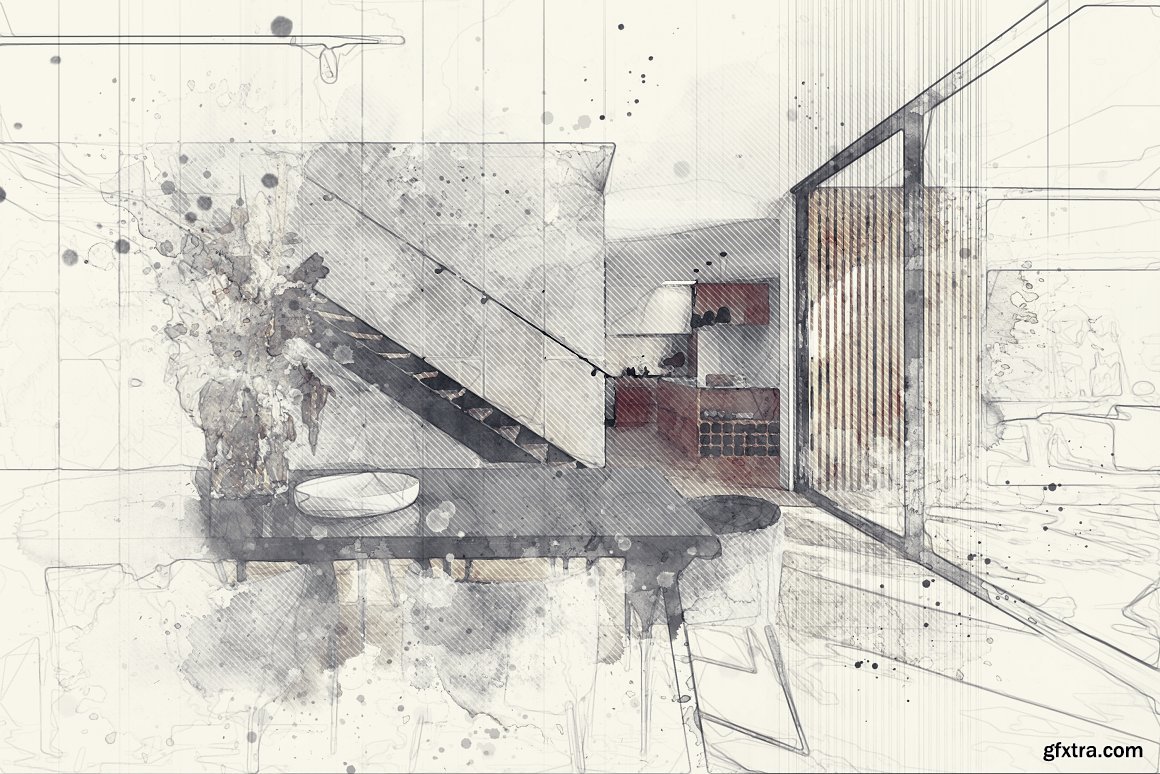
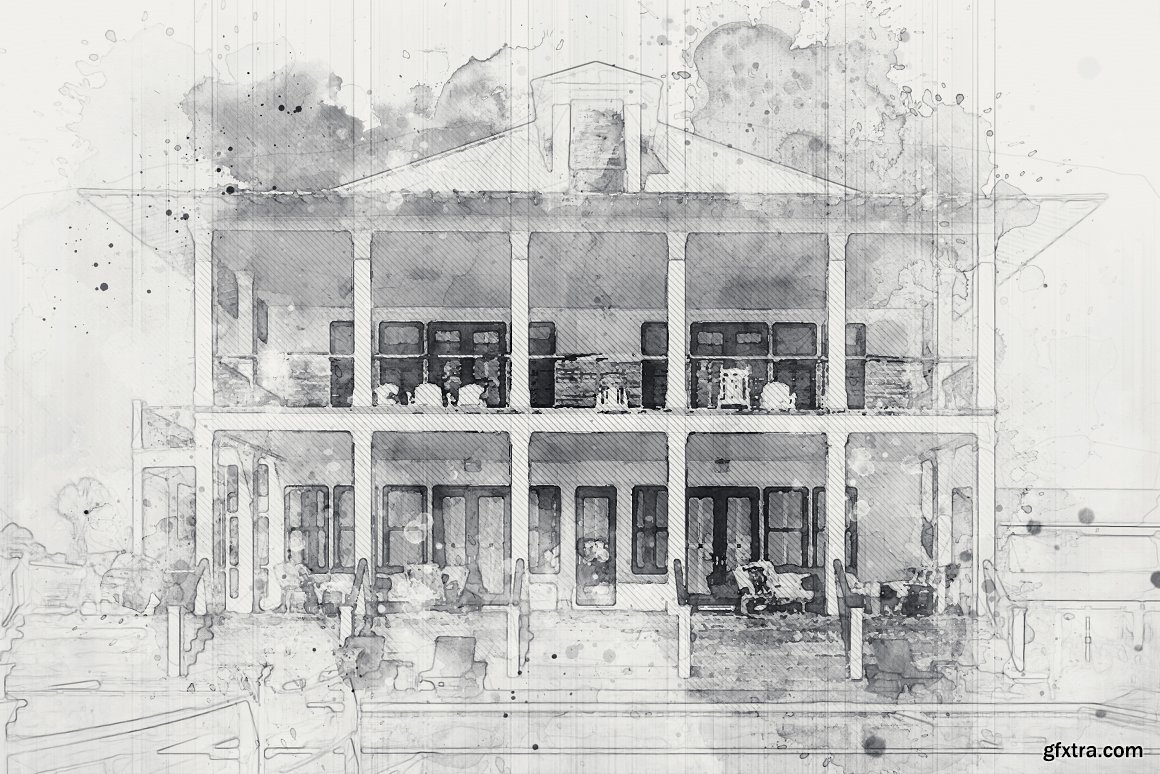
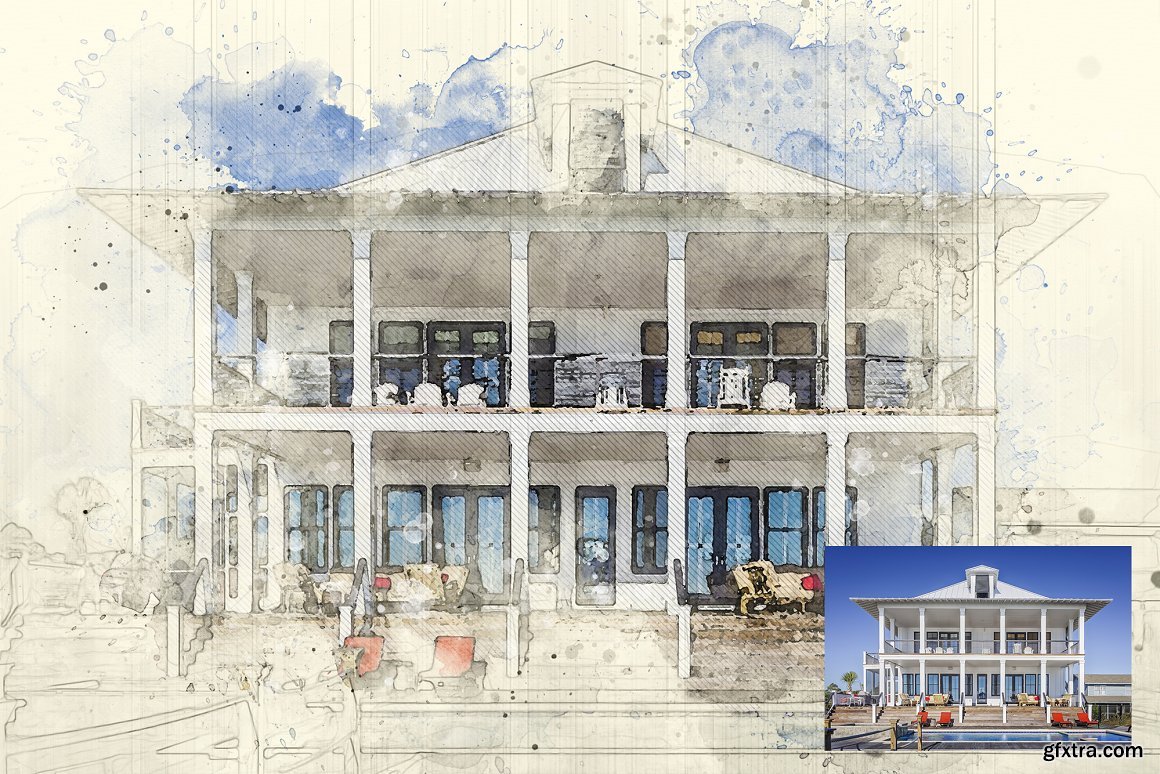
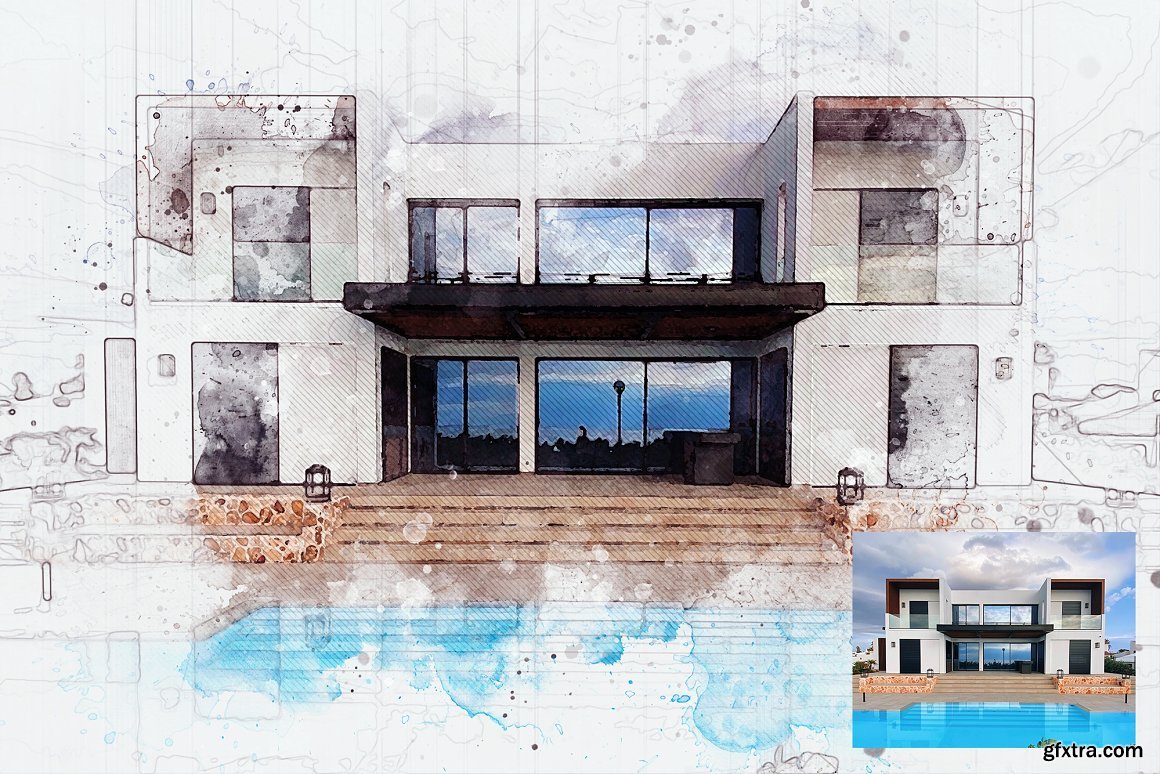
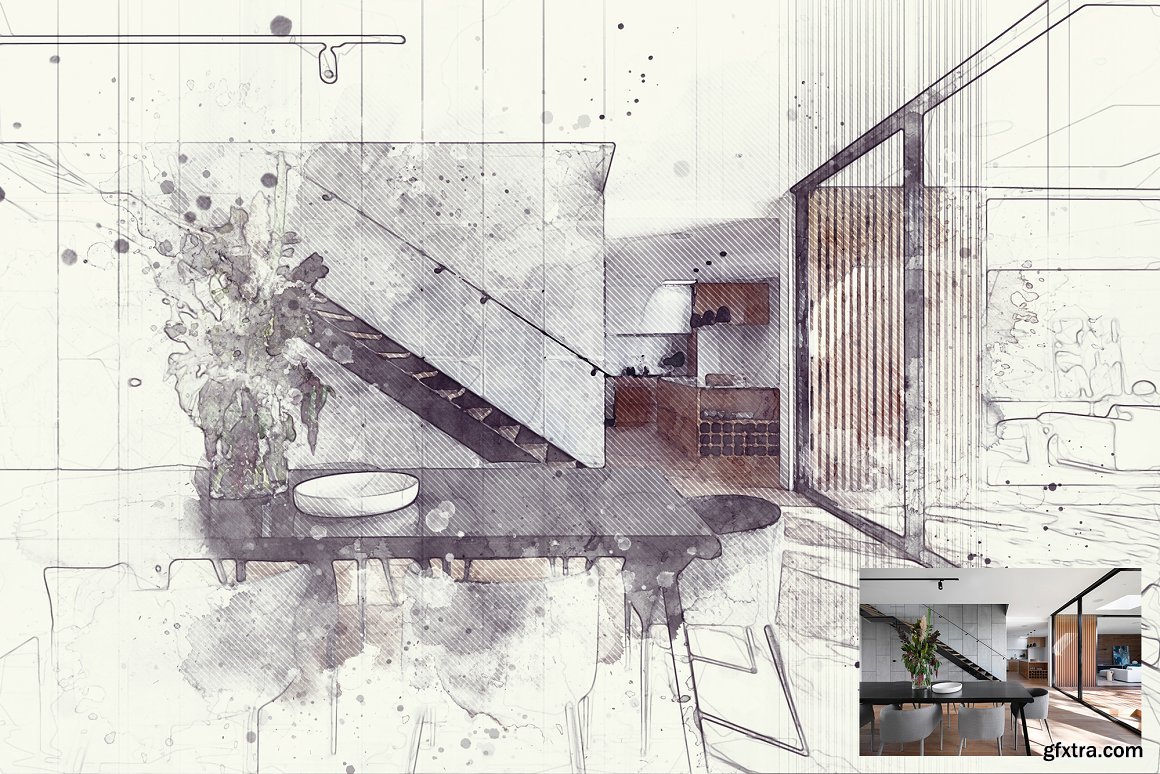
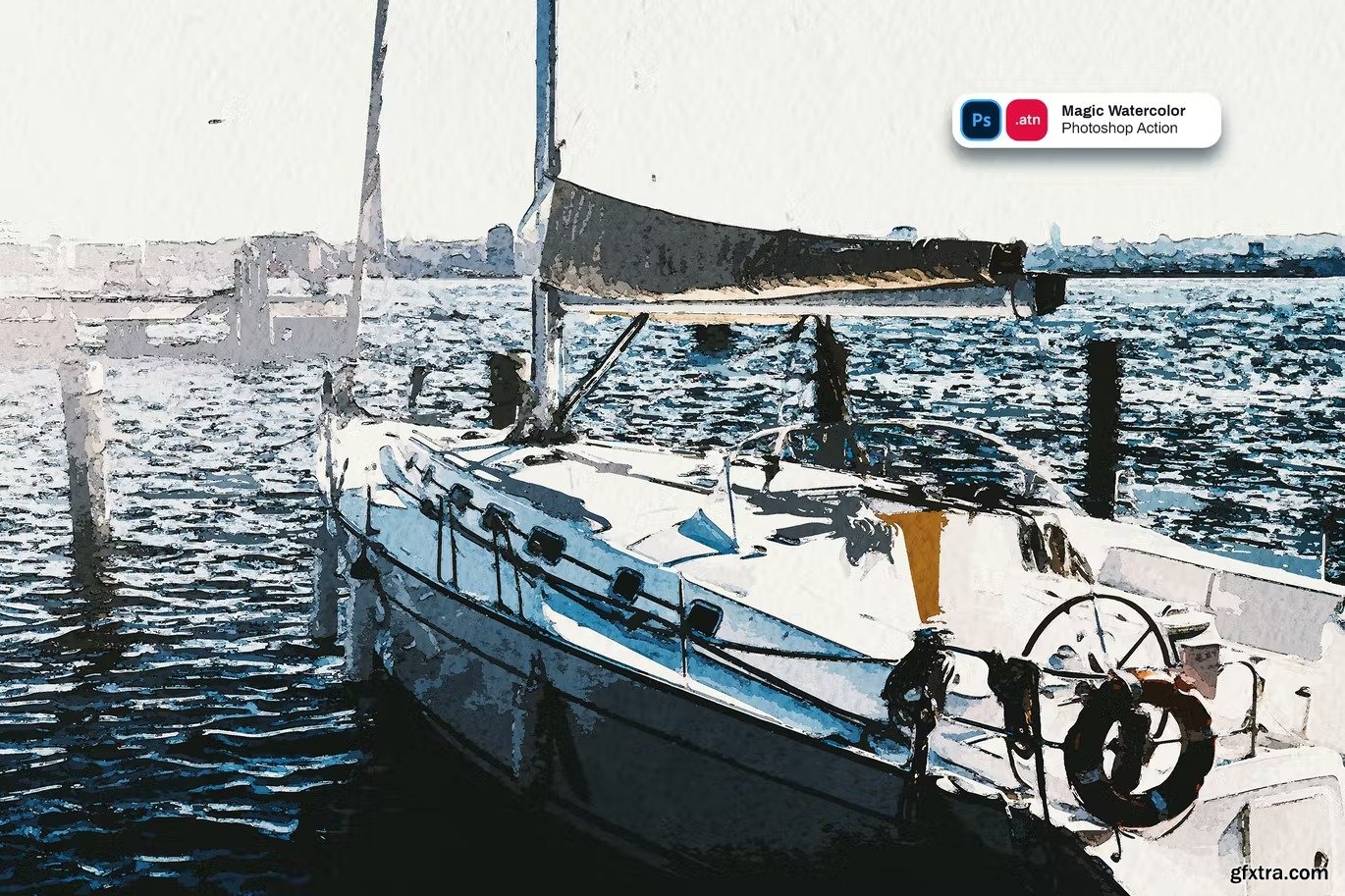
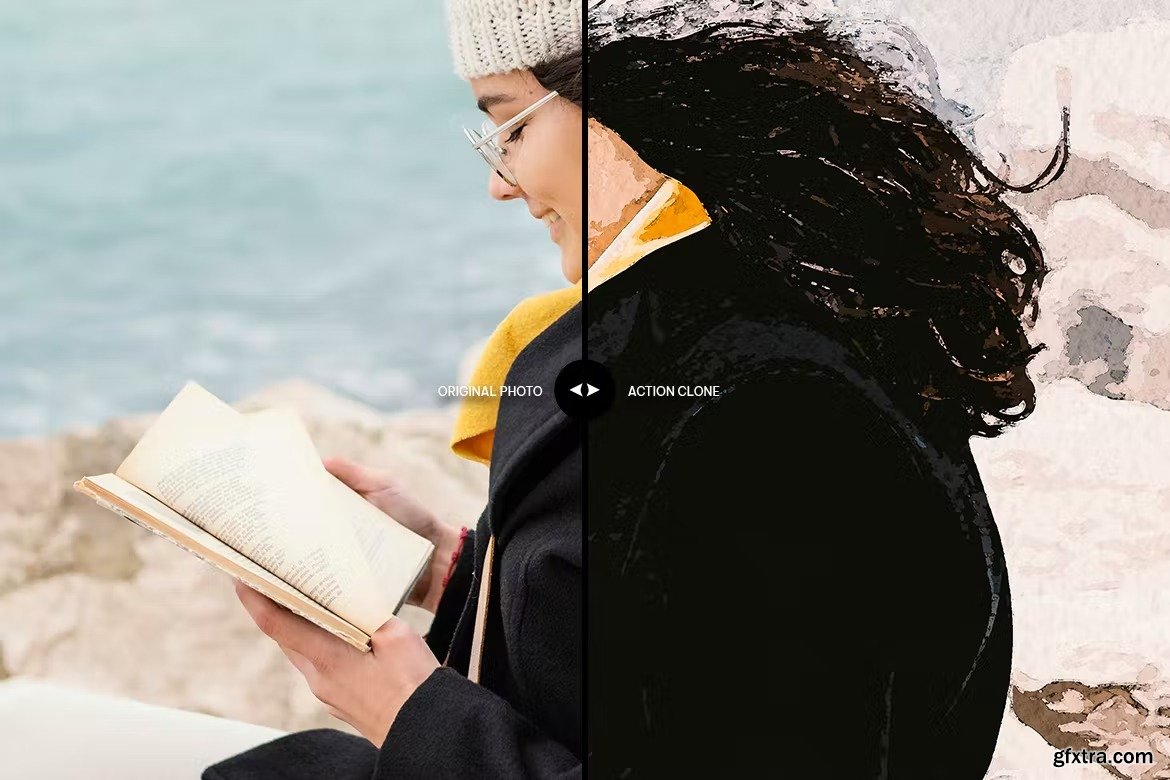
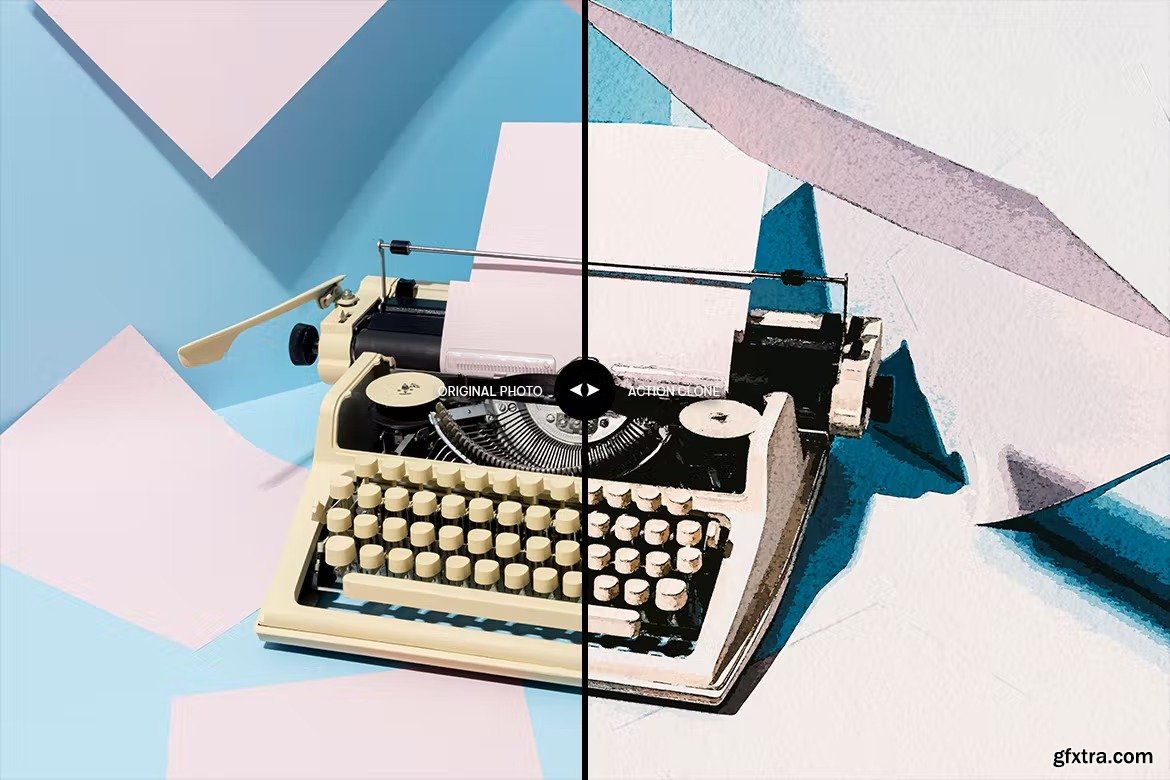
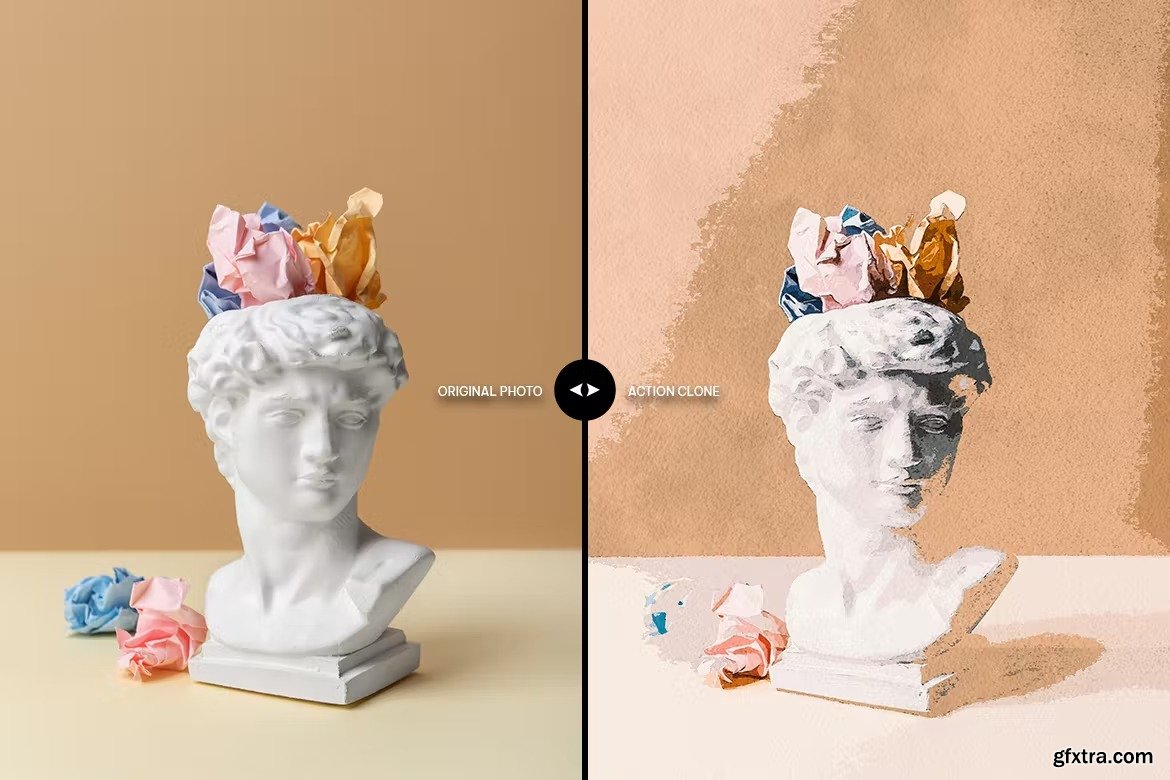
CreativeMarket - Watercolor Sketch Photoshop Effect 7212989
PSD
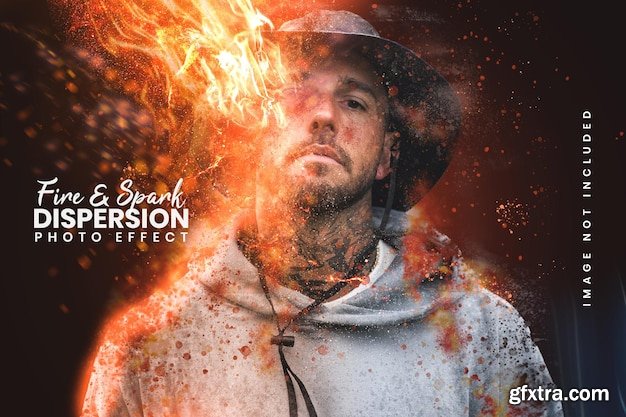

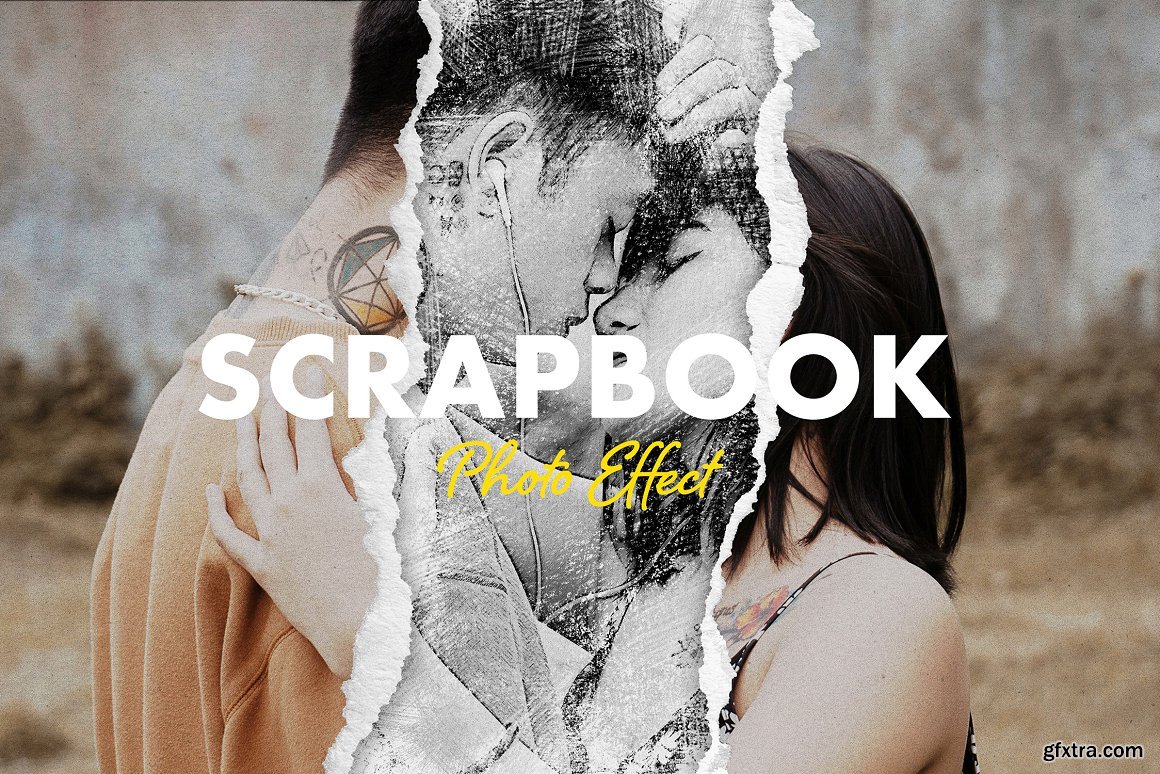

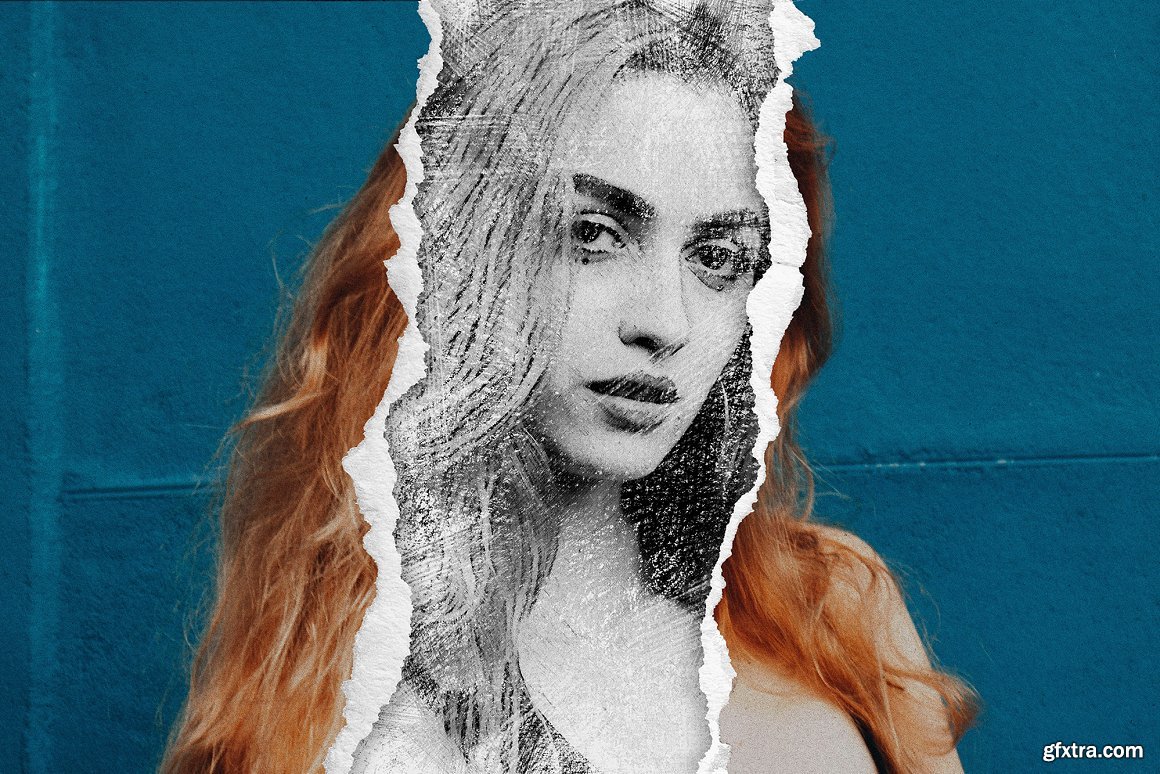

CreativeMarket - Scrapbook Photo Effect 7190962
PSD
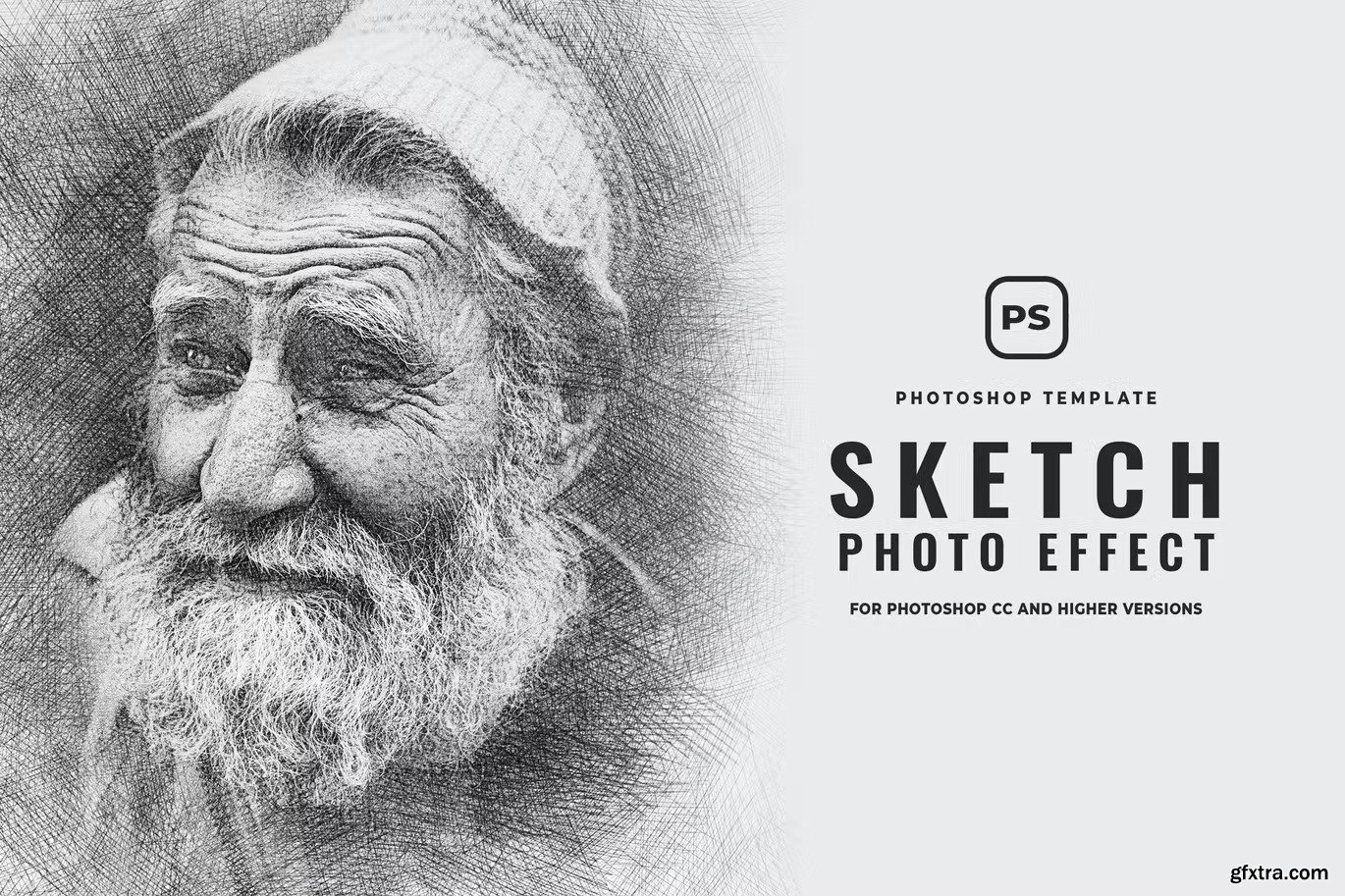
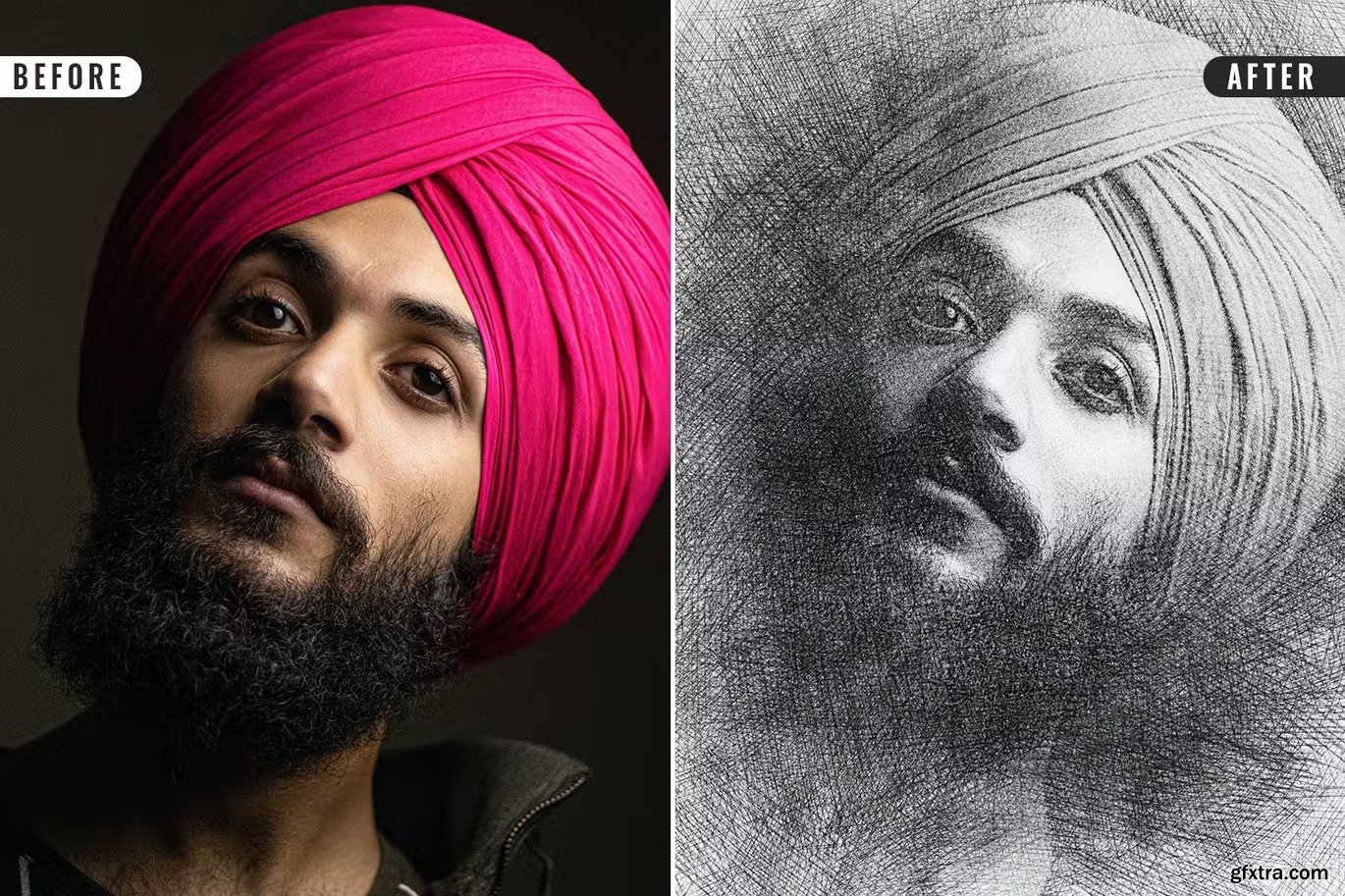
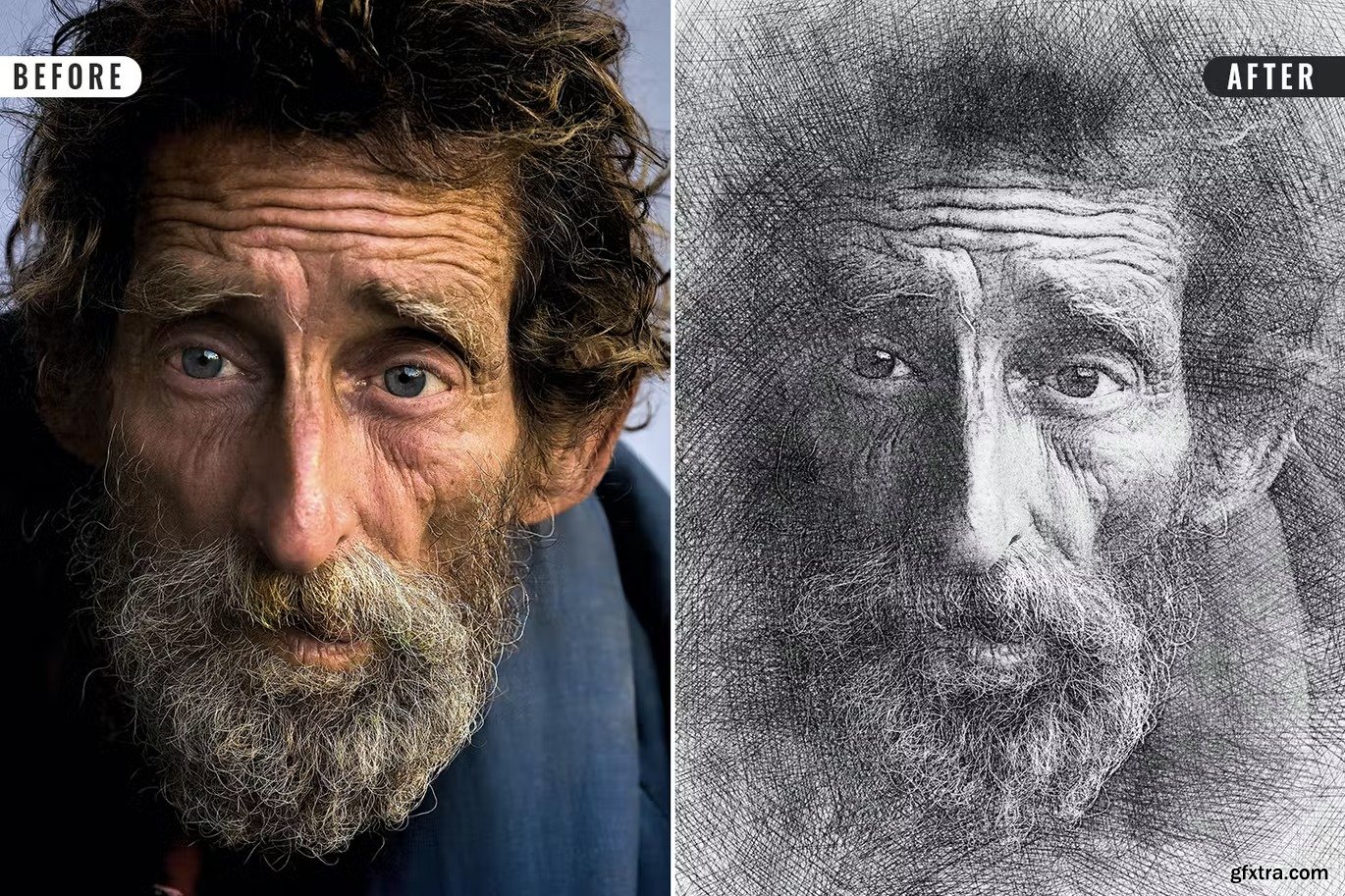
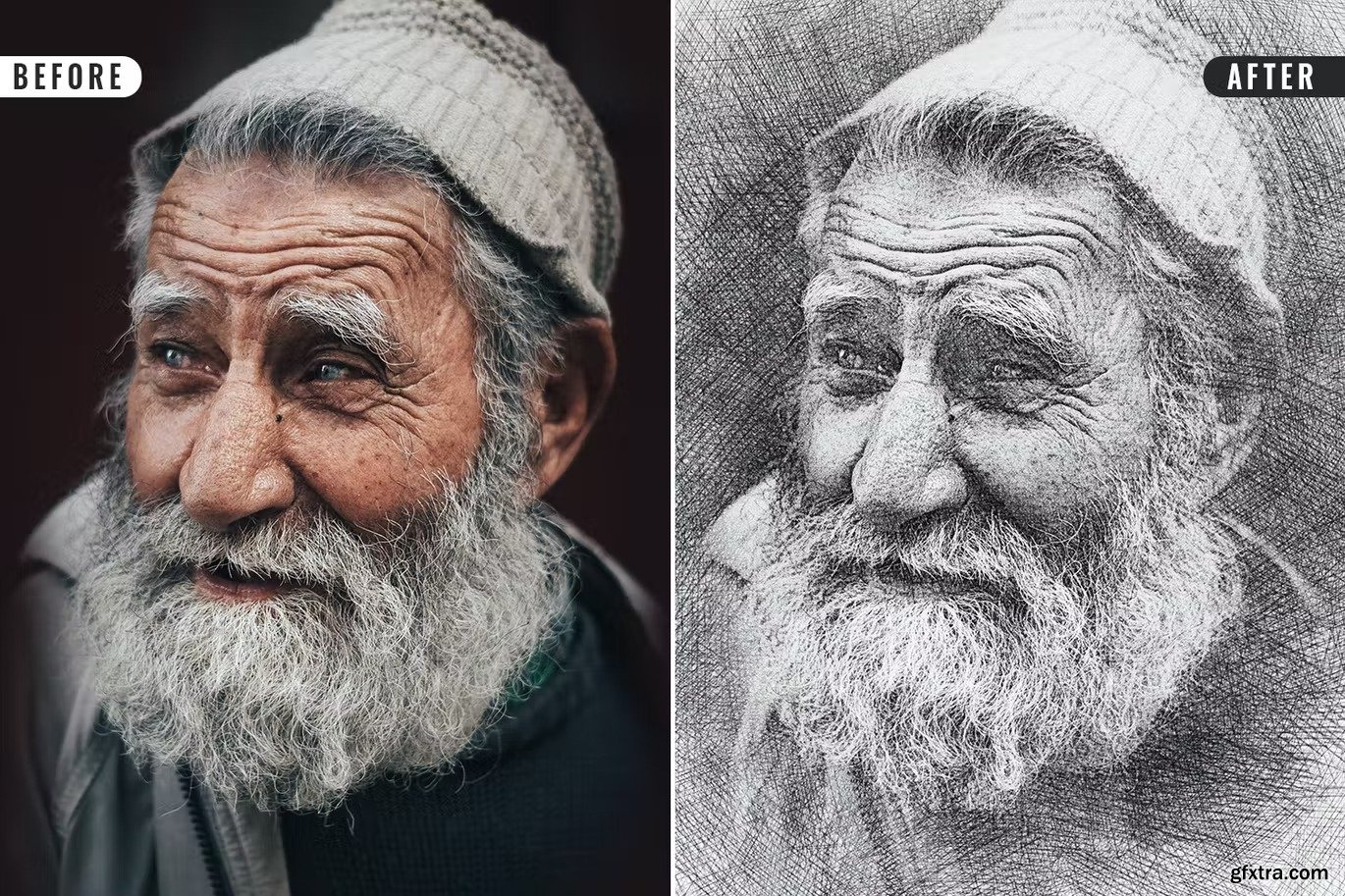

Categories: PhotoShop » Actions *.ATN
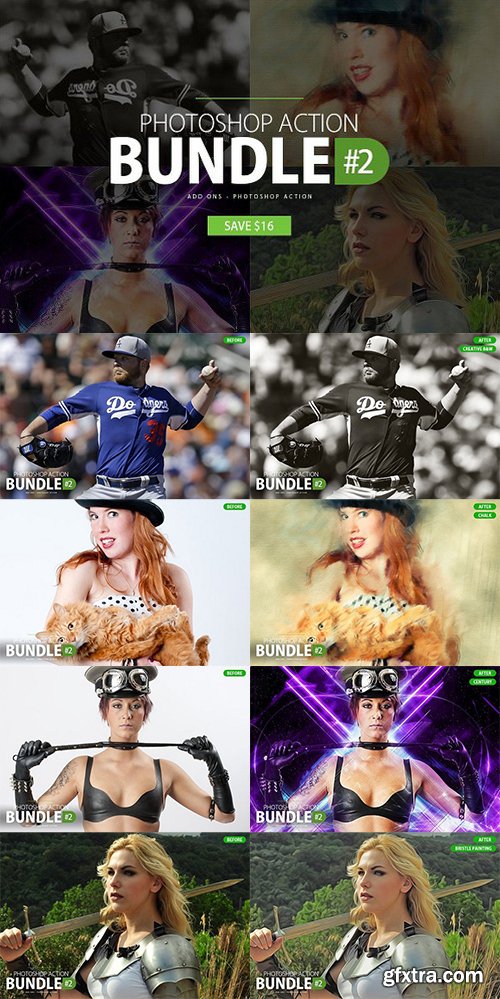
Photoshop Action Bundle #2
- Creative B&W Photoshop Action
- Chalk Photoshop Action
- Century Photoshop Action
- Bristle Painting Action
Categories: PhotoShop » Actions *.ATN
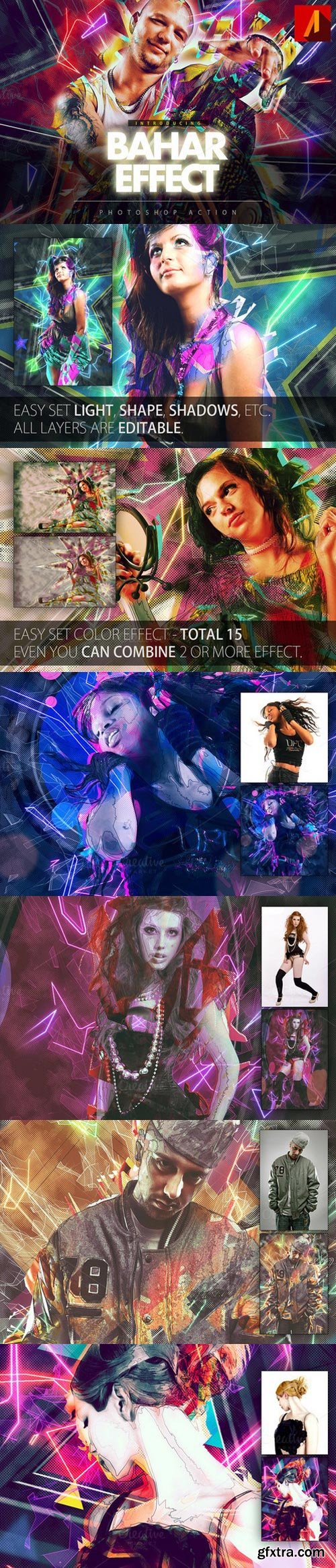
Add special effects into your photo instantly using Bahar Effect Photoshop Action. This action will create lots more elements that can be edited manually. After this action finished you can set opacity of layer, set properties, duplicate, move etc.
Bahar Effect photoshop action created for all users like you. You can use this action for poster, profile, cover or printing maybe. I hopefully you like this one, if you do, dont forget to rate and set to your favorite.
The action will only work in the English version of Photoshop. If you are not using the English version of Photoshop, you can always change it to English and then back again to your native language using this method.
- Photoshop CS6 only
- All Images in the preview are not included at the zip file.
- For the best results, it is recommended to use high resolution photos in the range of 2500px – 3500px. The optimal range is from 2000px – 3500px. The detail and clarity in the effects generated by the actions reduce the smaller of your photo.
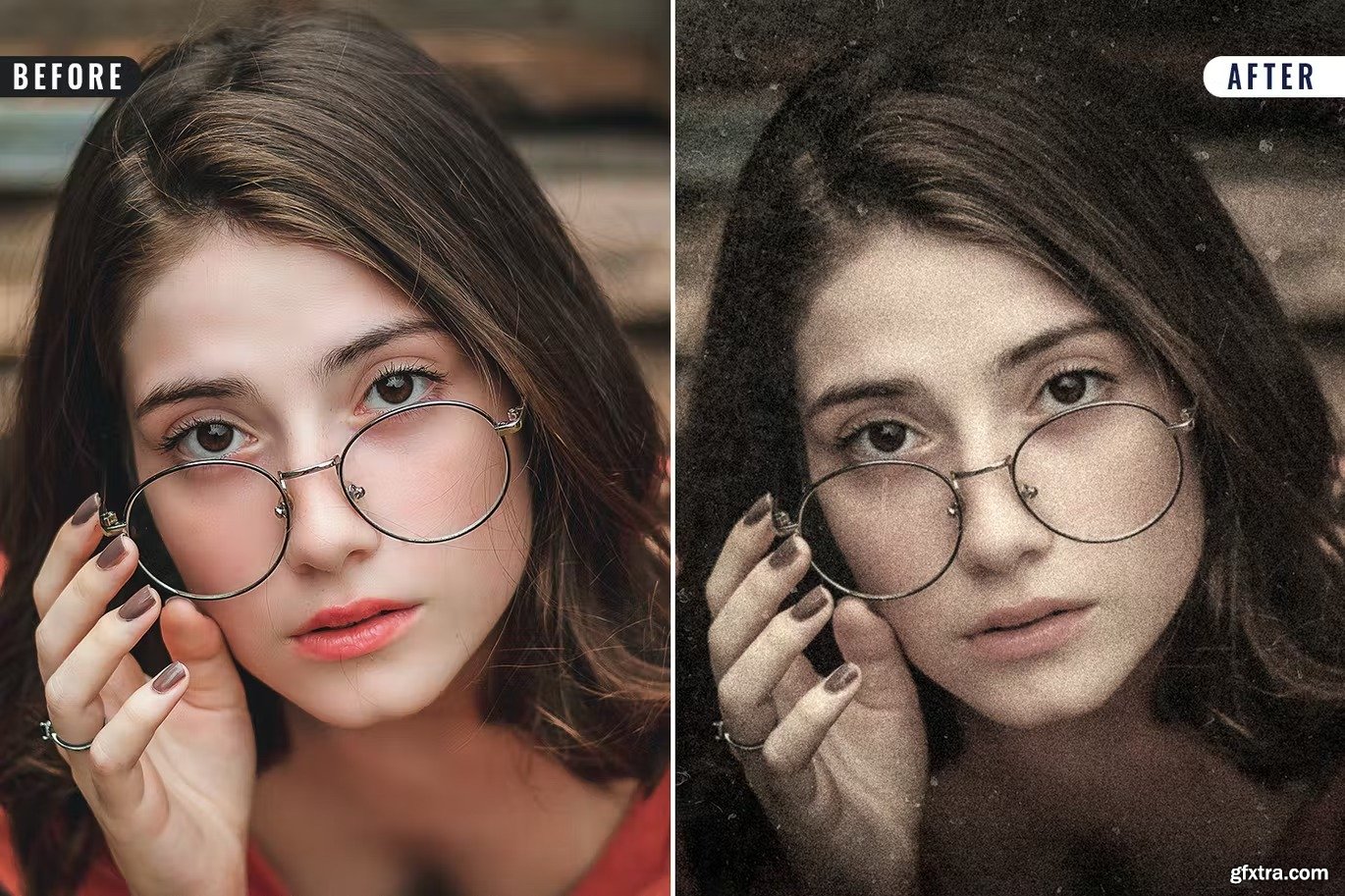
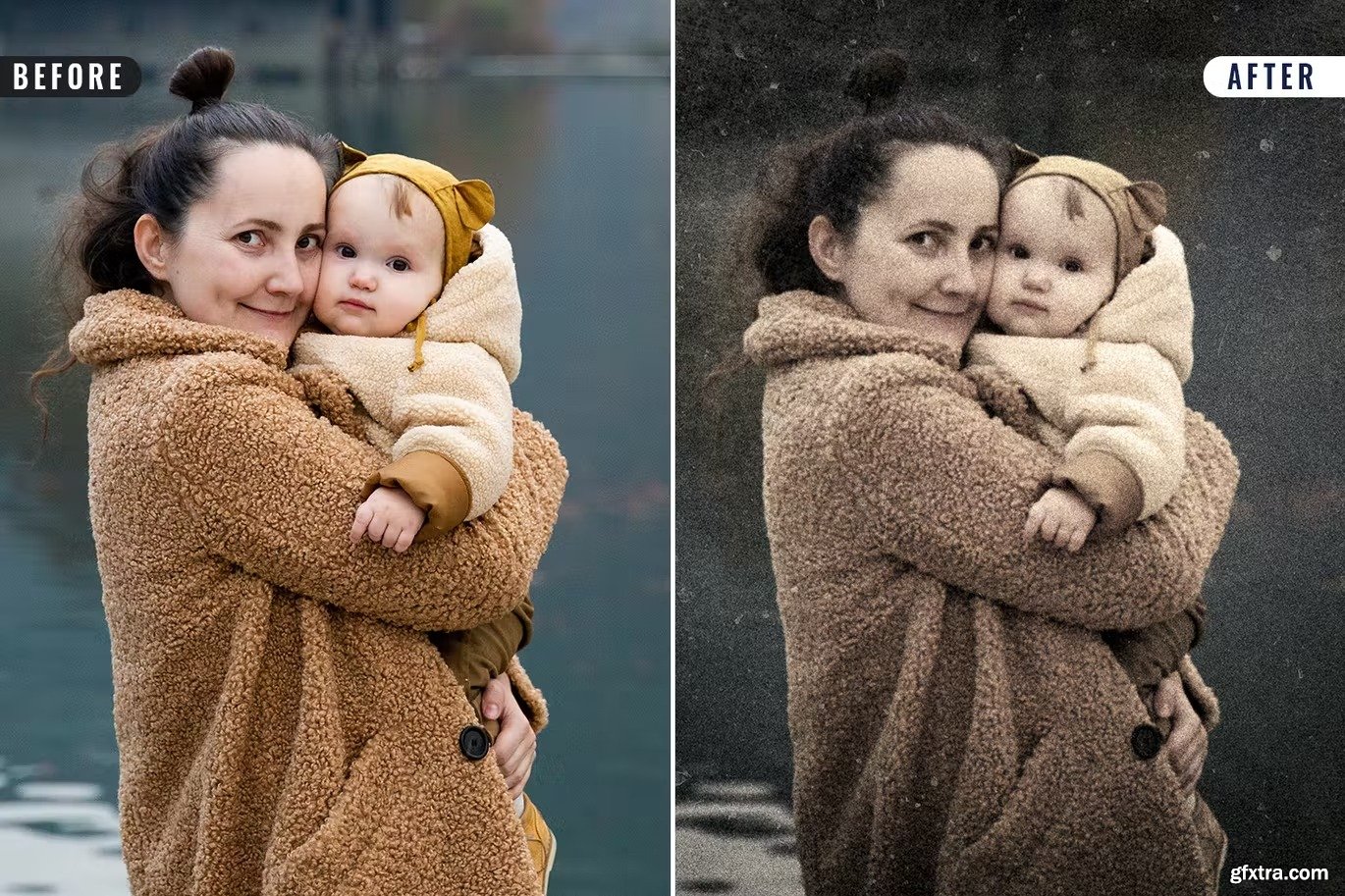
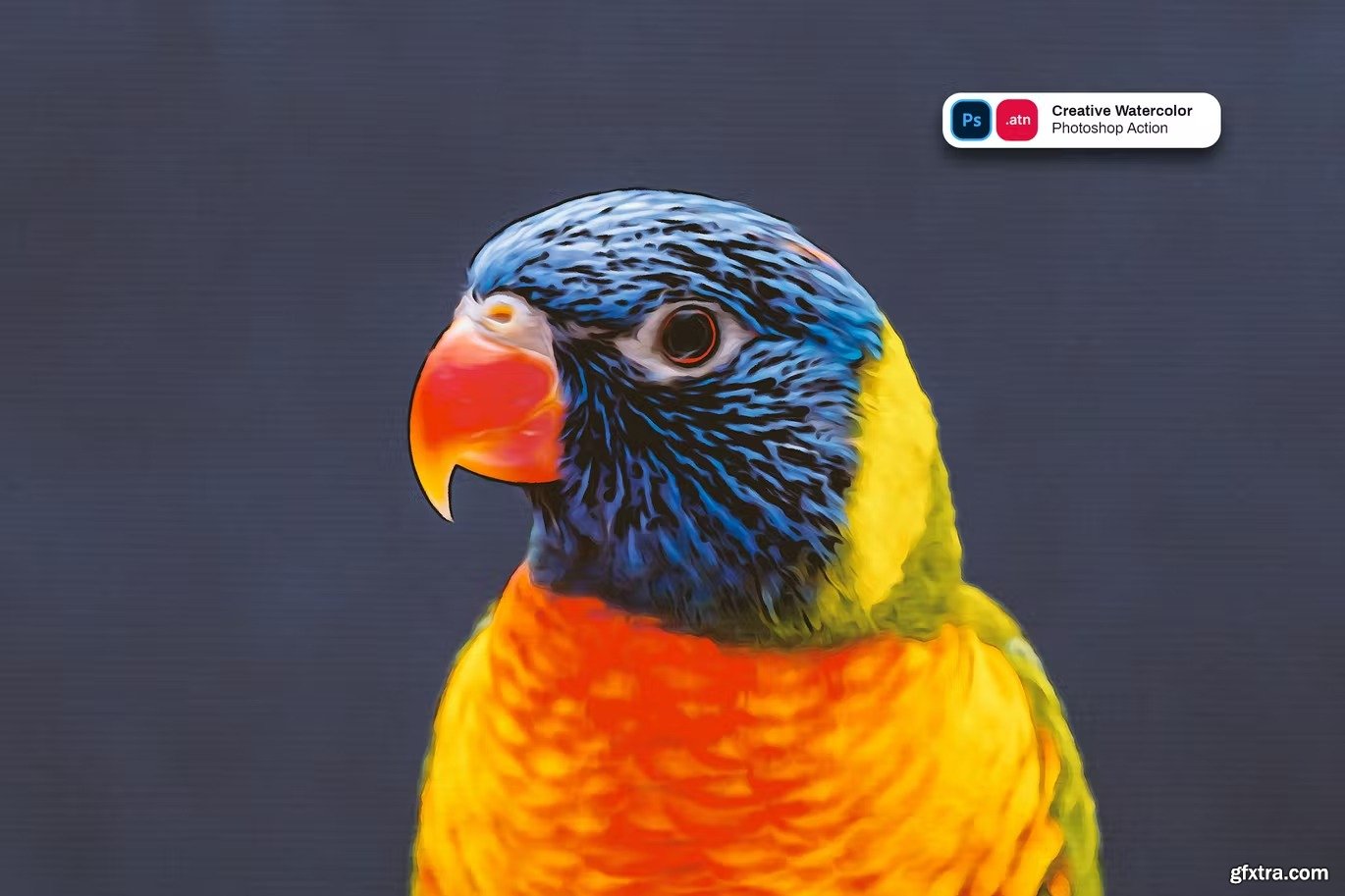
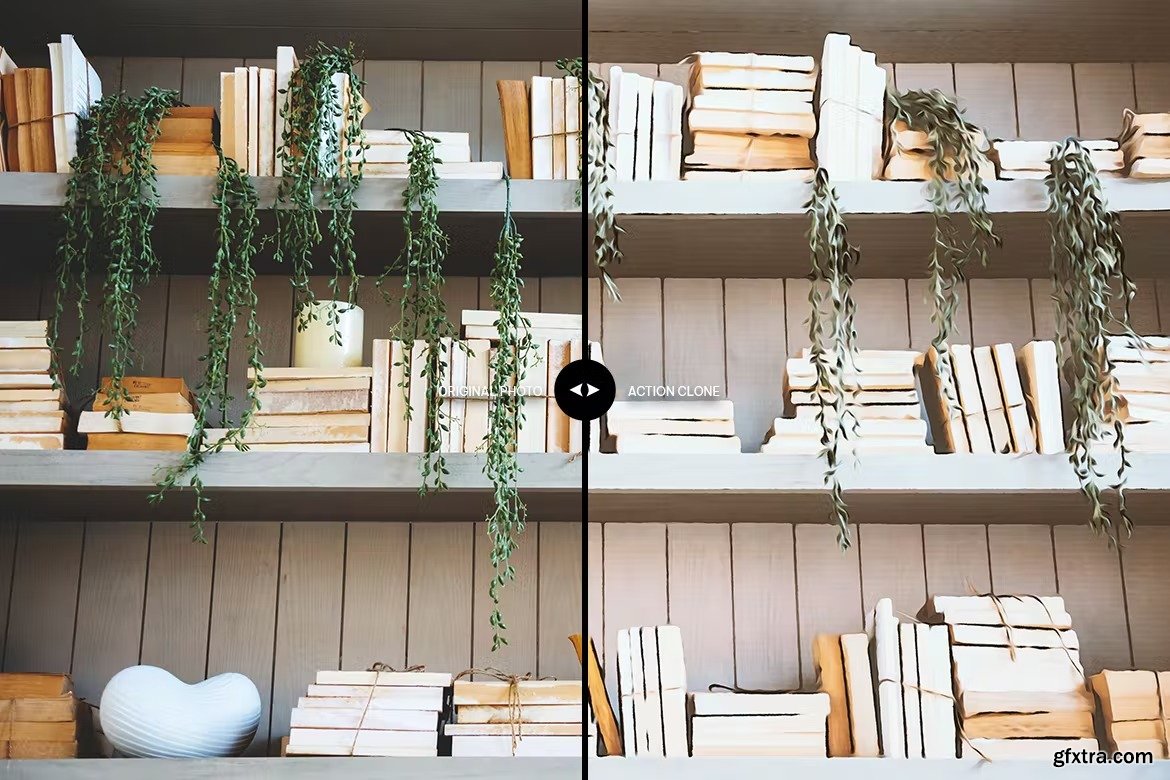
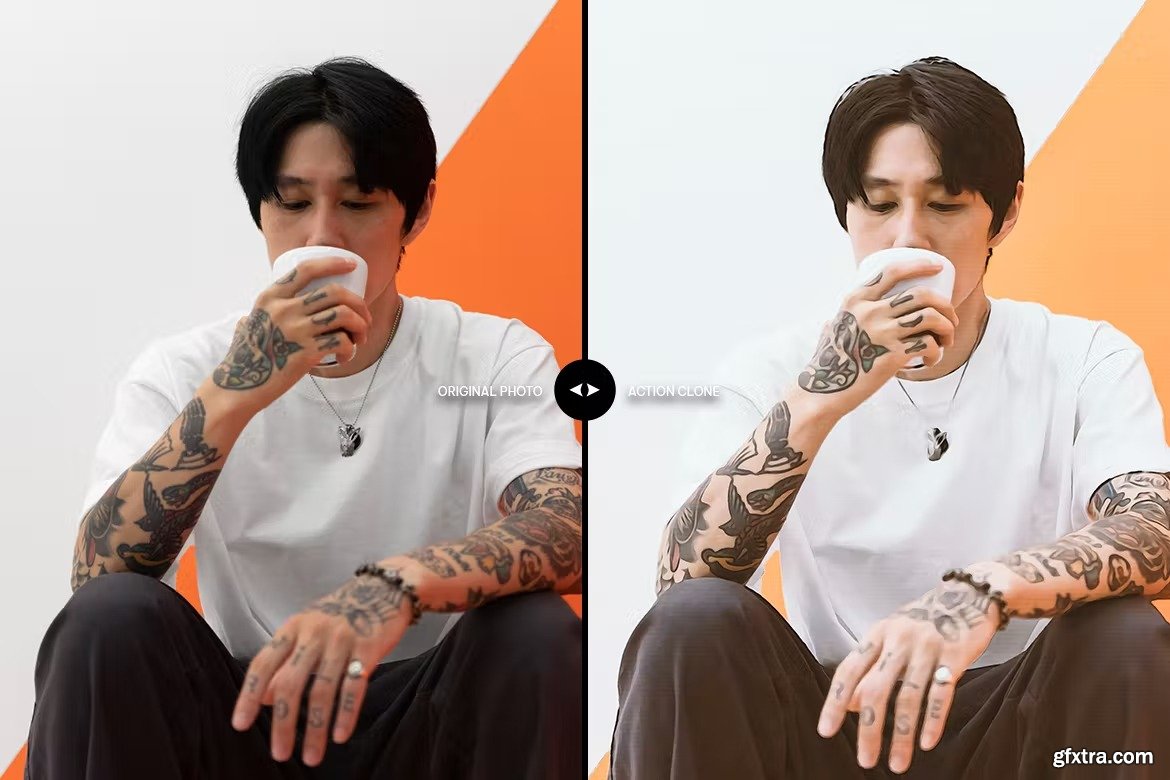
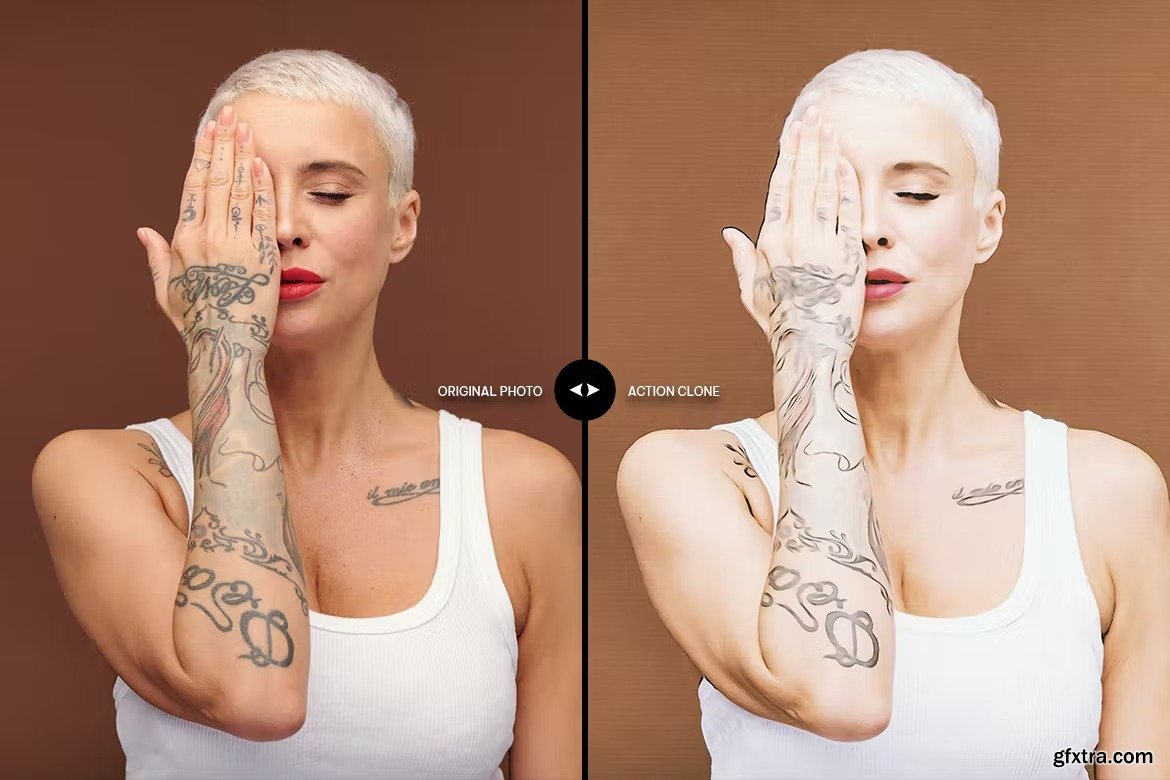
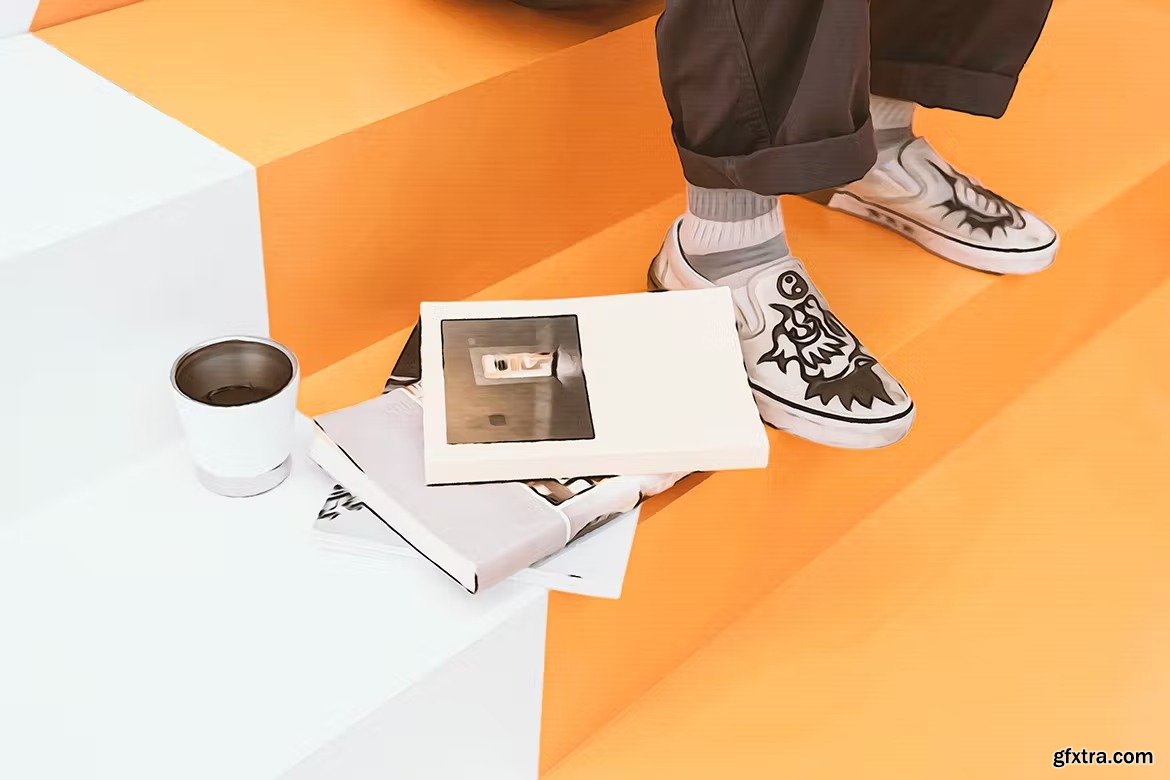
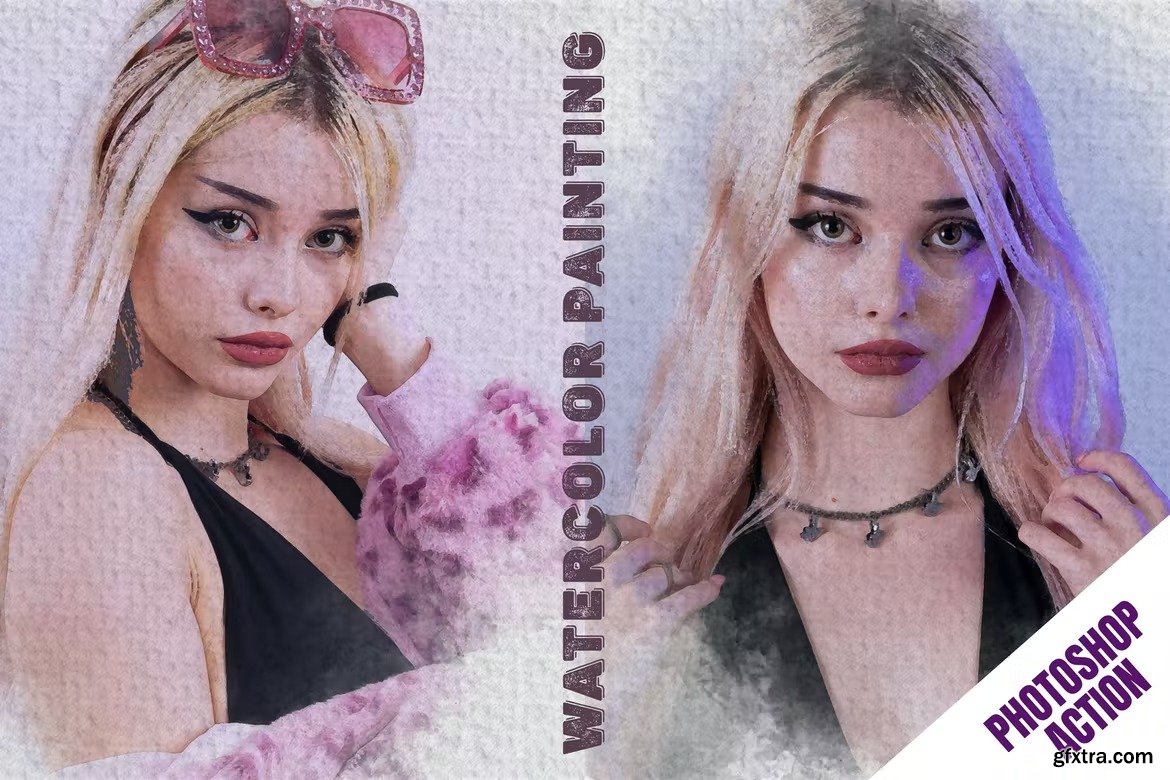
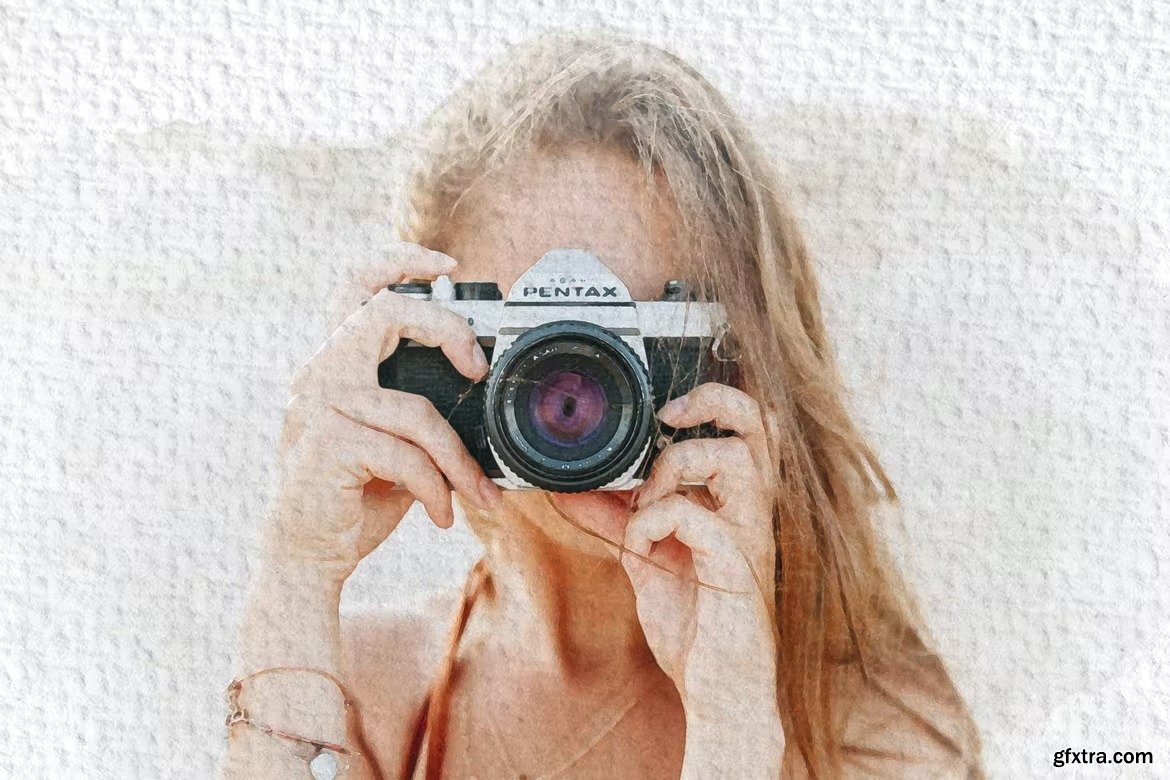
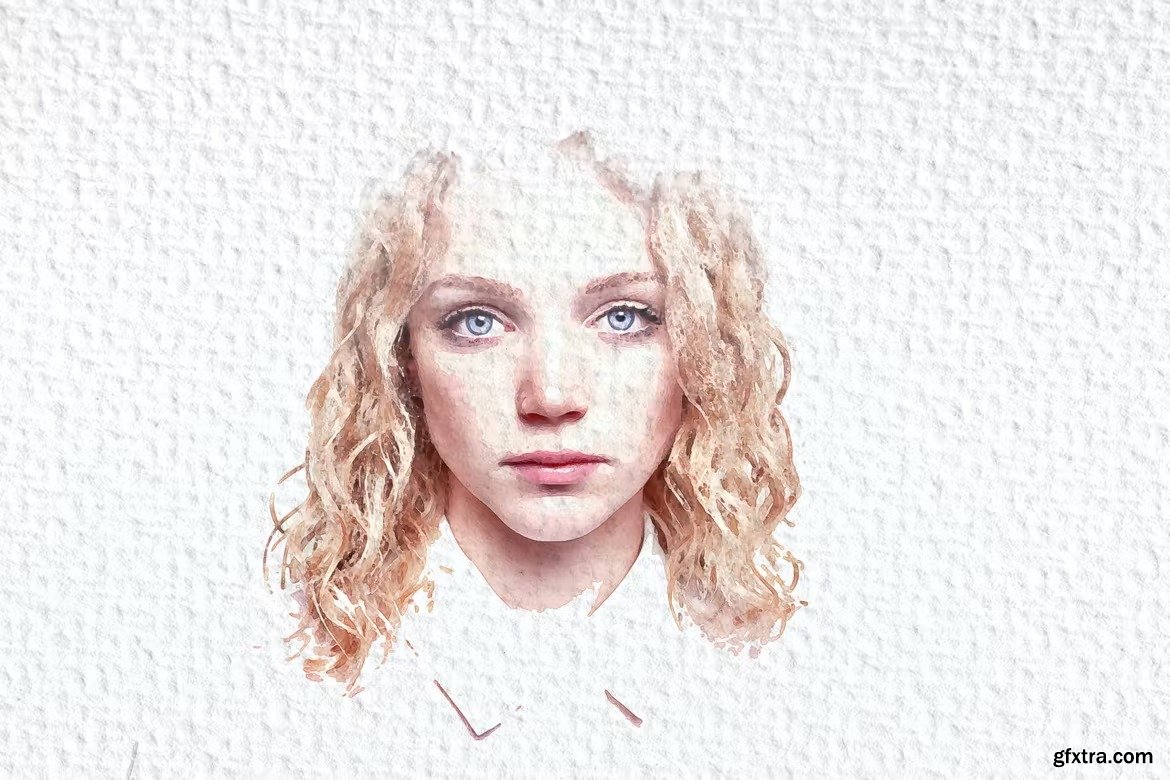
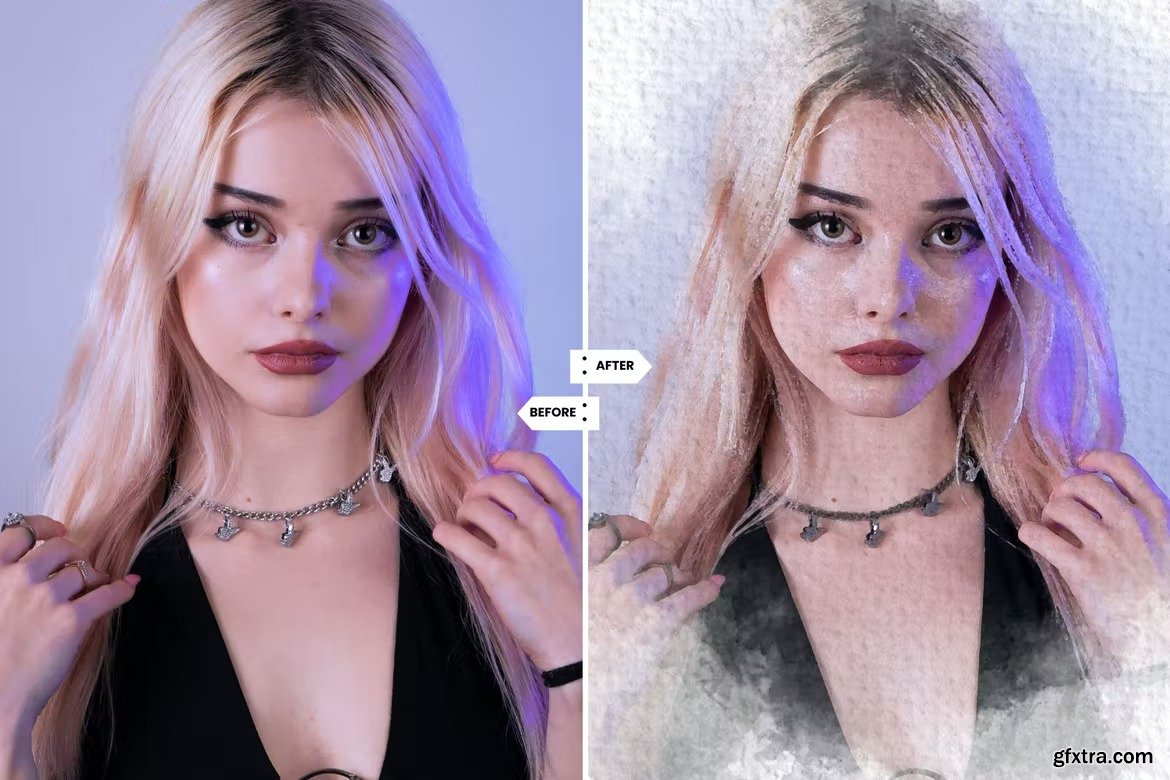
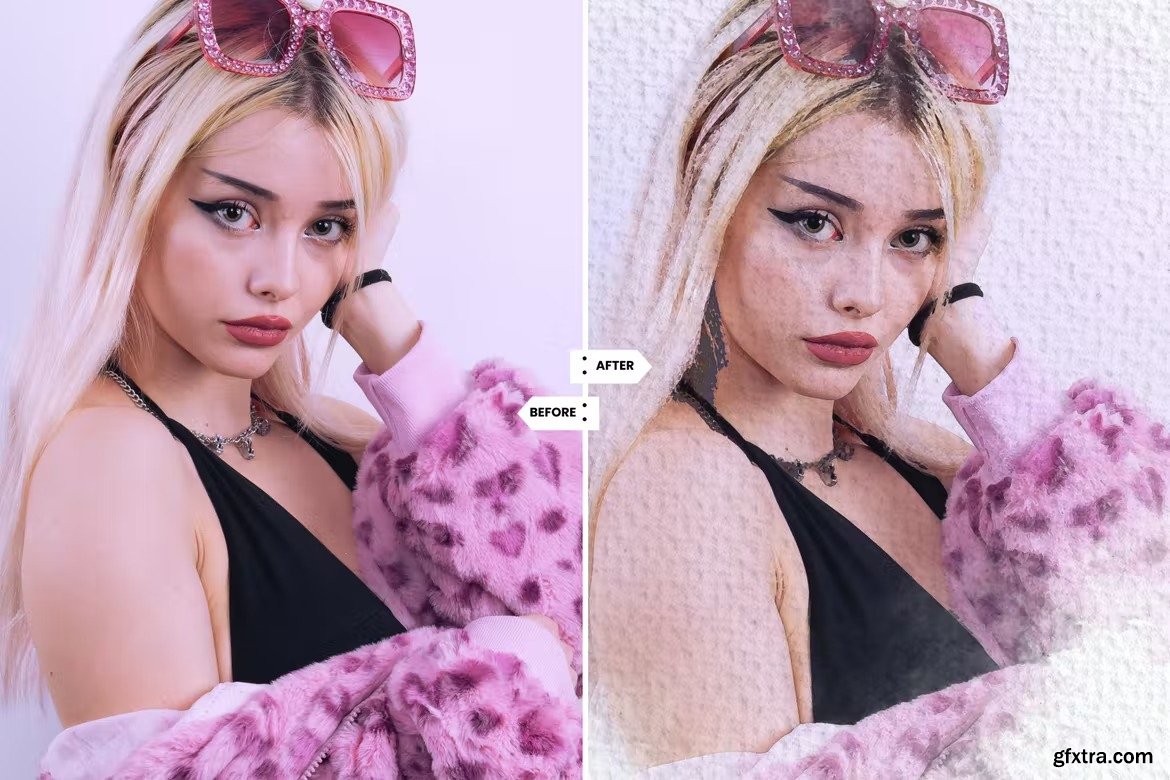
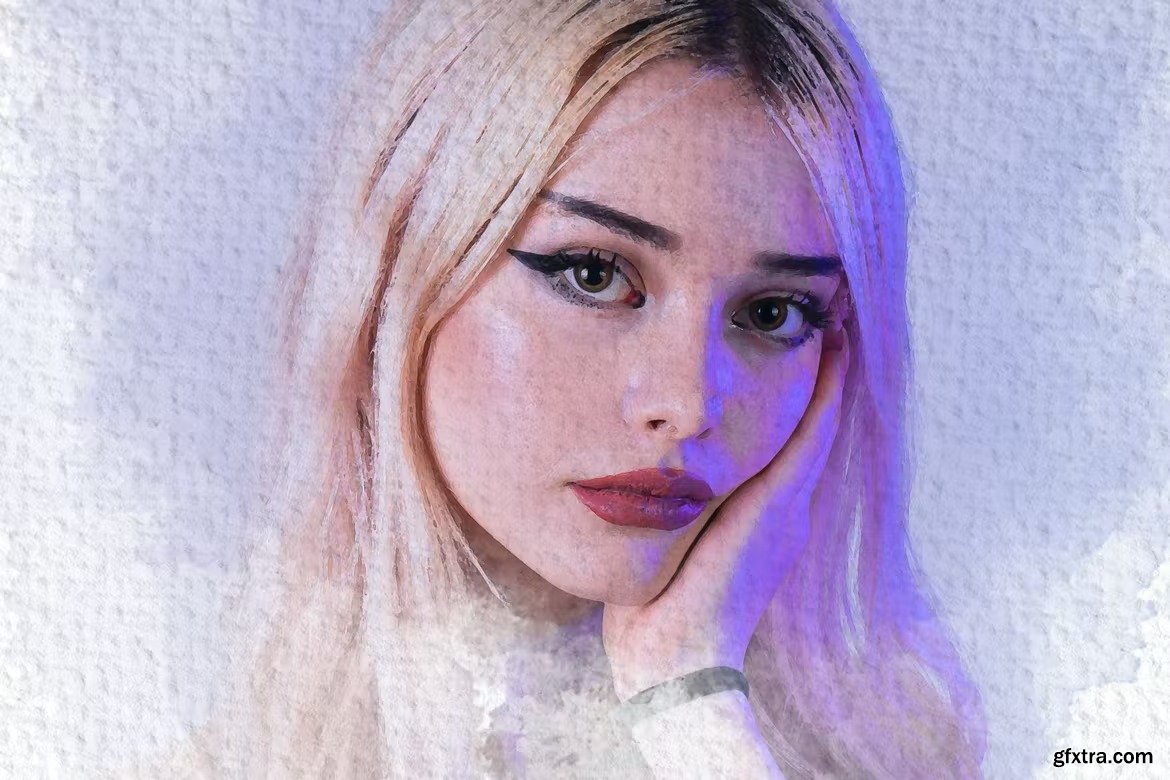
Creative Watercolor Painting Photoshop Action
ATN, PAT
Categories: PhotoShop » Actions *.ATN
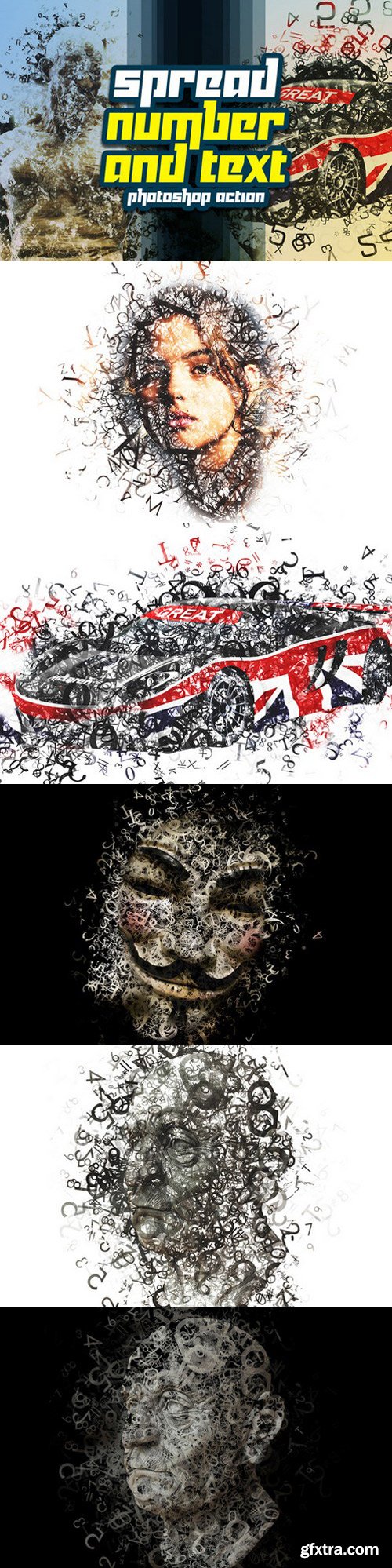
High detailed Tinge Number & Text Actions. Great Work with any image. Support 300 DPI. So you can use it in small or large picture.
This action transforms your photos into professional looking Spray Text. You have lots of layer control to adjust your results. The action has been tested and working on Photoshop (English version only) CS3,CS4,CS5,CS6,CC, the action will only work on English versions of Photoshop.
I highly recommend you use this action on high resolution photos for the best results. For the best results, it is recommended to use high resolution photos in the range of 1500px – 3500px. The optimal range is from 2000px – 3500px. The detail and clarity in the effects generated by the actions reduce the smaller your photo is, and the images in this preview are not included.
126,000 Royalty-Free 3D Model

Udemy Türkçe


Top Rated News
- CreativeLive Tutorial Collections
- Fasttracktutorials Course
- Chaos Cosmos Library
- MRMockup - Mockup Bundle
- Finding North Photography
- Sean Archer
- John Gress Photography
- Motion Science
- AwTeaches
- Learn Squared
- PhotoWhoa
- Houdini-Course
- Photigy
- August Dering Photography
- StudioGuti
- Creatoom
- Creature Art Teacher
- Creator Foundry
- Patreon Collections
- Udemy - Turkce
- BigFilms
- Jerry Ghionis
- ACIDBITE
- BigMediumSmall
- Globe Plants
- Unleashed Education
- The School of Photography
- Visual Education
- LeartesStudios - Cosmos
- Fxphd
- All Veer Fancy Collection!
- All OJO Images
- All ZZVe Vectors
- CGTrader 1 CGTrader 2



















