

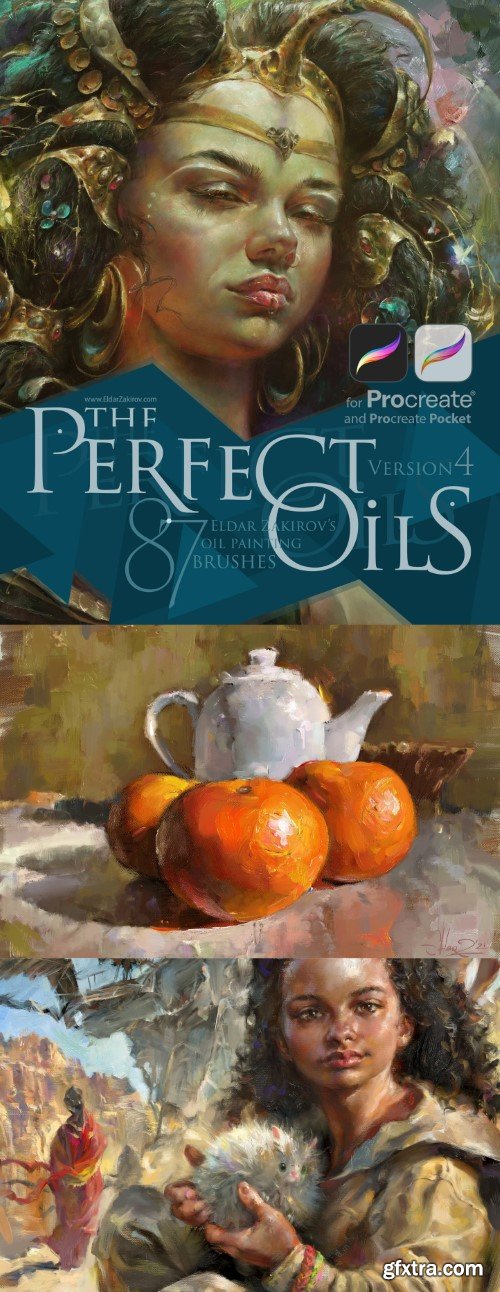


Justin Gerard’s Monster-of-the-Month Brush Sets have been developed to give illustrators digital tools that simulate the look and feel of traditional painting and drawing. Each Monster of the Month brush set is built out of the core brushes used each month to paint, texture, and detail each monster. Every set is unique and contains completely new brushes which help tackle specific natural textures and surfaces. I designed these brushes by sampling my own scans of traditional paint strokes, splatters, sprays, pencil strokes, and maybe some spilled coffee.
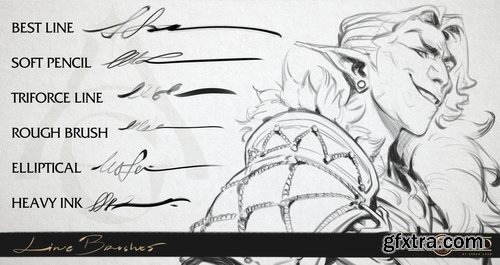
This set comes with an ADOBE PHOTOSHOP .abr file with over 100 unique brushes, including Blenders and Mixer Brushes.
Each brush contains built-in characteristics such as opacity, flow, special modes and textural effects that make it handle in unique ways. Please see the Brush Guide in the sample images above for some helpful tips on how to use the brushes to their fullest potential.
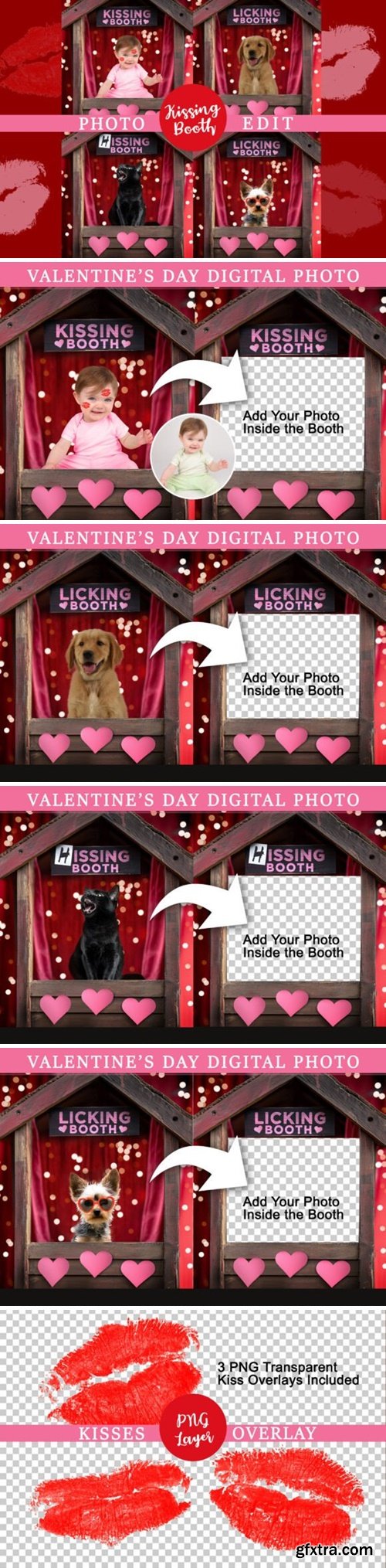
Enjoy this cute kiss booth wooden stand with pink hearts to add your own baby or person into. There is also a “Hissing Booth” version for a funny cat portrait. Cut out your model using canva background remover or another app of your choice. Then, insert the cutout behind the PNG coverup layer.
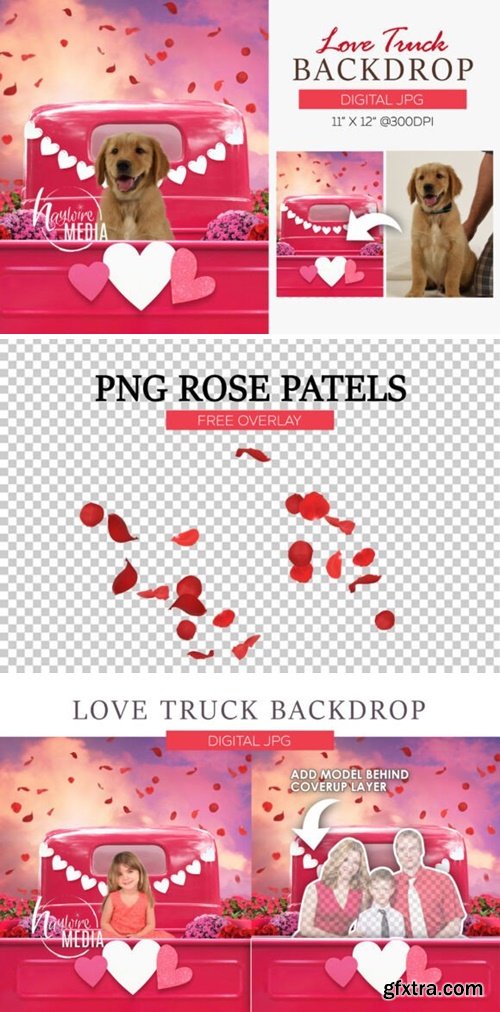
Enjoy this cute Valentine’s Day Pink Truck scene with red flowers and hearts. Add your model behind the PNG layer. Use it for a cute pet portrait or family mini session background. Makes the perfect social media post for valentine’s day.
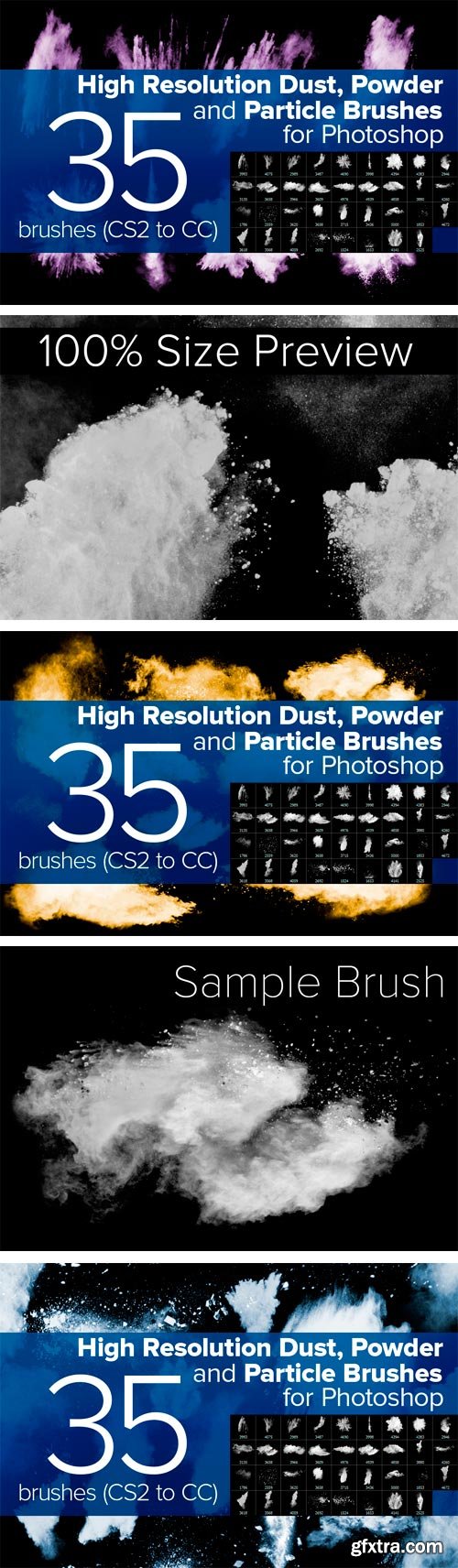
CreativeMarket - Dust, Powder and Particle Brushes 87666
35 High Resolution Realistic Dust, Powder and Particle Brushes for Photoshop.
Package includes 2 versions for Photoshop CS2-3-4-5 (2500px Brushes) and
Photoshop CS6-CC (5000px Brushes).
Adobe CS2+ | 2 ABR | JPG Preview | 147 Mb RAR
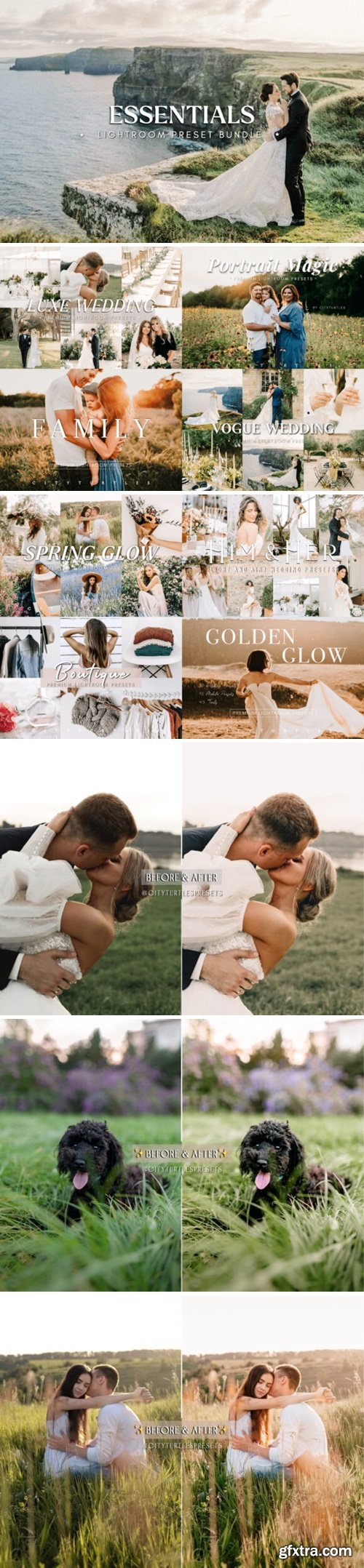
CM - ESSENTIALS Photography Lightroom Bundle 290439887
https://creativemarket.com/CityTurtles/290439887-ESSENTIALS-Lightroom-Preset-Bundle
Premium presets artistically crafted for glowy skin, true to color tones, and golden warmth. This bundle combines all of our bestselling and most-loved products. These presets are super versatile and work beautifully on portraits, weddings, engagements, lifestyle shoots, editorials, and travel images. Our presets are easy to use + install for beginners and comes with step-by-step instructions to guide you every step of the way. Collection includes both desktop and mobile files so you can easily edit at home on your computer or on the go with your phone/tablet device. These presets will be handy wherever you go! We've even included a bonus desktop adjustment tool-kit for you to adjust your images in a few simple clicks. Empower your business, up-level your photography, and improve your editing skills with these amazing editing tools!
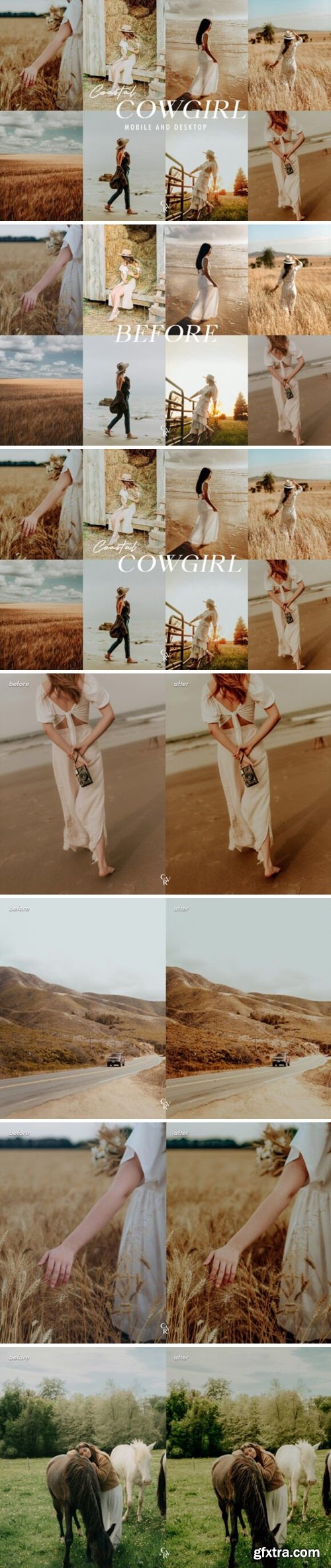
This pack is a perfect fit if you intend to have gorgeous soft warm-tone pictures, which doesn’t look over-edited! No matter if you are a photographer, or just an amateur, this pack will still be suitable for you.
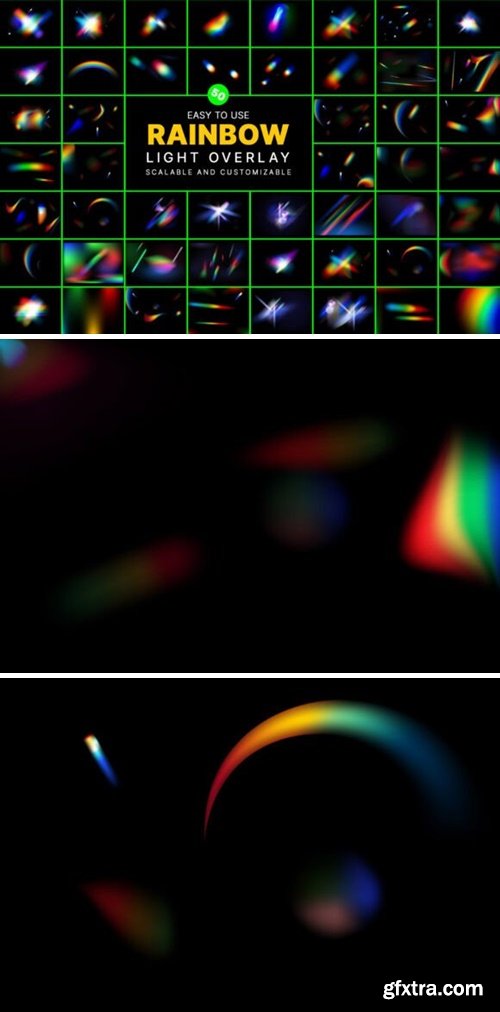
https://creativemarket.com/mristudio/290692084-50-Crestal-Rainbow-Light-Overlay-Set
Dynamic lens flare and rainbow prism effect on transparent background. Colorful, blurred lights. Holographic reflection. Abstract, multicolor overlay effect. Color gradient, y2k style. 3D render. Rainbow light rays, lens flare, reflection effect from crystal, glass or gem. Vector realistic illustration set of light leak effect with spectrum glare, prism refraction, lens flare Blur colorful rainbow crystal light leaks on black background. Defocused abstract multicolored retro film lens flare bokeh analog photo overlay or screen filter effect. Glow Vintage prism colors Colorful lens flare leak on paper texture. Film photography effect
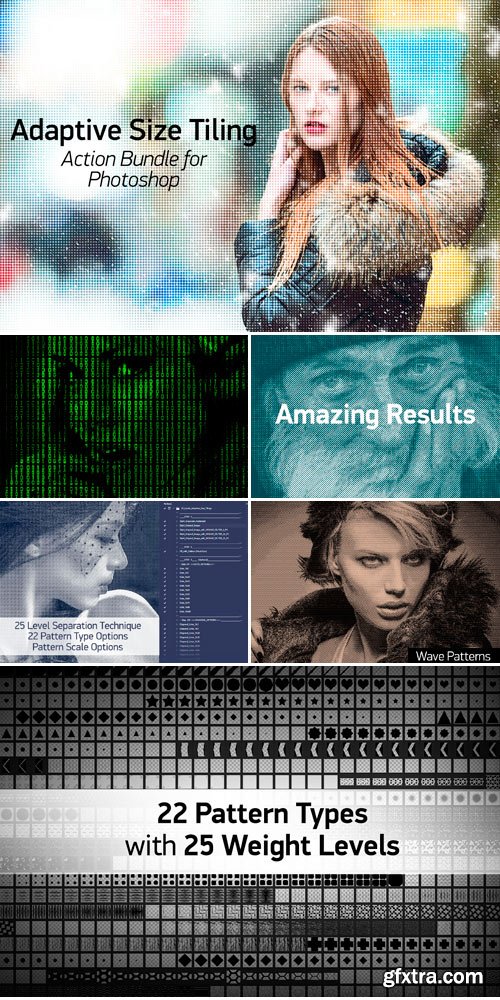
CreativeMarket - Adaptive Size Tiling Action Bundle 500832
Hundreds of actions and 22 different type of pattern sets.
You can apply it to any image.
It separates lightness levels of the image into 25 levels and fills selected patterns to
separated layers with different weights.
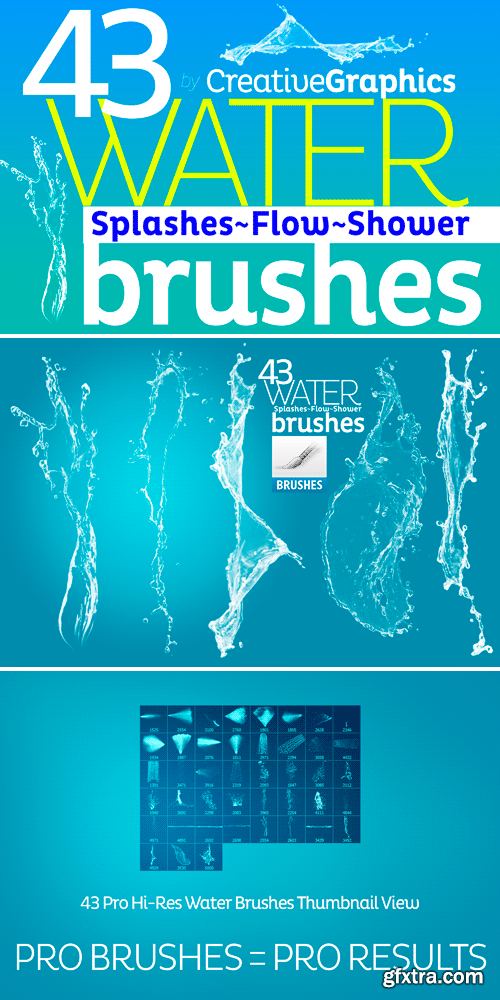
CreativeMarket - Water Brushes for Photoshop CS2-CC 222806
43 Hi-Res Professional Water Splash-Flow-Bubble-Line Brushes for Photoshop.
Archieve contains two separate abr's (Photoshop Brush File) for CS2 to CS5 & CS6 to CC users.
Min brush size is 1500px. (up to 5000px, most of brushes are higher than 2500px).
How to install Creative Graphics Water Brushes? Put the brush presets (.abr files)
you have downloaded into the folder Photoshop Presets Brushes in the Adobe folder in Program Files
if you use Windows or in Applications if you use Macintosh.
The original brush presets that come with Adobe Photoshop are
kept in this folder. You may also double click .abr file to load it into photoshop.
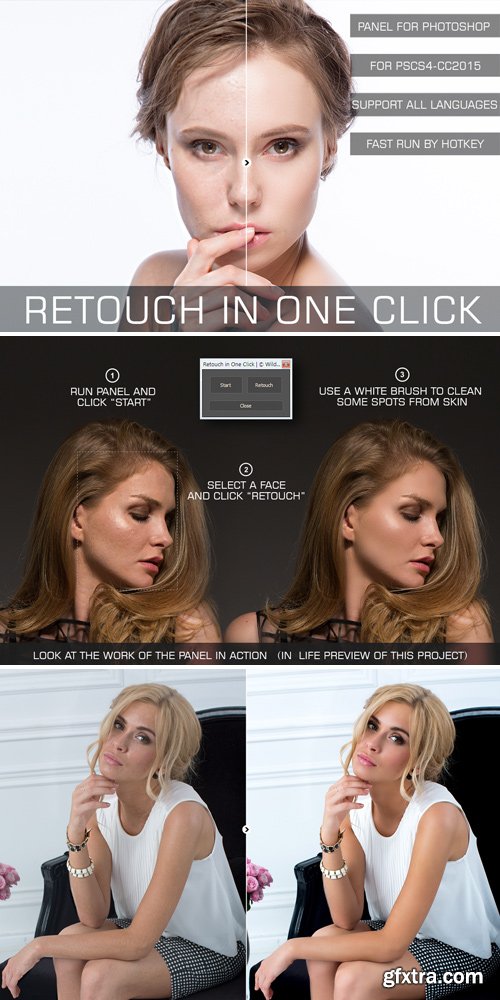
CreativeMarket - Retouch in One Click Panel 600794
Panel support all languages and available for CS4, CS5.0 CS5.5, CS6, CC, CC2014, CC2015+.
fast retouch by one click | fast work | run by hotkey | easy installation | 5.7 MB
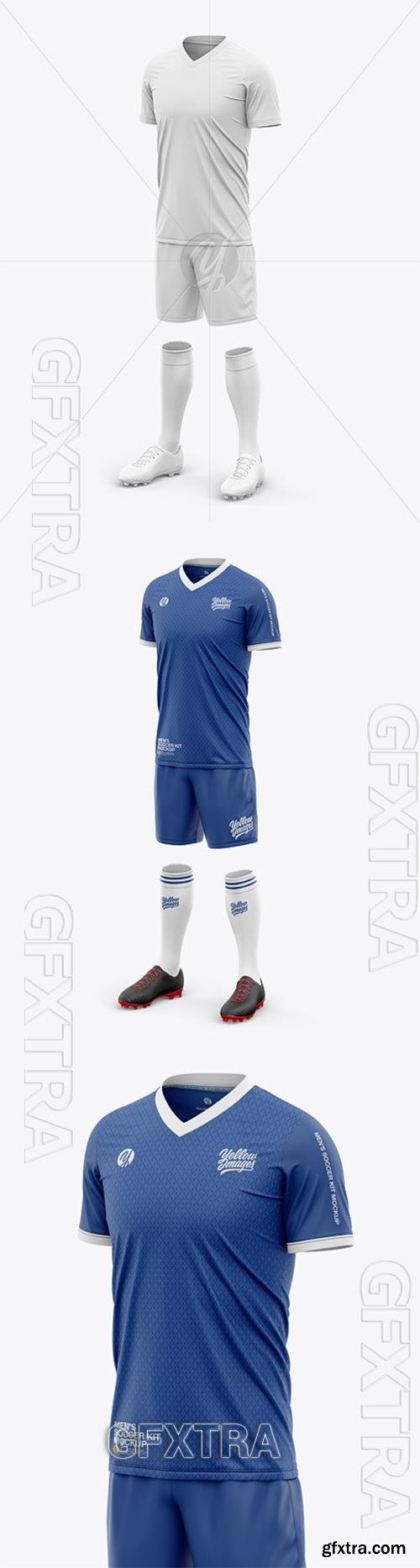
TIF | 67.63 MB
TIF | 24.45 MB

TIF | 49.72 MB
TIF | 78.69 MB
TIF | 157.01 MB
TIF | 56.59 MB
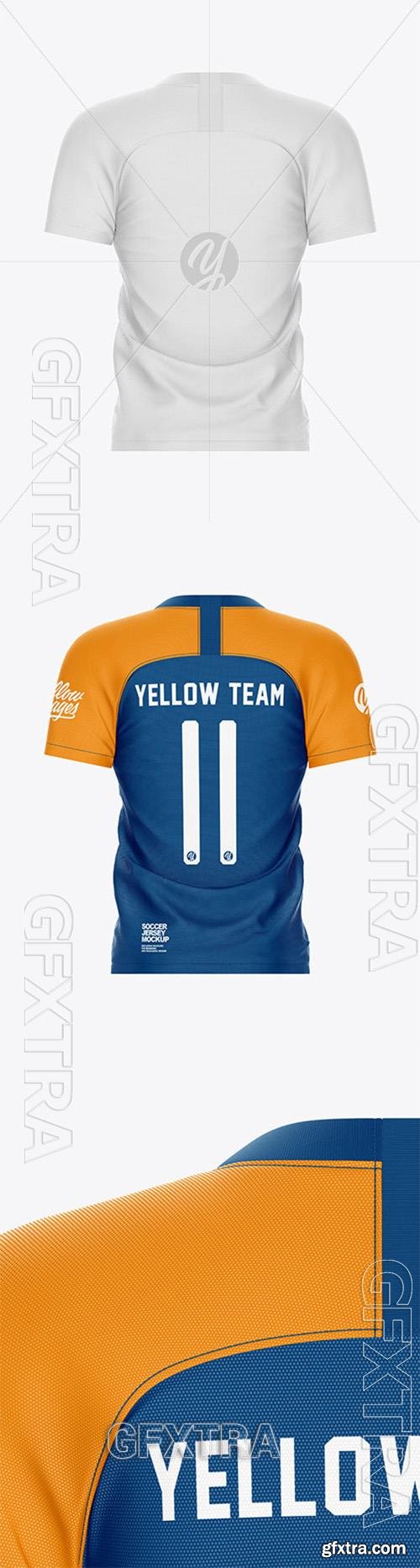
TIF | 103.23 MB
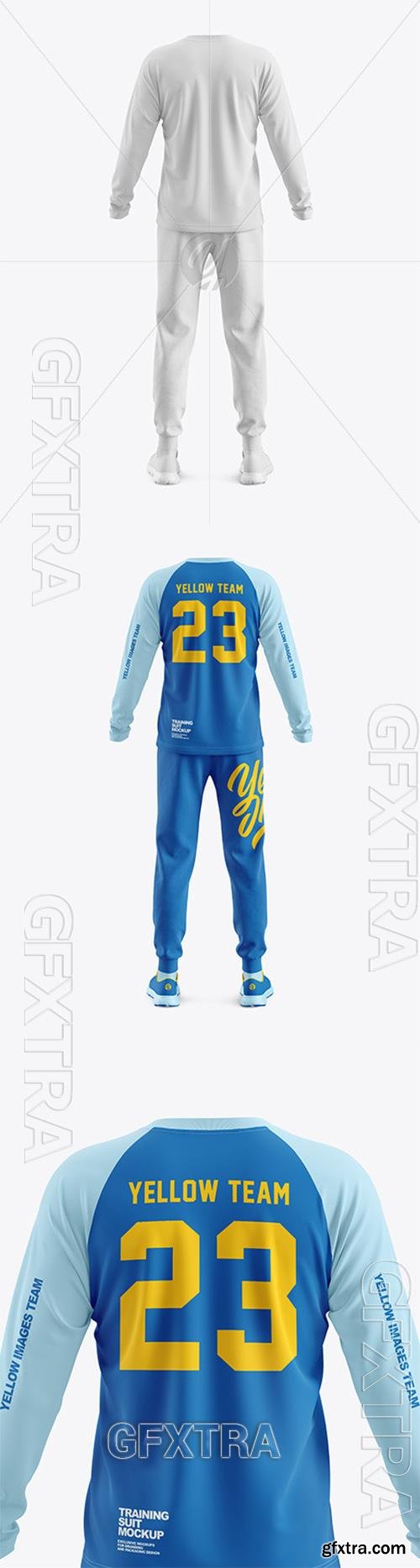
TIF | 46.64 MB
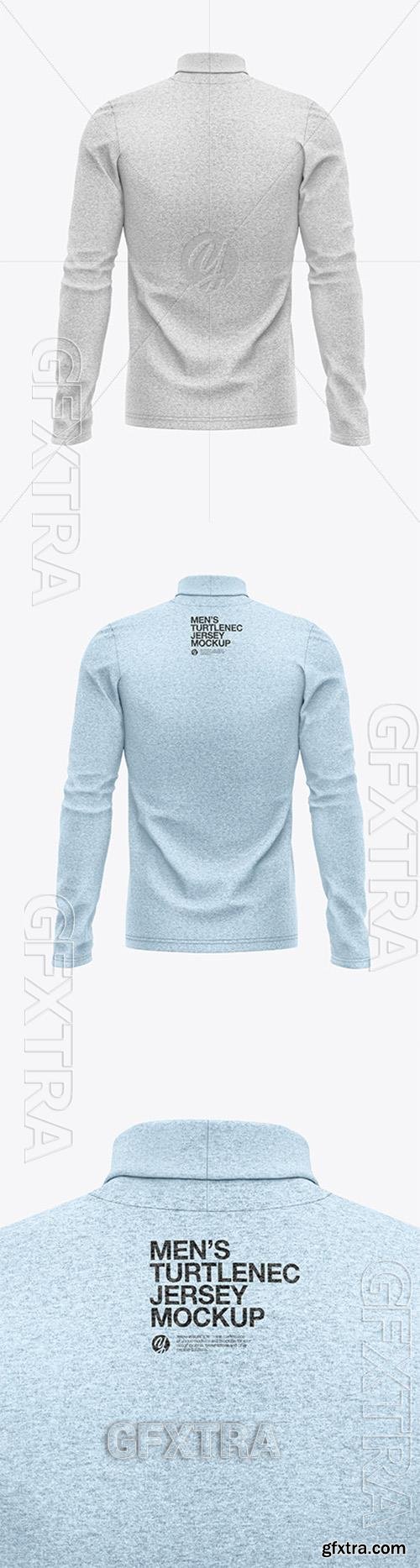
TIF | 80.85 MB
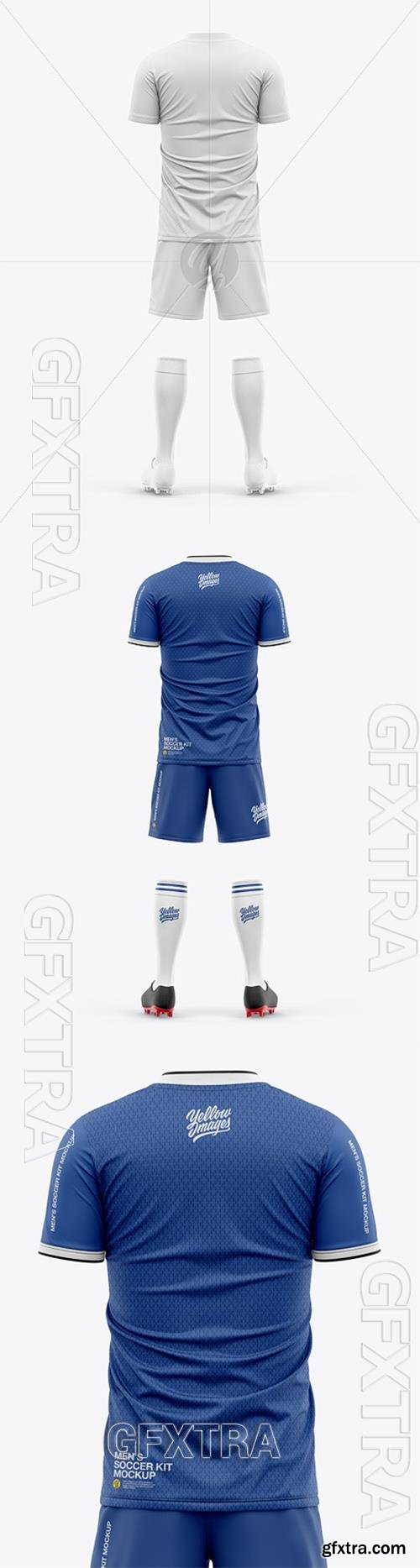
TIF | 58.06 MB
TIF | 52.63 MB
TIF | 91.54 MB
126,000 Royalty-Free 3D Model

Udemy Türkçe


Top Rated News
- CreativeLive Tutorial Collections
- Fasttracktutorials Course
- Chaos Cosmos Library
- MRMockup - Mockup Bundle
- Finding North Photography
- Sean Archer
- John Gress Photography
- Motion Science
- AwTeaches
- Learn Squared
- PhotoWhoa
- Houdini-Course
- Photigy
- August Dering Photography
- StudioGuti
- Creatoom
- Creature Art Teacher
- Creator Foundry
- Patreon Collections
- Udemy - Turkce
- BigFilms
- Jerry Ghionis
- ACIDBITE
- BigMediumSmall
- Globe Plants
- Unleashed Education
- The School of Photography
- Visual Education
- LeartesStudios - Cosmos
- Fxphd
- All Veer Fancy Collection!
- All OJO Images
- All ZZVe Vectors
- CGTrader 1 CGTrader 2



















