


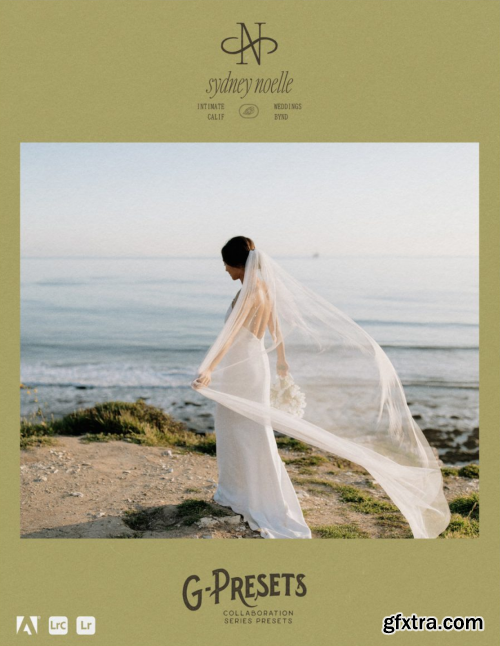
G-Presets - Sydney Noelle
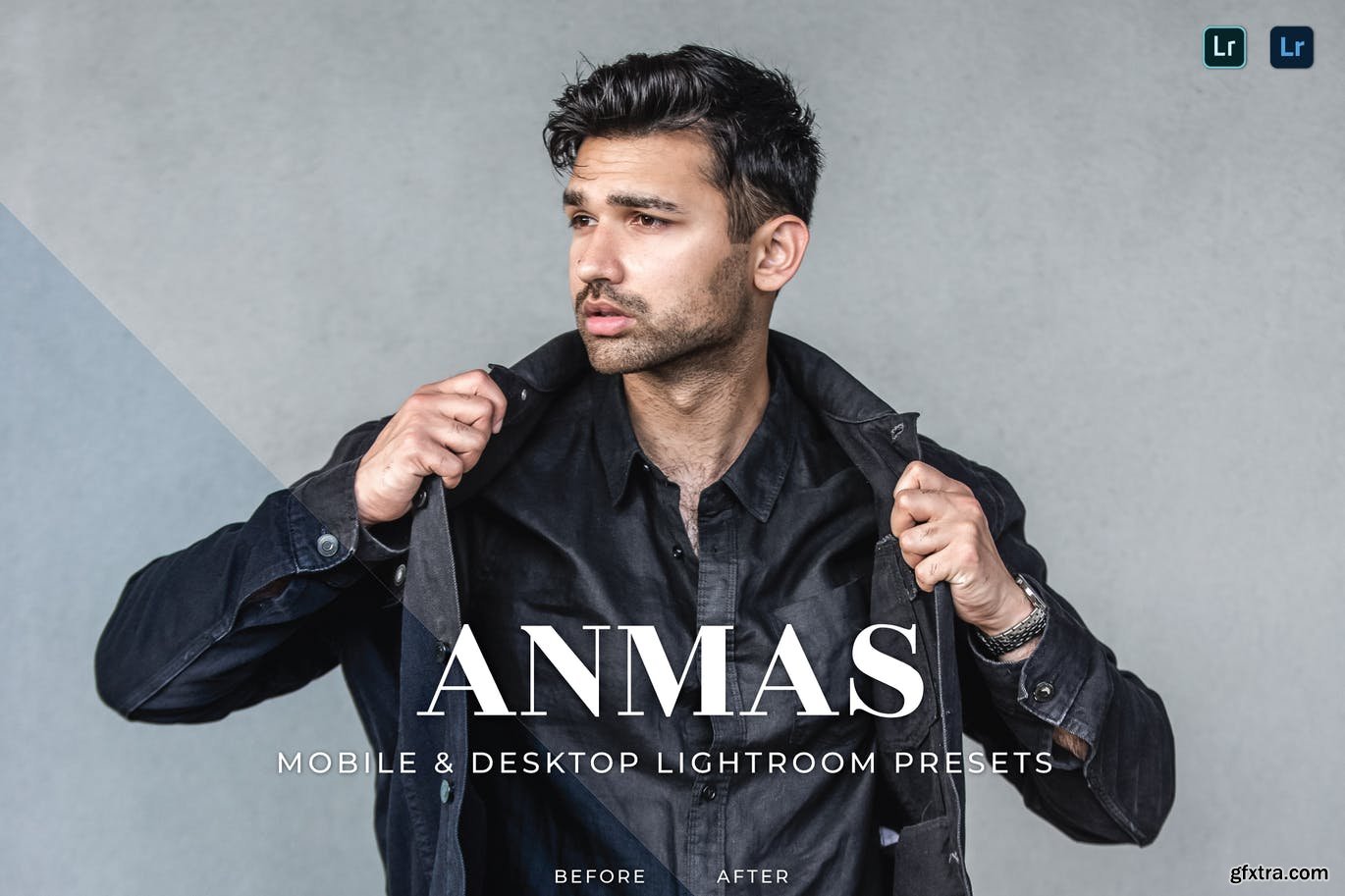
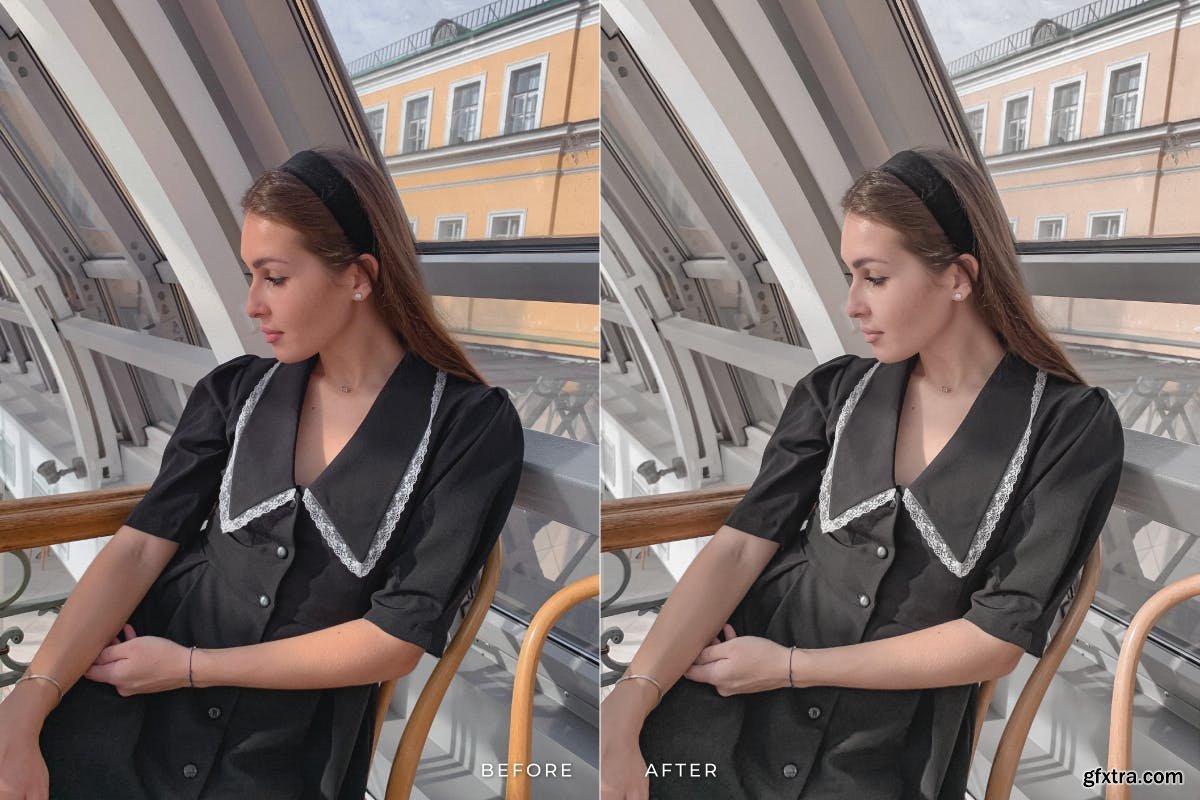
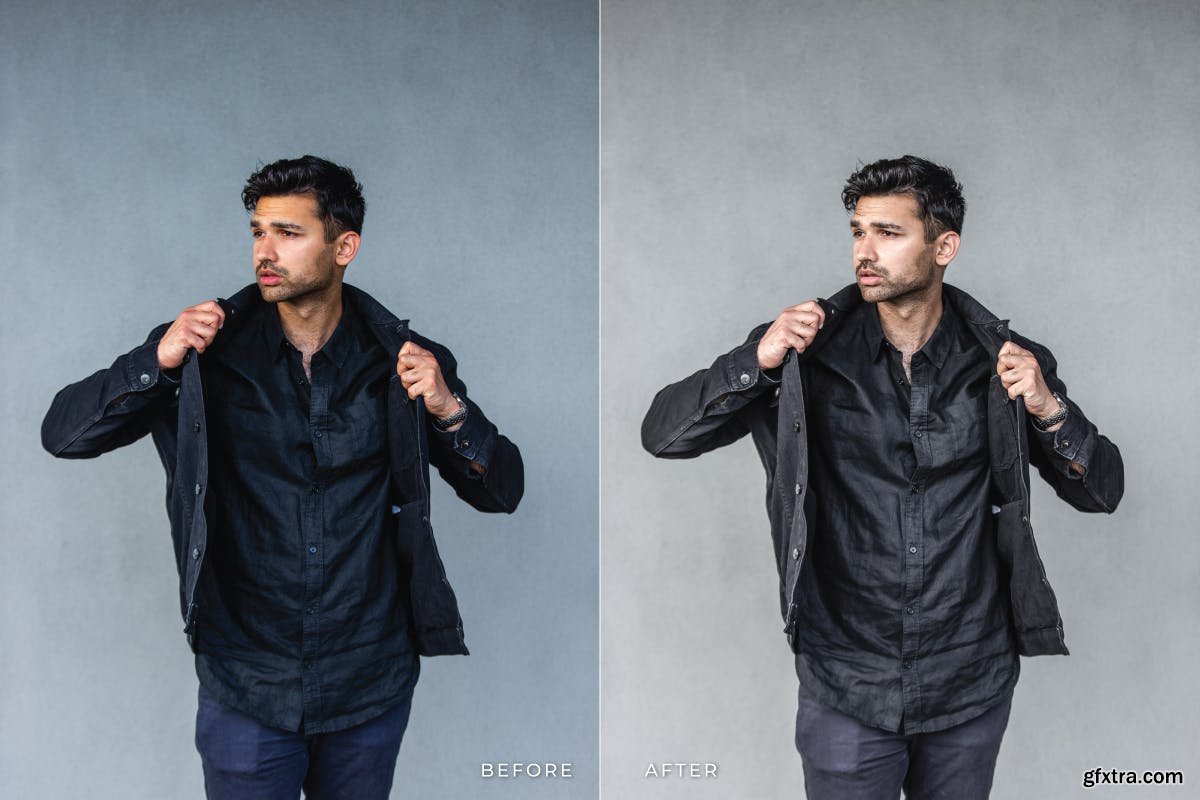
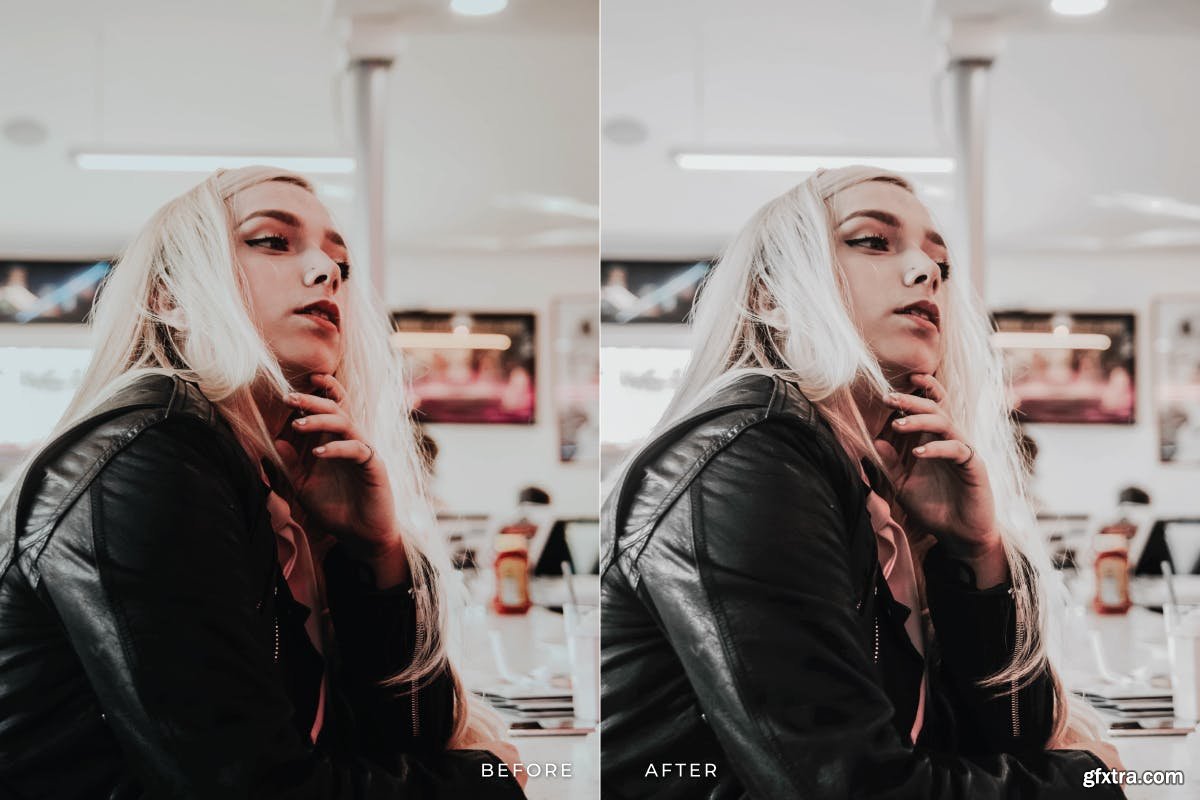
Anmas Mobile and Desktop Lightroom Presets
DNG, XMP
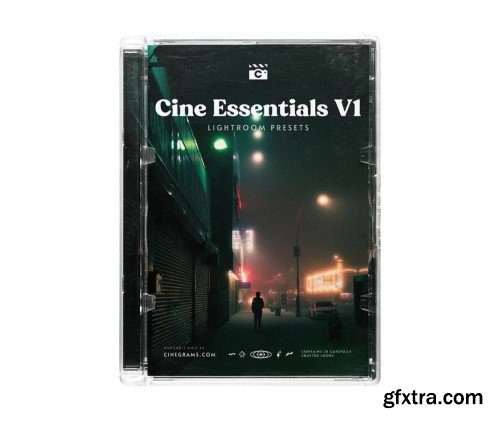
Cinegrain - Cine Essentials V1 Lightroom Presets
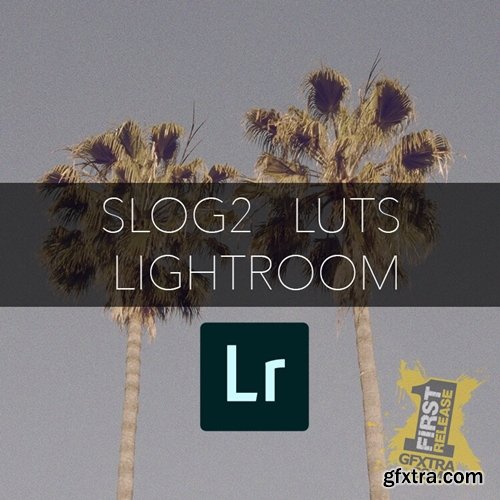
https://www.danieljohnpeters.com/luts/lightroom-slog2-luts
This pack contains a mixture of my LUTS for Blackmagic Cameras to use in ‘Lightroom Classic’ A6300, A6500, A7S, A7III, A7R etc This pack contains, Smooth Grey, Earthy, Golden Grey, DAY4Night, Cream, Peach Fade, + many more
-
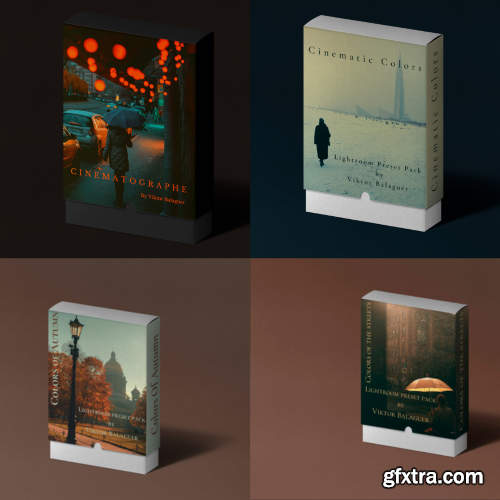
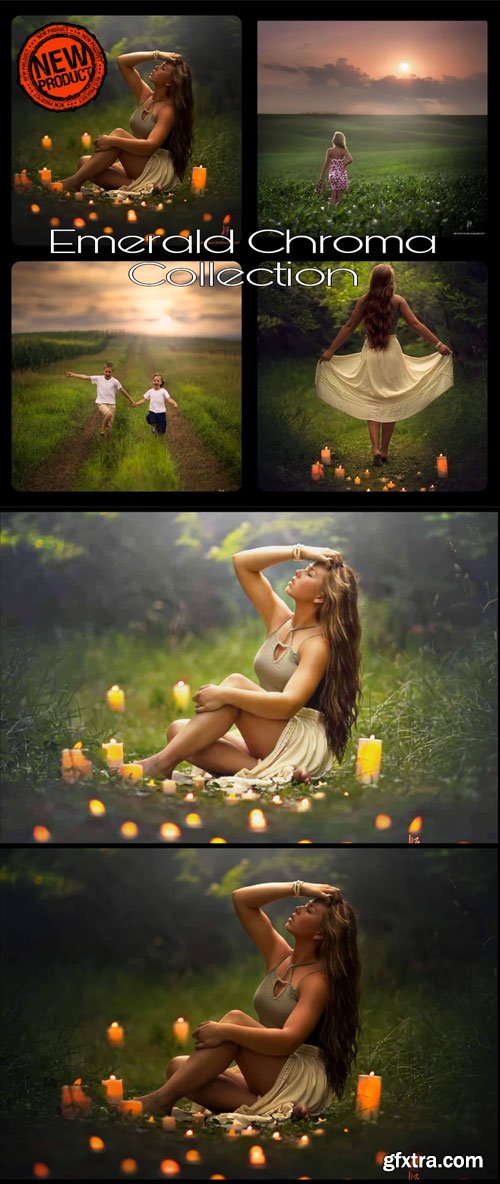
18 High quality Color styles ( include Split Toning , curves , colors work )
-10 for daylight
-8 for night
-
7 Curves , that you can add to color style or use alone
-
3 Textures , like on the previous pack of presets this different textures are made to give a analog and cinematic style to your pictures
-
4 Tones , ready to be use with other presets , they are here to give you an idea of editing
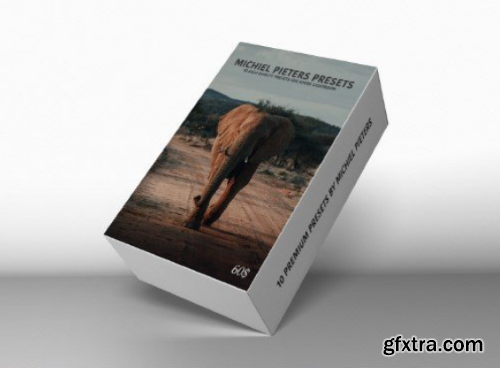
When editing photos I always go for a certain look. For me the editing process already starts when taking a photo: composition, colors and light are all things you can’t change on your computer. So it’s important to get those right when shooting. The things you can change while editing are the look and feel of every photo. That’s why most photographers you know or follow, use their own presets. By applying a preset to a photo, you will automatically have a ‘base’ edit to start from. In this ‘base’, you know the colors and curves are exactly how you want them to be. From there on, you can start tweaking your photo to achieve the perfect result.
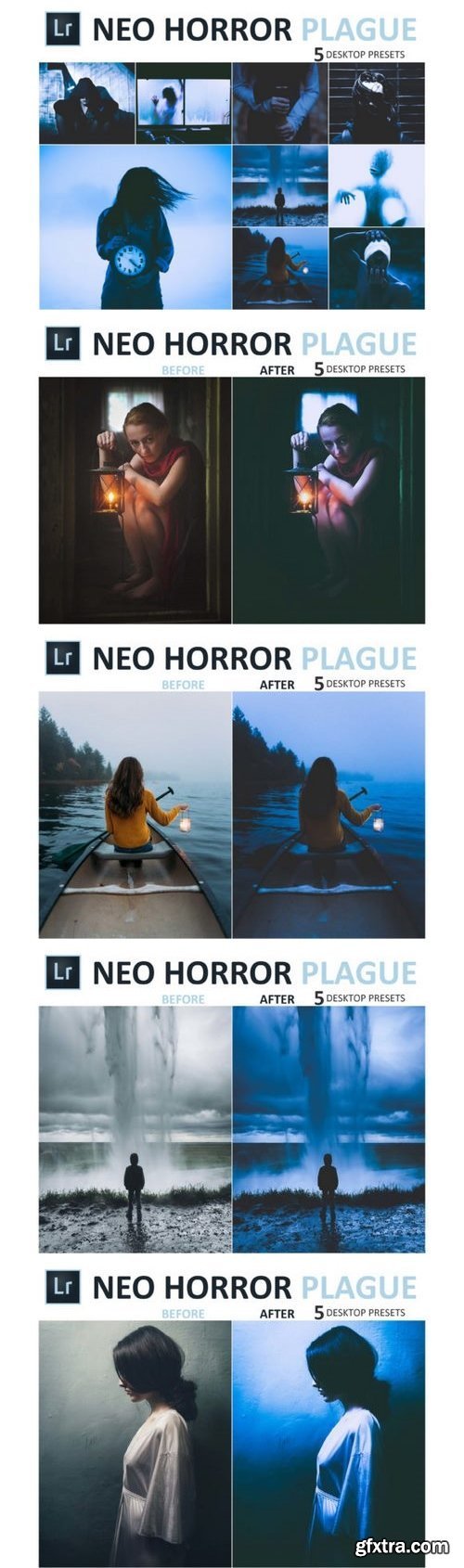
Lightroom presets are predefined settings in Lightroom or Photoshop ACR designed to enhance the outcome of your pictures. They reflect the latest editing trends and classic edits and are designed by seasoned and professional photo editors. If you’re a photographer who has a specific style, using presets is an easy way to quickly edit multiple photos in the same style. Presets are particularly useful for saving time – time that you can use to spend more time shooting gorgeous photos.
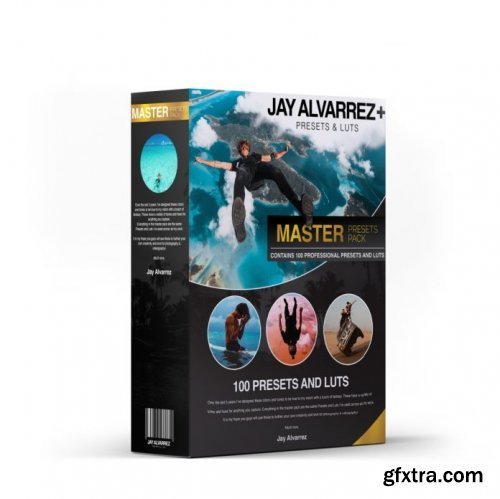
XMP | CUBE
https://jaycolor.com/products/master-pack
50 professionally designed LUTs (CUBE files)
50 professionally designed presets for desktop and mobile (XMP files)
50 professionally designed LUTs (CUBE files) 50 professionally designed presets for desktop and mobile (XMP files)
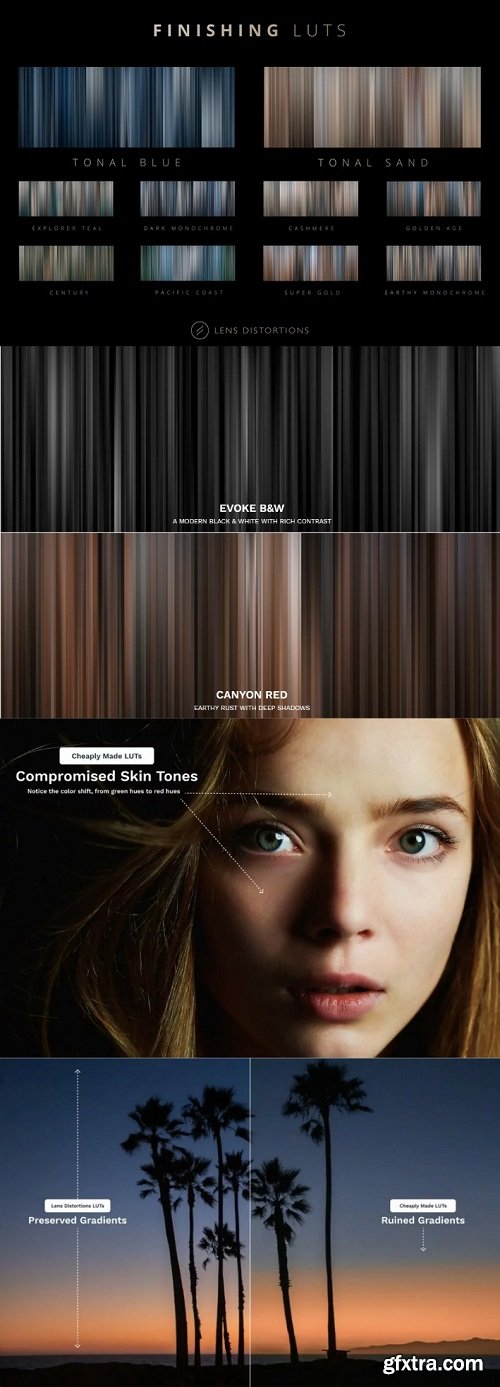
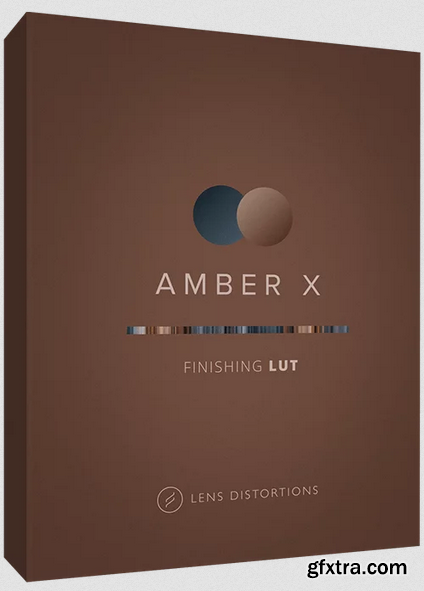
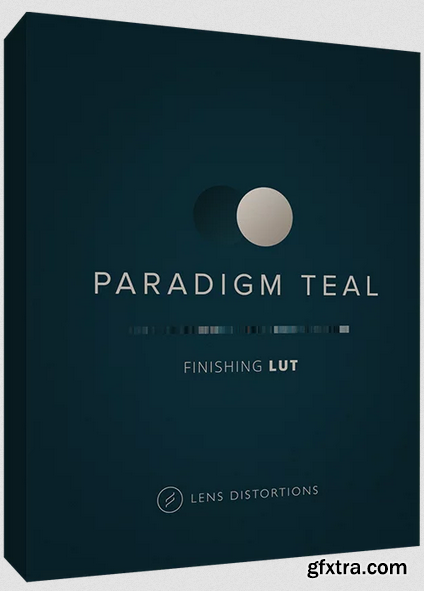
Finishing LUTs are designed to tie your entire sequence of shots together, resulting in a cohesive, cinematic tone. They’re less about infusing new color into your project and more about tightening up all of your shots around a disciplined color palette.
The focus of each Finishing LUT is uniform consistency across all of your footage, preservation of color integrity, and a stylized look – in that order.
Whether you use them as a starting point, in conjunction with other LUTs you already own, or as the final touch in your workflow, Finishing LUTs can improve your color grading process.
Note: Finishing LUTs are not conversion LUTs. If you shoot in LOG format or a different color space, please normalize your footage to Rec. 709 before applying a Finishing LUT.
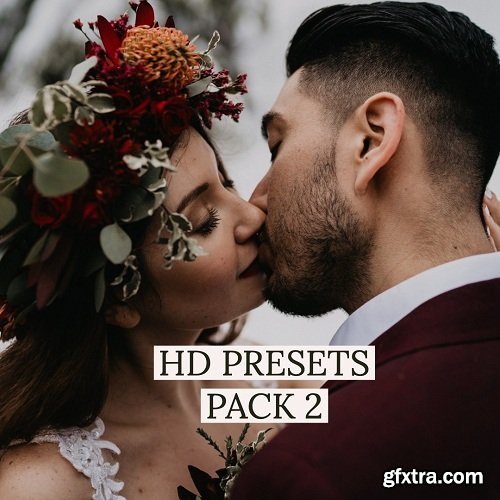
https://www.henry-tieu.com/hd-presets-pack-3
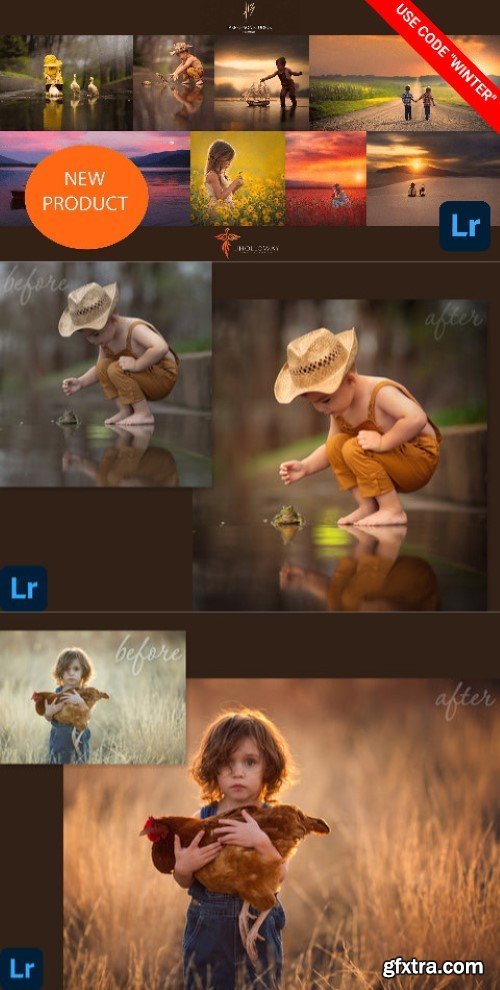
With Pack 3, I have created and perfected 4 presets that reflect my style the past 6 months: warm skin, muted highlight, calm, and preserve beautiful colors of life.
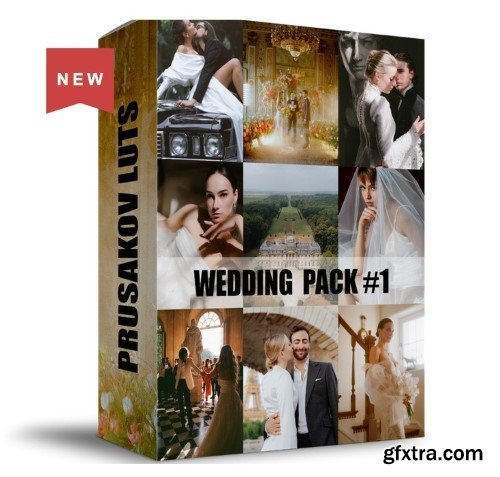

Automate the use of AI in Photoshop & Lightroom
- Analog AI Presets – From Fuji to Kodak, Vista, and Polaroid bring that nostalgic feeling into any of your images with just one-click.
- Exposure AI Presets – Poor lighting? No problem! These exposure presets take out the hassle of waiting for the perfect light and create stunning results in no time.
- Natural AI Presets – Choose from a variety of golden or blue hour, day or night, snowy or long exposure presets that help you capture the essence of nature in your photography.
- Signature AI Presets – My favorite AI Presets that I designed specifically for landscape images. You can enhance light and color, add drama, and much more with these powerful tools.
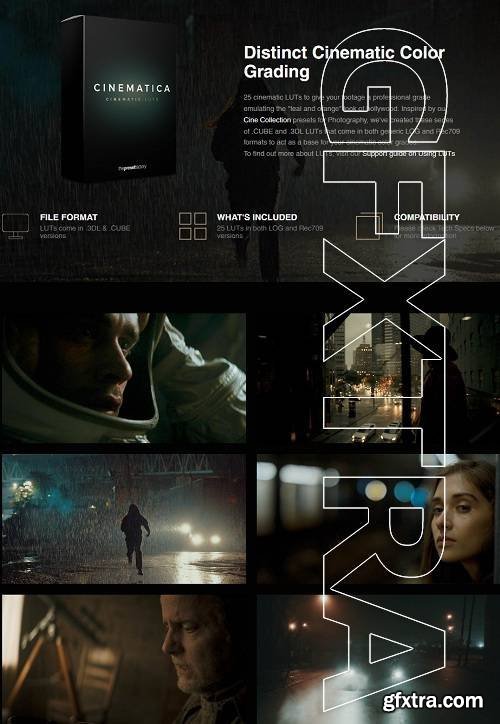

33 Vintage Film Inspired Presets for Desktop & Mobile
The Brixton Film Tool Kit* (Included with all Brixton Film Collections) – 8 Layer Presets* + 62 Tool Presets*.
The Brixton Brush Kit* – 33 Local Adjustment Brushes (Lightroom Classic ONLY)
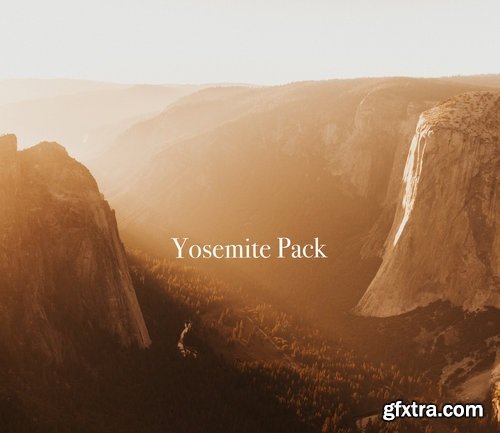
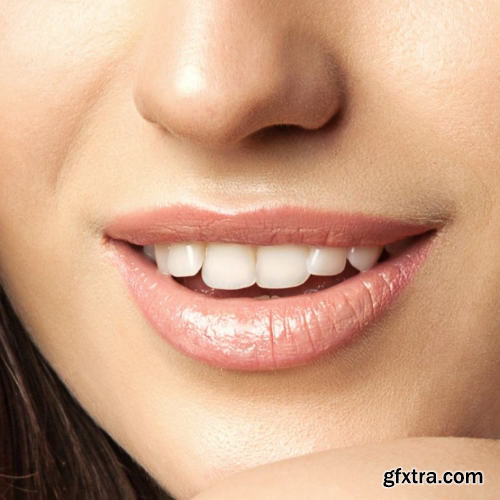
Adobe’s AI does the challenging work of masking the lips, allowing you to swiftly apply a variety of colors or enhancements, creating the perfect mood and style.
126,000 Royalty-Free 3D Model

Udemy Türkçe


Top Rated News
- CreativeLive Tutorial Collections
- Fasttracktutorials Course
- Chaos Cosmos Library
- MRMockup - Mockup Bundle
- Finding North Photography
- Sean Archer
- John Gress Photography
- Motion Science
- AwTeaches
- Learn Squared
- PhotoWhoa
- Houdini-Course
- Photigy
- August Dering Photography
- StudioGuti
- Creatoom
- Creature Art Teacher
- Creator Foundry
- Patreon Collections
- Udemy - Turkce
- BigFilms
- Jerry Ghionis
- ACIDBITE
- BigMediumSmall
- Globe Plants
- Unleashed Education
- The School of Photography
- Visual Education
- LeartesStudios - Cosmos
- Fxphd
- All Veer Fancy Collection!
- All OJO Images
- All ZZVe Vectors
- CGTrader 1 CGTrader 2



















