



 Comments: (0)
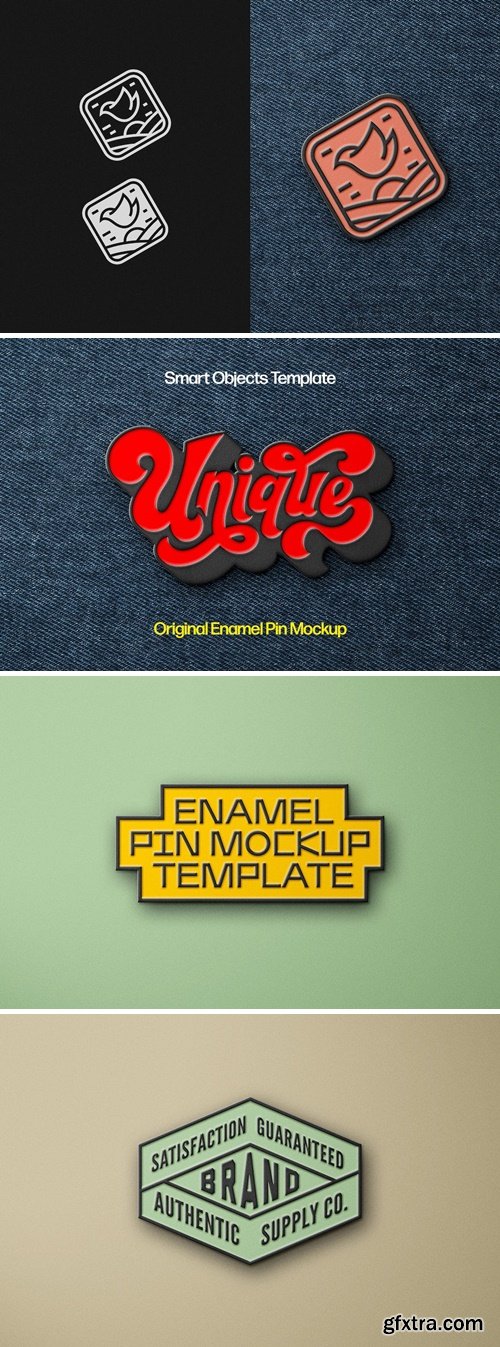
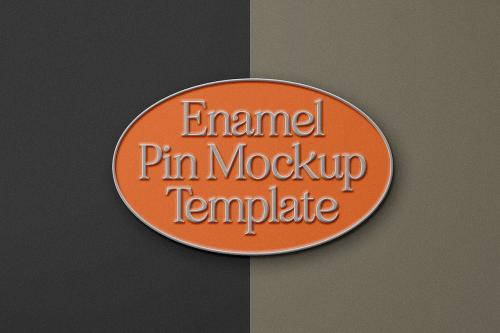
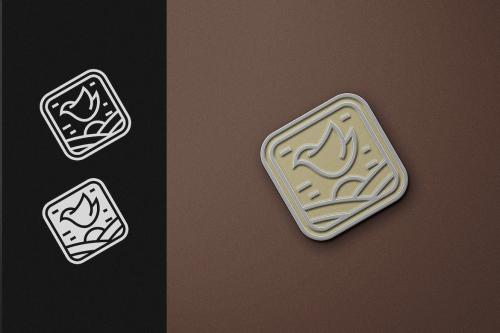
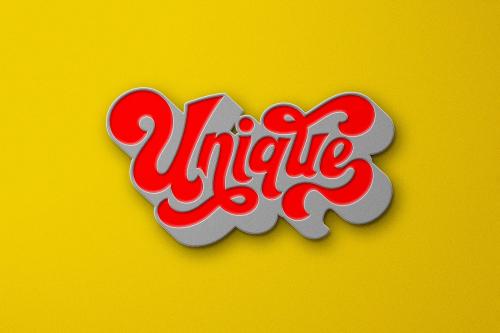
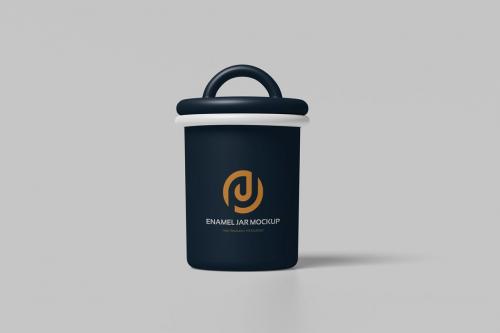
Wrapping a finished project into a suitable mockup is an essential step for presenting your ideas to the world. The main features of a well-built mockup are versatility, realism, and high-quality textures, which we successfully implemented into this file. Open the Smart Object layer with a double-click on its thumbnail, delete the default placeholder layer, then add any graphics you need and save the applied changes. These few actions will provide you with an inspiring showcase scene!
Enamel Pin Mockup
Enamel Pin Mockup 2F3Z2AU
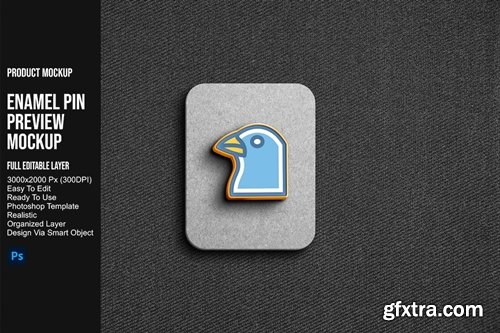
Enamel Pin Preview Mockup YYG6RQJ
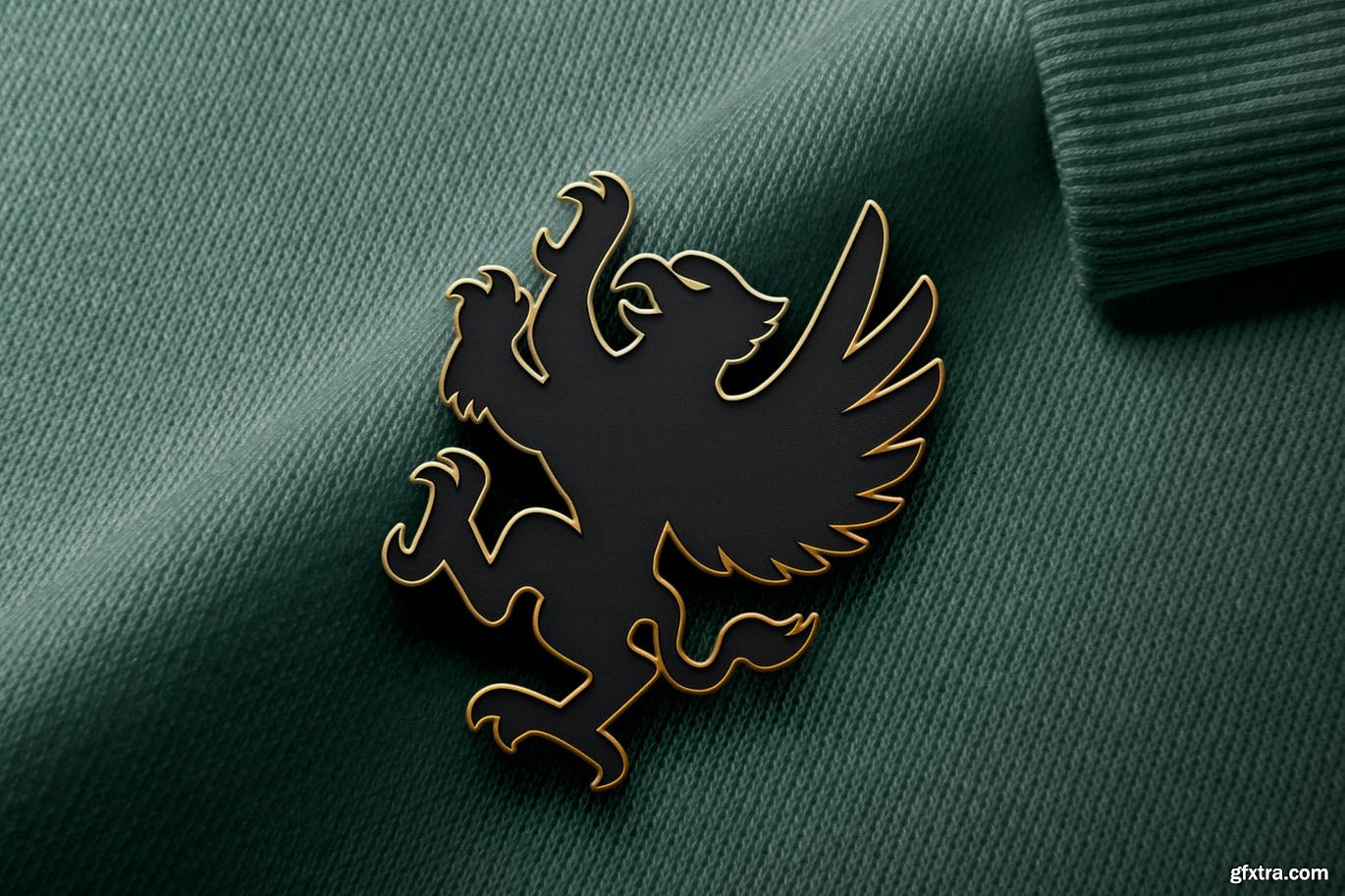
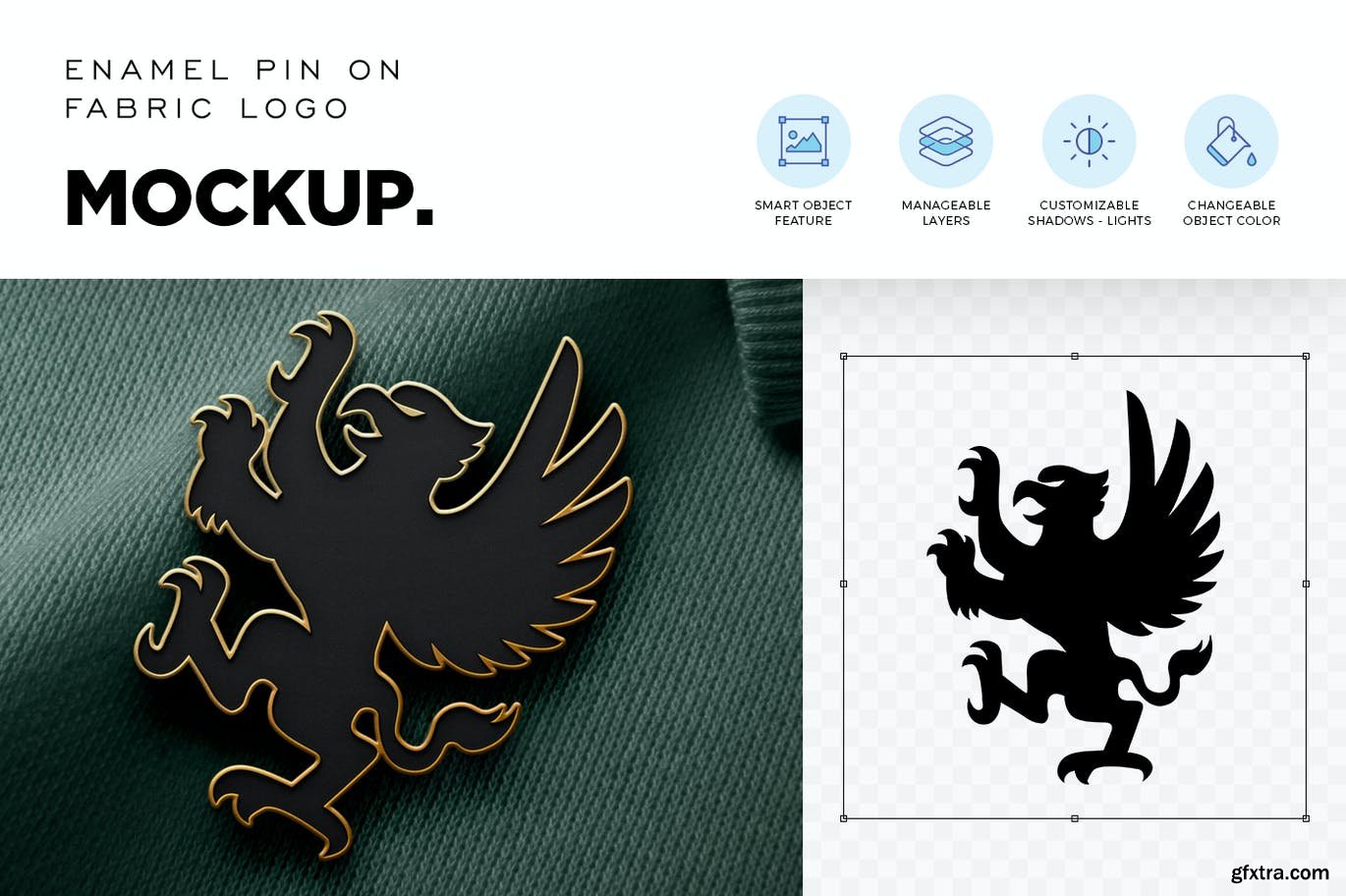
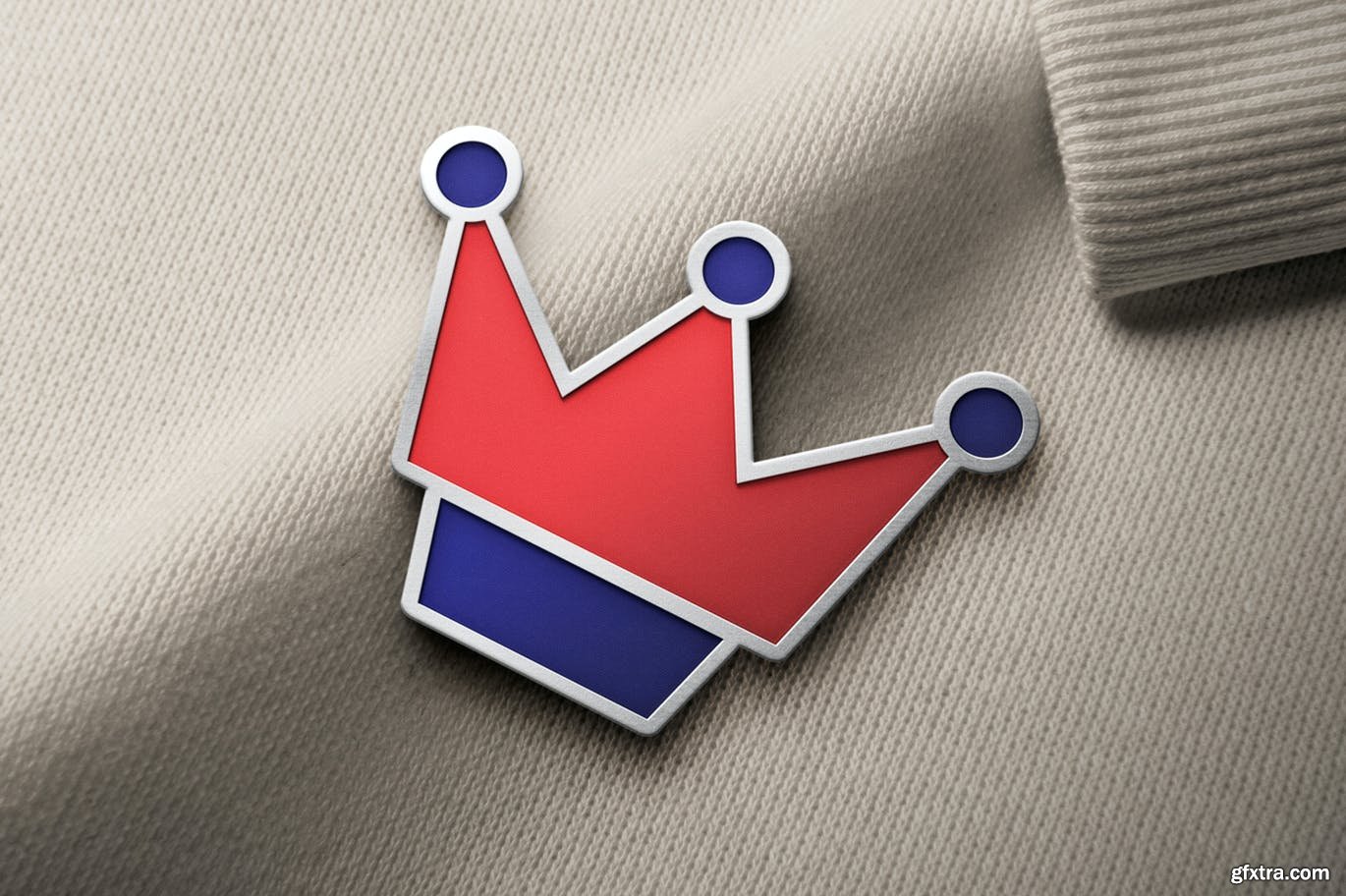
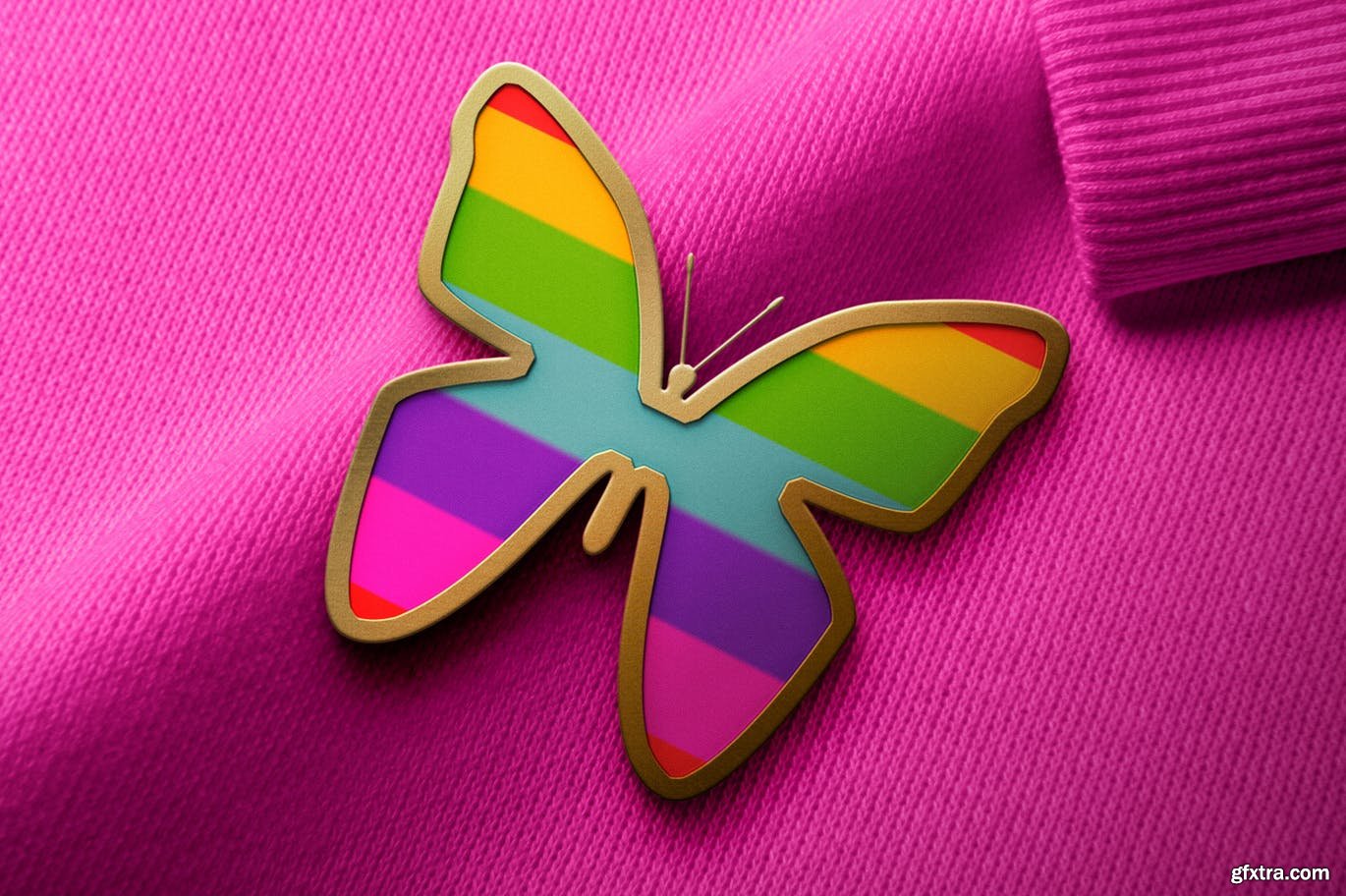
Enamel Pin on Fabric Logo Mockup
PSD

Enamel Mug Mockup Y2M2N8P PSD | 39.97 MB
Enamel Mug Mockup MY6BJ2H PSD | 10.23 MB
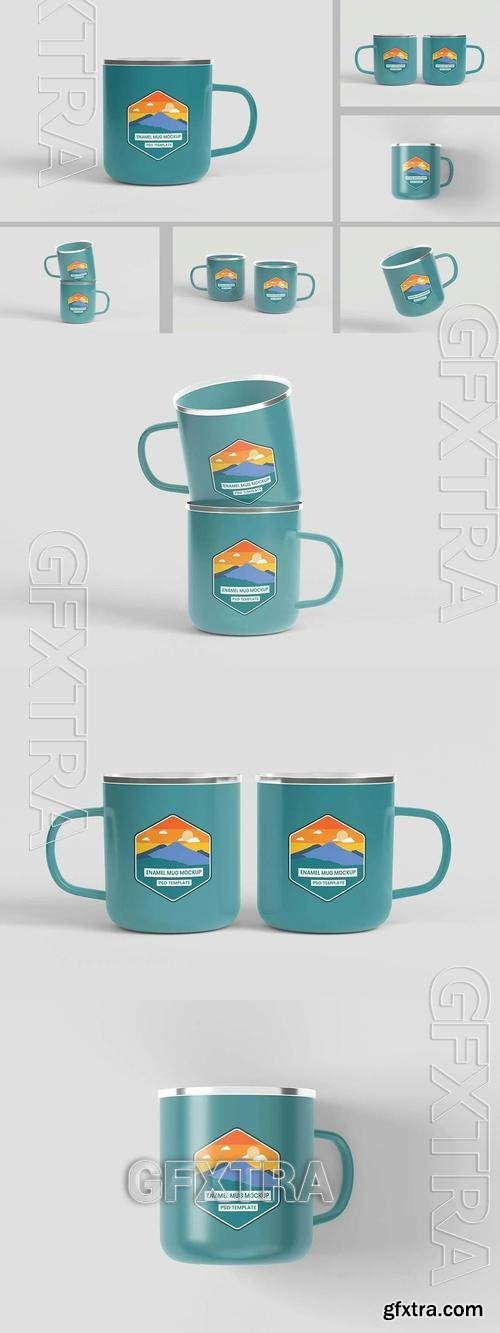
Enamel Mug Mock Up MMSS7XQ PSD | 86.46 MB
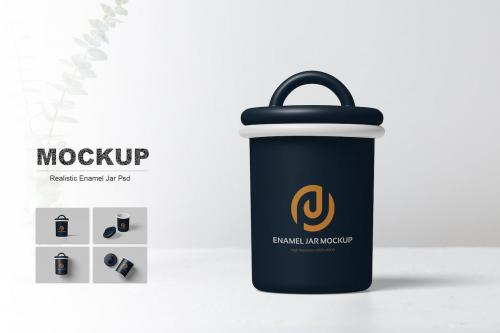
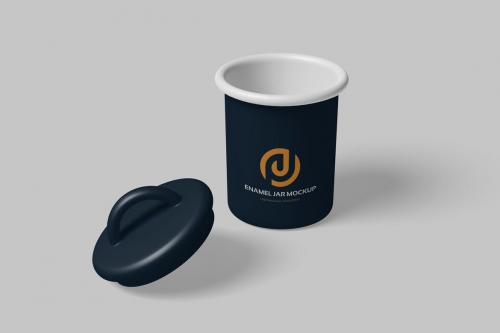

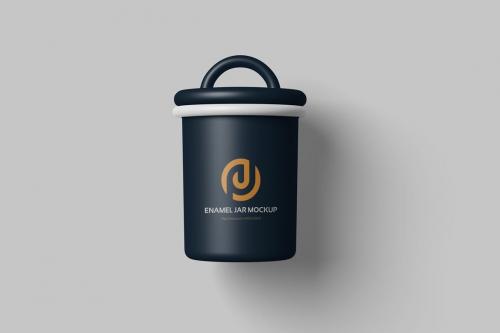
126,000 Royalty-Free 3D Model

Udemy Türkçe


Top Rated News
- CreativeLive Tutorial Collections
- Fasttracktutorials Course
- Chaos Cosmos Library
- MRMockup - Mockup Bundle
- Finding North Photography
- Sean Archer
- John Gress Photography
- Motion Science
- AwTeaches
- Learn Squared
- PhotoWhoa
- Houdini-Course
- Photigy
- August Dering Photography
- StudioGuti
- Creatoom
- Creature Art Teacher
- Creator Foundry
- Patreon Collections
- Udemy - Turkce
- BigFilms
- Jerry Ghionis
- ACIDBITE
- BigMediumSmall
- Globe Plants
- Unleashed Education
- The School of Photography
- Visual Education
- LeartesStudios - Cosmos
- Fxphd
- All Veer Fancy Collection!
- All OJO Images
- All ZZVe Vectors
- CGTrader 1 CGTrader 2



















